Your employee hub installs to the home screen in seconds, and push notifications bring people back to the update that matters.

.svg)



.svg)
Your ChangeEngine hub installs as an app on employees' phones, with a home-screen icon and push notifications. No app store and no device management project.
See every integration →Audiences from your HRIS decide which tiles, news and notifications each person gets.
Employees choose to install and allow notifications. Editors control what gets pushed and to whom.
Editors only see what their role allows, and every change is logged.
When something changes in your system of record, the right people hear about it on the right channel. Nobody on the People team presses send.
A welcome notification opens their onboarding tiles.
A push for closures and safety notices to the right sites.
Targeted news on the hub pings only the people it is for.
Deadlines like benefits enrollment, with one follow-up.
Milestones and shoutouts appear on the hub and in a notification.
Visits and clicks by team and location.
The hub installs to the home screen, no app store needed.
Nothing for IT to deploy or manage on devices.
Notifications go only to the people an update applies to.
Open the link, use the hub. IT can add SSO.
Your logo, colors and style on every tile.
Visits and clicks by team and location.
Most companies never ship an employee app because of app stores and device management. The hub installs from a link and still sends push notifications.
Tiles, news and notifications change by role, location and team, straight from your HRIS.
The hub links to your existing tools and files, and every channel points back to it.
Your services team runs the setup with IT. When you need something that is not in the box, your forward deployed engineer builds it.
Meet the forward deployed engineer →We set up your hub on your own subdomain with a couple of DNS records.
We connect your HRIS so audiences and contact details come from live employee data.
Employees add the hub to their home screen, and your first notification goes out.
Your People team moves fast. Your IT team keeps control of every connection.
SOC 2 and ISO 27001. GDPR compliant, with data residency in the US, EU or Canada.
Single sign-on over SAML or OAuth, with optional two-factor authentication for editors.
SCIM provisioning, and content shown by HRIS attributes like role, location and employment type.
Employee data is encrypted in transit and at rest, and editors only see what their role allows.
Word-level audit logs, role-based editors, and AI providers contractually barred from training on your data.
Run your hub on your own subdomain, like central.yourcompany.com, with a couple of DNS records.


No. The hub installs to the home screen from the browser, with push notifications.
No. There is no MDM project and nothing to deploy.
Only the people an update applies to, based on your HRIS fields.
No. They open the link and use the hub. Editors sign in, and IT can add SSO.
Yes. Run it on your own subdomain, like central.yourcompany.com.
Yes. SOC 2 and ISO 27001 certified and GDPR compliant.
The ChangeEngine MCP connects the assistant your company already approved. Build audiences from this integration's data, draft a send or pull last week's read rates in plain words. A person on your team publishes every send.
Explore the ChangeEngine MCP →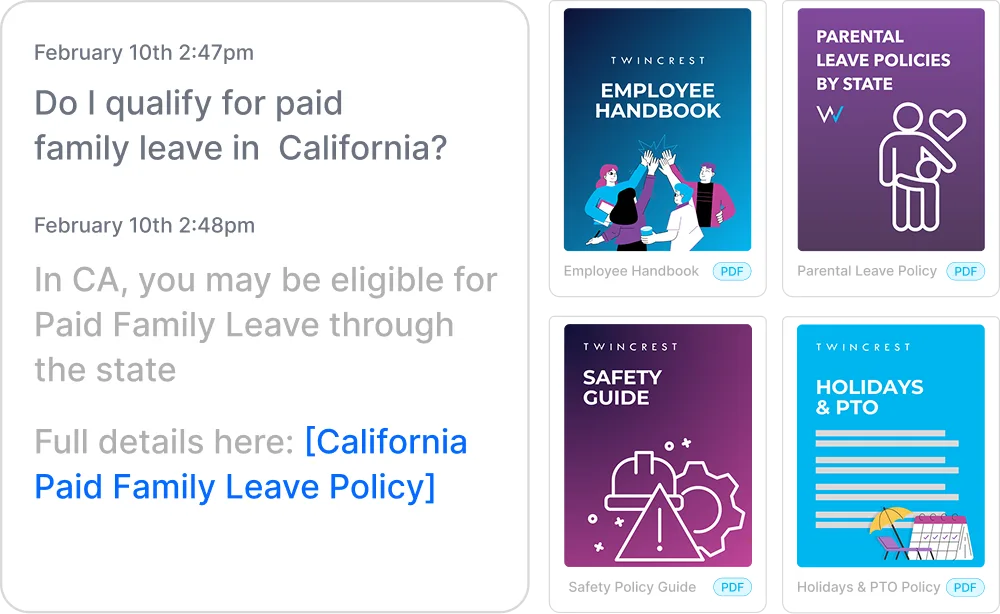
Instant, policy-grounded answers in the hub and Slack/Teams.
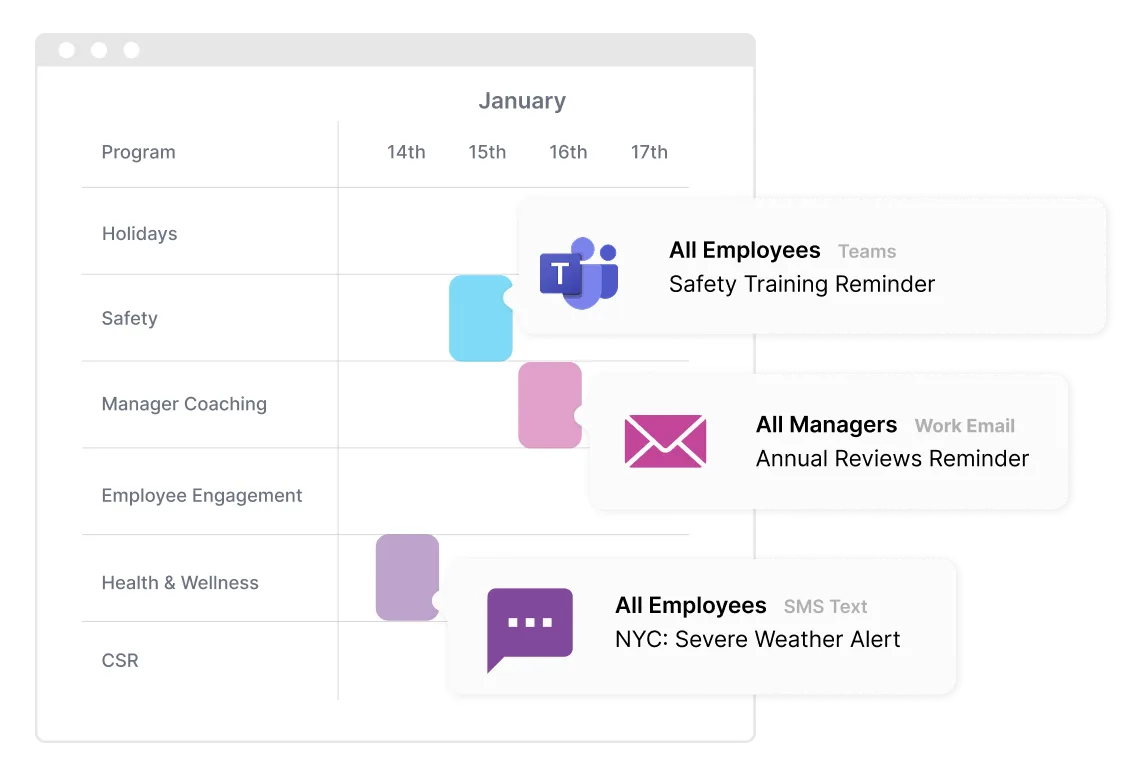
One message, every channel, timed to each person.
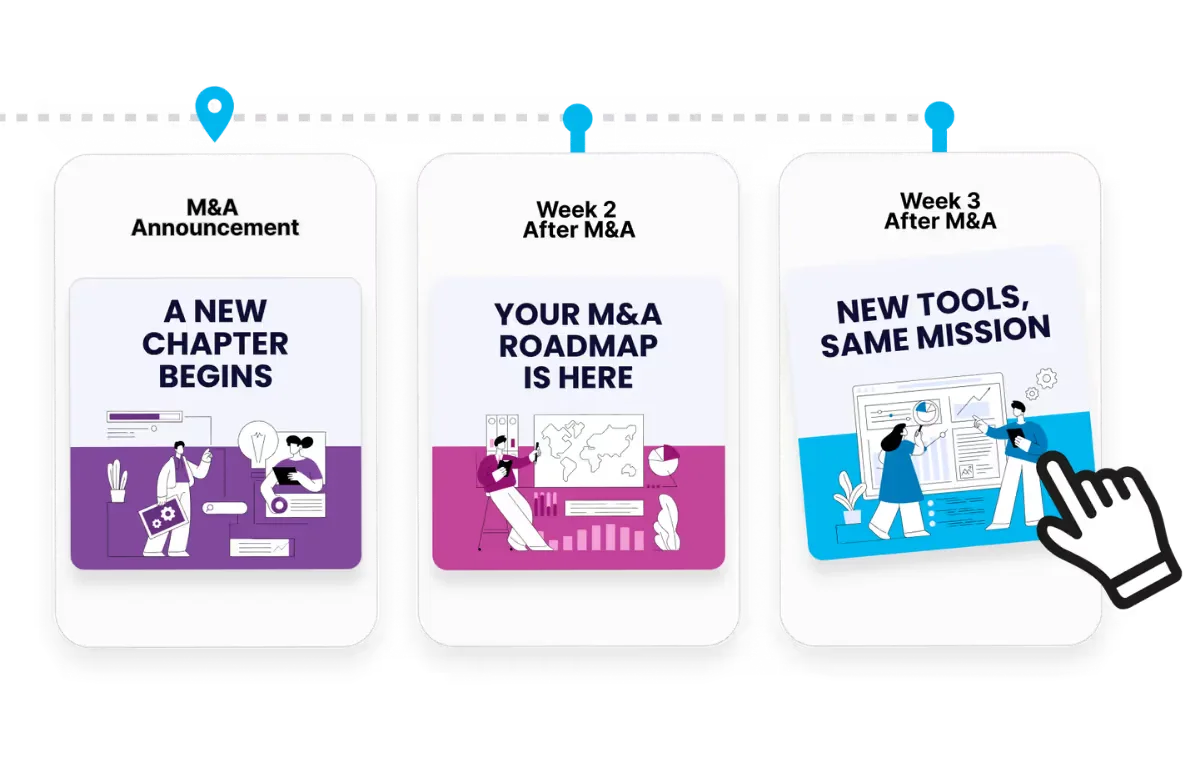
Onboarding to offboarding, triggered by your HRIS.
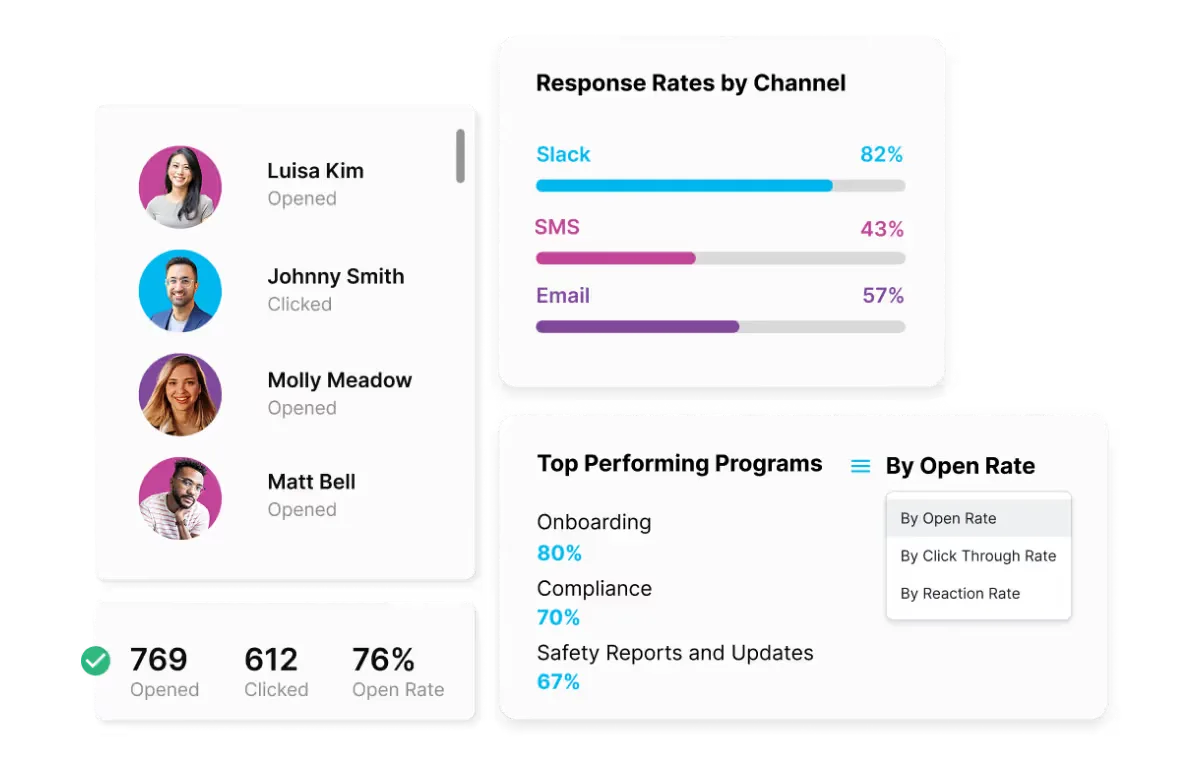
Proof for leadership, by team, channel and program.
Bring your HRIS and your channels. We will show you your first program, built in front of you.