Pick your priorities. We pull your brand and build the pages, apps and comms your people actually use. No IT ticket. No employee logins.

.svg)



.svg)
It took a year to launch, it lives behind a login, and the benefits page still says 2024. It was never built for the people who run people programs.
Every update is a ticket. By the time the open enrollment page is fixed, open enrollment is over.
Frontline and field teams don't have a laptop, a work email or a reason to remember one more password.
You can count page views. You can't tell who read the policy change, or who still needs a nudge.
Onboarding, benefits, recognition, AI enablement, wellness. Three chips, thirty seconds.
Logo, colors and imagery from your domain. Nothing to upload.
A section for each priority, filled with tiles and a rebranded app, appears as you watch. Comms drafts included.
Plug in your HRIS, SSO and channels, then send the link. Most teams are fully live in two weeks.
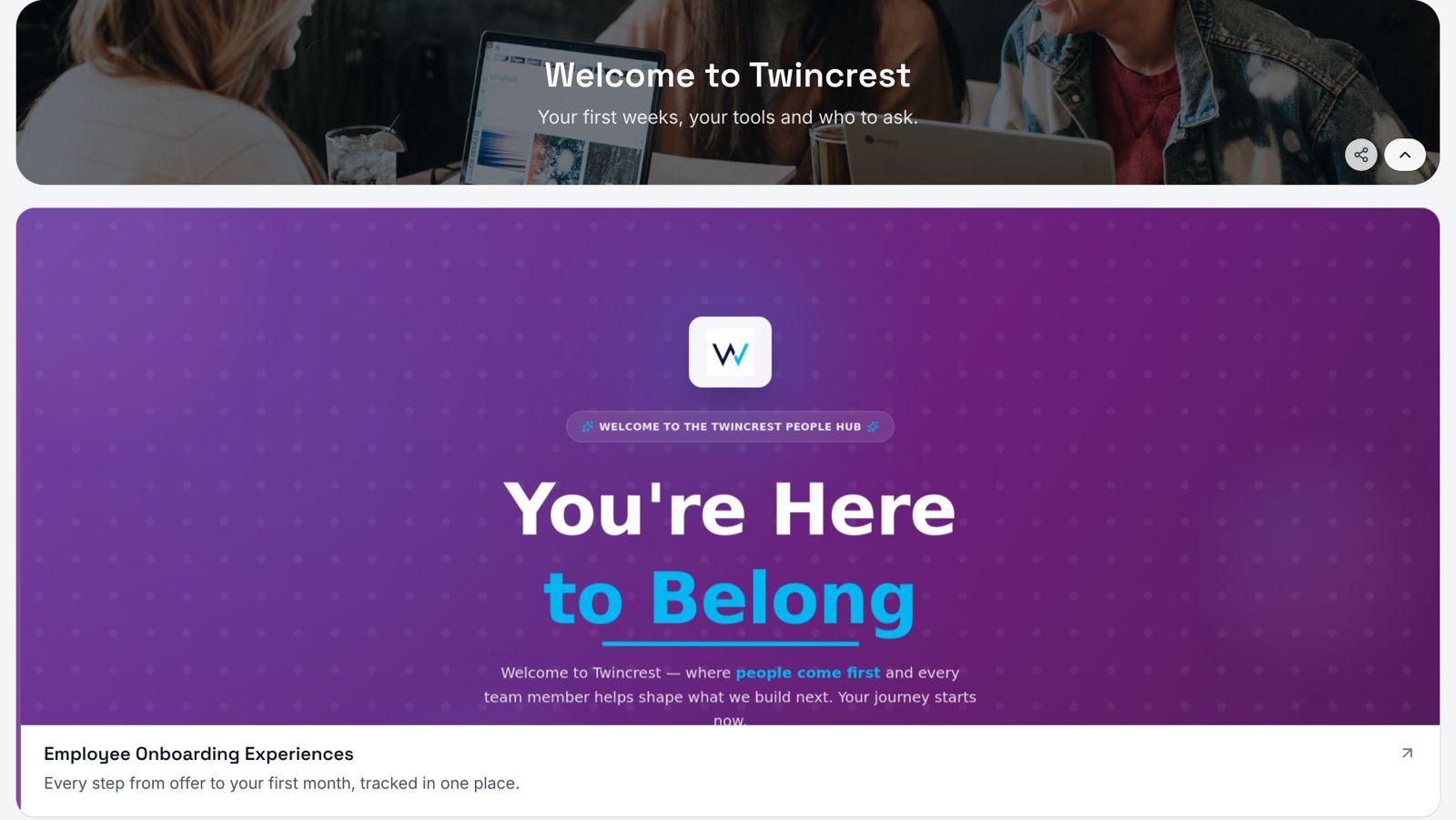
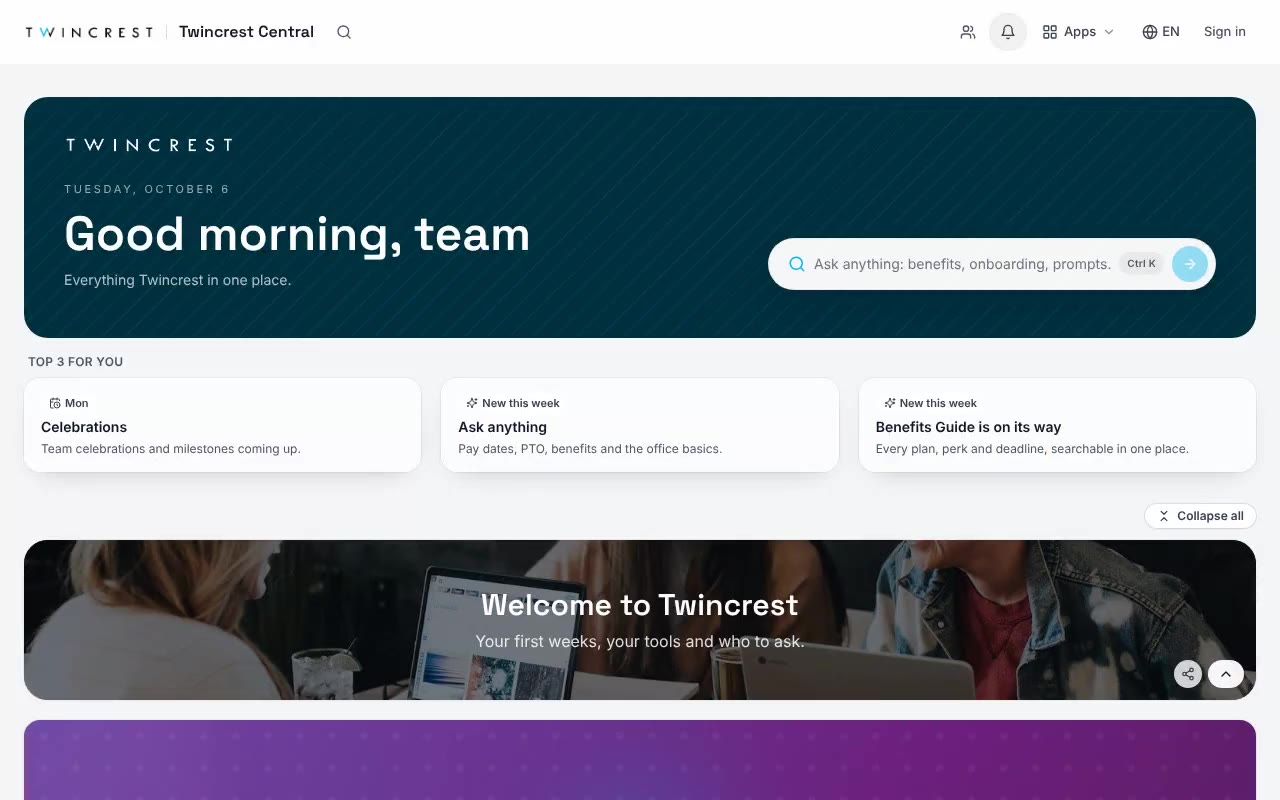
Every program you run gets its own section, its own apps and its own color, on one page your people can find without a bookmark.
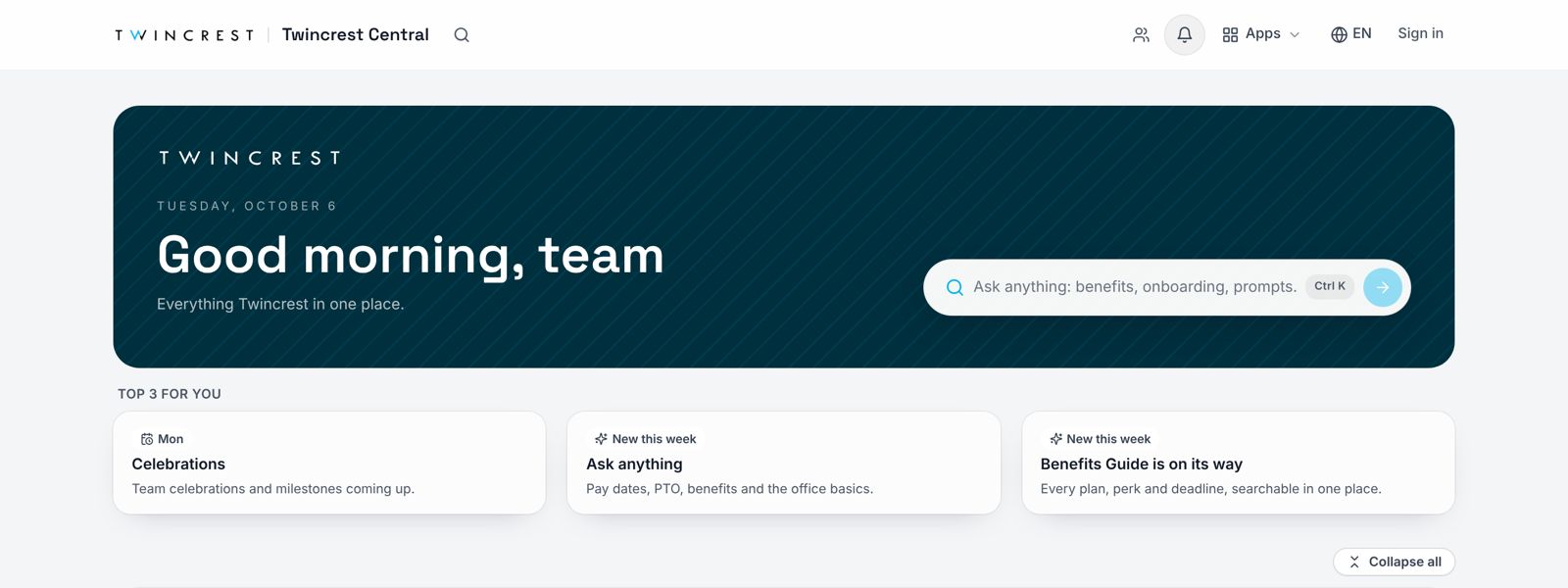
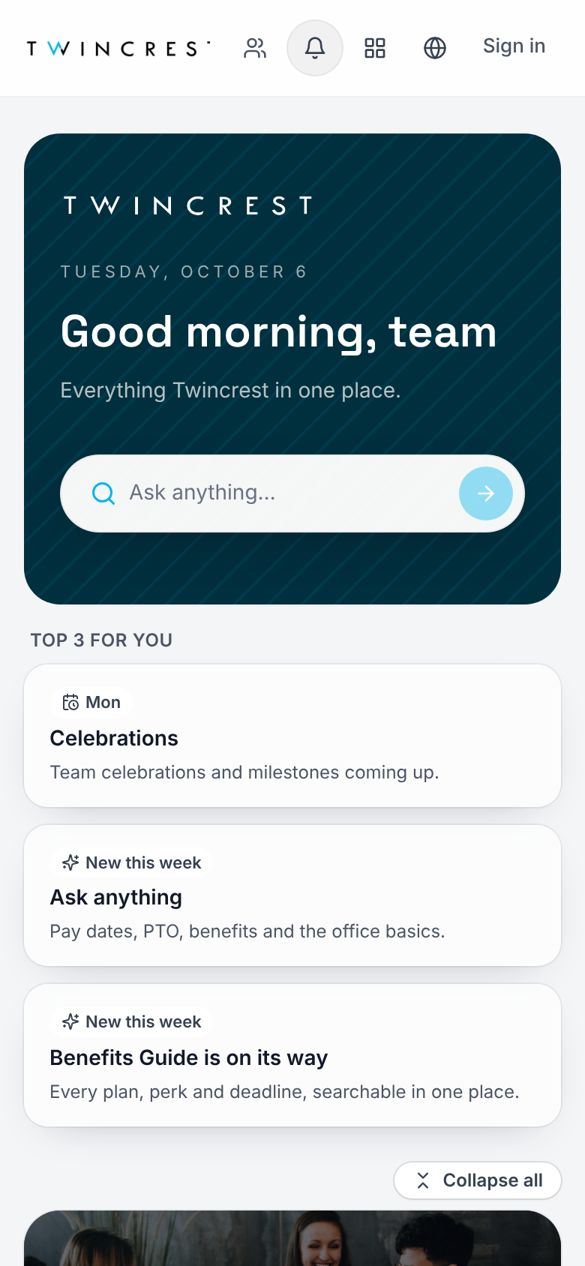
A greeting, a search bar that actually answers, and the three things each person should look at this week.
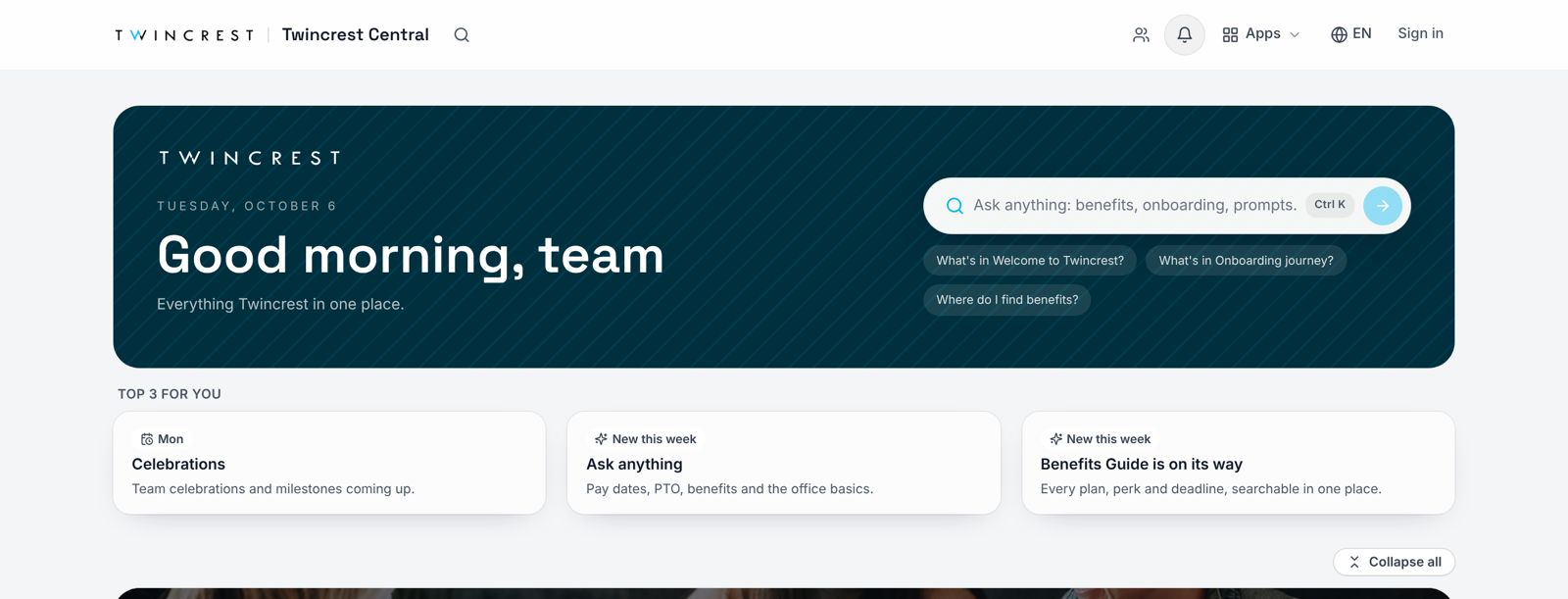
Employees ask in plain words and get an answer drawn from your own pages and policies, with a link to the source.
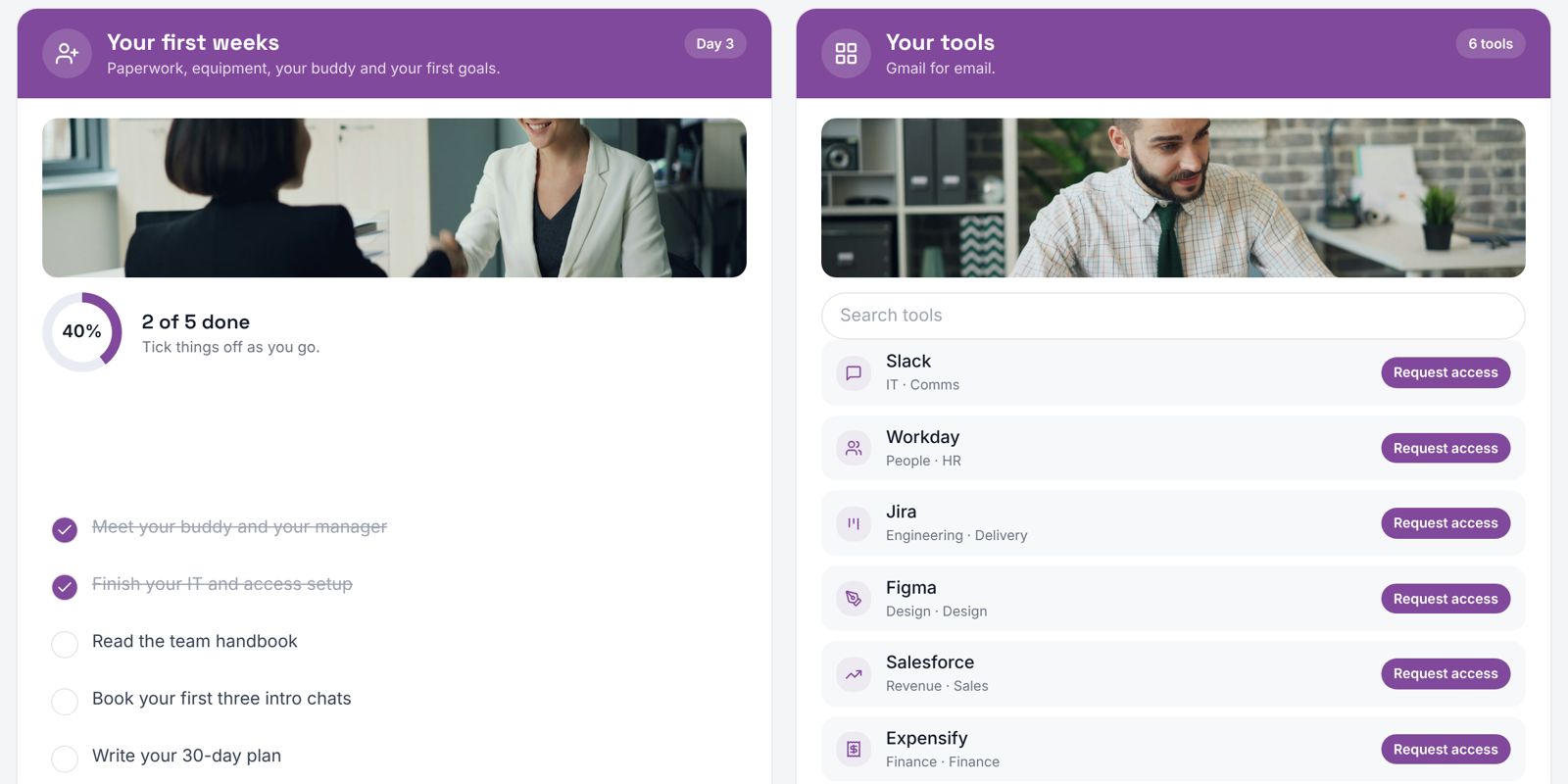
Checklists, tool directories, recognition walls and benefits guides run inside the hub. Nobody gets sent somewhere else.
Post to the hub, then push the same update to every channel your people already check, from one place.
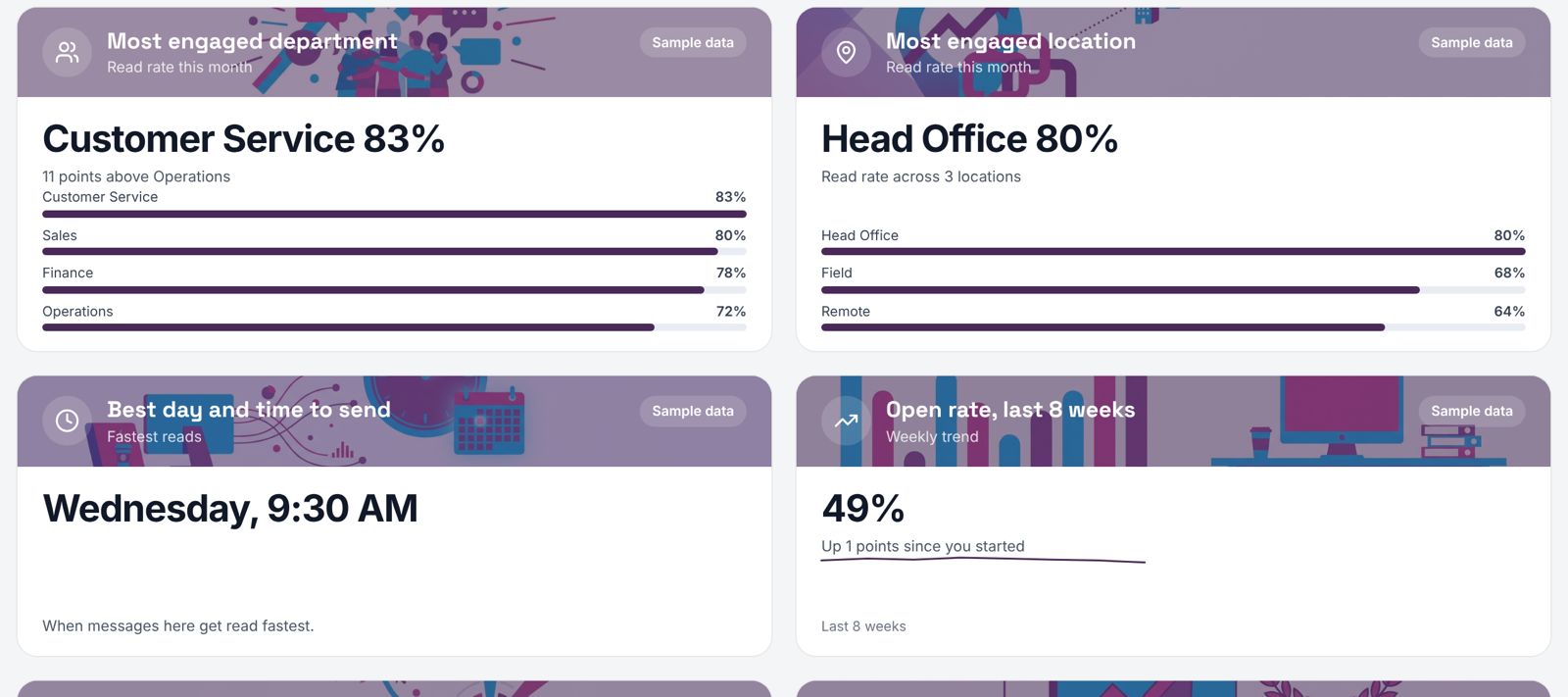
Know which programs land, which teams lean in, and where to push next.
No CMS, no ticket, no training. Type what you want. The hub edits the right tile, shows you what changed, and publishes when you say so.
Onboarding journeys, recognition walls, manager toolkits, training and more. Each one rebranded and embedded in your hub in minutes.
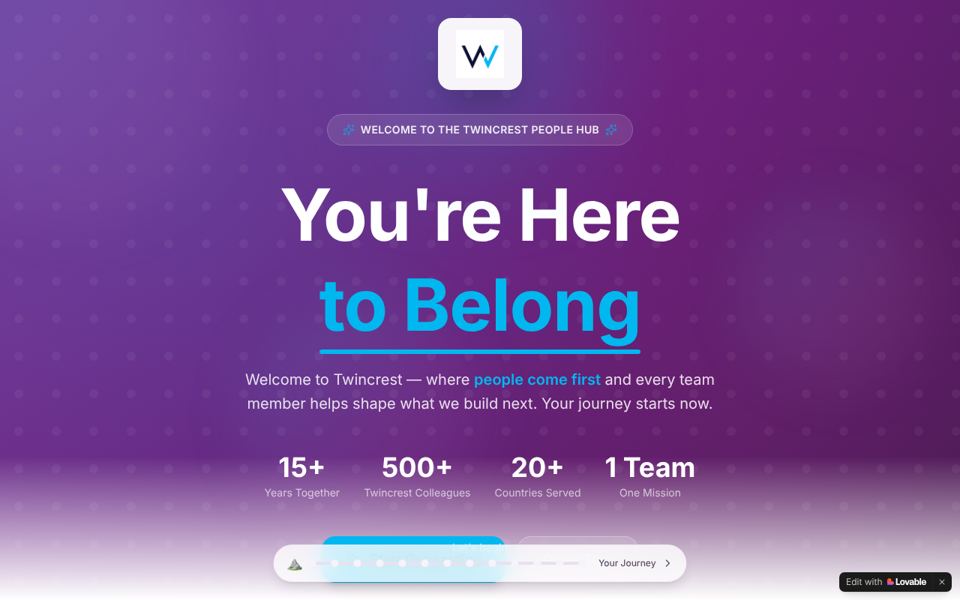
Preboarding to day 90, with a buddy, a checklist and the people to meet.
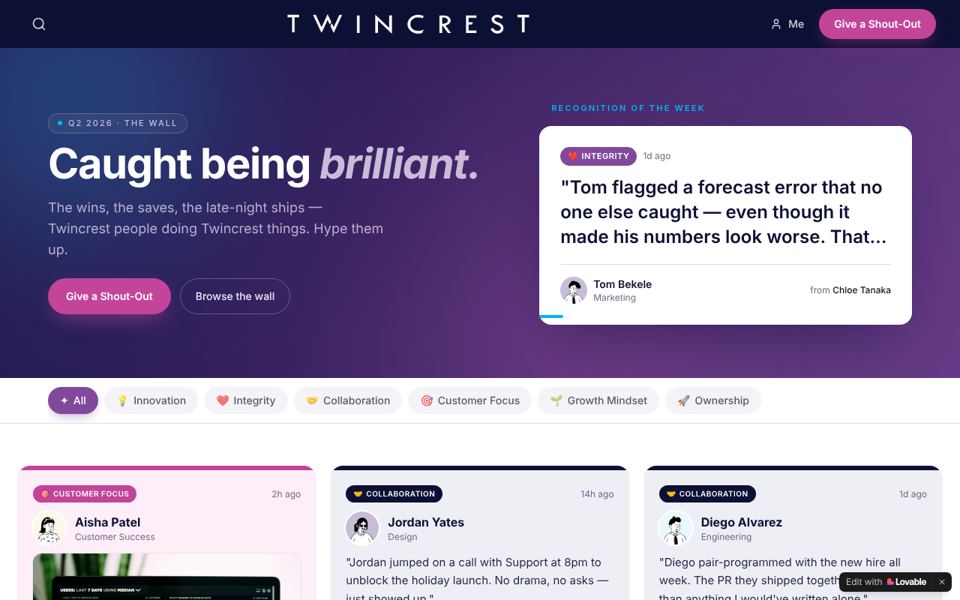
Shout-outs tagged to your values, visible to everyone, as they happen.
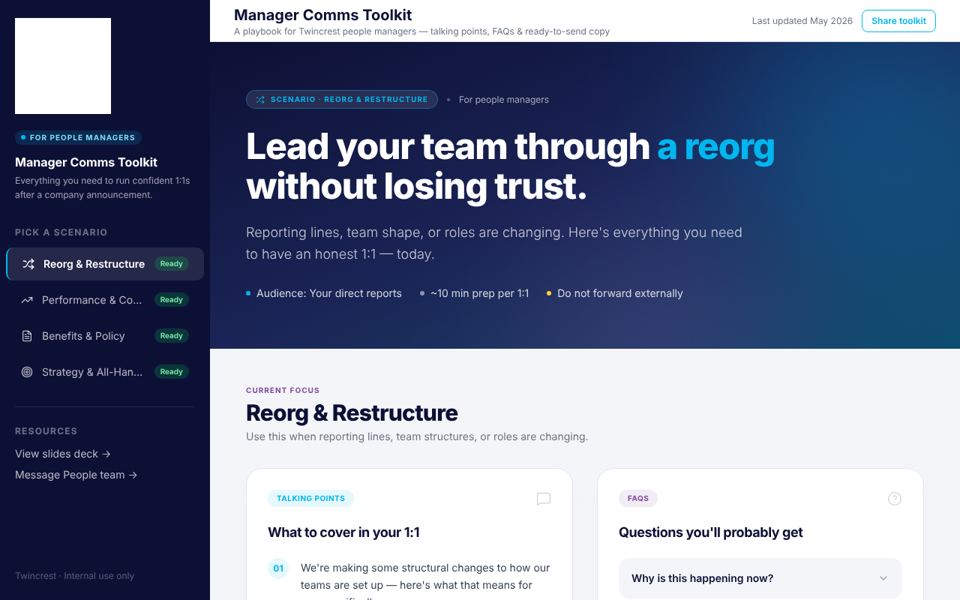
Talking points and FAQs so managers can explain a change before the rumor does.
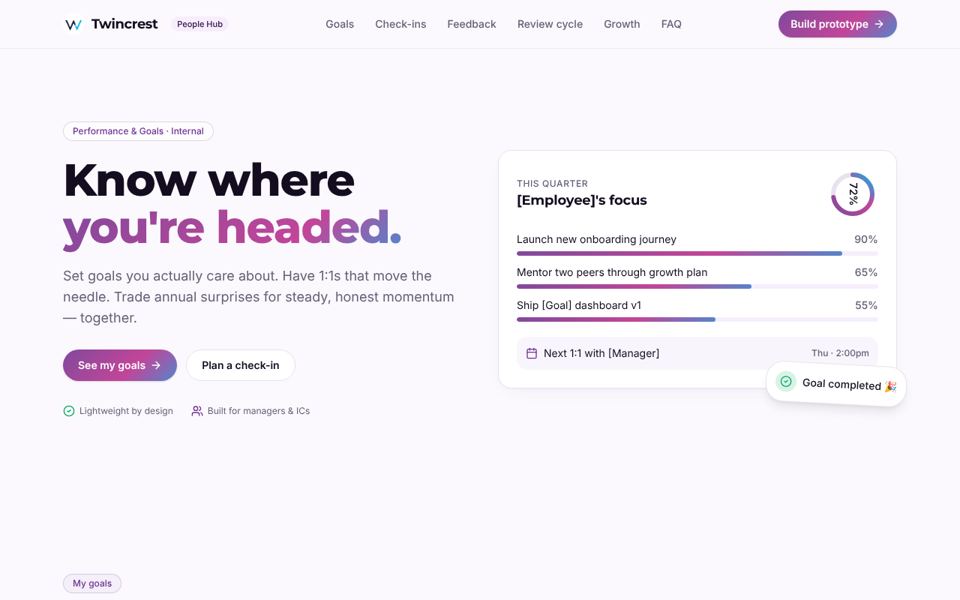
Lightweight goals and 1:1 prompts that keep people and managers in sync.
Scenario-based learning people actually finish, built from your own material.
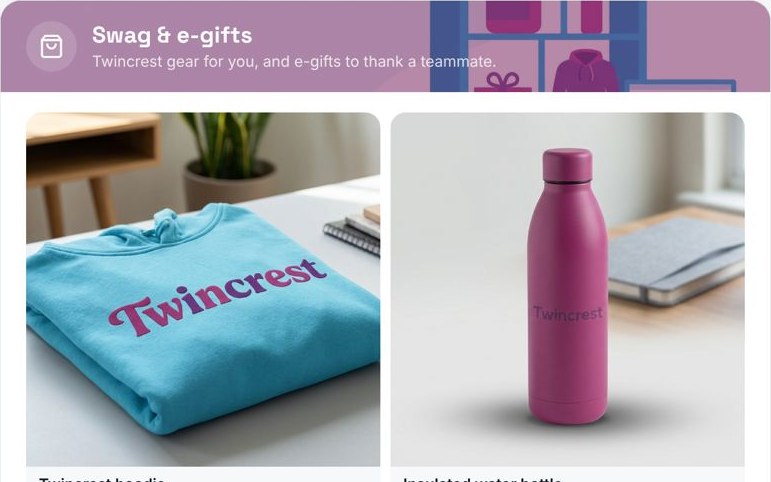
Branded gear and instant e-gifts to thank a teammate, right in the hub.
The hub is the home base. Your updates still land in the inbox, the chat app and the phone.
A home-screen icon and push notifications. No app store, no MDM project.
Open the link, use the hub. Editors sign in with a one-time code; IT can add SSO.
Your logo, colors and illustration style on every tile, every email and every poster.
Most intranets assume a laptop. Your hub works on any phone, from a text, a QR code on a poster or a link in WhatsApp.

You don't have to rip anything out. The hub sits where people already work.
 Microsoft Teams · Twincrest Central
Pin it for every team. Same hub, same answers, no new app.
 SharePoint · Home
Drop it onto your existing SharePoint home and let it do the talking.
Before you type a word, the hub researches your company: where you work, what languages your people speak, the values you hire for and the moments that matter in your industry. Then it builds around them.
Add ChangeEngine as a connector in the AI assistant you already use. Then ask for what you need in plain words.
 Claude
 ChatGPT
 Copilot
Our forward deployed engineers build the custom apps your programs need: a career pathing tool, a manager recognition program, a site for a merger. It drops straight into your hub, on your brand.
Your People team moves fast. Your IT team keeps control.


SOC 2 and ISO 27001. GDPR compliant, with data residency in the US, EU or Canada.
SSO over SAML or OAuth, SCIM provisioning, and content shown by HRIS attributes like role and location.
Word-level audit logs, role-based editors, and AI providers contractually barred from training on your data.
Run the hub on your own subdomain, like central.yourcompany.com, with a couple of DNS records.
Three sites our team built with customers, and where they went next.
We built a single page for World Central Kitchen's field teams. It landed so well that it became an intranet on their own domain, with SSO, role-based content and AI chat, adding two new pages a month.
Career Compass gives Otak's people their career streams, leveling, pay ranges and a guided self-assessment, with an AI guide that answers questions about all of it.

A manager-to-employee recognition hub with SSO and instant e-gifts, built for a frontline workforce spread across gyms. Heavy use from launch, and it led straight to three more custom sites.
It can, and for many teams it does. If you want to keep SharePoint or Confluence for documents, keep them. The hub becomes the front door that links to them, and it can run as a SharePoint web part or a Teams tab.
No. Employees open the link and use the hub. Editors sign in with a one-time code. If your IT team wants SSO for everyone, we support SAML and OAuth with SCIM provisioning.
Your first branded hub builds in about 5 minutes. Connecting your HRIS, SSO and channels and launching to employees typically takes two weeks.
Usually three things: approve SSO, point a subdomain at the hub with a couple of DNS records, and connect the HRIS. We handle the rest with them on a call.
Anyone you make an editor. Edits happen in plain English through the hub's chat, or by clicking a tile. Every change is logged, with a preview before anything goes live.
Yes. The hub switches on the languages your workforce speaks, and employees can choose theirs from the top bar.
Yes. The hub picks up your logo, colors and imagery from your website, and you can run it on a subdomain like central.yourcompany.com.
The HR Knowledge Agent is the engine behind Ask anything. Inside the hub it answers from your pages and policies. On its own it answers the same questions in Slack and Teams. Most customers run both.
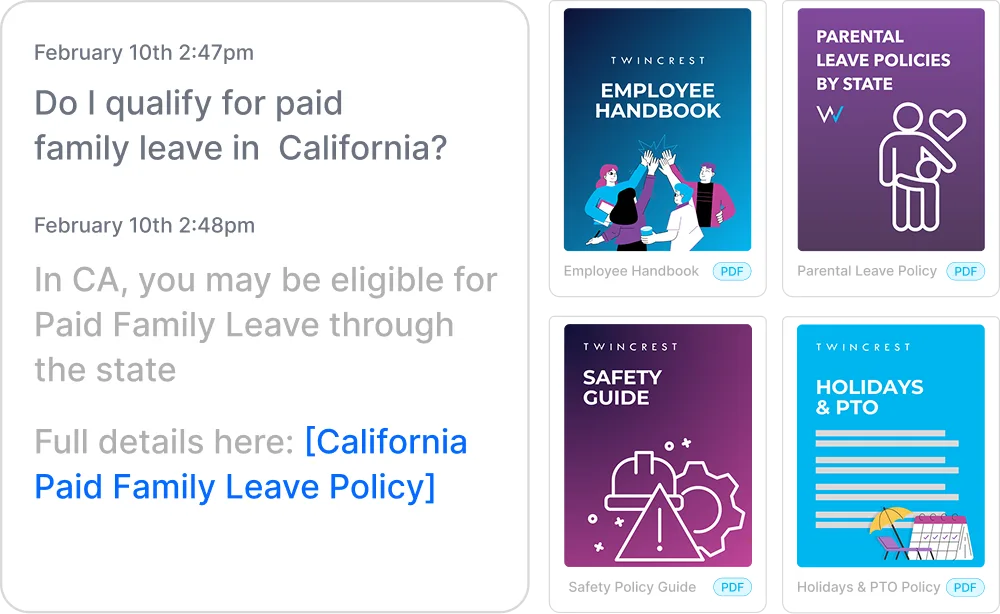
Instant, policy-grounded answers in the hub, Slack and Teams.
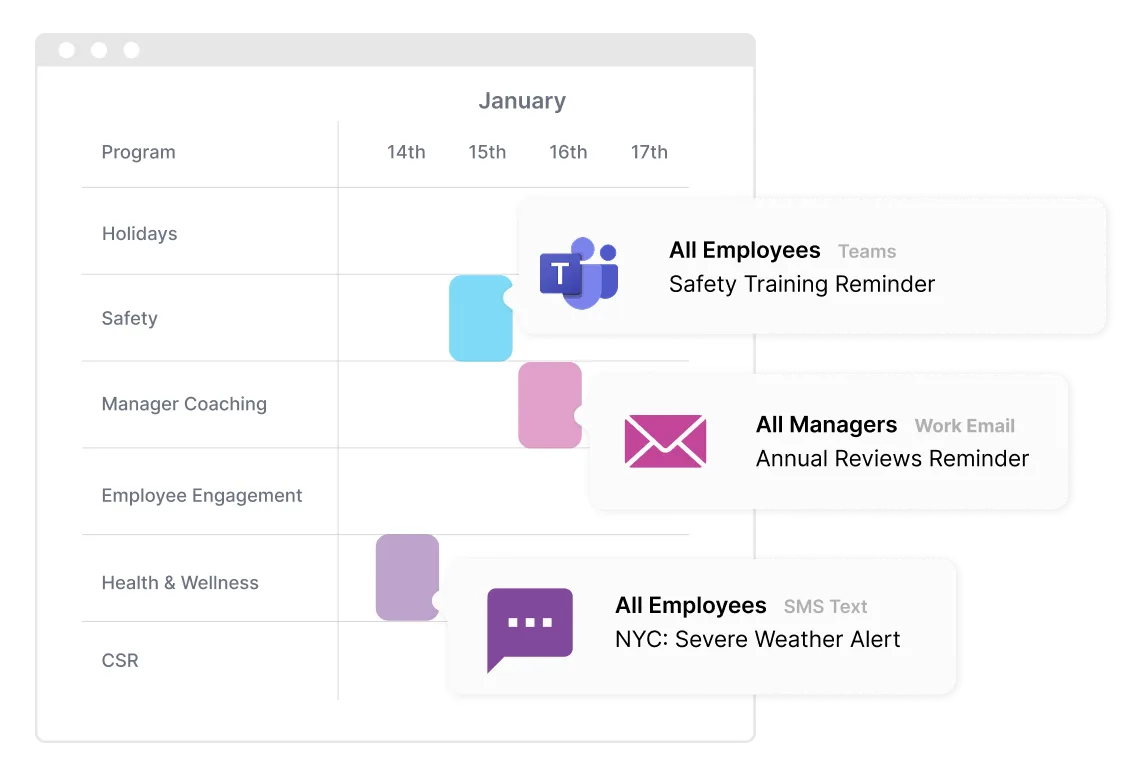
One message, every channel, timed to each person.
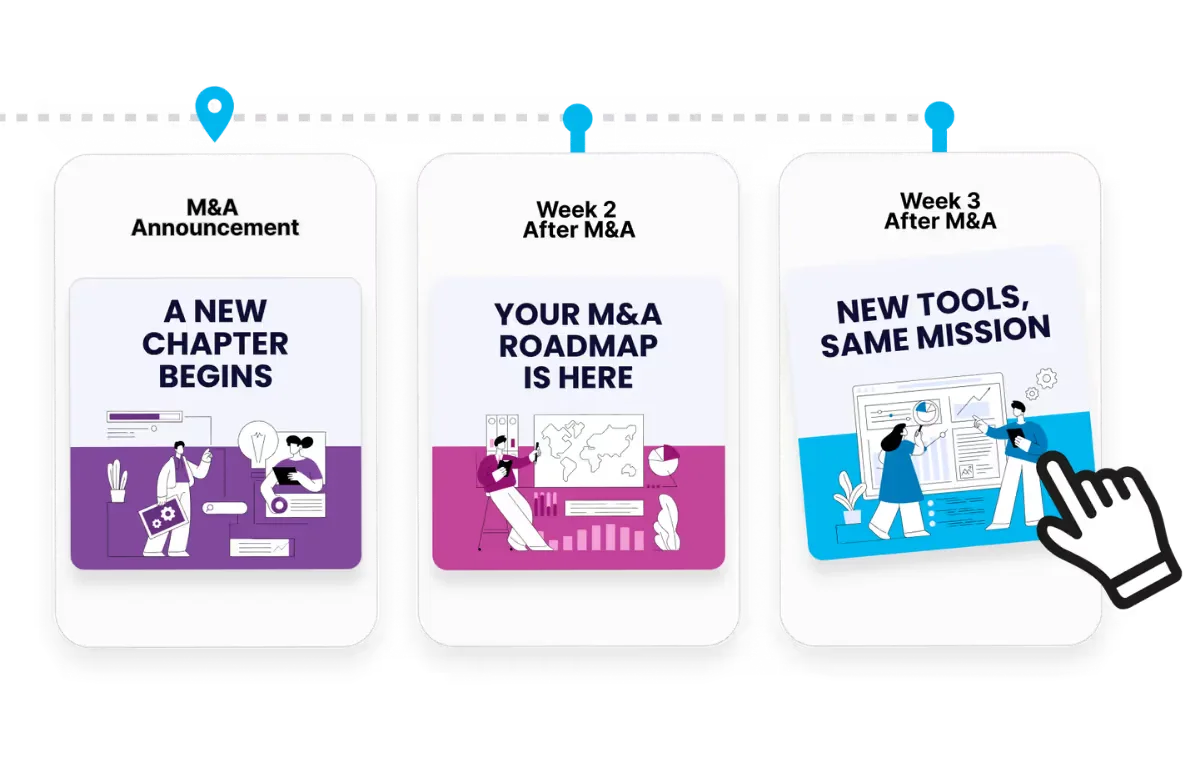
Onboarding to offboarding, triggered by your HRIS.
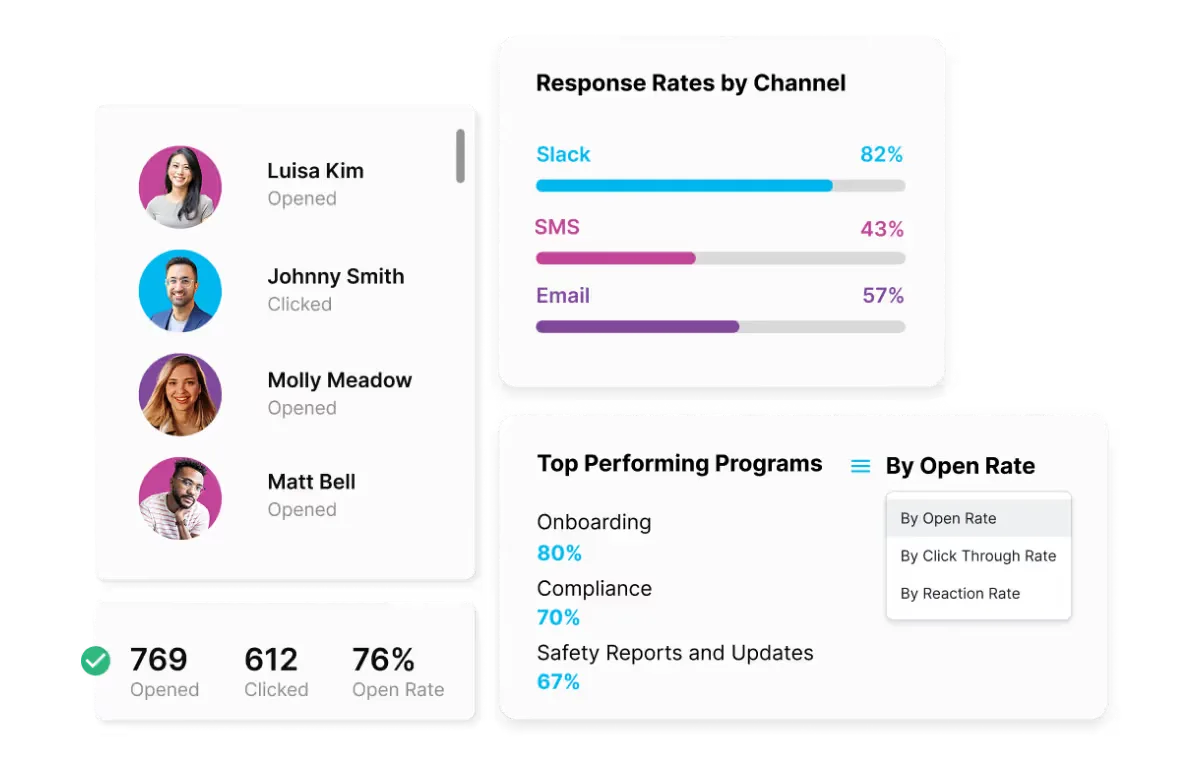
Proof for leadership, by team, channel and program.
See a hub built on your own brand in a 30-minute call, or start one yourself right now.

