Reach Google Workspace teams in the Chat spaces they work in, with the same update in Gmail, text and your hub.

.svg)




.svg)
Google Chat is the team messaging app inside Google Workspace. ChangeEngine sends one update to Gmail inboxes and Google Chat spaces together, targeted from your HRIS.
See every integration →Audiences from your HRIS plus the Chat spaces you choose. Personalization with first name, manager and location.
Every post is previewed and test-sent before a person publishes it.
Editors only see what their role allows, and every change is logged.
When something changes in your system of record, the right people hear about it on the right channel. Nobody on the People team presses send.
New hires get a welcome in Chat on day one, with links to the hub.
Company and team news posts to the right Chat spaces.
The Chat post also goes to Gmail, text and the hub.
Managers get a nudge for team milestones and new starters.
Shoutouts post to the team space, with a note from the manager.
Delivery and clicks are tracked for each send.
One update reaches Chat spaces and inboxes.
Target by department, location and manager.
Milestones and new starters reach managers where they work.
Send to Chat, Gmail, text and the hub.
Ask us about setting up Gemini with the ChangeEngine MCP.
Delivery and clicks by team, site and manager.
Chat spaces are where Google Workspace teams coordinate. Updates land there, next to the work, as well as in Gmail.
Target Chat posts and emails by department, location and manager, straight from your HRIS.
See delivery and clicks by team and site for every Chat post and email.
Your services team runs the setup with IT. When you need something that is not in the box, your forward deployed engineer builds it.
Meet the forward deployed engineer →Your Google Workspace admin approves the setup and SSO. We send the checklist ahead of the call.
We connect your HRIS so audiences and contact details come from live employee data.
You send a test to yourself, then publish your first real message.
Your People team moves fast. Your IT team keeps control of every connection.
SOC 2 and ISO 27001. GDPR compliant, with data residency in the US, EU or Canada.
Single sign-on over SAML or OAuth, with optional two-factor authentication for editors.
SCIM provisioning, and content shown by HRIS attributes like role, location and employment type.
Employee data is encrypted in transit and at rest, and editors only see what their role allows.
Word-level audit logs, role-based editors, and AI providers contractually barred from training on your data.
Run your hub on your own subdomain, like central.yourcompany.com, with a couple of DNS records.


Yes. One message goes to Gmail inboxes and Google Chat spaces, plus text and your hub.
No. ChangeEngine adds audiences, delivery and reporting on top of Gmail and Chat.
Yes. Audiences come from your HRIS and stay current on their own.
Yes. The same draft can go to both.
Gemini setup for the ChangeEngine MCP is done with our team. Ask us and we will walk you through it.
Yes. SOC 2 and ISO 27001 certified, GDPR compliant, with SSO over SAML or OAuth.
The ChangeEngine MCP connects the assistant your company already approved. Build audiences from this integration's data, draft a send or pull last week's read rates in plain words. A person on your team publishes every send.
Explore the ChangeEngine MCP →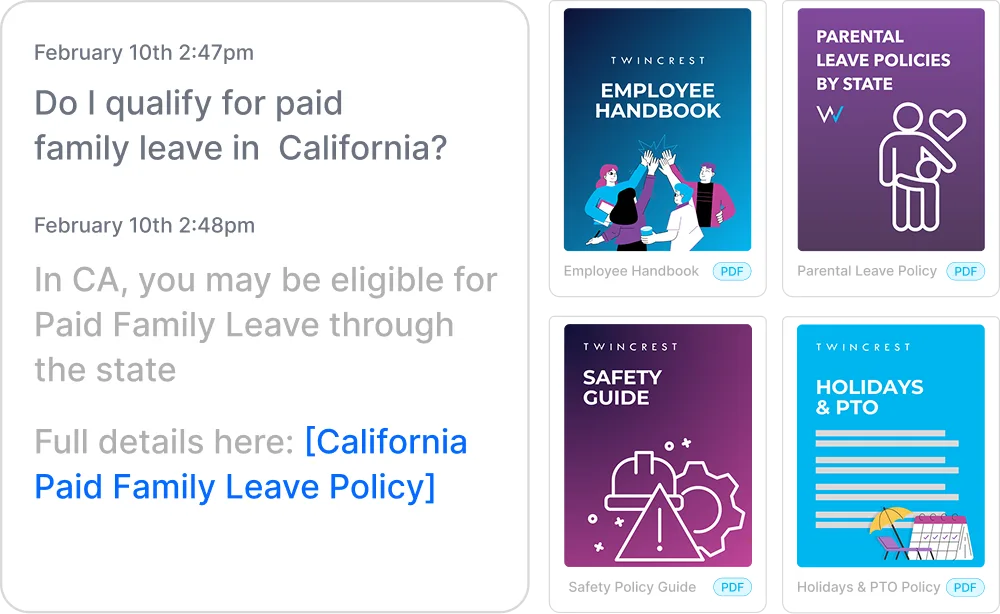
Instant, policy-grounded answers in the hub and Slack/Teams.
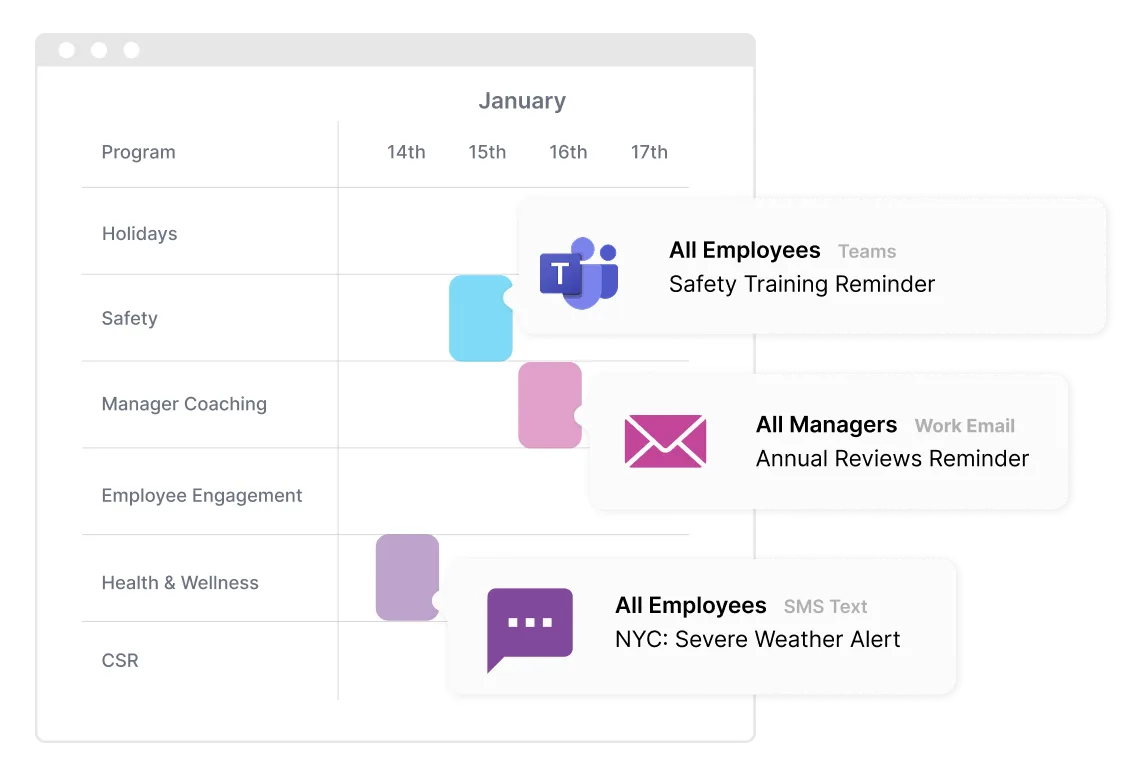
One message, every channel, timed to each person.
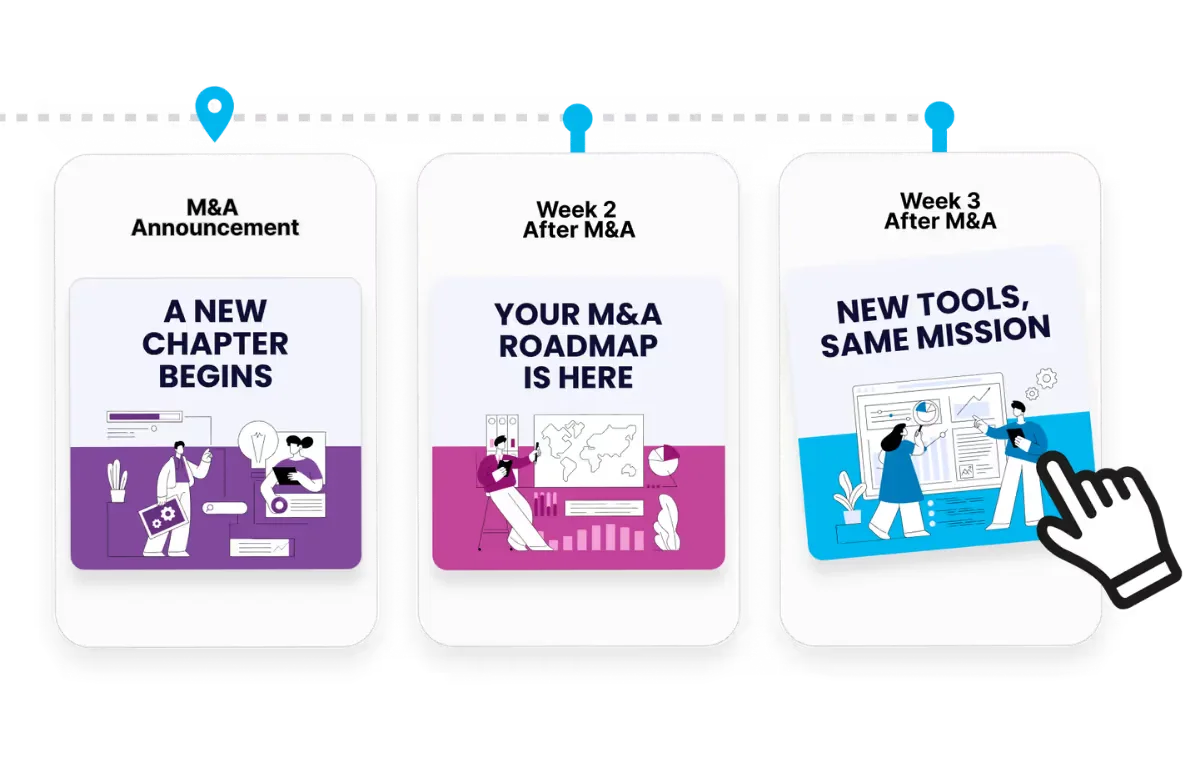
Onboarding to offboarding, triggered by your HRIS.
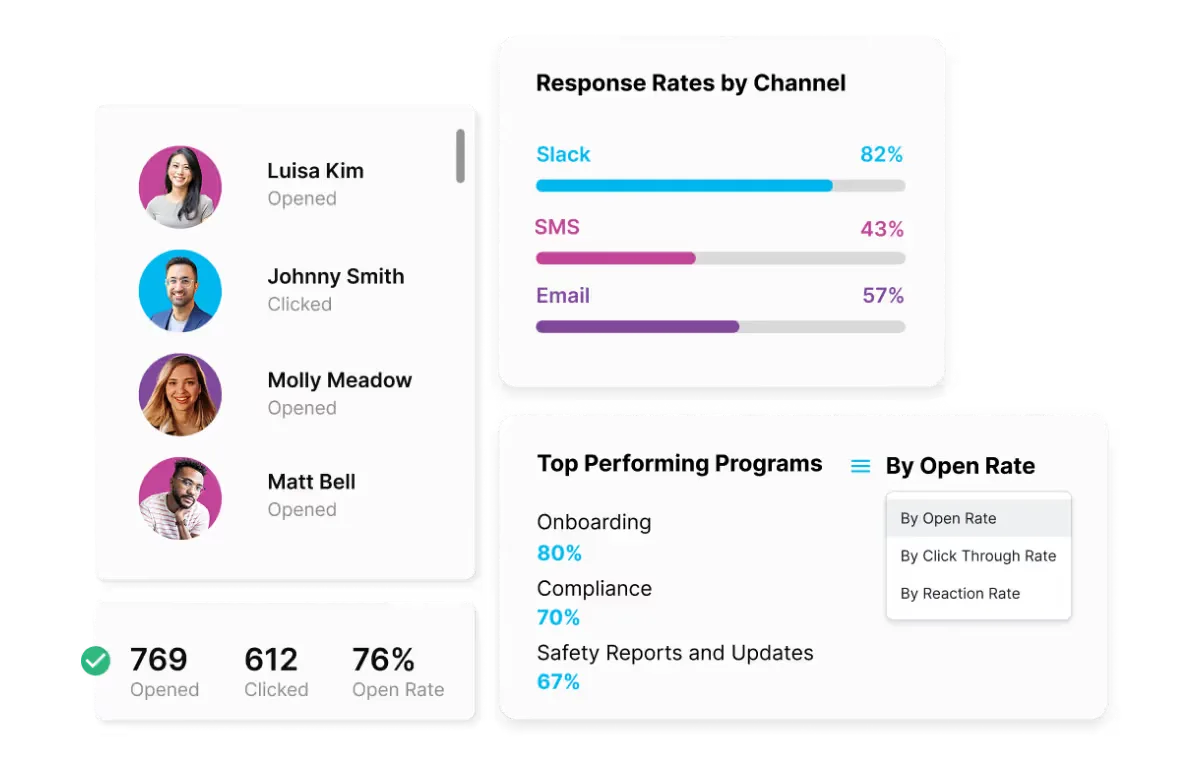
Proof for leadership, by team, channel and program.
Bring your HRIS and your channels. We will show you your first program, built in front of you.