Licenses are the easy part. ChangeEngine runs the rollout that makes AI stick: role-based learning paths, short weekly nudges, manager talking points, security guidance and a clear view of who's actually using it. From our app, or from the AI assistant you're rolling out.



 through the ChangeEngine MCP

.svg)


.svg)

AI adoption is a change program dressed up as an IT project. People don't know what's allowed, what it's good for in their job or where to start, so usage stays with a few enthusiasts.
Clear, friendly guidance on data, privacy and approved tools, before people experiment on their own.
Learning paths by role, with use cases people can try in five minutes.
Completion, sentiment and engagement by team, in one report.
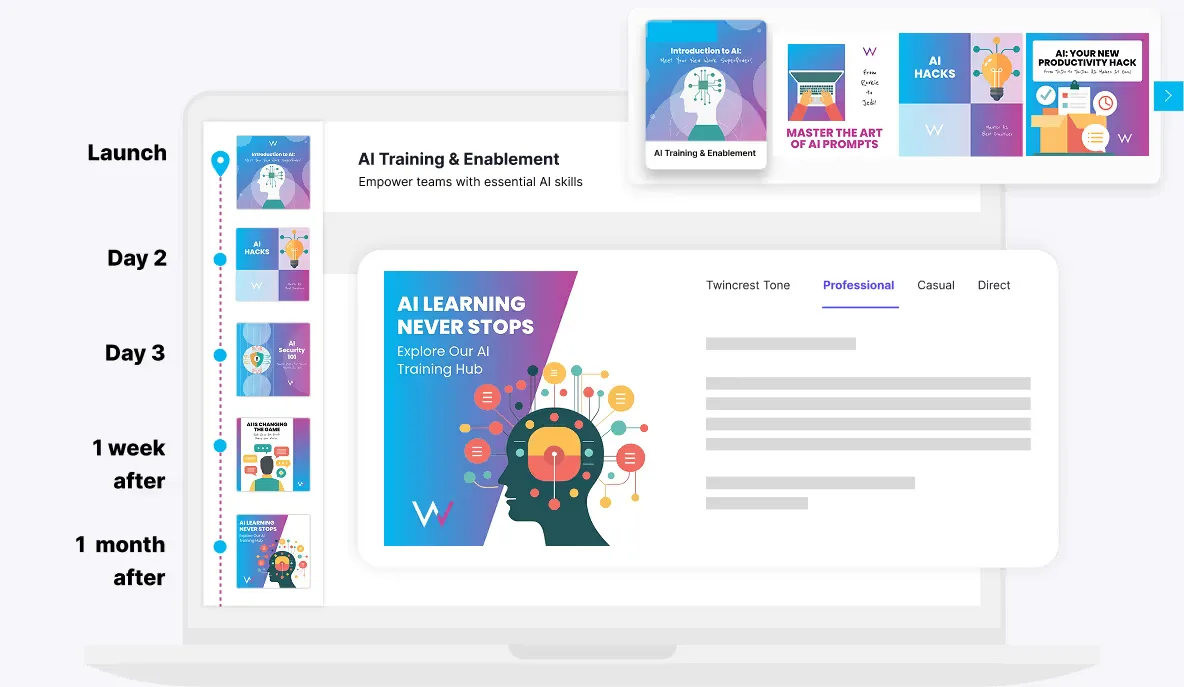
A typical AI rollout journey, built from one prompt. Every step adjusts to role, team and location.
Managers go first
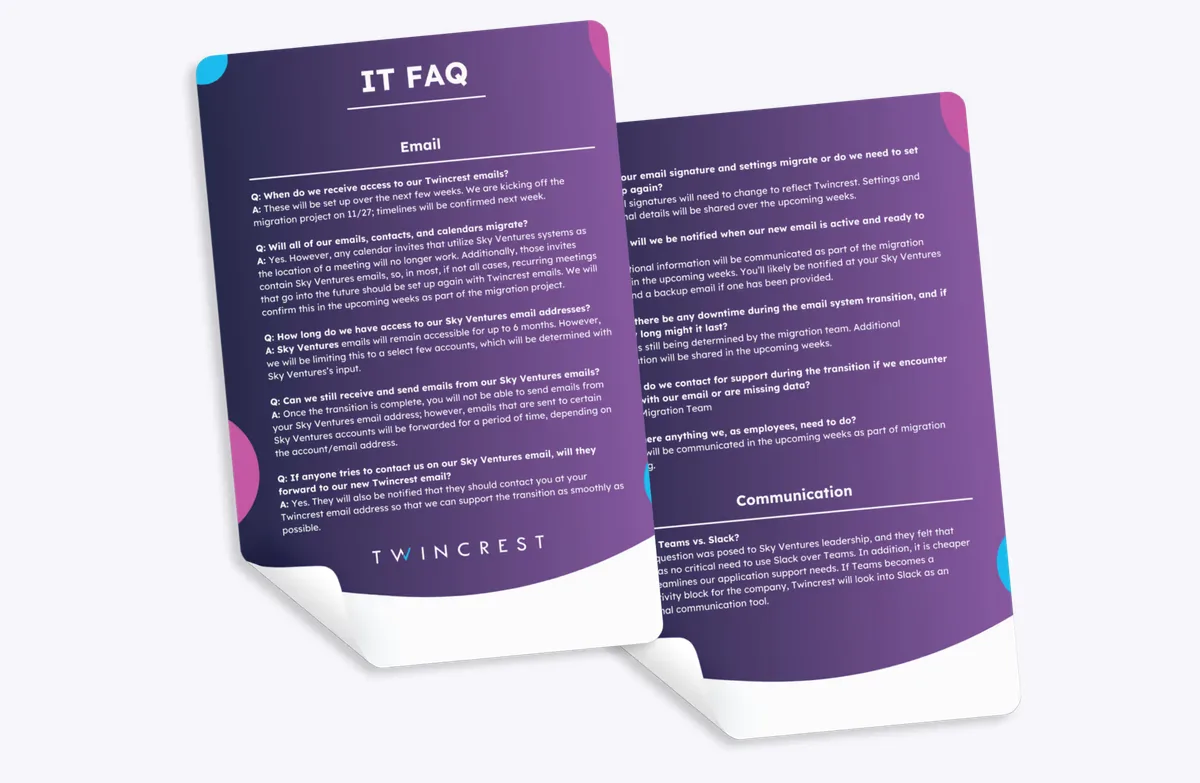
Talking points, a FAQ and what to expect, so they can answer questions.
Launch from leadership
Why we're doing this, what's approved and where to start.
Security essentials
Plain-language guidance on data, privacy and approved tools.
Role-based starter paths
Three use cases for each role, five minutes each.
Office hours and demos
Invites to live sessions and team demos run by managers.
Nudge the not-yet
A friendly push only to people who haven't tried it.
Pulse and certificate
A confidence pulse, plus a certificate for everyone who finishes.
Tell the engine which tool, who gets it and what good looks like.
The launch note, security FAQ, role paths and manager kit arrive drafted in your brand and tone.
Paths go out by role and channel, triggered from your HRIS. Nobody presses send.
Completion, confidence and engagement by team, in one report.
"Roll out Copilot to 1,800 people next month. Different paths for sales, ops and finance. Security first, keep it encouraging."
Examples built in ChangeEngine for our sample brand, Twincrest, drafted by AI Content Studio in your voice.
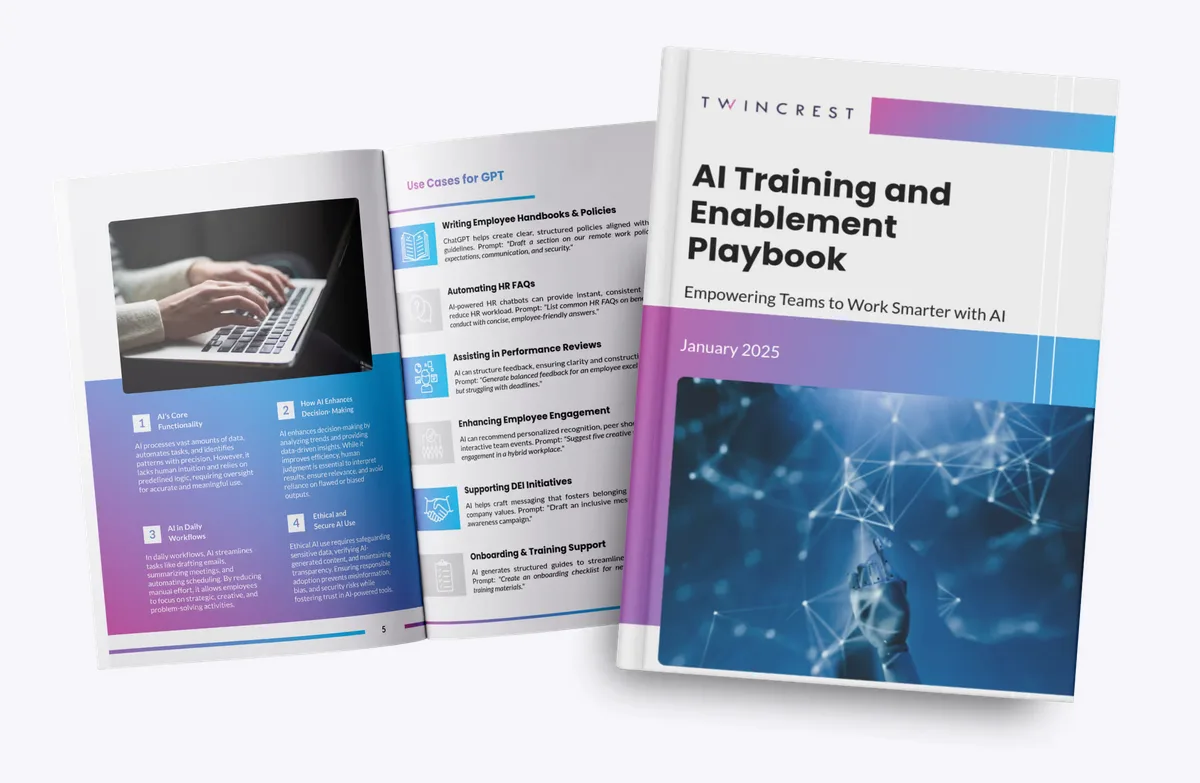
Week-by-week paths with use cases for each function.
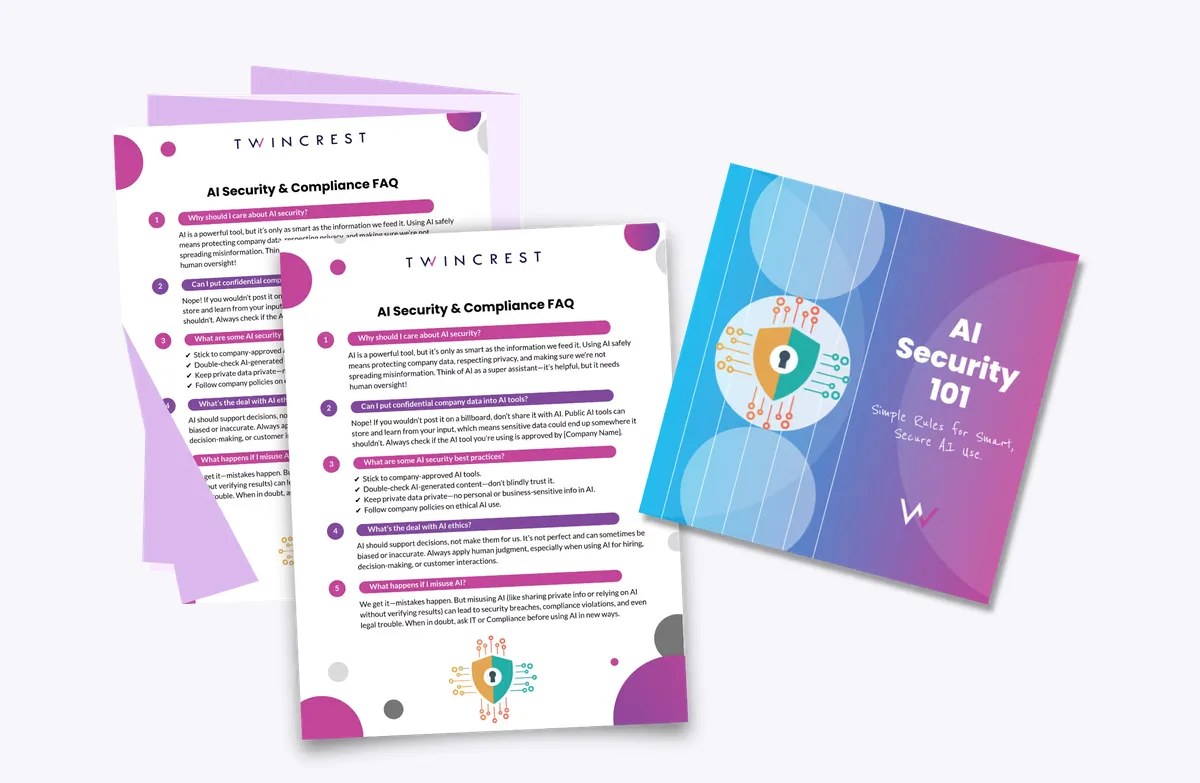
What's approved, what's not and why, in plain language.
The first five things to try, and answers to the first fifty questions.
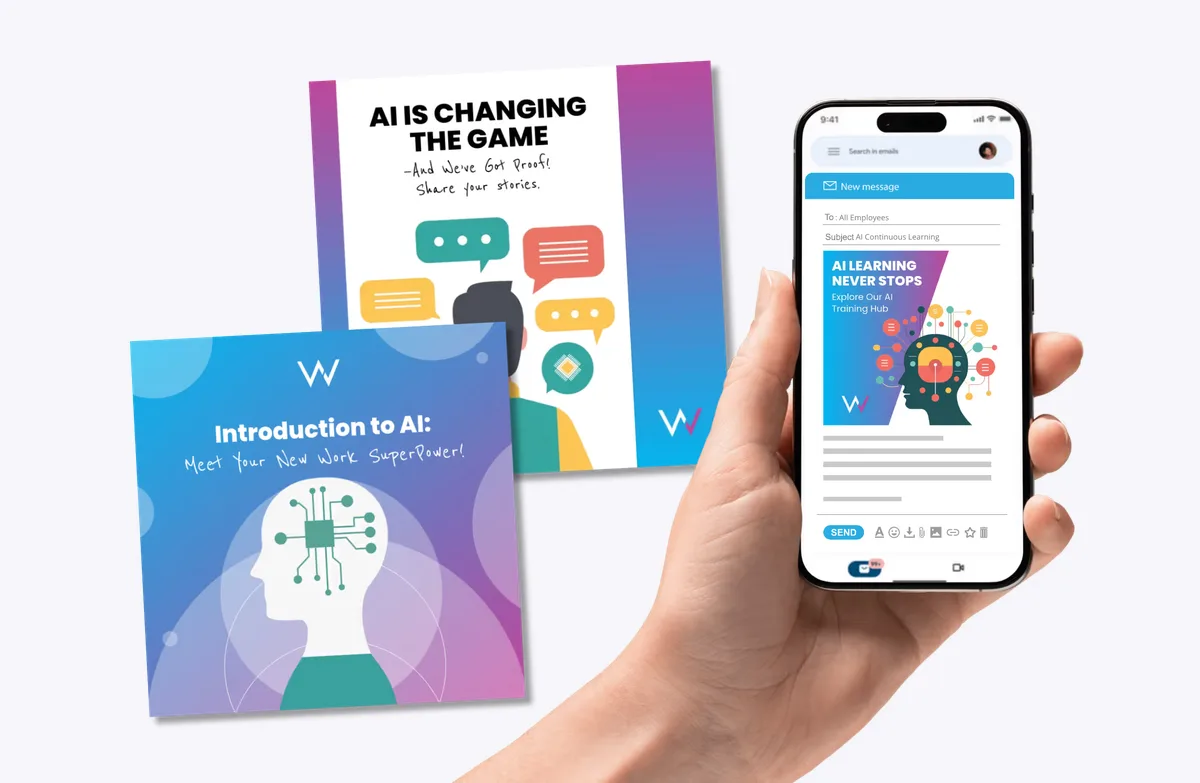
Short tips in Slack, Teams or text that build the habit.
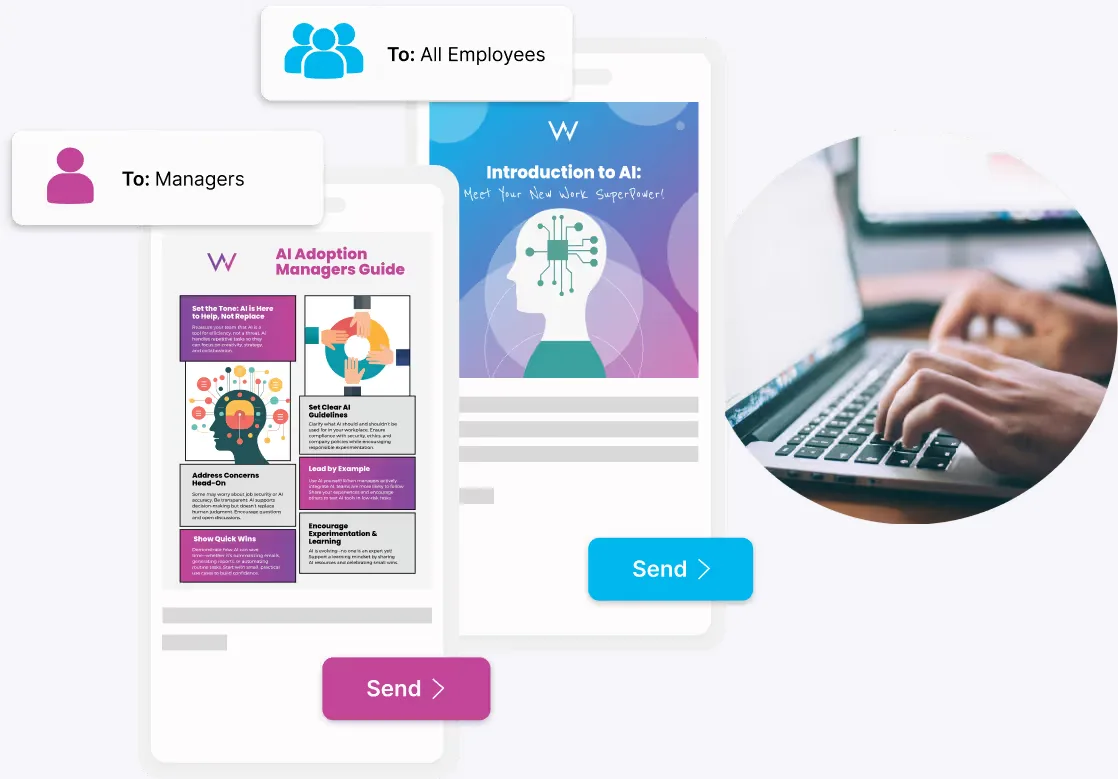
Managers get their version first, so they can lead the conversation.
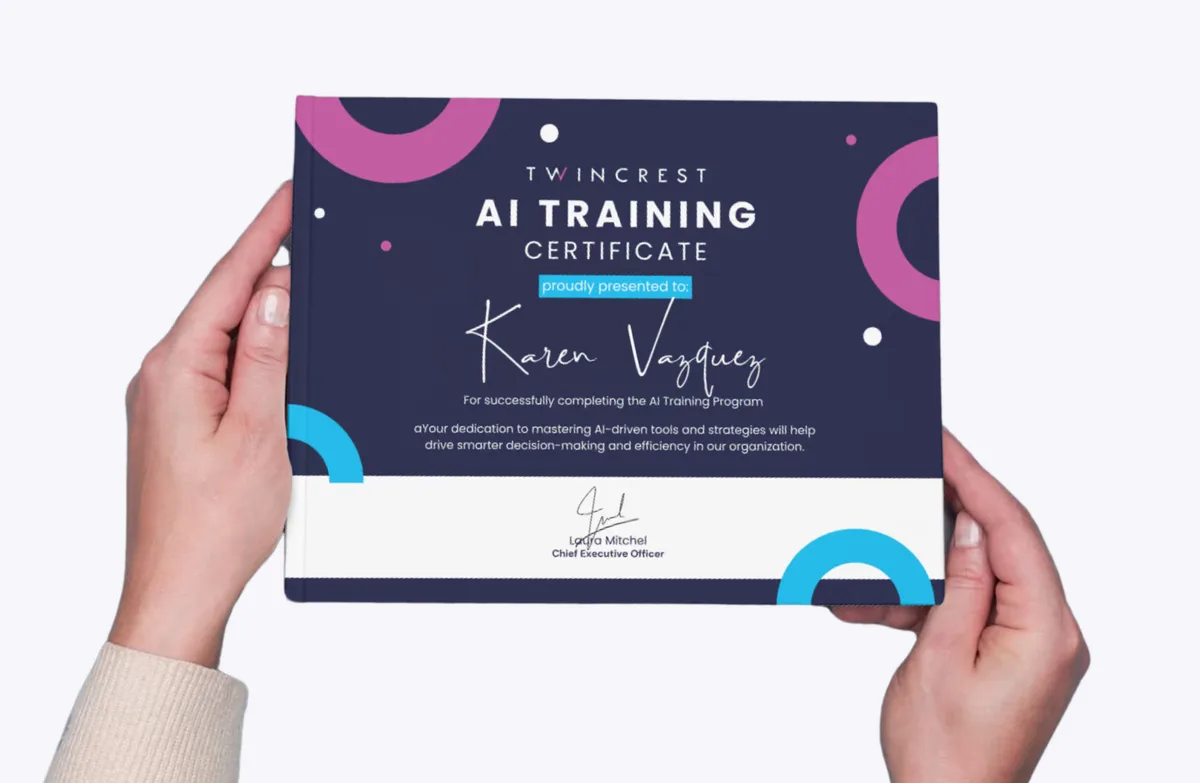
Recognize people who finish, and share it with their team.
Your AI hub collects the approved tools, the policy, role-based learning paths and a running feed of wins from colleagues. Employees can ask the HR Knowledge Agent what's allowed, any time.
The ChangeEngine MCP plugs into ChatGPT, Claude, Gemini or Copilot. Your team can draft the next nudge, check adoption by team or launch a pulse without leaving the assistant, with your roles and approvals in charge.


MCP (Model Context Protocol) is the open standard AI assistants use to connect to business systems.
Which teams are behind on the Copilot path? Send their managers a short nudge with two use cases for their function.
Done. The nudge is waiting for your approval in ChangeEngine.
From 50-page manuals turned into mobile lessons to content production time cut in half.
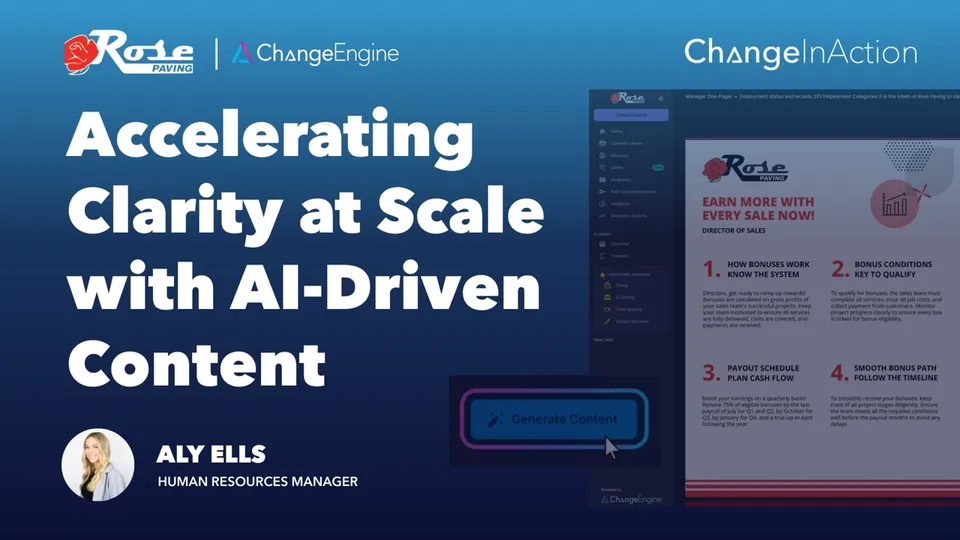 ▶
▶Rose Paving uses AI to turn complex, role based bonus plans into clear one page summaries, improving understanding and reducing HR follow ups.
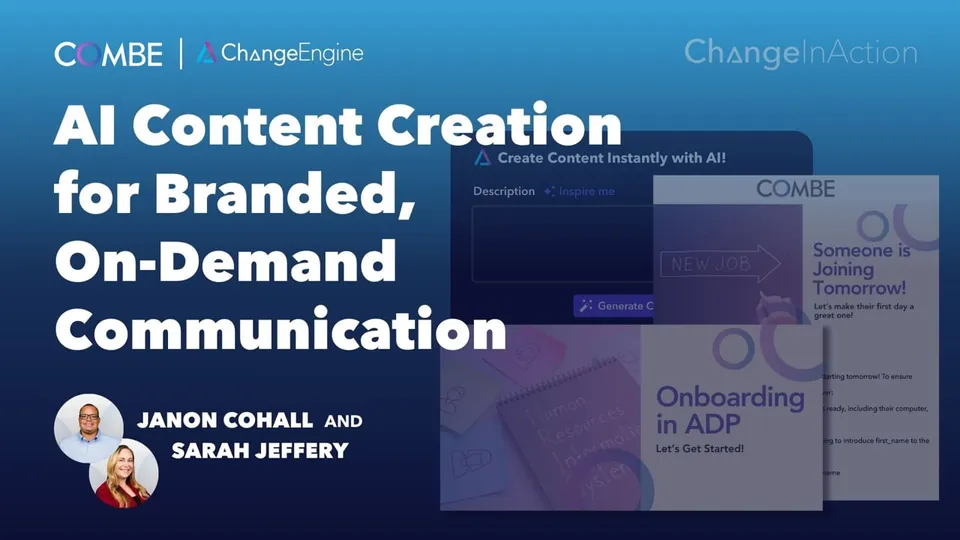 ▶
▶Combe uses AI and embedded brand kits to create polished, on demand content in minutes, eliminating design bottlenecks and elevating internal communication.
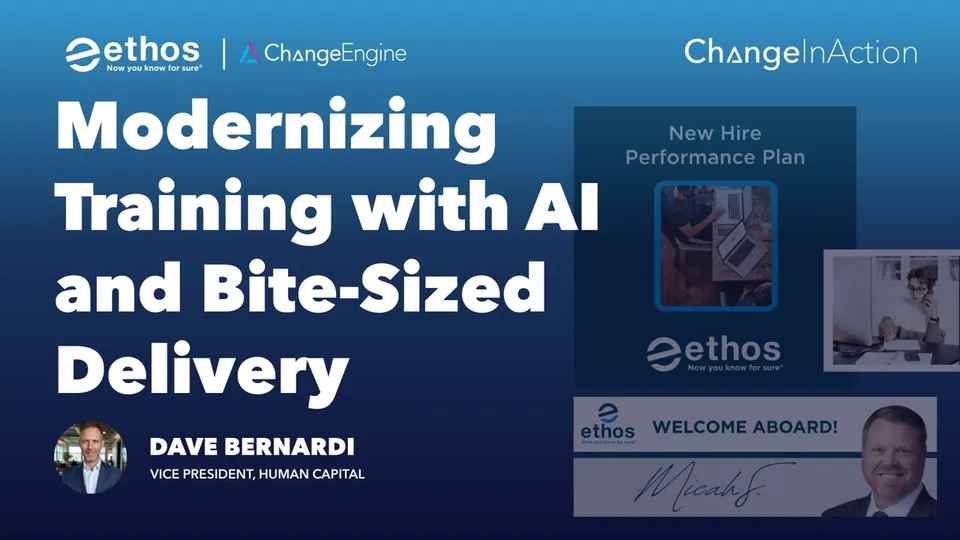 ▶
▶Ethos uses AI to transform 50 page training manuals into mobile friendly videos and quizzes, delivering modern learning without losing depth.
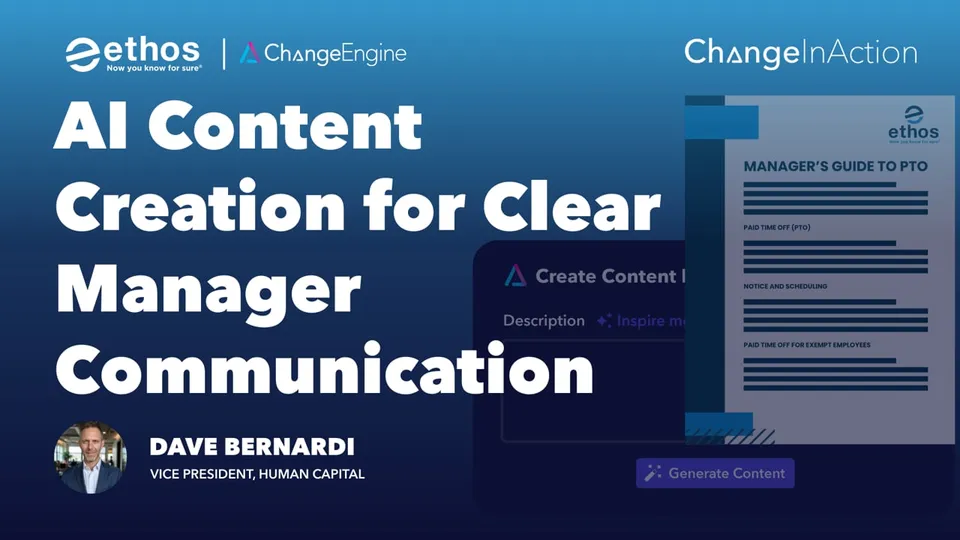 ▶
▶Ethos Risk uses AI to turn complex policies into clear manager comms, reducing overload and speeding up content creation.
 ▶
▶Positive Development uses segmentation and AI inside ChangeEngine to eliminate manual HRIS work. Saving hours per comm and freeing the People team to focus on strategy.
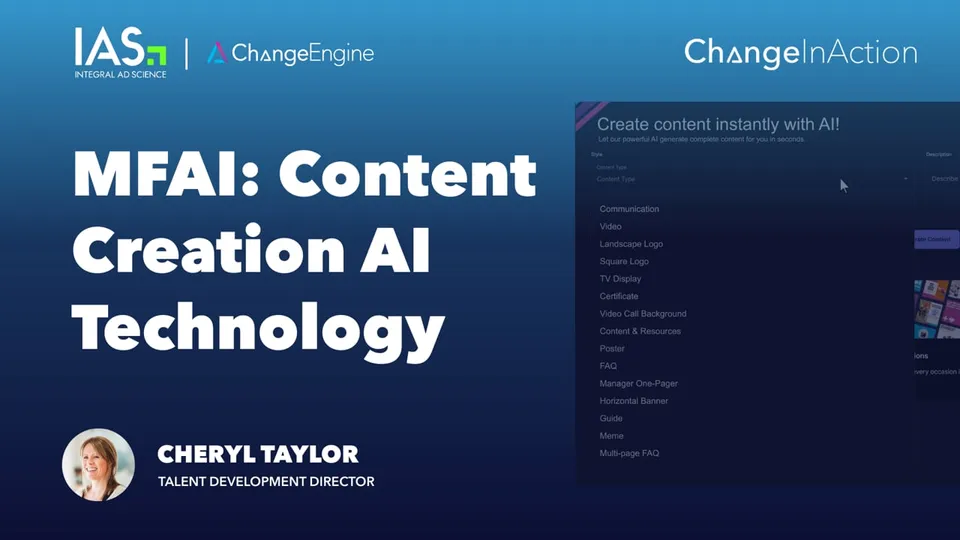 ▶
▶IAS uses ChangeEngine’s MFAI to generate themes, titles, and drafts. Cutting content production time in half and launching on-brand campaigns faster.
“With Personal Tone AI, we’re able to adapt the tone of those leaders and department heads, making the messages feel authentic and true to their voice. It speeds up our content creation and strengthens the credibility and trust amongst team members.”

Names, roles, teams, locations, managers and key dates sync from your HRIS, so every audience builds itself and every program triggers on time. Nothing to export, nothing to upload.
 Workday
 ADP
ADP BambooHR
 UKG
UKG Rippling
 SAP SuccessFactors
 Oracle HCM
 Dayforce
 Paylocity
 Paychex
 Gusto
Gusto HiBob
HiBob Namely
 Justworks
 TriNet
 Zenefits
 Sage HR
 Infor
Infor UltiPro
 Cornerstone
 Lattice
 15Five
 Factorial
 ChartHop
and 50+ more
AI enablement isn't a separate product. It's the platform's modules running one rollout, so the lessons, the nudges, the pulse and the report all know who's on which path.
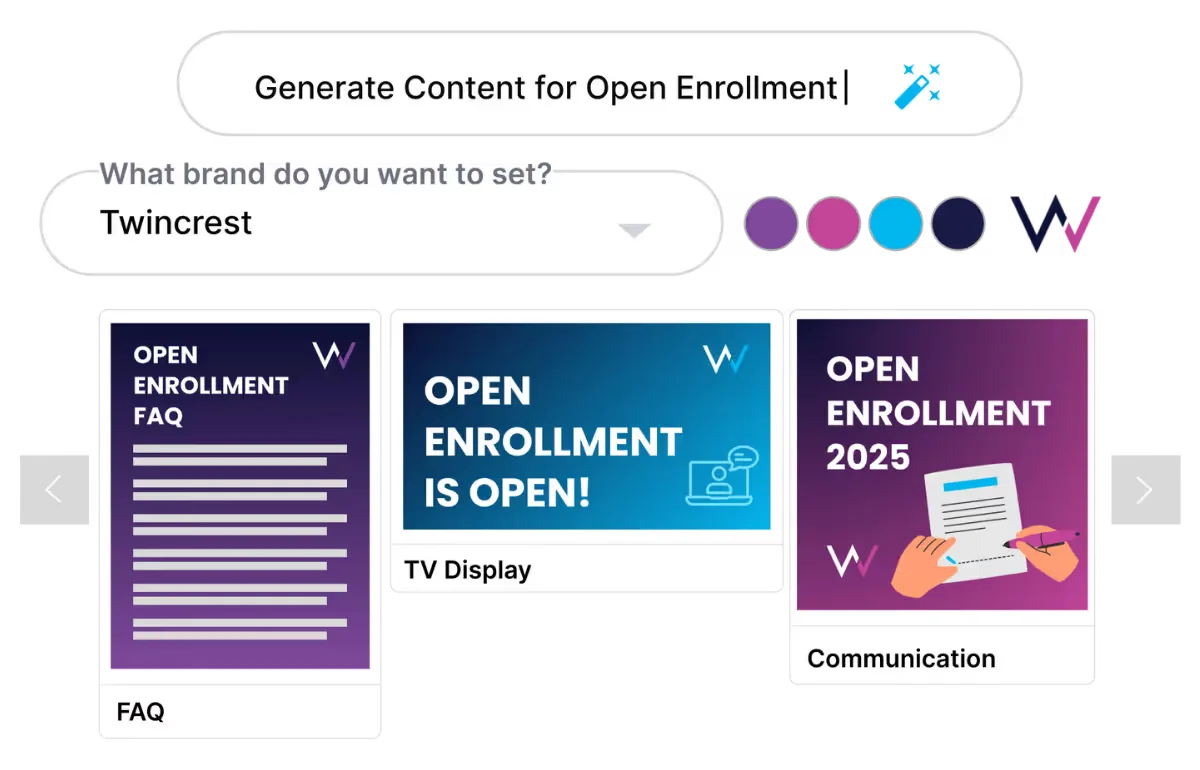
Personal Tone AI drafts every lesson and nudge in your voice.
Explore AI Content Studio →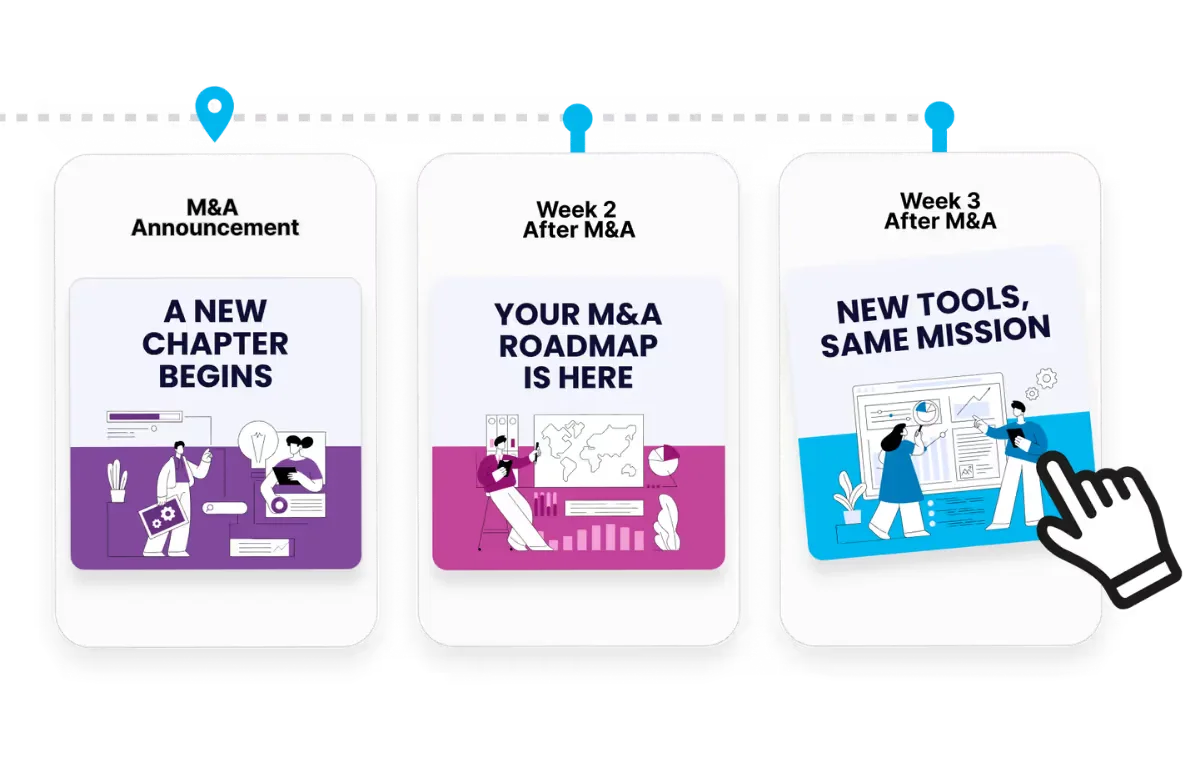
Build the 30-day rollout once, branched by role.
Explore Employee Journey Builder →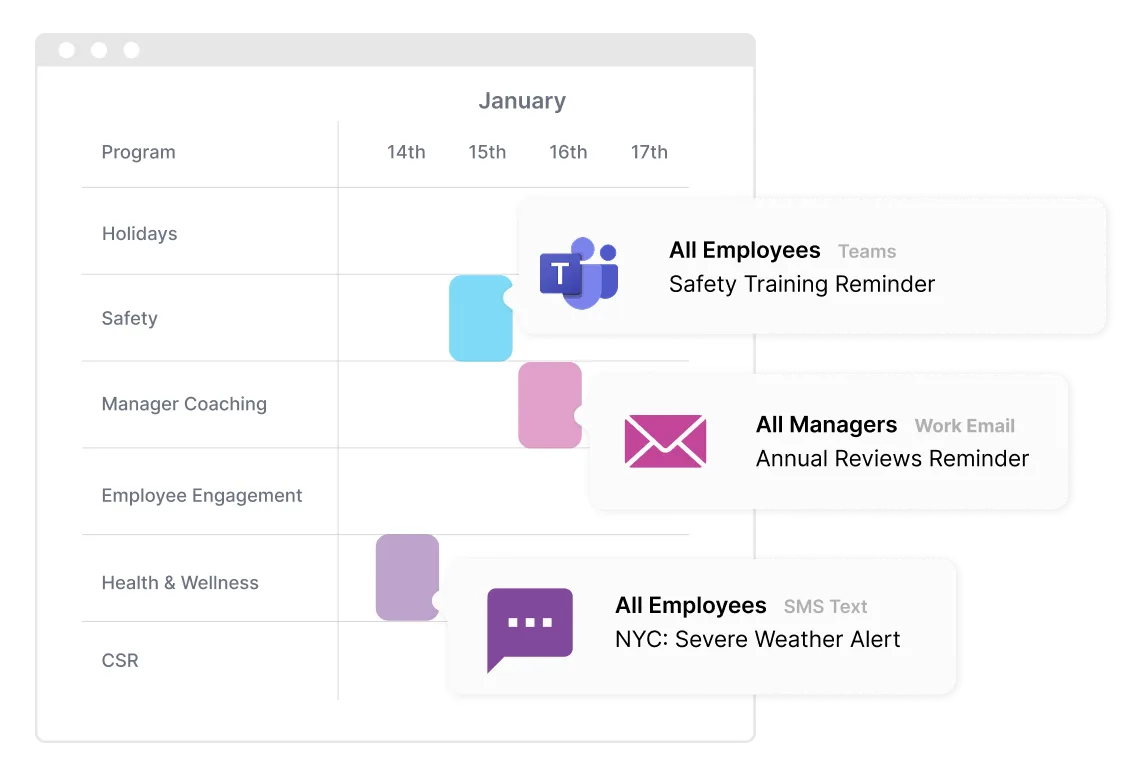
Send paths by Teams, Slack, email or text.
Explore Communication Orchestrator →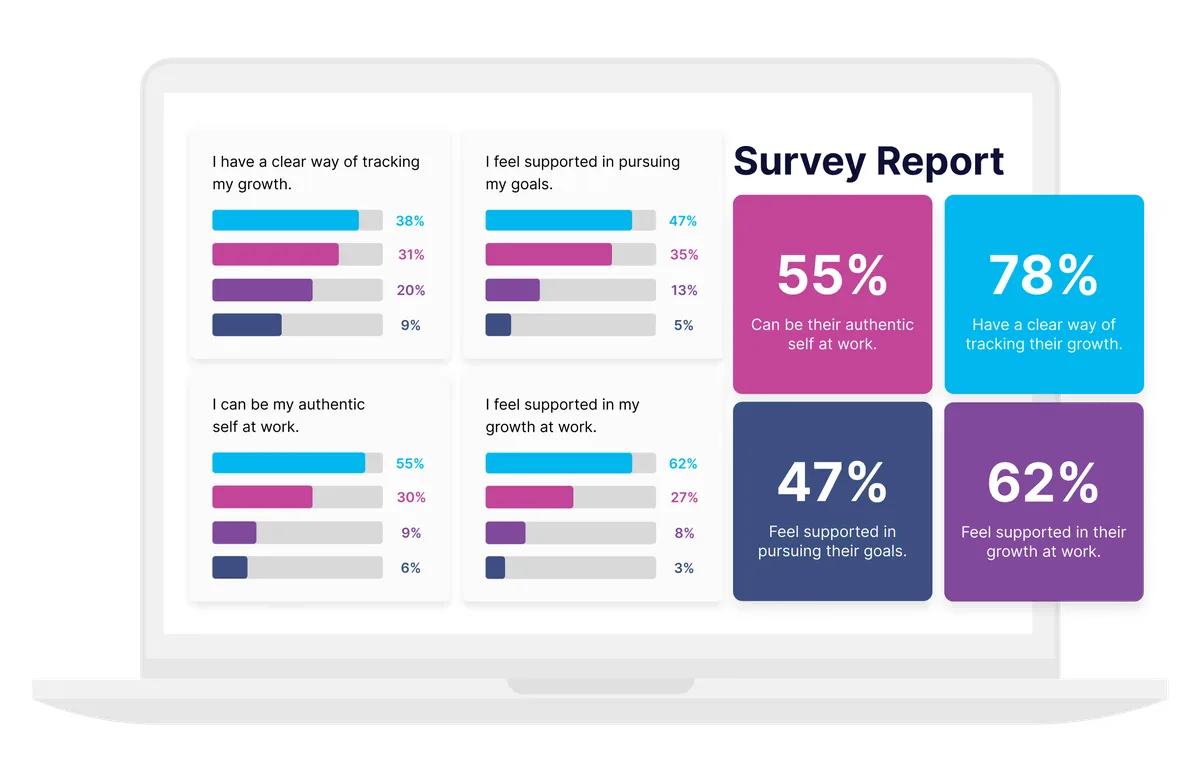
Track AI confidence and sentiment over time.
Explore Surveys and Listening →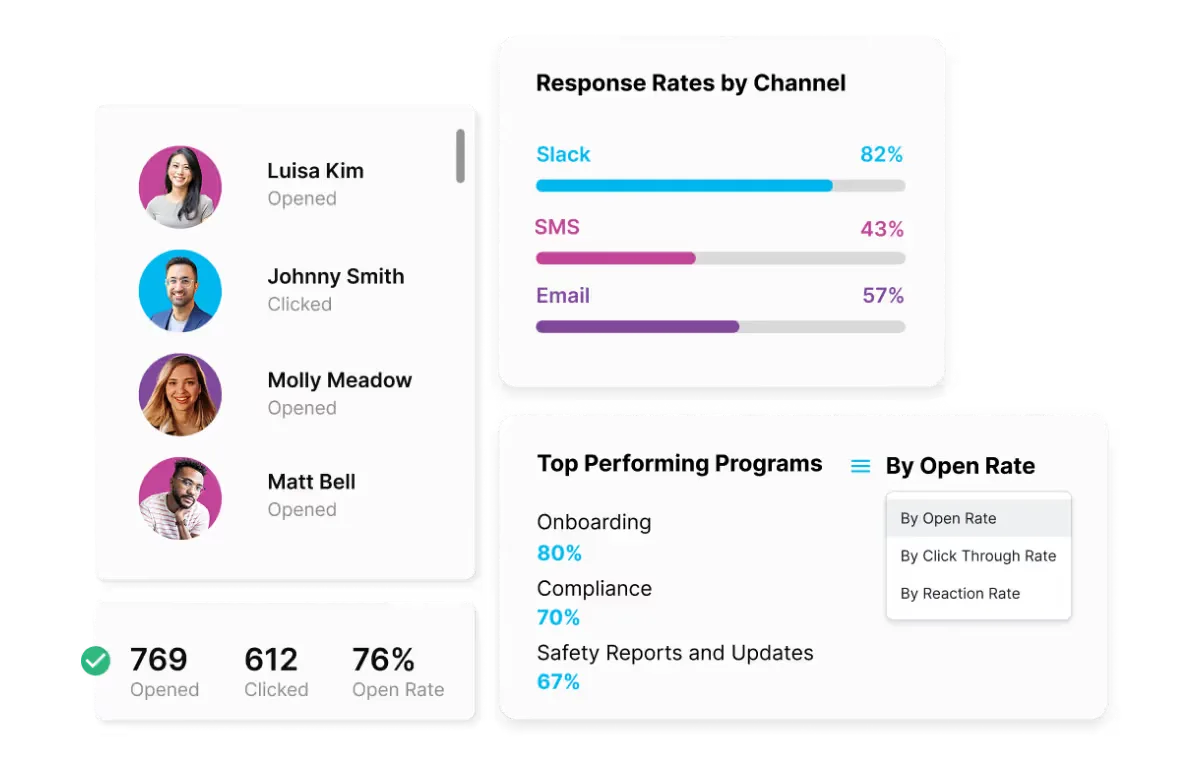
See completion and engagement by team.
Explore Engagement Analytics →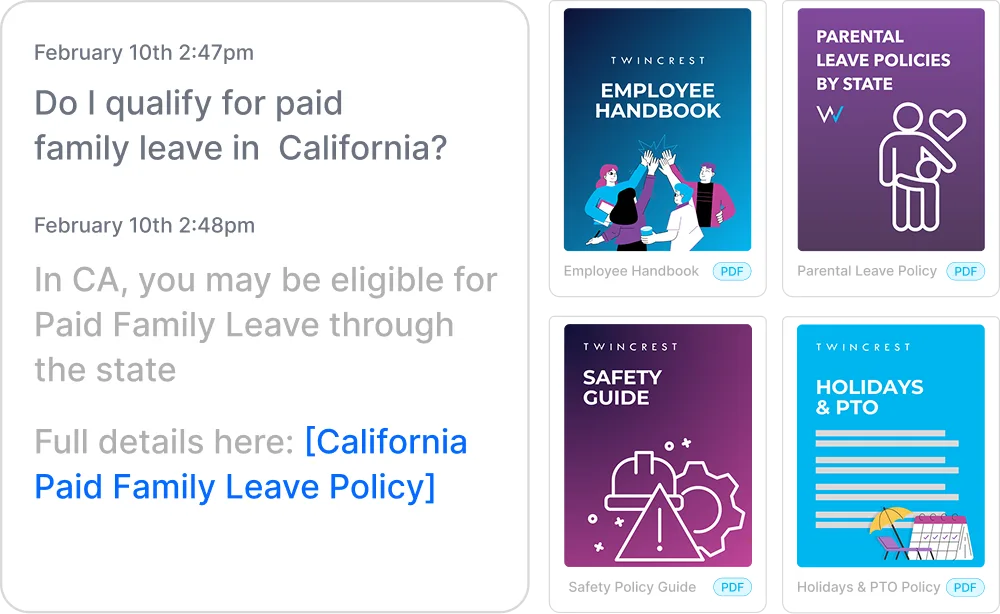
Answers what's allowed, from your own AI policy.
Explore HR Knowledge Agent →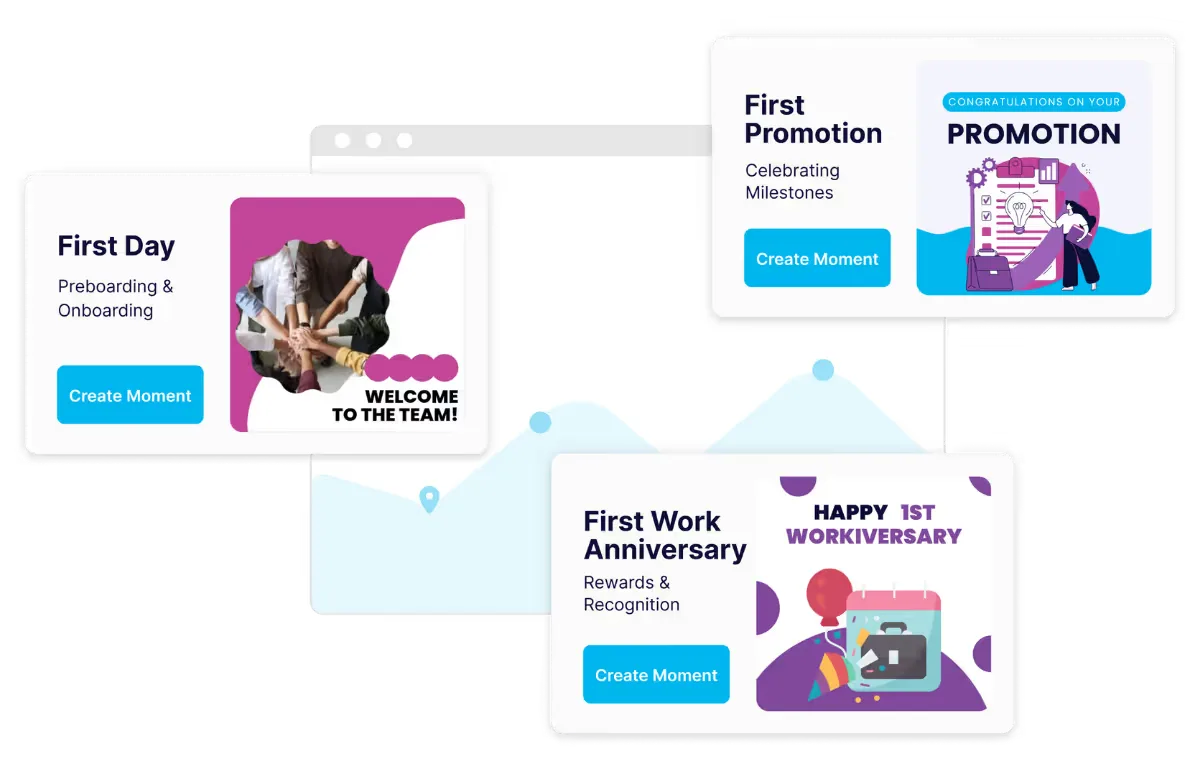
Recognize finishers and share wins automatically.
Explore Rewards and Recognition Automation →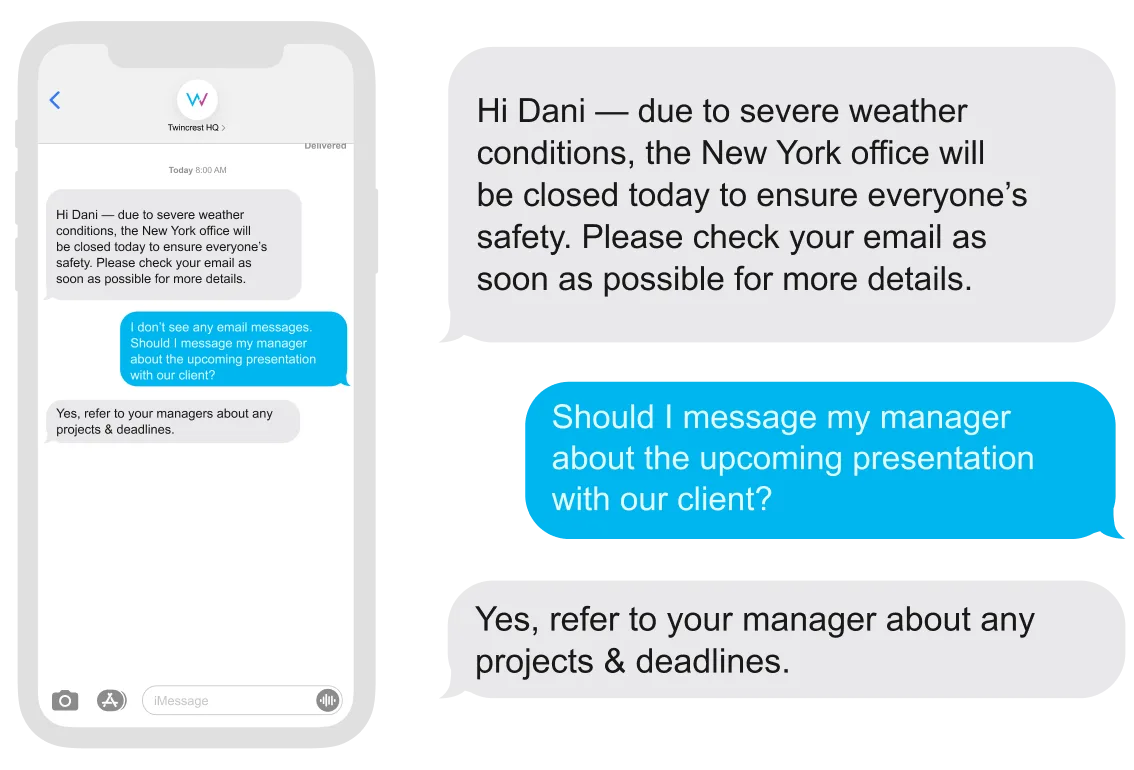
Reach field teams who never open Teams.
Explore Two-Way SMS Agent →
ChangeEngine provides a forward deployed engineer who builds whatever custom apps your AI rollout needs, from a shared prompt library to an adoption dashboard, and ships them inside your Employee Hub.
Built with your team and approved by IT before anything goes live.
Completion, confidence and engagement by team, role and location, in one report you can forward. Then nudge only the teams that are behind.

Licenses, access and security guidance that people actually read.
Role-based paths without building a course.
A rollout plan that runs itself.
Wins and examples that make it real.


"It feels like we've added a full headcount, but better. We save time, stay on brand, and the AI upgrades are game-changing for manager comms."

"The ease with which the team was able to create meaningful content and on-brand graphics saved us countless hours and helped us drive engagement across the organization."

"ChangeEngine has an expansive and ever-growing content library, a powerful AI tool, and a dedication to communication and culture enhancement that is world-class."

Our team starts building your first program while IT connects your HRIS, and your forward deployed engineer scopes anything custom.
Logo, colors, fonts and tone set once.
Roles, teams and locations sync.
Drafted by AI, reviewed by your team.
Reads and actions by team and location.
There is no new app for employees, no code to maintain and nothing to host. ChangeEngine connects to the systems IT already runs through standard, auditable integrations.
SOC 2 and ISO 27001 certified and GDPR compliant, with documentation ready in the Trust Center.
SAML or OAuth single sign-on with optional 2FA. Employees reach the hub with Google or Microsoft sign-in.
Encryption in transit and at rest, with data residency in the US, EU or Canada. Content is generated inside your ChangeEngine environment.
The MCP runs inside the assistant you already approved and acts with the signed-in user's permissions. Nothing sends without an approval.
Workday, ADP, BambooHR, UKG and 75+ more, plus Active Directory, Teams, Slack and SharePoint, all through standard APIs.
Role-based permissions and approval steps, so comms, legal and leadership sign off before anything goes out.
The communications, learning and change work that turns AI licenses into daily habits: what's approved, how to use it in each role, manager support and proof of adoption.
It works alongside your LMS. ChangeEngine delivers short lessons, nudges and manager talking points in the flow of work, and can link to longer courses where you already host them.
Yes. Security essentials, approved tools and acceptable-use guidance go out first, in plain language, and the HR Knowledge Agent answers follow-up questions from your policy.
Yes. ChangeEngine runs the rollout for whichever assistant you choose, and the ChangeEngine MCP plugs into those same assistants so your team can run comms from inside them.
Learning path completion, engagement and confidence pulses by team and role, in a report you can forward to leadership.
Field and frontline teams get the same paths by text, WhatsApp or the Employee Hub on their phone.
We'll build the 30-day plan live on the call, for your real teams.


