Your people are on the floor, on the road and on rotating shifts. ChangeEngine turns one update into a text, a poster, a Slack/Teams post and a hub page, targets it by site and shift from your HRIS, and shows you which locations still haven't seen it.

.svg)


.svg)

Operations teams run on shift patterns, site leads and break-room flyers. The message usually exists. It just stops at the people with a laptop. That is the gap ChangeEngine closes.
Texts and QR posters reach hourly and field staff on their own phone, with no app to download.
Messages go out by shift and time zone, not 9am at headquarters, so nothing lands mid-task.
Read rates by site, shift and crew, with automatic re-sends to the people who missed it.
Most operations teams stitch together personal group chats, printed notices and a spreadsheet of phone numbers. ChangeEngine runs it all from one place, on your HRIS data, with a record of who saw what.
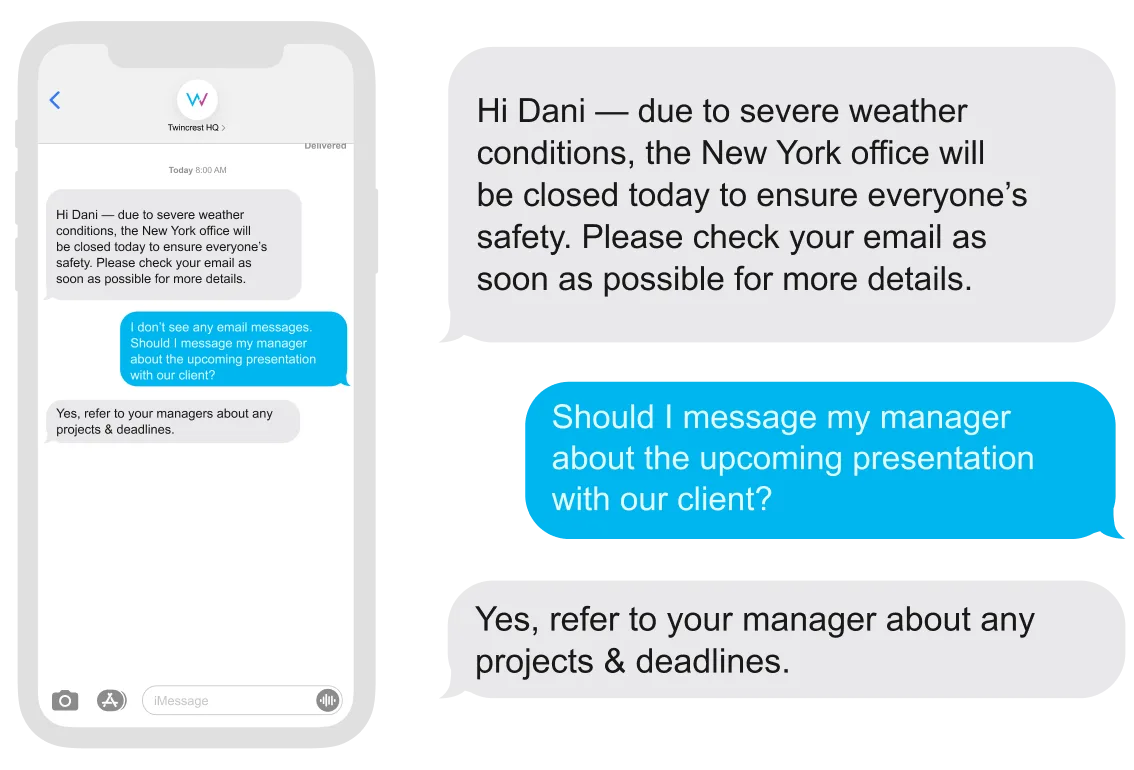
Texts to every shift, with replies routed to the right site lead.
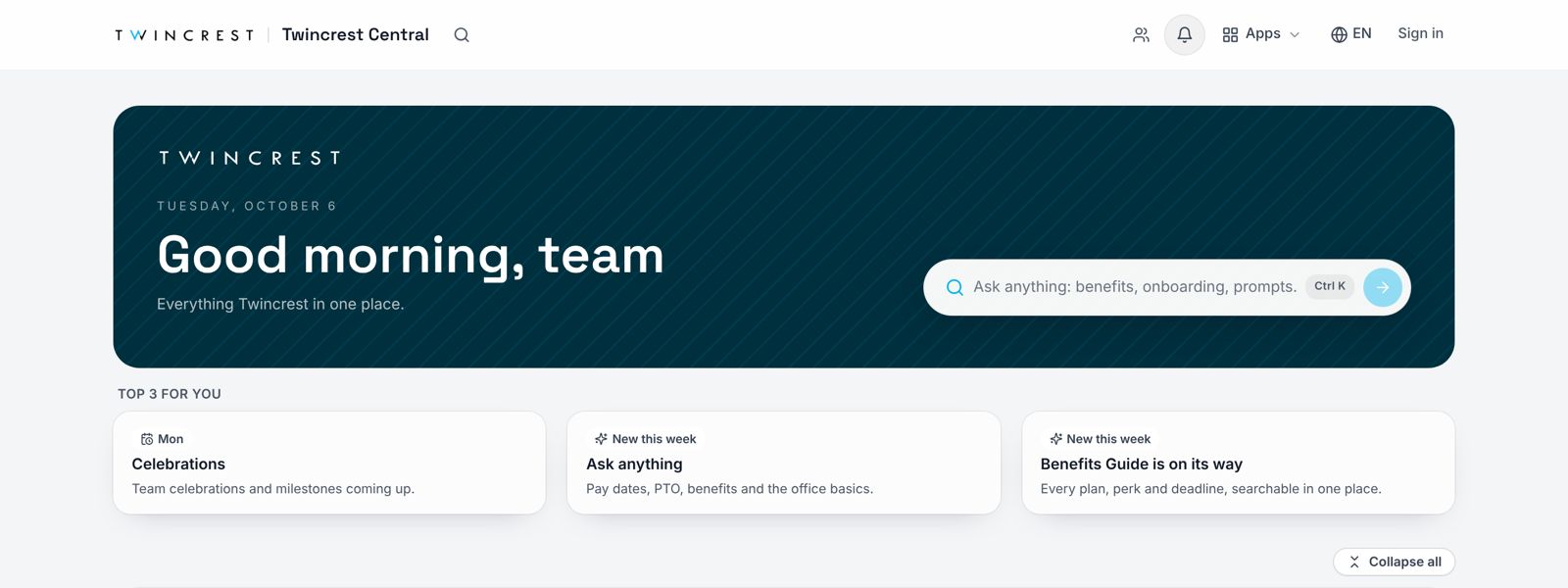
One link per site with schedules, safety and policies, on any phone.
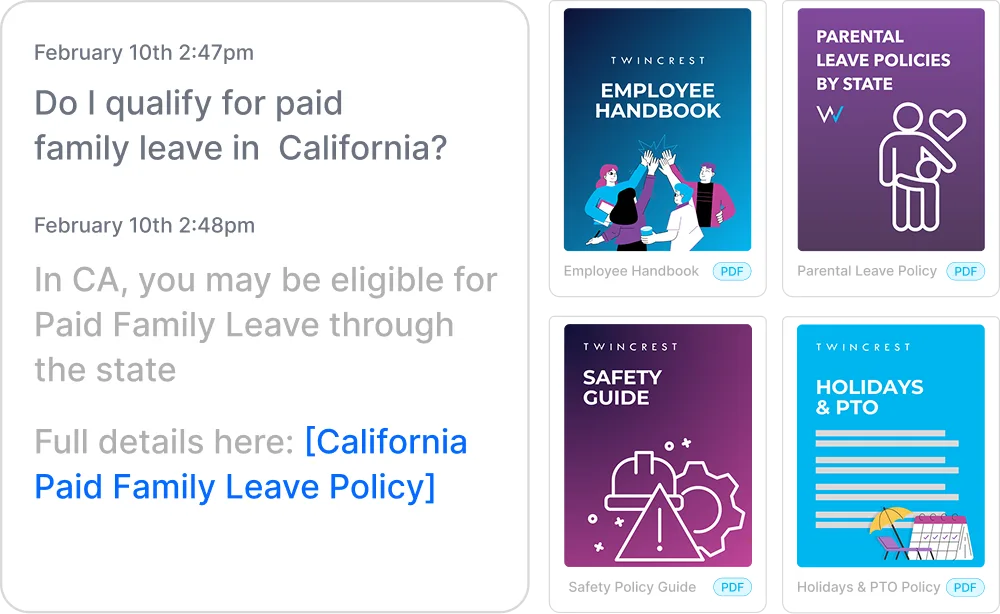
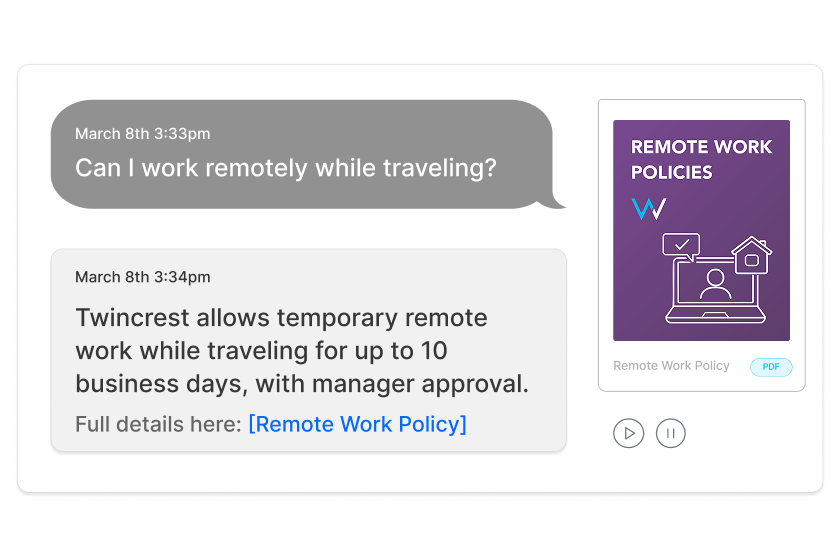
PTO, pay dates and PPE answers at 2am, by text, with the source.
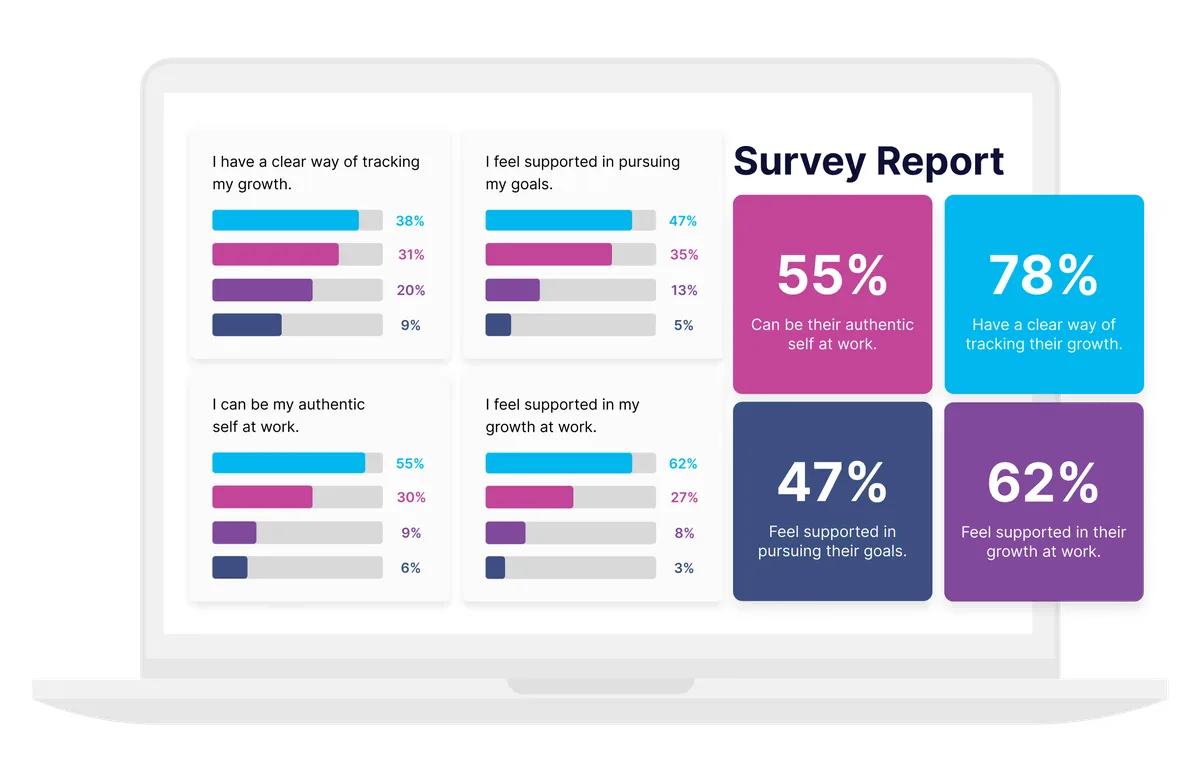
Pulse surveys by text, compared by site and shift.
Type what needs to go out and who needs it. The engine plans the channels, timing and languages.
The text, the poster, the hub post and the site-lead talking points arrive drafted in your brand. Edit anything.
Sends go out by site and shift from your HRIS data, in English, Spanish or any language your crews read.
Read rates by site and crew, with re-sends to anyone who missed it.
"Tell all three plants about Friday's safety stand-down. Shift leads first, then every crew by text, in English and Spanish."
Each one comes with the sequence, the channels and the reporting already set up. Start from one or describe your own.
Pre-shift briefs and stand-downs by text and poster, with reads by site.
Rota changes, closures and weather alerts that reach every shift fast.
Preboarding texts, a day-one hub and 30-day check-ins for every new hire.
Reminders only to the people due, with completion by site.
Safety milestones, anniversaries and shout-outs, not just at headquarters.
Open enrollment by text in their language, timed around payday.
Examples built in ChangeEngine for a sample brand. Yours start from your logo, colors and voice.
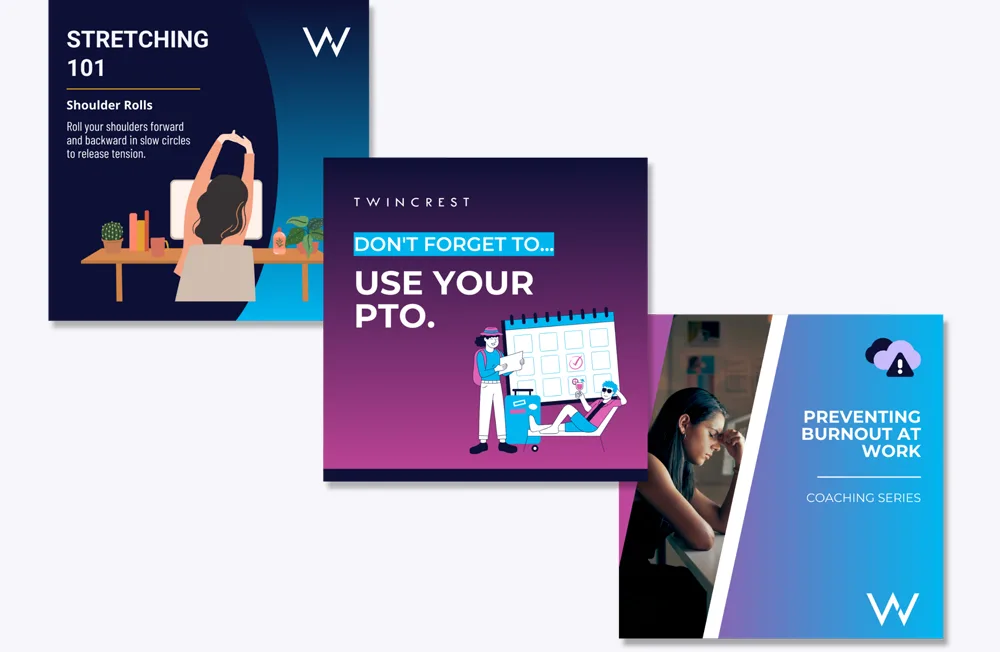
Tips, procedures and stand-downs as texts, posters and hub posts.
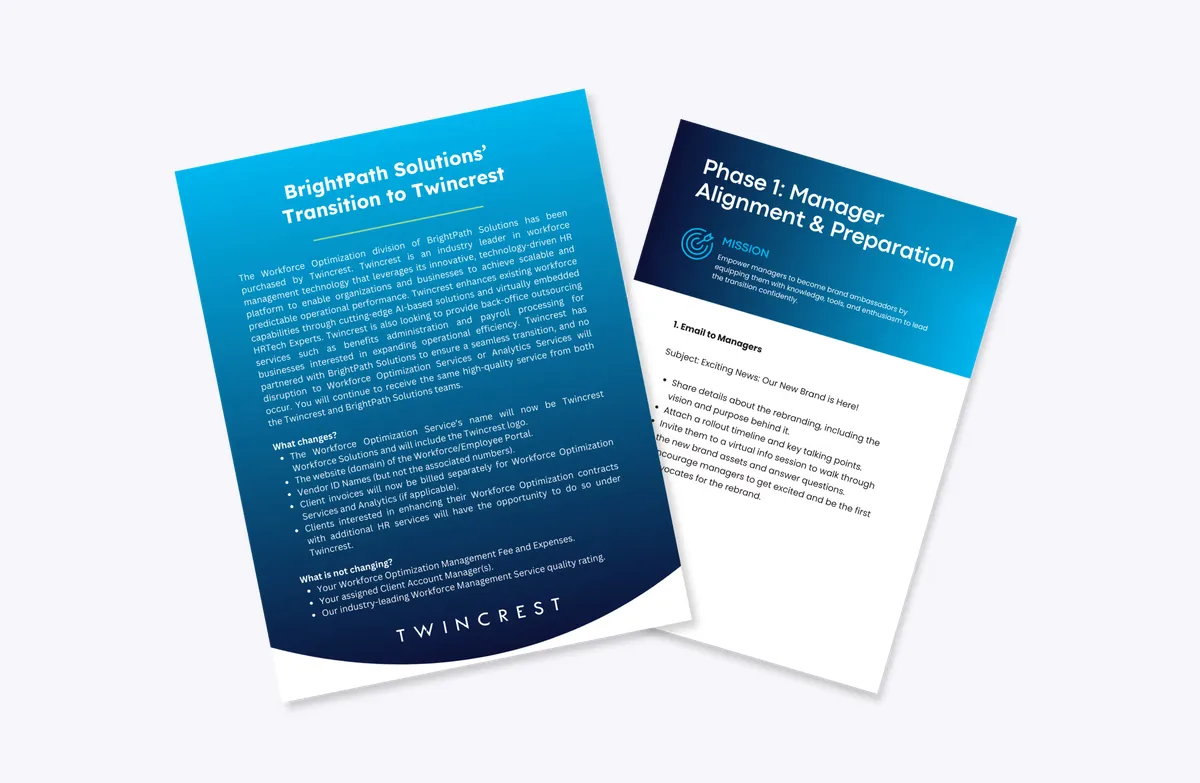
Closures and alerts that reach every phone in minutes.
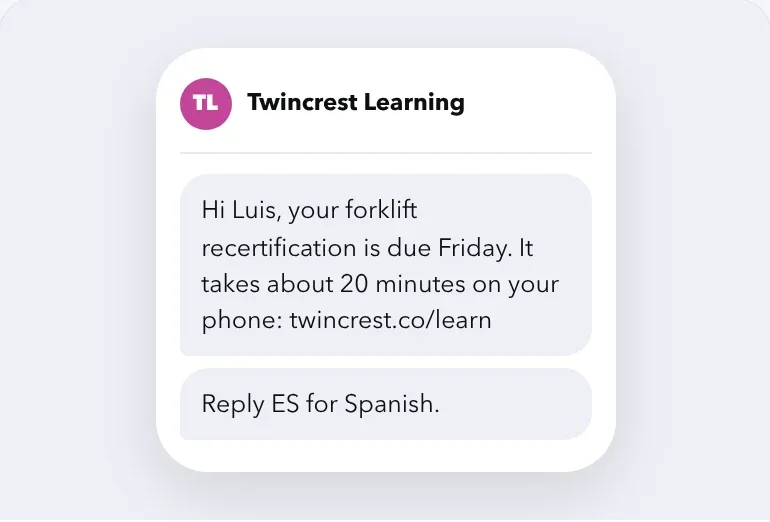
A text to each person who is due, with the link to finish.
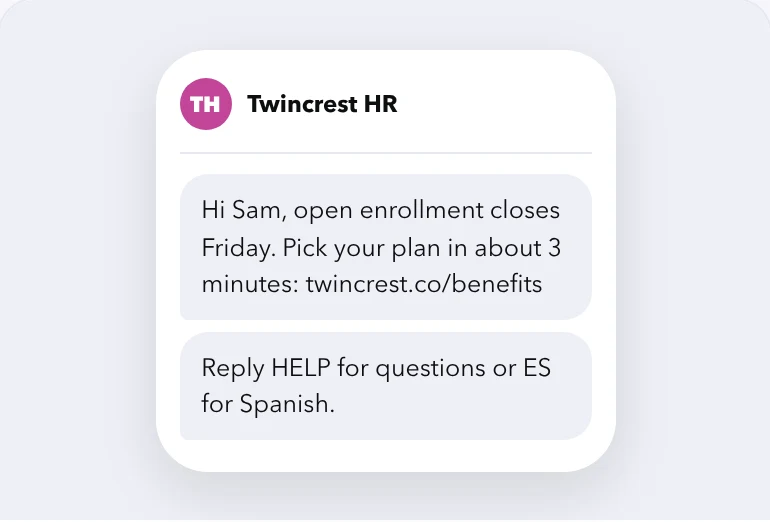
Enrollment deadlines by text, in each worker's language.
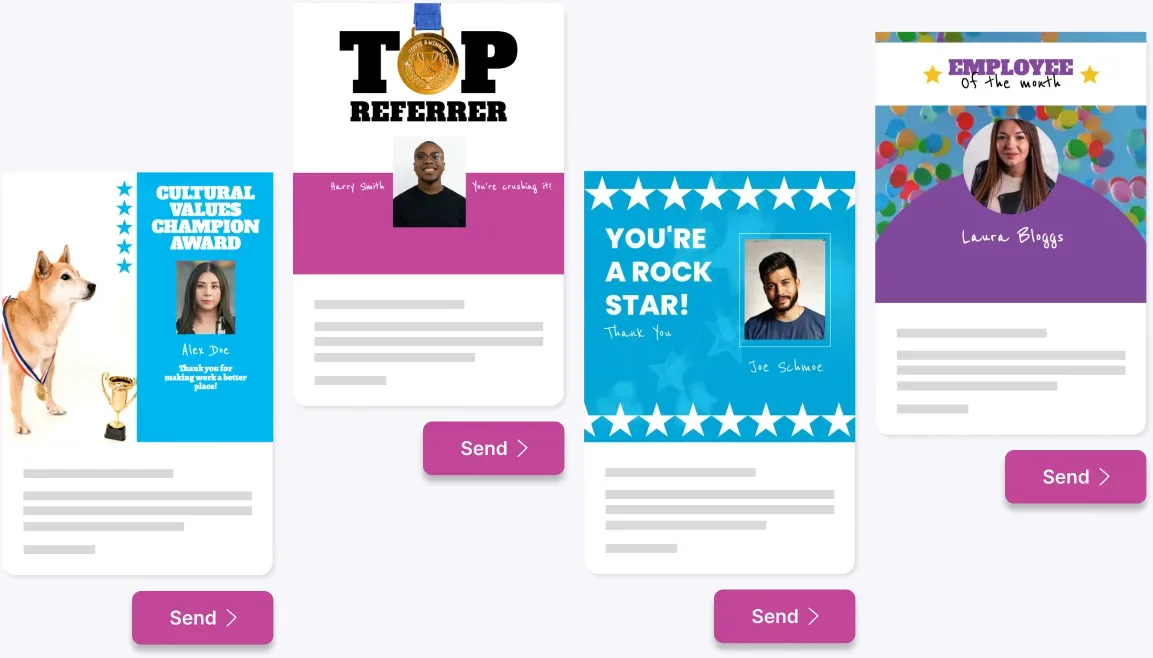
Recognition that reaches the floor, not just the inbox.

The same message as a text, a hub post and an email, from one draft.
The ChangeEngine MCP plugs into the AI assistant your company already approved. Ask in plain English and it drafts the update, builds the audience by site and shift, schedules the send and reports back. Your approvals stay in charge.
Send tomorrow's safety brief to second shift at all Ohio sites by text, and tell me which sites are below 80% read by noon.
Write it once. ChangeEngine sends it where each person actually reads: two-way SMS or WhatsApp for hourly and field teams, QR posters in the break room, and Slack/Teams or email for the office. Nothing new for crews to log into.
 SMS
SMS WhatsApp
 Mobile push
 QR posters
 Microsoft Teams
 Slack
Slack Outlook
 Gmail
Gmail SharePoint
Describe your sites and Employee Hub AI builds a branded hub in minutes: schedules, safety updates, policies and an Ask anything bar. Crews open it from a text or a QR code. No app store, no password to forget.


"Sending personalized internal communications has never been easier."

"Create beautiful, practical and action-orientated communications."

Supervisors get the update and talking points before their crew does, by text or Slack/Teams. The message sounds the same at every site, and you can see which leads passed it on.
The unglamorous parts that decide whether an update reaches the night shift at the right site in the right words.
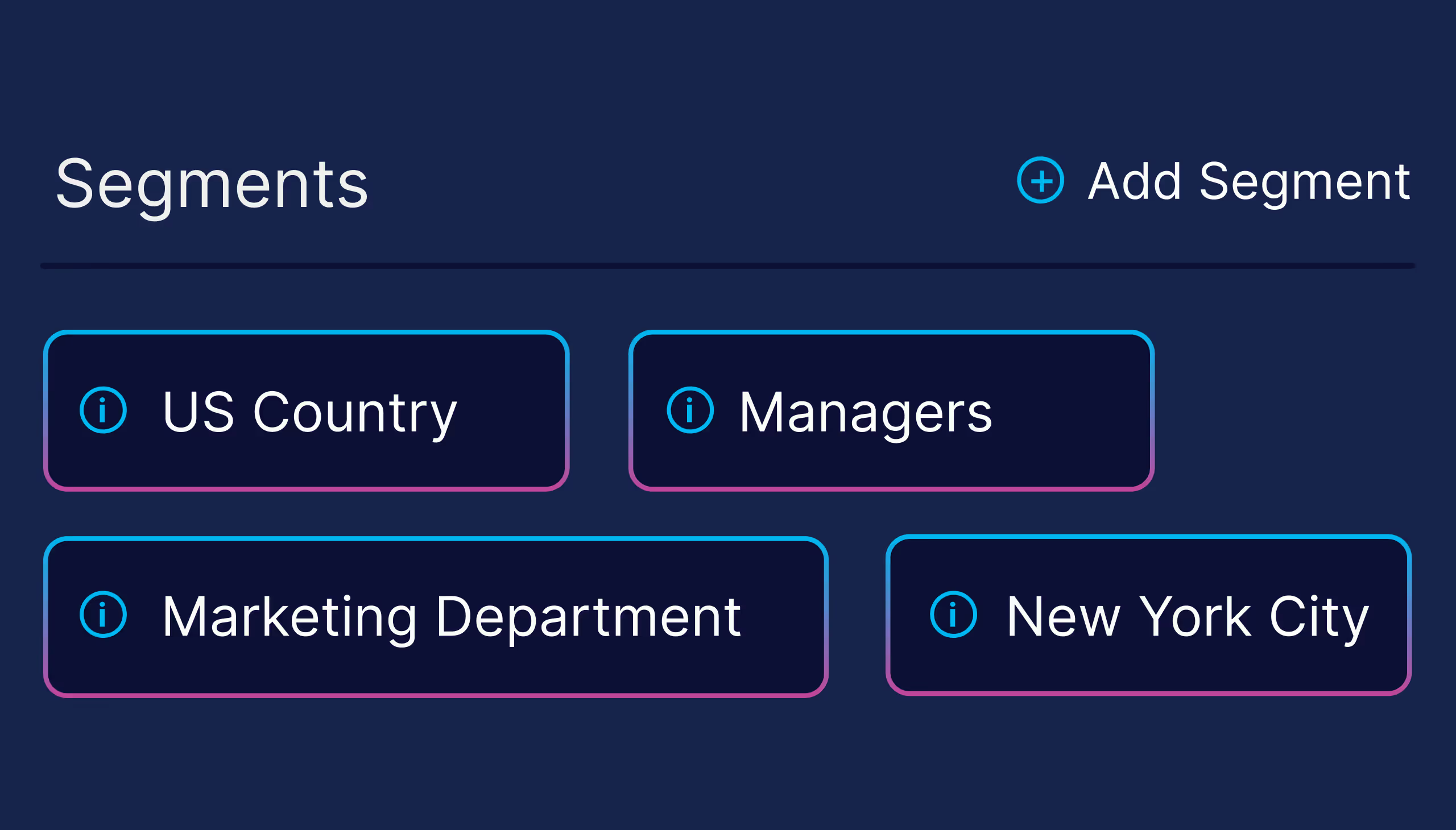
Audiences come from HRIS fields like site, shift, role and supervisor, and stay current as people move.
Send at shift change in every location, in every language your crews read.
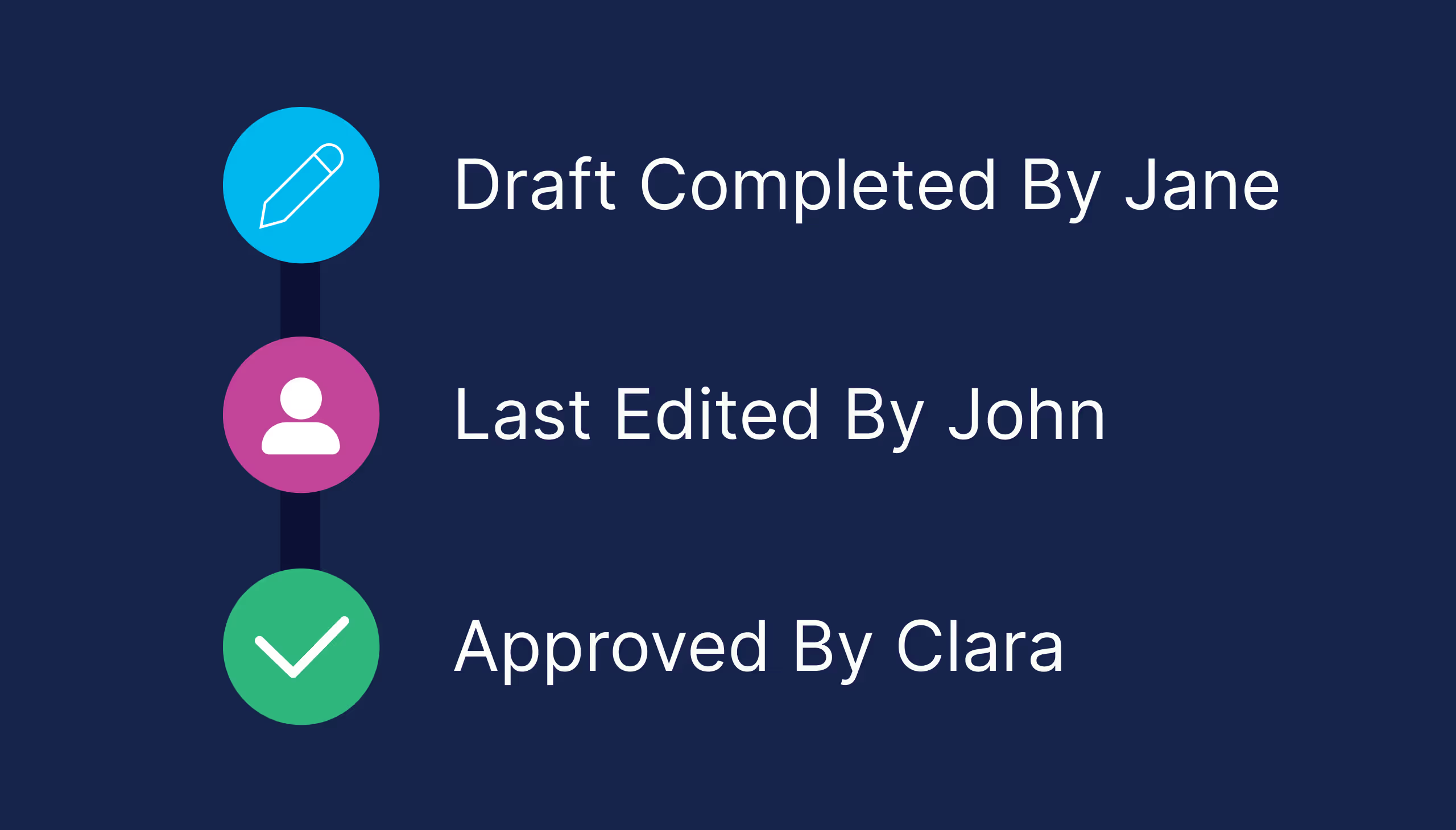
Safety, legal and site leaders sign off before anything goes out.

Reads per person, per site and per channel, so re-sends only go where they are needed.

UKG, Workday, ADP, Rippling, BambooHR and more keep sites and shifts in sync.

Text, poster, hub, Slack/Teams and email from the same message.
Group texts reach people but leave no record. Frontline apps keep a record but need a download. ChangeEngine reaches everyone and proves it.
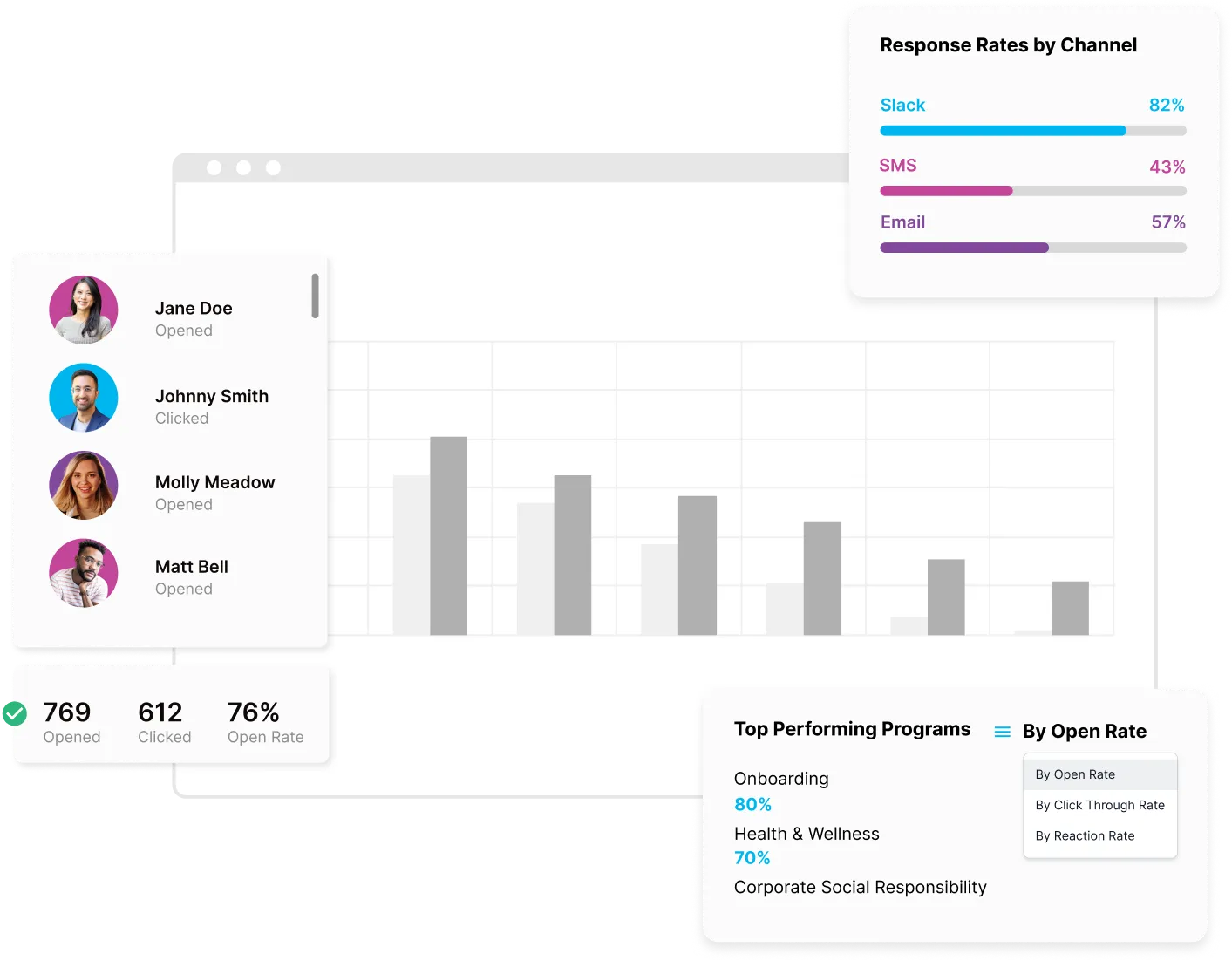
Reach, reads and replies by site, shift and channel, so you can show which locations got the message and which need a second push before the audit does it for you.
Our team starts drafting your first safety and schedule updates while your HRIS connects. Your forward deployed engineer builds any site app you need, from a safety pass to a shift-swap board.
.avif)
Logo, colors, fonts and tone set once. Every AI draft starts there.
UKG, Workday, ADP or one of 75+ others syncs sites, shifts and supervisors.
Your first safety brief and schedule update go out, reviewed by your team.
Reads and replies by site and shift, ready to forward.
There is no new app for employees, no code to maintain and nothing to host. ChangeEngine connects to the systems IT already runs through standard, auditable integrations.
SOC 2 and ISO 27001 certified and GDPR compliant, with documentation ready in the Trust Center.
SAML or OAuth single sign-on with optional 2FA. Employees reach the hub with Google or Microsoft sign-in.
Encryption in transit and at rest, with data residency in the US, EU or Canada. Content is generated inside your ChangeEngine environment.
The MCP runs inside the assistant you already approved and acts with the signed-in user's permissions. Nothing sends without an approval.
Workday, ADP, BambooHR, UKG and 75+ more, plus Active Directory, Teams, Slack and SharePoint, all through standard APIs.
Role-based permissions and approval steps, so comms, legal and leadership sign off before anything goes out.

No. Updates arrive by text, WhatsApp or a QR code to the hub, on the phone they already carry.
Yes. Audiences sync from your HRIS, including UKG, Workday and ADP, so site, shift and supervisor stay current.
Each update can go out in every language your crews read, set per person from your HRIS.
SOC 2, ISO 27001, GDPR, SSO and data residency in the US, EU or Canada.
You choose the channel per person. Anyone without SMS consent gets the QR poster and hub link instead.
Yes. Two-way SMS routes replies to the right site lead or HR, and the HR Knowledge Agent answers common questions on its own.
Yes. Closures, weather and safety alerts go out by SMS and push in minutes, with re-sends to anyone who has not opened them.
Reads, replies and actions by site, shift, crew and channel, exportable for leadership and audits.
Yes. Anyone in your HRIS or an uploaded list can receive updates, with their own audience rules.
Most operations teams are live in under two weeks, integrations included, with our team drafting the first updates.


