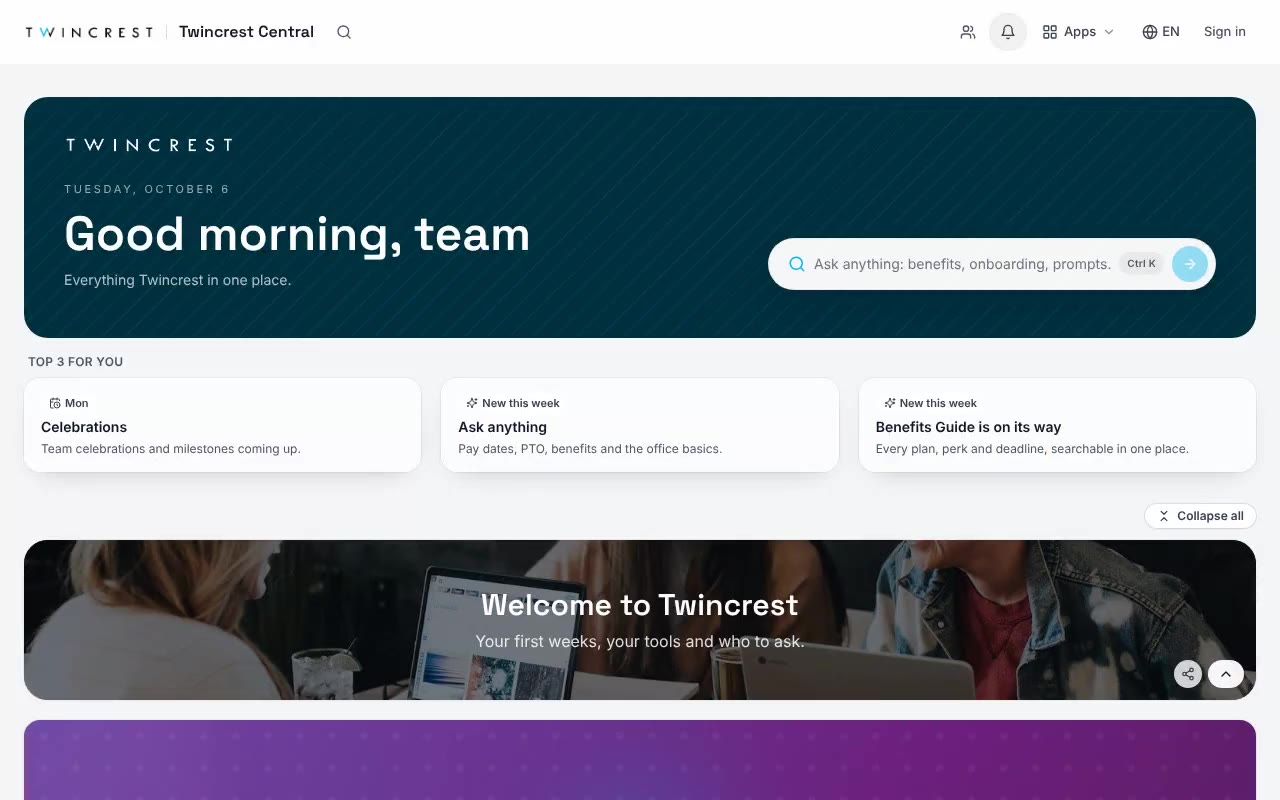
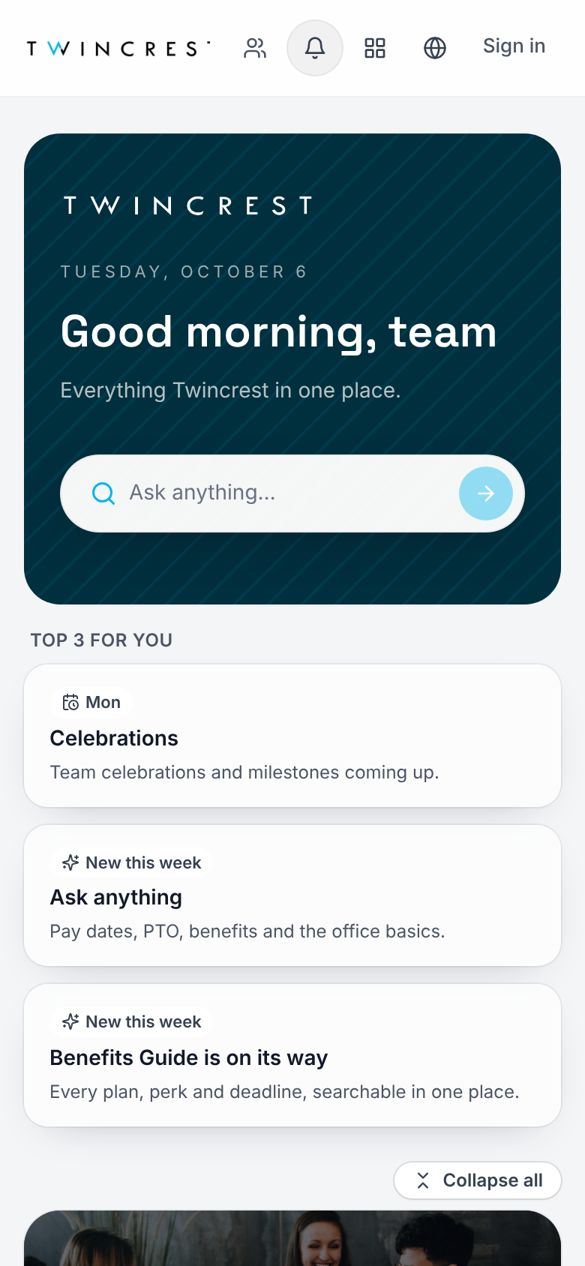
ChangeEngine sits on top of Microsoft 365. Your hub runs as a Teams tab or a SharePoint web part, your audiences update themselves from your HRIS, and every update reaches Outlook, Teams and phones with proof of who read it.

.svg)



.svg)
Microsoft 365 stores and shares. ChangeEngine decides who should hear what, gets it in front of them, and tells you if it landed.
Documents, libraries and team sites stay where they are. The hub links straight to them.
No new app to roll out. Messages land in the tools people already open every day.
SSO through your identity provider, your admin roles and your rules. IT keeps control.
Audiences built from Workday, ADP and 75+ HRIS platforms update as people join, move and leave.
One message to Outlook, Teams, text and the hub, timed to each person, with follow-ups to only the people who missed it.
Reads, clicks and responses by team, location and manager for every send, ready for leadership.
Nothing to rip out. Pin the hub in Teams, drop it on your SharePoint home, or both.
 Microsoft Teams · Twincrest Central
Pin it for every team. Same hub, same answers, no new app.
 SharePoint · Home
Drop it onto your existing SharePoint home and let it do the talking.
Your People team moves fast. Your IT team keeps control.






SOC 2 and ISO 27001. GDPR compliant, with data residency in the US, EU or Canada.
SSO over SAML or OAuth, SCIM provisioning, and content shown by HRIS attributes like role and location.
Word-level audit logs, role-based editors, and AI providers contractually barred from training on your data.
Run the hub on your own subdomain, like central.yourcompany.com, with a couple of DNS records.
The hub is the home base. Your updates still land in the inbox, the chat app and the phone.
A home-screen icon and push notifications. No app store, no MDM project.
Open the link, use the hub. Editors sign in with a one-time code; IT can add SSO.
Your logo, colors and illustration style on every tile, every email and every poster.
Outlook lists are kept current by IT tickets, so every all-staff email reaches people who left and misses people who just joined. ChangeEngine segments come straight from your HRIS and fix themselves.
No. Keep your sites, files and permissions. ChangeEngine adds the front door and the delivery layer on top, and links to what already lives in SharePoint.
Your hub can be pinned as a Teams tab and dropped onto your SharePoint home as a web part. Messages also post to Teams chats and channels, alongside Outlook and text.
Yes. Connect Copilot to the ChangeEngine MCP and ask it to draft a send, build an audience or pull last week's read rates, in plain words.
For people comms, yes. Segments come from your HRIS, so they stay current without tickets. Keep your lists for anything else IT uses them for.
Usually three things: approve SSO, approve the Teams app, and connect the HRIS. We handle the rest with them on a call.
We do, with you. Your ChangeEngine team owns adoption after go-live: monthly program reviews, read-rate reporting and a handoff plan if your champion moves on.
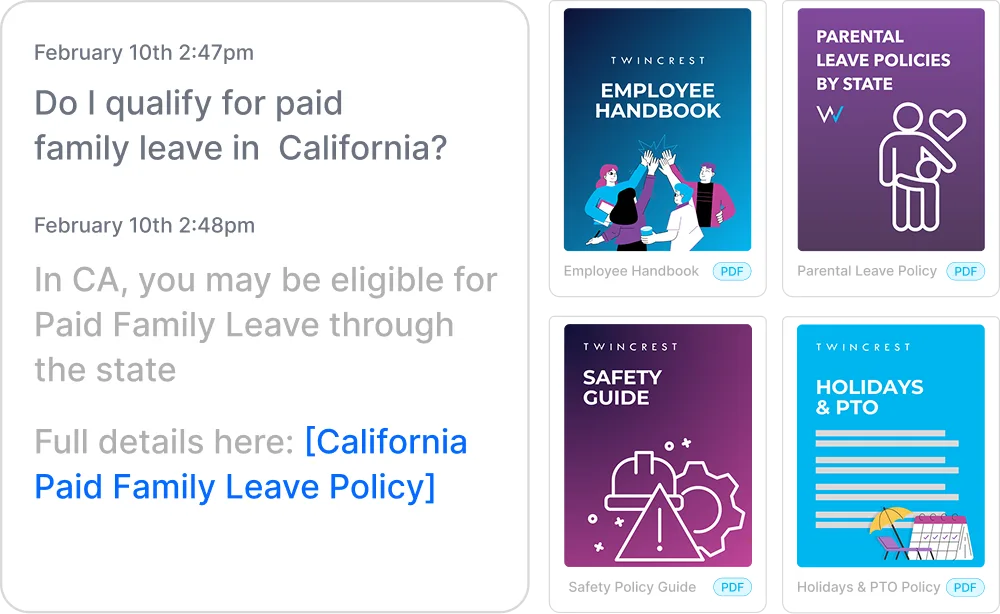
Instant, policy-grounded answers in the hub, Slack and Teams.
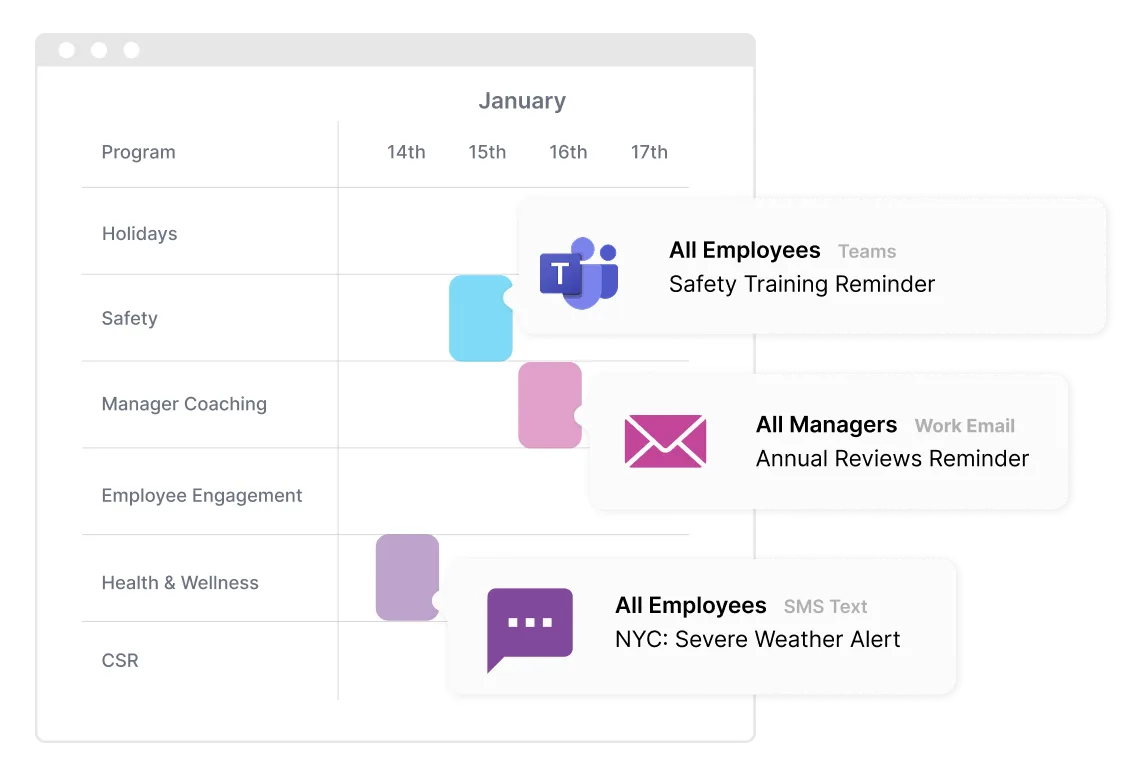
One message, every channel, timed to each person.
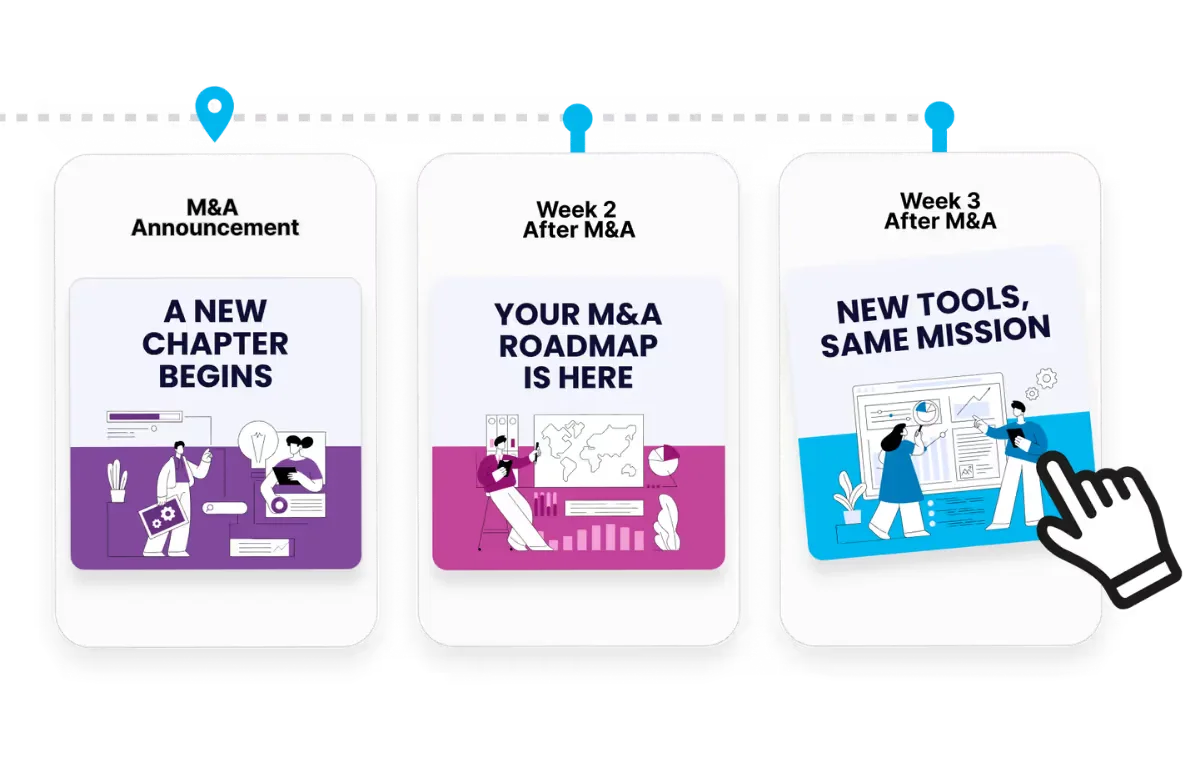
Onboarding to offboarding, triggered by your HRIS.
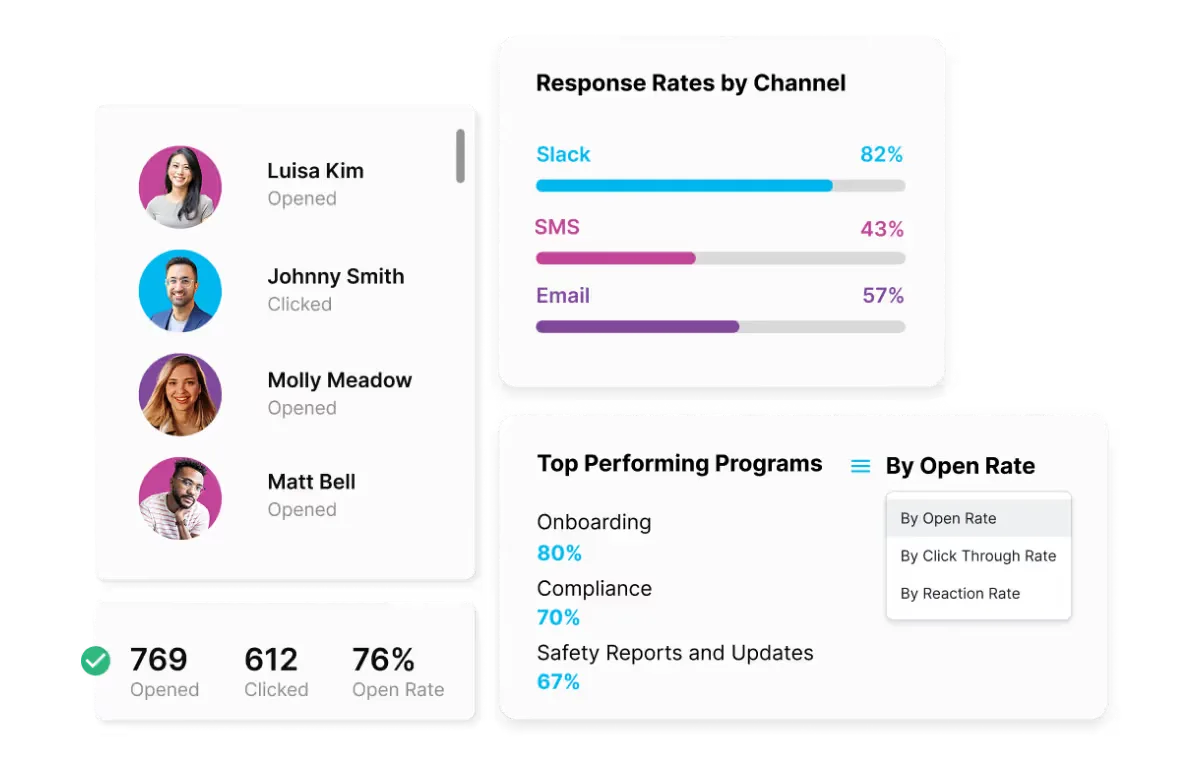
Proof for leadership, by team, channel and program.
See a hub built on your own brand in a 30-minute call, or start one yourself right now.

