Most of your workforce isn't at a desk. ChangeEngine writes each update once and sends it where every person actually reads it: text, WhatsApp, Teams or a QR poster in the break room, in their language and at the start of their shift. From our app, or the AI assistant you already use.


 through the ChangeEngine MCP

.svg)


.svg)

Frontline teams say it in different words, but it's the same problem: the tools they have can't reach everyone. Updates sit in an inbox nobody on the floor checks, so news travels by word of mouth and arrives late, or wrong.
Hourly, field and shift teams often don't have a work email. ChangeEngine sends by text and WhatsApp, with nothing to download.
Supervisors get talking points the day before, so every site hears the same thing, the same way.
Every send goes out in local time and the right language, pulled from your HRIS.
A typical frontline rollout, drafted from one prompt. Swap in a safety alert, a schedule change, a benefits deadline or a weather closure.
Supervisors briefed
Talking points and a one-page FAQ to every shift lead.
Posters up
QR posters in break rooms, linking to the full update on the hub.
The update lands
A short text in English or Spanish at the start of each shift.
Questions answered
People reply by text and the SMS agent answers from your policy.
Nudge the unread
A reminder only to people who haven't opened it, on their best channel.
Supervisors see who's missing
Each lead gets the names on their team who still haven't seen it.
Pulse check
Three questions by text to confirm the change landed.
Tell the engine what changed, who it affects and which sites.
The text, poster, supervisor talking points and FAQ arrive drafted in your brand, in English and Spanish.
Sends go out by shift and local time from your HRIS data. Replies route to the SMS agent.
See reach by site, shift and channel, and who still hasn't seen it.
"New PPE rule at all four plants starting Monday. Hourly staff, mostly no email. Spanish where needed. Keep it short."
Examples built in ChangeEngine for our sample brand, Twincrest. Short, visual and easy to read on a phone.
Short, personal and in the right language. Nothing to download.
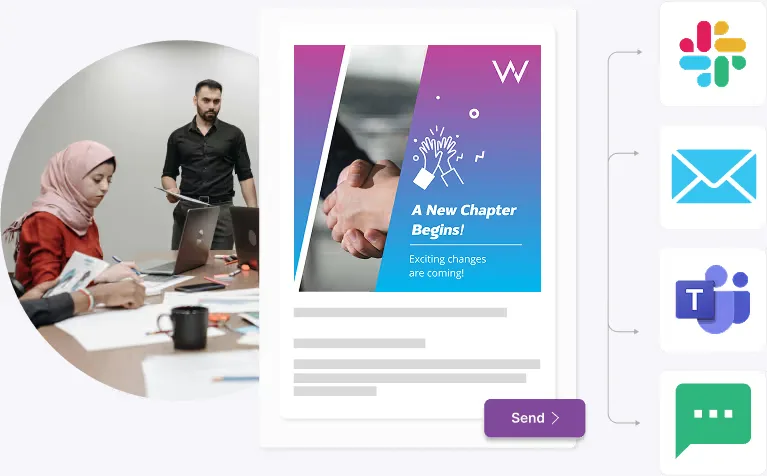
Write it once. Each person gets it where they actually read.
Talking points before every rollout, so every site hears the same thing.
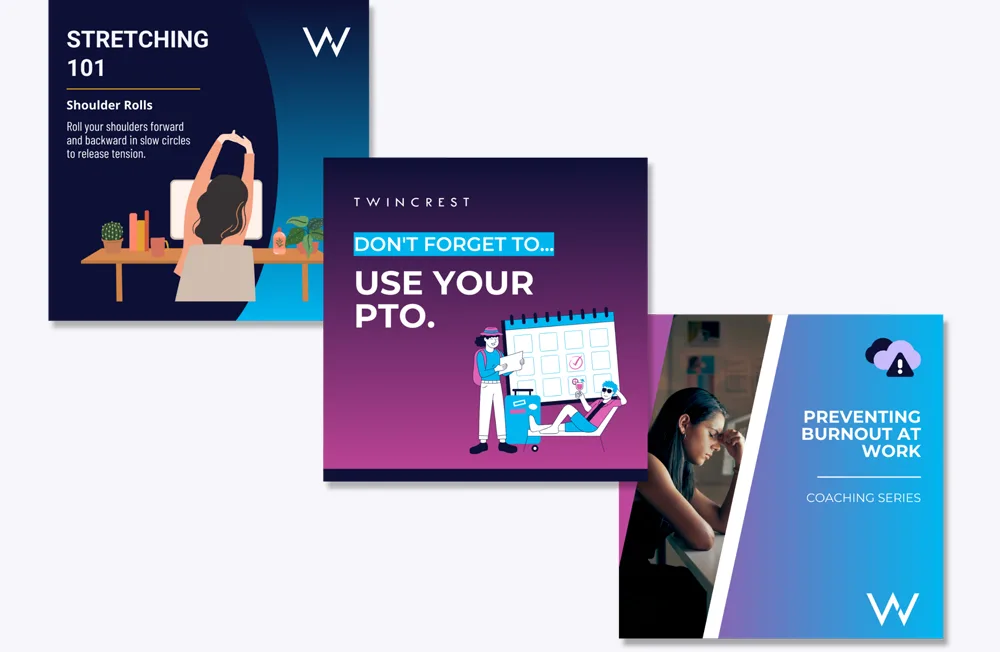
Short, visual tips for the wall, the phone and the huddle.
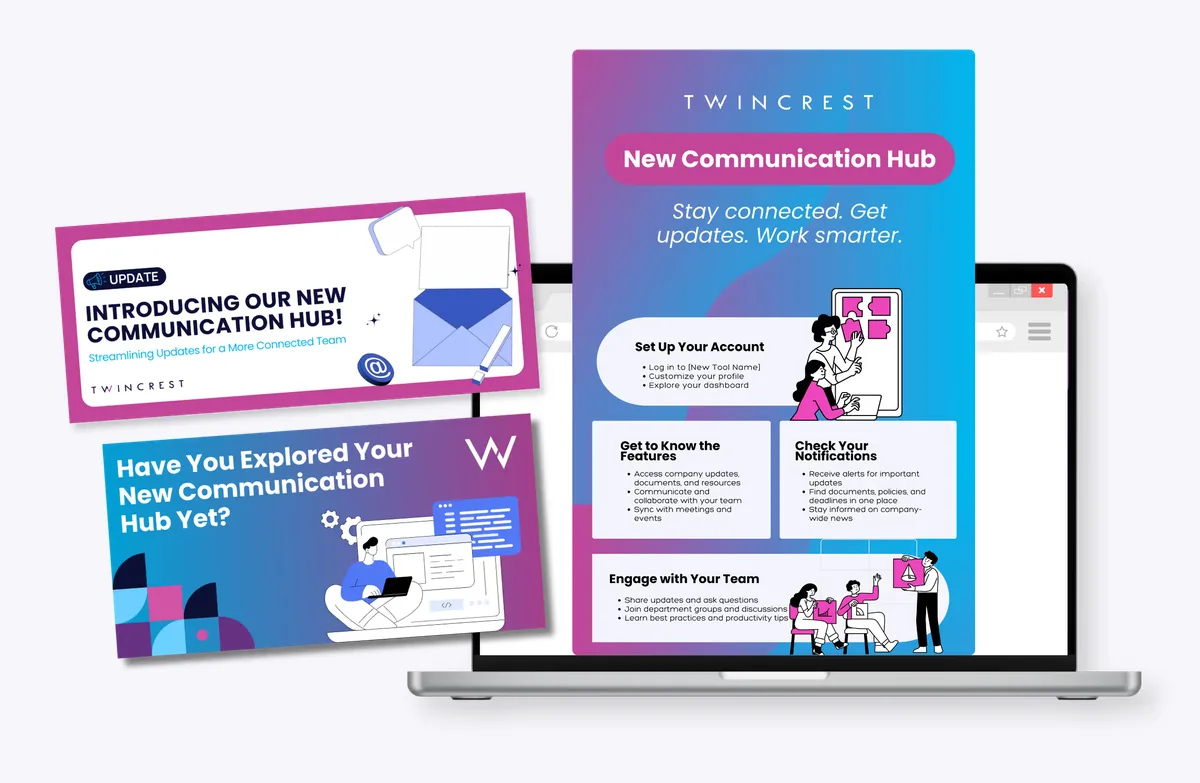
News, schedules and policies on any phone, no app store needed.
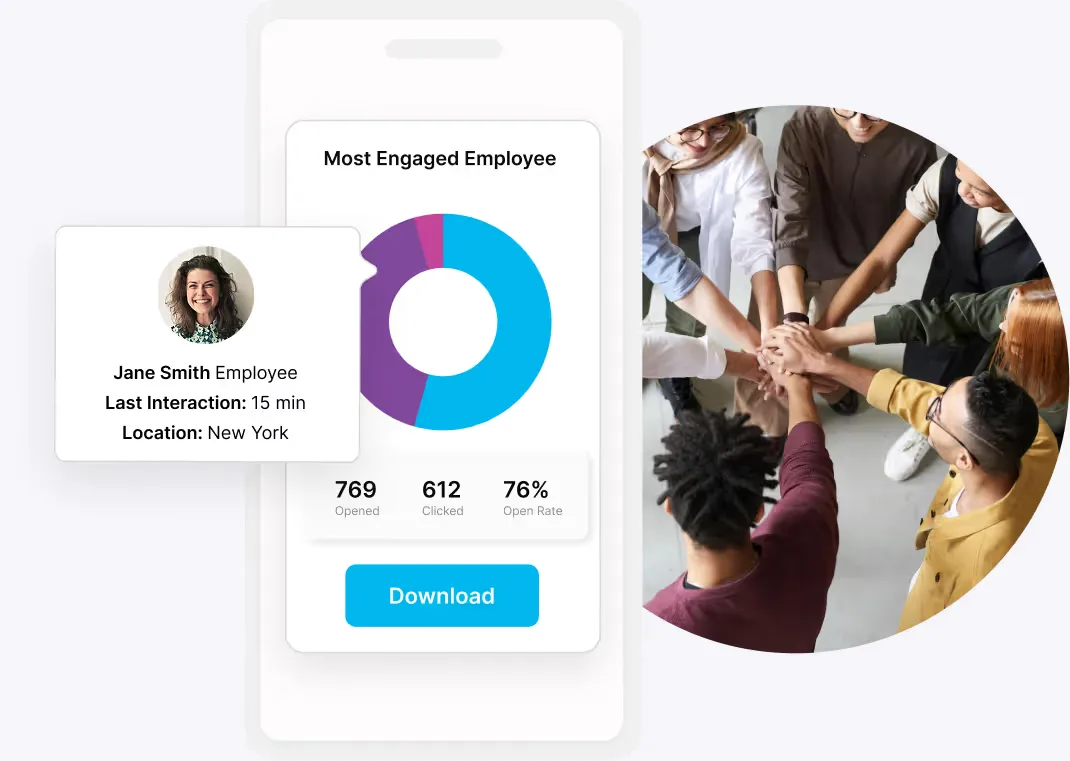
See who opened, by location, and who still needs a nudge.
Your frontline hub opens from a text link or a QR code on the break-room wall. Schedules, policies, benefits and news in one place, in each employee's language, with an HR agent that answers at 3am.
The ChangeEngine MCP plugs into the AI assistant your company already approved. Ask it to reach a site, a shift or everyone, and it drafts, segments and schedules in your brand. Your roles and approvals stay in charge.


MCP (Model Context Protocol) is the open standard AI assistants use to connect to business systems.
Snow is closing the Denver warehouse tomorrow. Text everyone on the morning shift tonight at 7pm, English and Spanish, and tell supervisors first.
Done. Both sends are waiting for your approval in ChangeEngine.
From 1,000+ retail employees across 14 states to plants, field teams and offices in three countries.
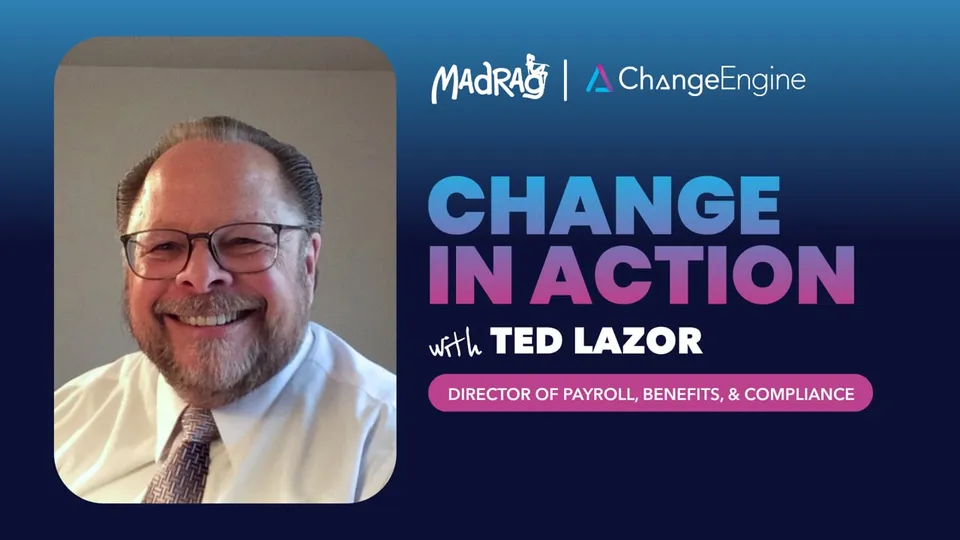 ▶
▶MadRag used ChangeEngine to reach 1,000+ retail employees across 14 states. Driving 800% enrollment growth, top Earned Wage Access adoption, and zero benefit cost increases.
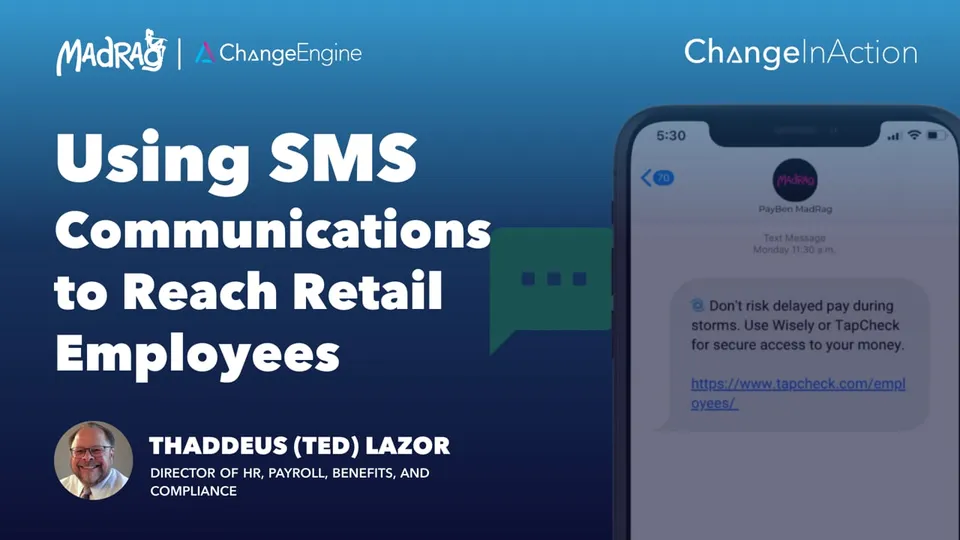 ▶
▶MadRag uses SMS to reach employees across 14 states when email falls short. Ensuring payroll readiness and zero “where’s my paycheck?” calls during emergencies.
 ▶
▶Positive Development uses Teams, SMS, and email to reach distributed teams. Driving 57% email open rates, low SMS unsubscribes, and 64,000+ communications delivered.
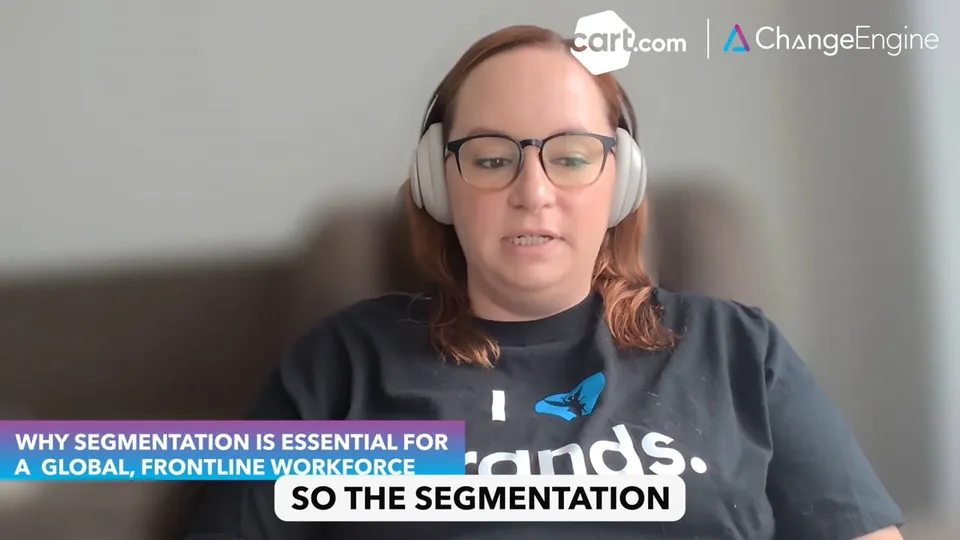 ▶
▶Cart.com built 22+ segments across the U.S., Mexico, and Poland. Using Slack (68%), SMS (14%), and email to reach frontline and corporate teams effectively.
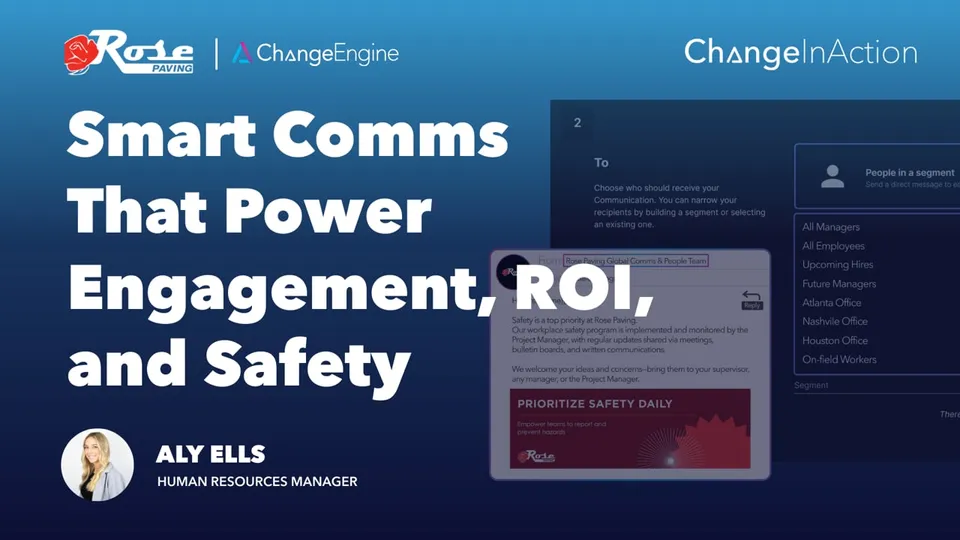 ▶
▶Rose Paving replaced mass emails with segmented, bilingual messaging, ensuring safety, compliance, and benefits updates are relevant and actually read.
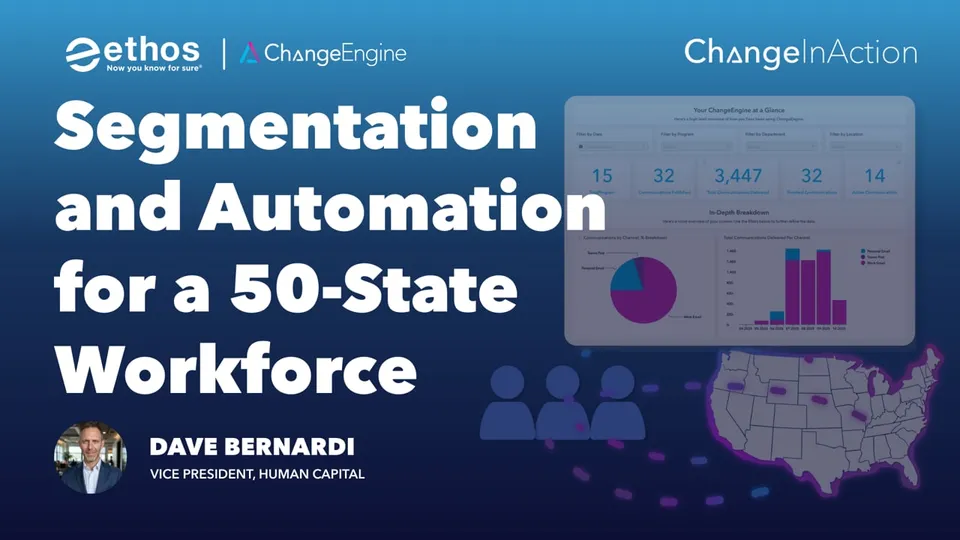 ▶
▶Across 50 states, Ethos uses segmentation and HRIS triggered journeys to scale compliance, improve efficiency, and avoid six figure risk exposure.
“When you are a smaller shop you can walk onto the floor and share a message. Once you are at about 700 employees across different time zones you start to have the challenge of how do we communicate consistent messaging.”
Names, roles, teams, locations, managers and key dates sync from your HRIS, so every audience builds itself and every program triggers on time. Nothing to export, nothing to upload.
 Workday
 ADP
ADP BambooHR
 UKG
UKG Rippling
 SAP SuccessFactors
 Oracle HCM
 Dayforce
 Paylocity
 Paychex
 Gusto
Gusto HiBob
HiBob Namely
 Justworks
 TriNet
 Zenefits
 Sage HR
 Infor
Infor UltiPro
 Cornerstone
 Lattice
 15Five
 Factorial
 ChartHop
and 50+ more
Frontline comms aren't a separate app. They're the platform's modules working together, so the text, the poster, the hub and the report all know who's on which shift.
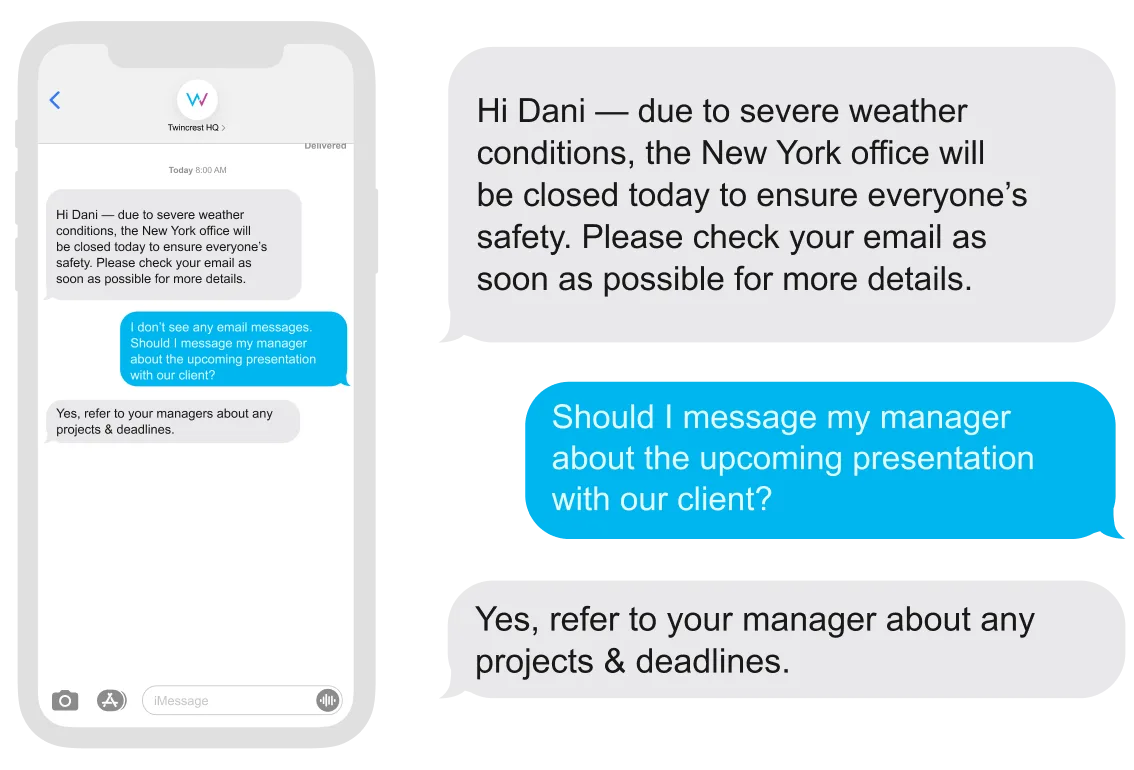
Text any site or shift, and answer questions back automatically.
Explore Two-Way SMS Agent →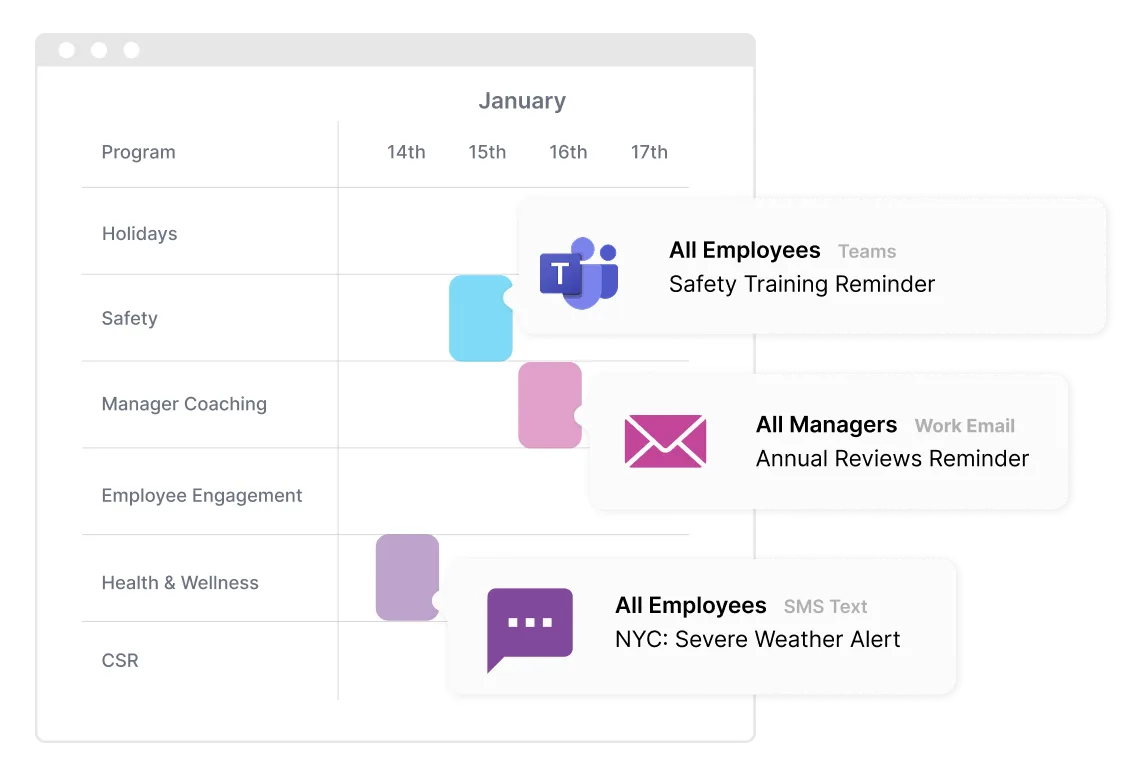
Schedule by shift and local time across every channel.
Explore Communication Orchestrator →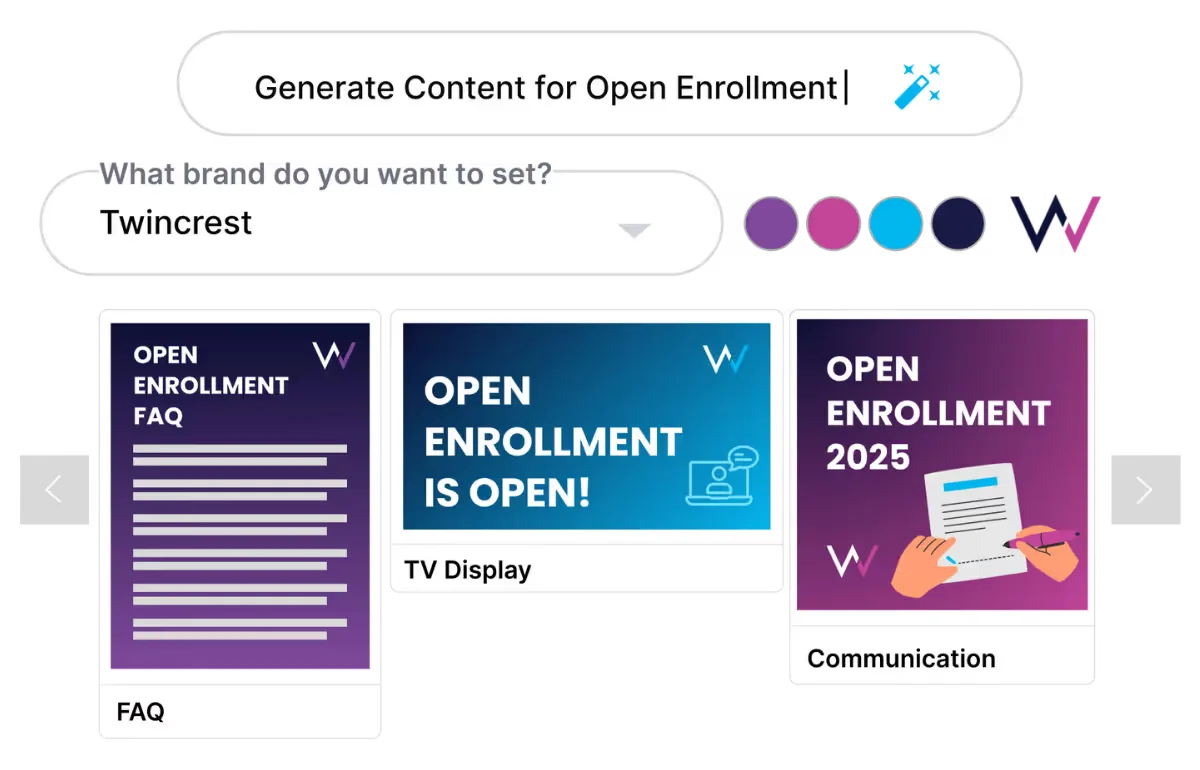
Draft short, visual updates in English, Spanish and more.
Explore AI Content Studio →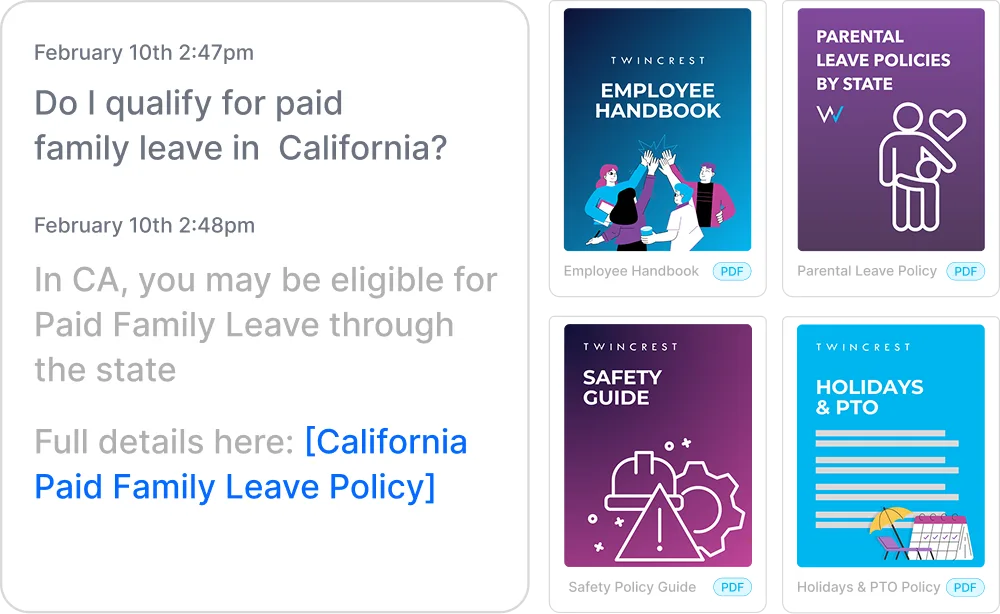
Answers policy questions from your documents, at any hour.
Explore HR Knowledge Agent →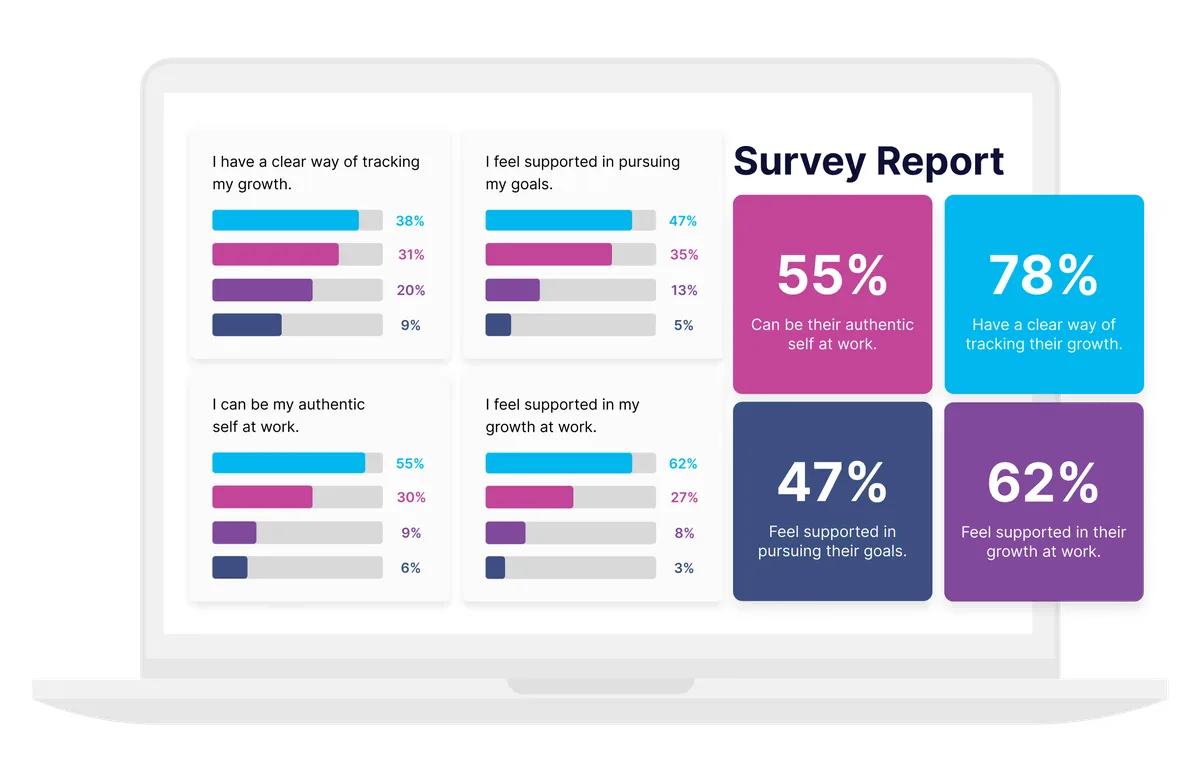
Pulse checks by text, with results by site.
Explore Surveys and Listening →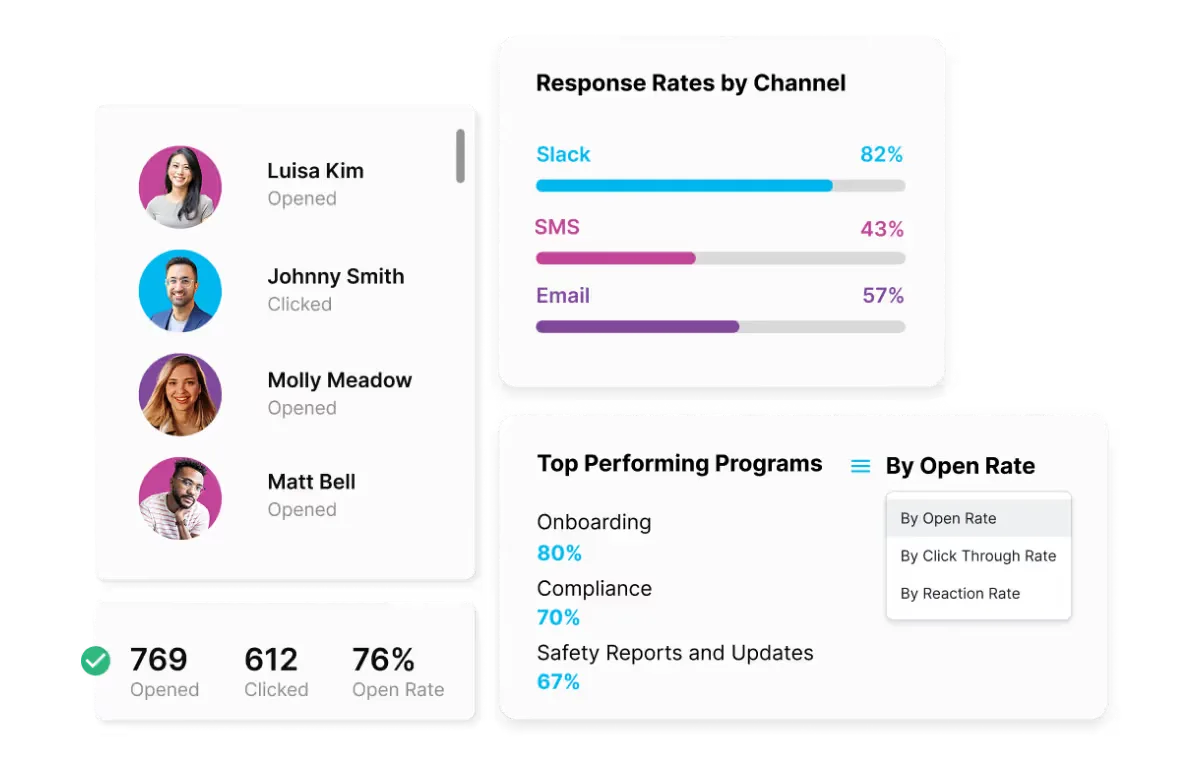
Reach and reads by site, shift and channel.
Explore Engagement Analytics →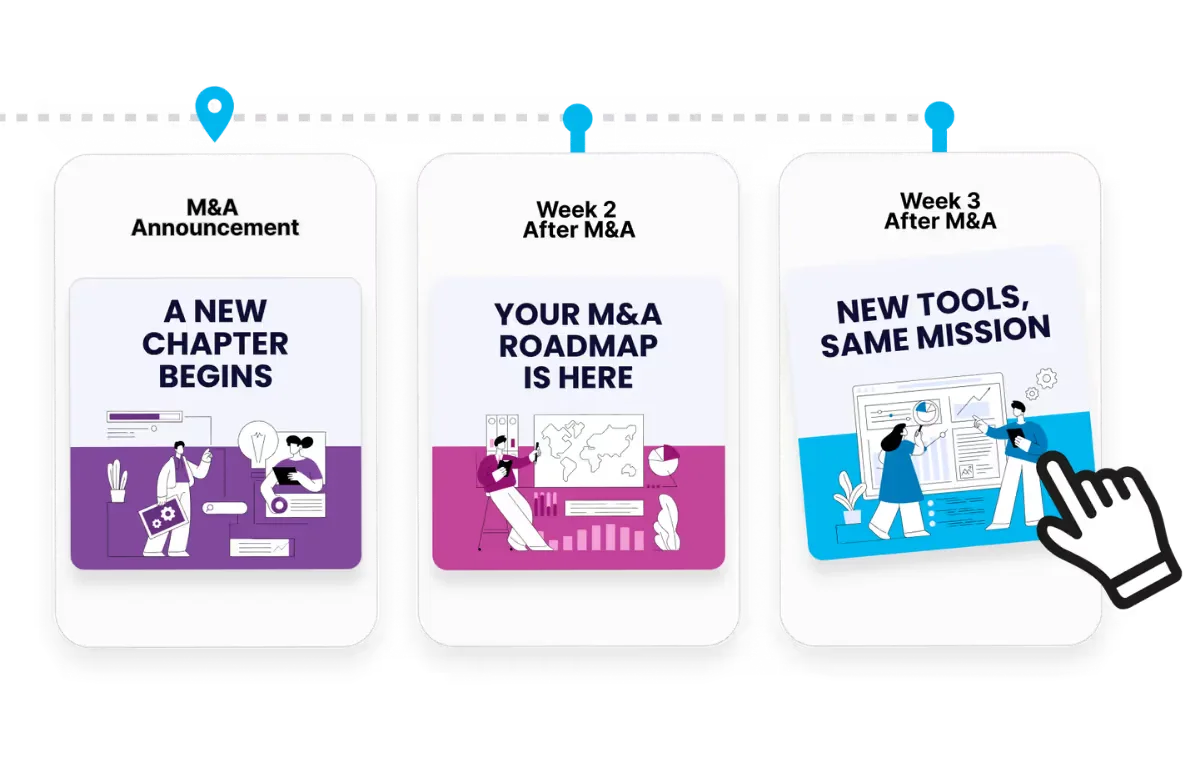
Onboard hourly hires before they have a login.
Explore Employee Journey Builder →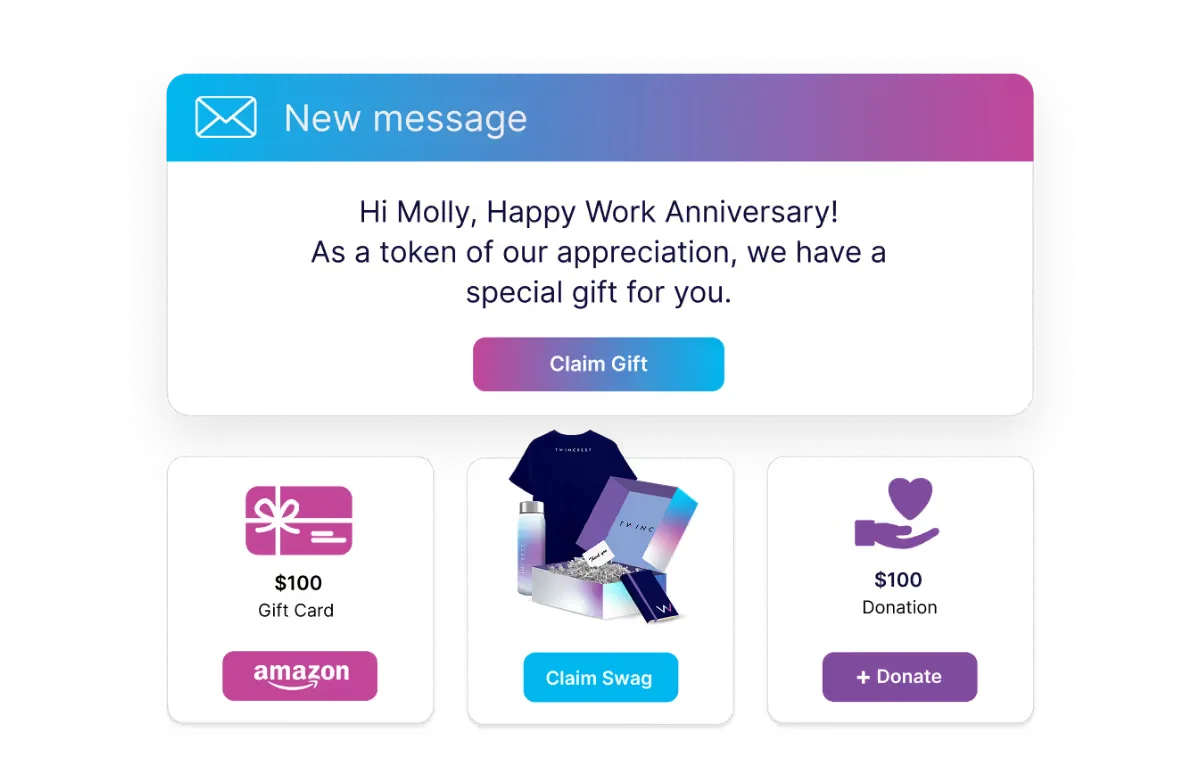
Ship recognition gifts to any site or home.
Explore Swag and E-Gifting Hub →
ChangeEngine provides a forward deployed engineer who builds whatever custom apps your frontline teams need, and ships them inside your Employee Hub, on any phone, with your branding and your data.
Built with your team and approved by IT before anything goes live.

Write it once. Two-way SMS or WhatsApp for hourly and field teams, Teams or Slack for supervisors, email at the desk, and QR posters and the hub for everyone. Nothing new to log into.
 Outlook
 Gmail
Gmail Microsoft Teams
 Slack
Slack SMS
SMS WhatsApp
 SharePoint
 Mobile push
 QR posters
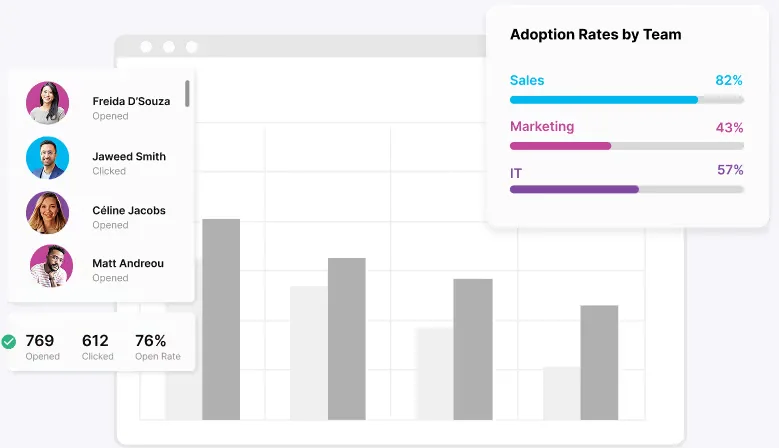
See reach by site, shift, role, language and channel in one view. Then follow up only with the people who missed it, on the channel they actually use.

Shift-ready updates without chasing every supervisor.
Policy, benefits and safety updates that actually arrive.
One story across every site and language.
No shadow apps, standard integrations, SSO.


"We've automated everything from birthday shoutouts to payroll timecard nudges and benefits enrollment reminders."

"For all my HR and People colleagues who would love to elevate company communications but don't have time or resources: thank you ChangeEngine!"

"Sending personalized internal communications has never been easier."

Our team starts building your first program while IT connects your HRIS, and your forward deployed engineer scopes anything custom.
Logo, colors, fonts and tone set once.
Roles, teams and locations sync.
Drafted by AI, reviewed by your team.
Reads and actions by team and location.
There is no new app for employees, no code to maintain and nothing to host. ChangeEngine connects to the systems IT already runs through standard, auditable integrations.
SOC 2 and ISO 27001 certified and GDPR compliant, with documentation ready in the Trust Center.
SAML or OAuth single sign-on with optional 2FA. Employees reach the hub with Google or Microsoft sign-in.
Encryption in transit and at rest, with data residency in the US, EU or Canada. Content is generated inside your ChangeEngine environment.
The MCP runs inside the assistant you already approved and acts with the signed-in user's permissions. Nothing sends without an approval.
Workday, ADP, BambooHR, UKG and 75+ more, plus Active Directory, Teams, Slack and SharePoint, all through standard APIs.
Role-based permissions and approval steps, so comms, legal and leadership sign off before anything goes out.
Software that reaches employees who don't sit at a desk or check a work inbox: hourly, shift, field and site teams. ChangeEngine writes the updates, sends them by text, WhatsApp, Teams, QR poster or hub, and shows you who saw them.
No. Texts and WhatsApp messages land on their own phone, and the Employee Hub opens in any browser from a link or QR code.
Yes. With two-way SMS, employees can ask questions and the SMS agent answers from your policies, or routes them to a person.
Language and location come from your HRIS, so each person gets the right language at the right local time, without separate sends.
75+ HRIS integrations including Workday, ADP, UKG, Dayforce and Paylocity. Your forward deployed engineer can connect scheduling or other in-house systems.
Manufacturing, retail, hospitality, healthcare, construction, logistics and field services: anywhere a big part of the team works away from a desk.
Yes. The ChangeEngine MCP lets Claude, ChatGPT or Copilot draft, target and schedule frontline updates, with your normal roles and approvals in place.
We'll build it live on the call, for your real sites and shifts.


