ChangeEngine plugs into your HRIS, your workplace suite and the channels your people already open. Audiences update themselves, programs start on real employee events, and every message comes back with proof of who read it.

.svg)




.svg)
IT approves the connection and we map your fields with you on a call. No spreadsheets to upload, ever.
Every department, location, manager and role becomes an audience that updates as people join, move and leave.
Start dates, promotions, anniversaries and last days kick off the right journey without anyone pressing send.
Reads, clicks and replies by team, site and manager, on every channel, in one report.
Your HRIS and payroll, your talent tools, every channel your people use and the AI assistant IT already approved. Logos marked with a setup guide link to the full walkthrough.
















Don't see your system? Tell us what you run and we'll tell you how it connects.
The same fields you already keep up to date start doing the work your team does by hand today.

Every department, site and manager is a live audience. New hires are in on day one and leavers drop out on their last.
Communication Orchestrator →
A start date in your HRIS kicks off preboarding, day one and the first 90 days, with manager nudges built in.
Employee Journey Builder →
Work anniversaries, promotions and birthdays trigger a message, a manager prompt or an e-gift on the day.
Recognition Automation →
Mobile numbers from your HRIS put frontline teams on SMS and WhatsApp, with replies that come back.
Two-Way SMS Agent →
Location, role and employment type shape every answer, so people get the policy that applies to them.
HR Knowledge Agent →
Every read and click rolls up by the fields you already track, ready for leadership without a spreadsheet.
Engagement Analytics →ChangeEngine sits on top of the suite you already run. Nothing to migrate, nothing new for employees to learn.

Your hub as a Teams tab or a SharePoint web part, with updates landing in Outlook and Teams chats.
Works with Microsoft 365 →
One message to Gmail inboxes, Google Chat spaces and phones, linked straight to what lives in Drive.
Works with Google Workspace →
Channel posts and direct messages from one draft, timed to each person, with follow-ups to anyone who missed it.
See the Communication Orchestrator →The ChangeEngine MCP connects your HRIS-powered audiences, drafts and reporting to the assistant your company already approved. Ask in plain words. Your roles and approvals stay in charge.
 ChatGPT
 Claude
 Copilot
A homegrown HRIS, a scheduling tool for shift workers, a channel only your company uses. Your forward deployed engineer builds the connection with your team, on the same governed platform.
You don't get a login and a help article. Your services team connects your HRIS and SSO with IT, gets every comms channel delivering, and checks that everything keeps working after launch. Meet with them every week if you want to.
HRIS, SSO and SCIM connected, mapped and tested together on a shared call.
Outlook, Gmail, Slack/Teams and SMS set up, tested and landing before your first real send.
A standing check-in with your team every week to review what landed and fix what didn't.
Who you'll work with
Integration, design, video, swag and engineering experts work inside your account, so everything keeps landing long after launch.






Your People team moves fast. Your IT team keeps control of every connection.
SOC 2 and ISO 27001. GDPR compliant, with data residency in the US, EU or Canada.
Single sign-on over SAML or OAuth, with optional two-factor authentication for editors.
SCIM provisioning, and content shown by HRIS attributes like role, location and employment type.
Employee data is encrypted in transit and at rest, and editors only see what their role allows.
Word-level audit logs, role-based editors, and AI providers contractually barred from training on your data.
Run your hub on your own subdomain, like central.yourcompany.com, with a couple of DNS records.


Most teams are live with HRIS and SSO in about two weeks. IT approves the connection, we map your fields with you on a call, and your audiences fill themselves.
The fields your HRIS already keeps: department, location, manager, job title, employment type, start date, language and your custom fields. Use any of them to target, personalize or trigger a program.
Tell us what you run. We connect to 75+ HRIS and payroll platforms, and when something is missing, your forward deployed engineer can build the connection with your IT team.
Yes. ChangeEngine is SOC 2 and ISO 27001 certified and GDPR compliant, data is encrypted in transit and at rest, and you choose US, EU or Canadian data residency.
No. Messages land in the email, Slack/Teams and text threads people already use. The hub opens from a link, and IT can add SSO.
Yes. Connect your AI assistant to the ChangeEngine MCP and ask it to build an audience, draft a send or pull last week's read rates, in plain words.
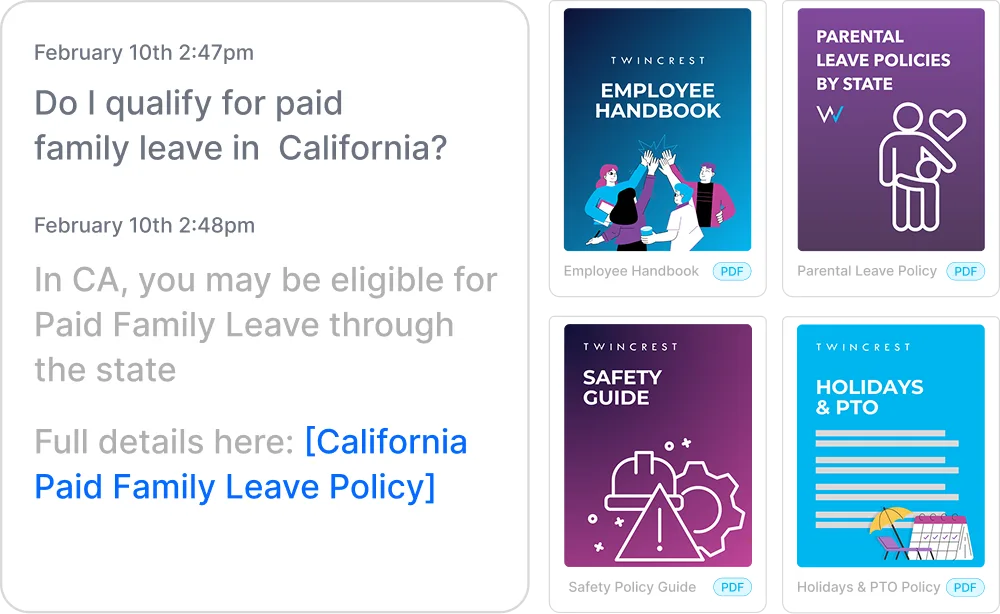
Instant, policy-grounded answers in the hub and Slack/Teams.
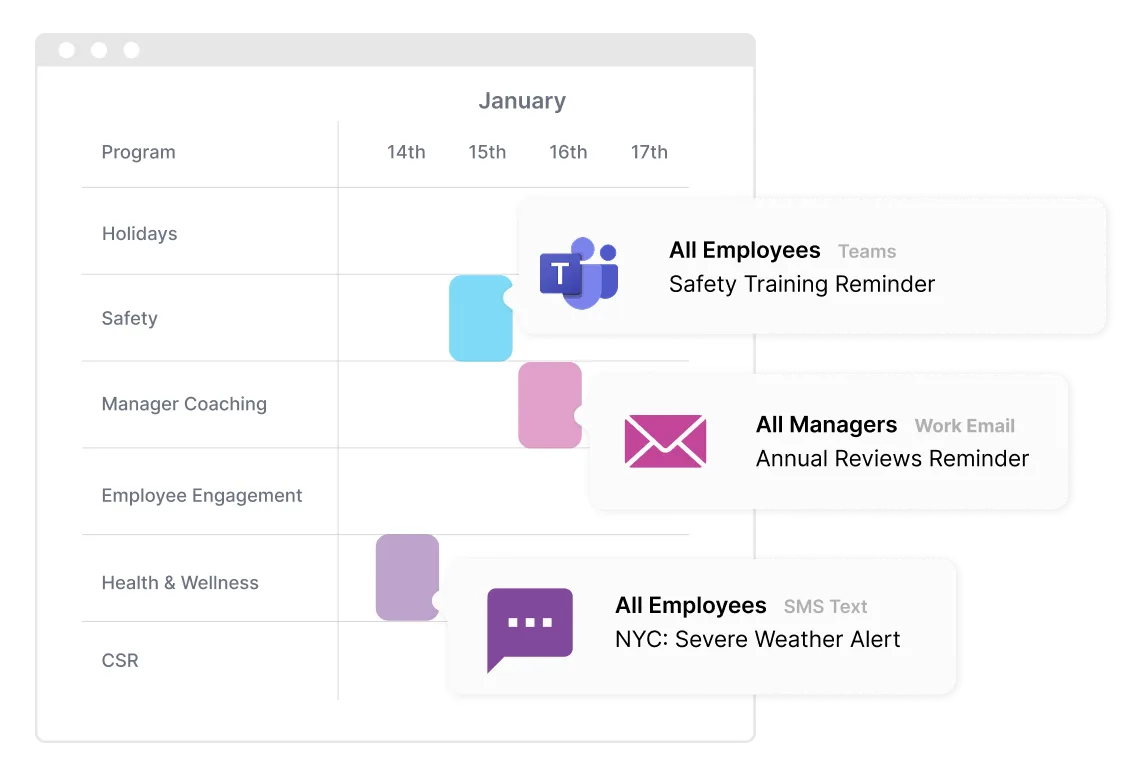
One message, every channel, timed to each person.
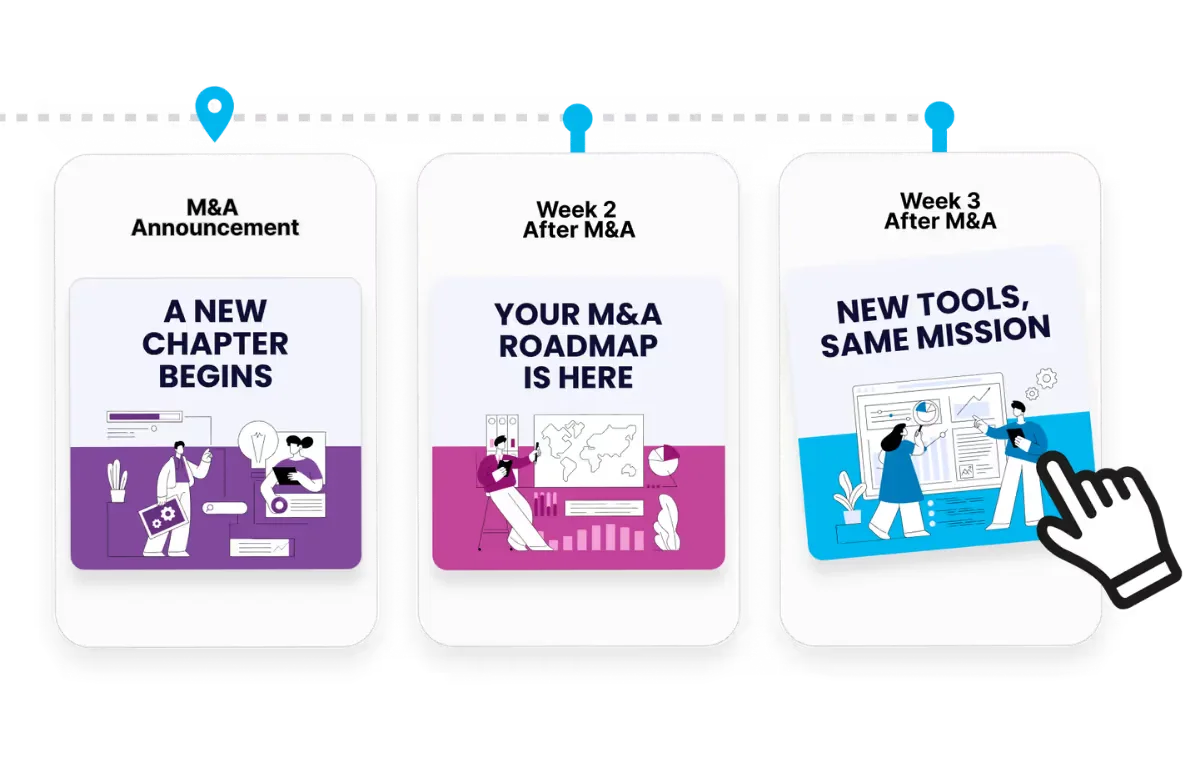
Onboarding to offboarding, triggered by your HRIS.
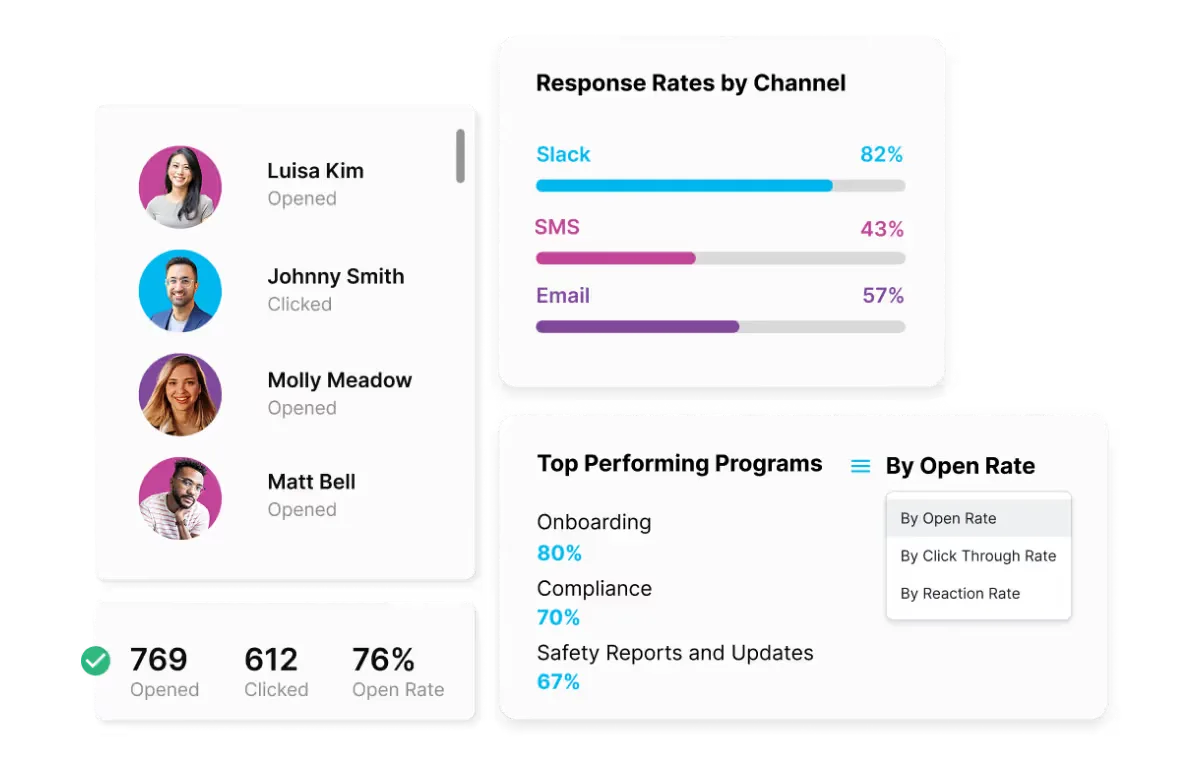
Proof for leadership, by team, channel and program.