Use UKG Pro Workforce Management fields to target by site, shift group and role, run onboarding and milestones on their own, and see what landed.


.svg)




.svg)
UKG Pro Workforce Management handles scheduling, time and attendance for large hourly workforces.
See every integration →Employee, job title, department, location, manager, start date, employment type, work email, mobile number and your custom fields.
You pick the fields that sync and whether the connection is read-only or also writes approved fields back to UKG Pro Workforce Management. Sensitive fields report coverage only, never values, when your team asks an AI assistant about them.
Editors only see what their role allows, and every change is logged.
When something changes in your system of record, the right people hear about it on the right channel. Nobody on the People team presses send.
A new hire in UKG Pro Workforce Management gets a welcome text and their first-shift details before they arrive.
A promotion or new job in UKG Pro Workforce Management triggers congratulations and moves them into the right audiences.
Moving sites sends the new location's contacts, key links and local updates.
The new manager gets a handoff and a prompt to say hello.
Work anniversaries trigger a message from their manager and an optional e-gift.
Offboarding steps go out on schedule, and leavers drop out of every audience after their last day.
Use UKG Pro Workforce Management locations, roles and schedules data to reach the right shift groups on their phones, from one update.
Every department, location and manager in UKG Pro Workforce Management becomes a live audience. New hires are in on day one, and leavers drop out on their last.
A start date in UKG Pro Workforce Management kicks off preboarding, day one and the first 90 days, with manager nudges built in.
Work anniversaries and promotions recorded in UKG Pro Workforce Management trigger a message, a manager prompt or an e-gift on the day.
Merge first name, manager, location and role into every email, Slack/Teams post and text, so a company-wide update reads like it was written for one person.
Every read and click rolls up by the UKG Pro Workforce Management fields you already track, ready for leadership without a spreadsheet.
Every person in UKG Pro Workforce Management becomes one ChangeEngine profile. Departments, locations, managers and custom fields turn into audiences you can combine, like every people manager in two locations, and they update on every sync.
Frontline people rarely sit at a desk. Mobile numbers from your HR data put them on SMS and WhatsApp, QR posters on site open the hub, and replies come back to your team.
Most teams start read-only. If you want ChangeEngine to send data back to UKG Pro Workforce Management, you approve write access for specific fields, every change is logged, and you can switch it off at any time.
Your services team runs the setup with IT. When you need something that is not in the box, your forward deployed engineer builds it.
Meet the forward deployed engineer →Your UKG Pro Workforce Management admin approves access for ChangeEngine, read-only or read and write. We send the exact permission checklist ahead of the call, so IT knows what it is signing off on.
On a working call, we map the UKG Pro Workforce Management fields you want to use: department, location, manager and start date. You choose what comes across and what stays in UKG Pro Workforce Management.
Audiences fill themselves from UKG Pro Workforce Management, your first journeys switch on, and you see every person who could not be placed so you can fix the record at the source.
Your People team moves fast. Your IT team keeps control of every connection.
SOC 2 and ISO 27001. GDPR compliant, with data residency in the US, EU or Canada.
Single sign-on over SAML or OAuth, with optional two-factor authentication for editors.
SCIM provisioning, and content shown by HRIS attributes like role, location and employment type.
Employee data is encrypted in transit and at rest, and editors only see what their role allows.
Word-level audit logs, role-based editors, and AI providers contractually barred from training on your data.
Run your hub on your own subdomain, like central.yourcompany.com, with a couple of DNS records.


Yes, if you want it to. Most teams start read-only. You can turn on write access for the specific fields you approve, every change is logged, and UKG Pro Workforce Management stays your system of record.
Yes. Custom fields map the same way as standard ones, so you can target, personalize or trigger a program on anything your team already keeps up to date in UKG Pro Workforce Management.
Most teams are live with HRIS and SSO in about two weeks. IT approves the connection, we map fields with you on a call, and your audiences fill themselves.
Yes. ChangeEngine is SOC 2 and ISO 27001 certified and GDPR compliant. Data is encrypted in transit and at rest, you choose US, EU or Canadian data residency, and AI providers are contractually barred from training on your data.
Use the mobile numbers in UKG Pro Workforce Management. ChangeEngine sends by SMS and WhatsApp, checks who has a number before anything goes out, and replies come back to your team.
ChangeEngine flags people the last sync could not place, for example because of a duplicate record. Fix it in UKG Pro Workforce Management and they are picked up on the next sync.
The ChangeEngine MCP connects the assistant your company already approved. Build audiences from this integration's data, draft a send or pull last week's read rates in plain words. A person on your team publishes every send.
Explore the ChangeEngine MCP →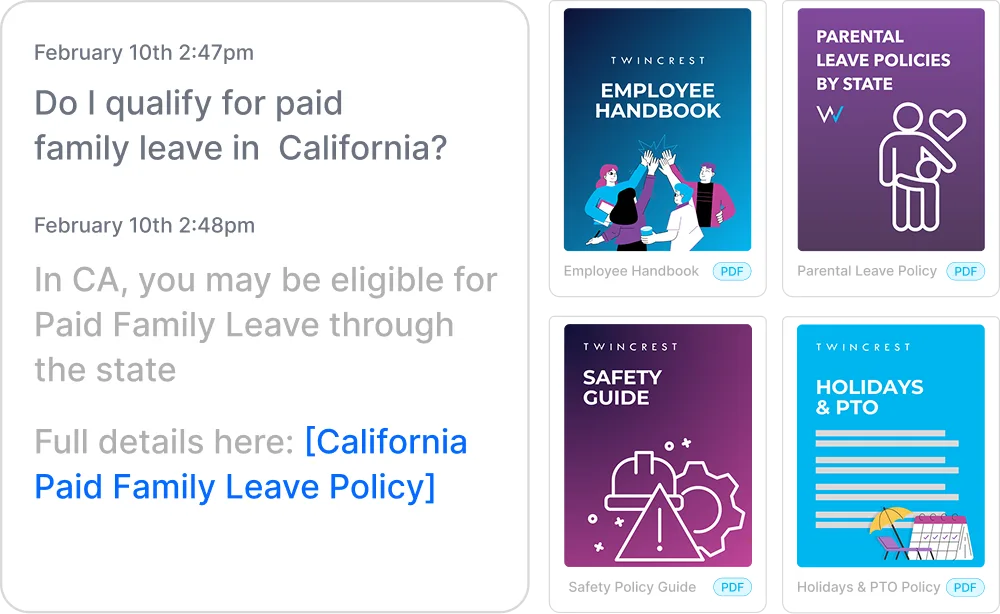
Instant, policy-grounded answers in the hub and Slack/Teams.
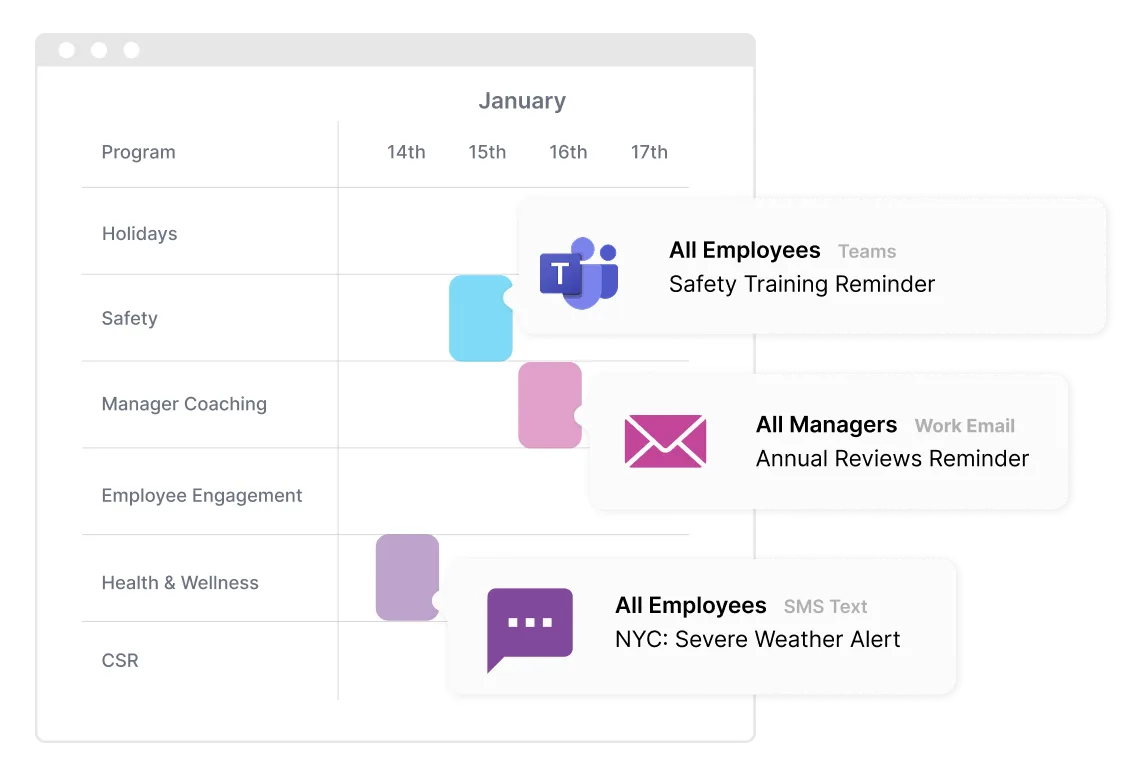
One message, every channel, timed to each person.
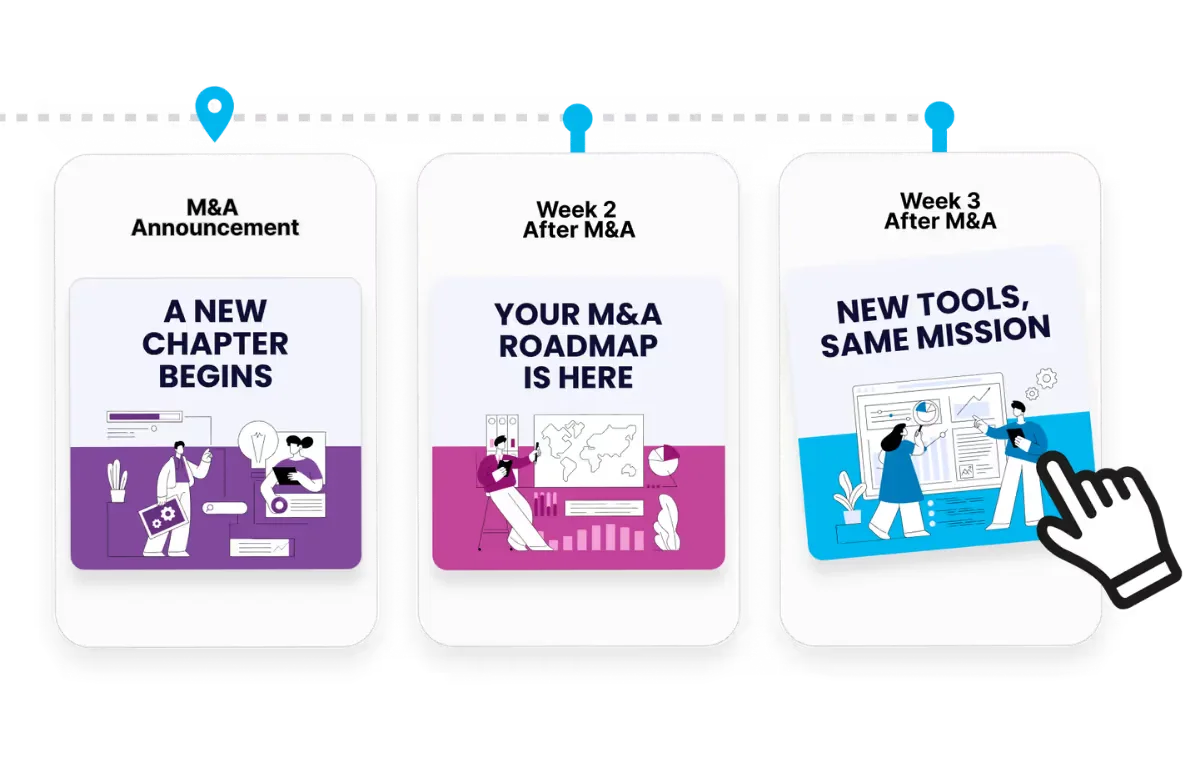
Onboarding to offboarding, triggered by your HRIS.
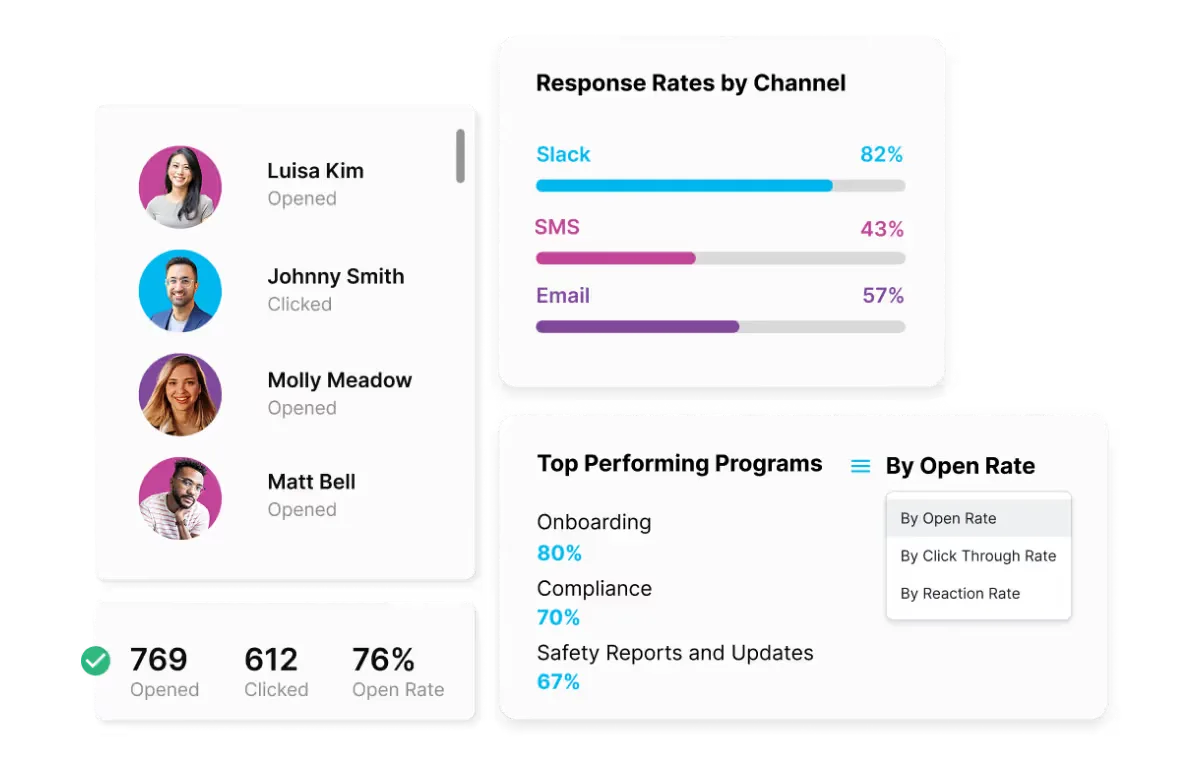
Proof for leadership, by team, channel and program.
Bring your HRIS and your channels. We will show you your first program, built in front of you.