39 Automated Onboarding Messages, Built Once


Thirty-nine onboarding messages can be written from a prompt, split into tracks based on HR data, and scheduled to send whenever someone joins. A follow-up condition leaves out anyone who already engaged, while a short survey appears beside opens and clicks.
Thirty-nine onboarding messages, written from a prompt, run on tracks by department, location, and seniority and send themselves every time someone joins. No spreadsheet, no chasing.
How Do Segments Shape Each Onboarding Track?
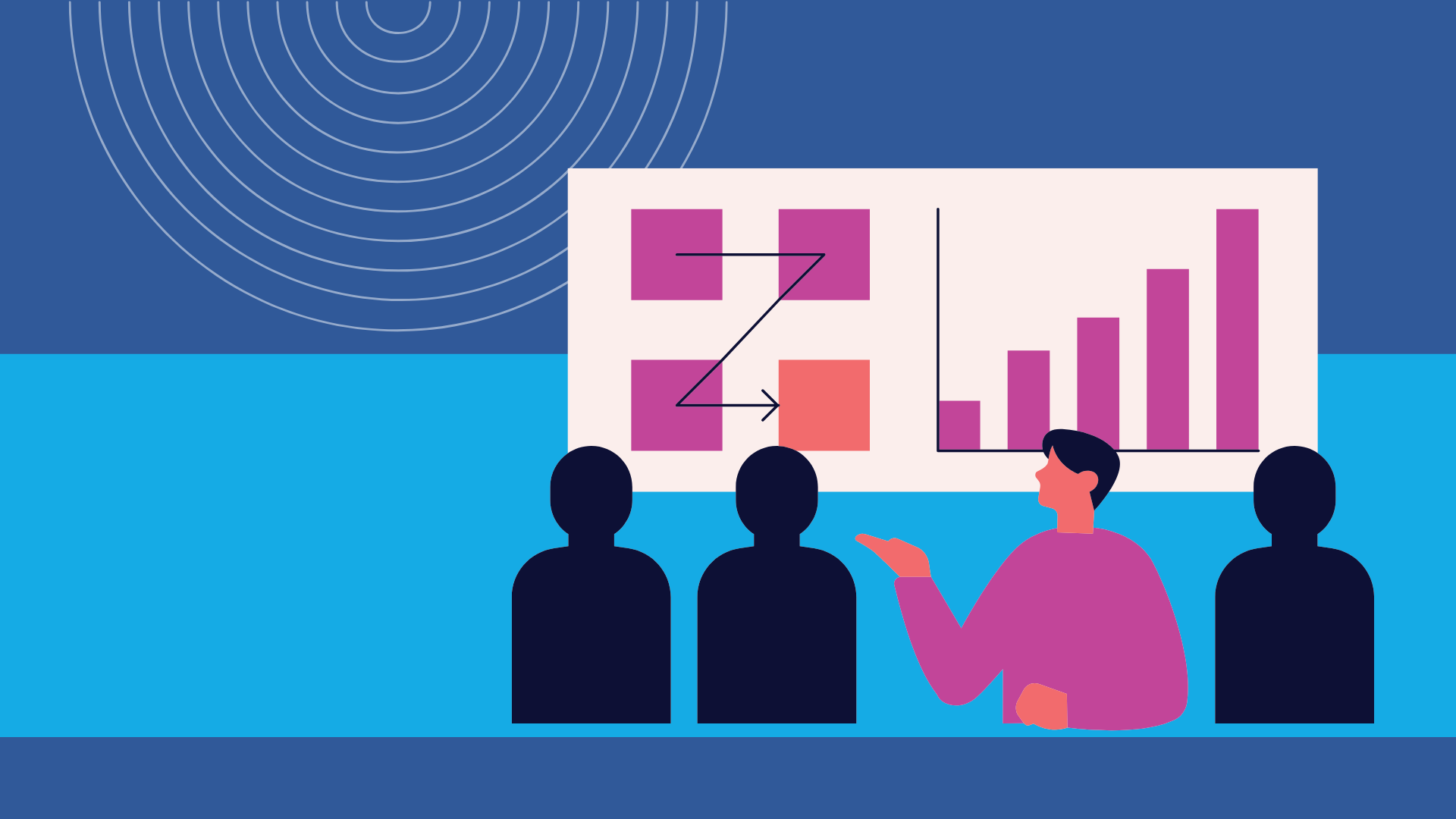
ChangeEngine turns team, location, and language from HR data into separate onboarding tracks. The example uses day-one tracks for Corporate Teams and Engineering & Product. Day one doesn't read the same for an engineer as it does for someone in sales.
Channels Follow the Person Before and After Day One
Before a new hire starts, the message goes by personal email or text; after the start date, it goes to work email or the channels the company already uses. The ChangeEngine channel selector shown includes personal email, work email, Microsoft Teams, Slack, and WhatsApp.
One Brief Becomes 13 Formats
In ChangeEngine, one prompt generates an on-brand message in whatever tone fits. The same draft becomes a poster, a slide, or a certificate, with 13 formats from one brief so it reaches people wherever they are, not just their inbox. Across onboarding, those messages cover:
- A welcome message
- A checklist
- Swag as a real welcome gift
- Benefits
- Compliance training
- Manager check-ins
- A Glassdoor ask
- A survey
One Follow-Up Condition Excludes People Who Engaged
In ChangeEngine, a single scheduled follow-up targets people who didn't open or didn't click and leaves out anyone who already engaged. Most clients previously tracked onboarding by hand in a spreadsheet and chased people down one by one. The setup shown schedules the compliance training follow-up two days after the start date.
How Does the Manager Cascade Work?
The manager cascade starts with confirmation 10 days before the new hire's start date and a nudge on the morning they start. A 90-day check escalates automatically if it goes unanswered.
Survey Results Sit Beside Opens and Clicks
After 39 messages, a short survey gives you a direct answer about whether onboarding worked. The result appears next to opens and clicks, so you don't have to guess. The program is built once and runs on its own.
Frequently asked questions
How can onboarding messages change for different employees?
Use HR data such as team, location, and language to build separate tracks, with department and seniority also shaping who receives each message. An engineer and someone in sales don't need the same day-one communication. Each track can carry the version that fits that employee group.
How do automated onboarding follow-ups avoid unnecessary reminders?
Set the scheduled follow-up condition for people who didn't open or didn't click. ChangeEngine leaves out anyone who already engaged, so they don't receive a reminder they don't need. The example applies this setup to a compliance training message scheduled two days after the employee's start date.
What can you measure after the onboarding program runs?
After the 39 messages run, a short survey gives you a direct answer about whether the experience worked. ChangeEngine places that response beside open and click data. You can review what new hires said alongside whether they opened or clicked the communications.