Engagement Analytics

Proof for leadership, by team and channel.

See who saw it, who acted and who to chase, across every channel and program. Export it for the board, or just ask your AI assistant.

Everychannel in one dashboard
Per personactivity, not just averages
1 clickexports for QBRs and boards
Trusted by teams at
AirbusHubSpotNextdoorConstellation BrandsLife360e.l.f. BeautyGirl ScoutsWorld Central KitchenIntegral Ad ScienceKlein Tools
Why comms can't prove impact

You can count sends. You can't show what worked.

Each channel has its own numbers, none of them match, and leadership wants one answer about whether the program landed.

Fragmented

Five tools, five dashboards

Email opens here, Slack/Teams reactions there, SMS clicks somewhere else.

Shallow

Averages hide the gaps

An 80% open rate can hide a site where nobody read it.

Manual

Reporting eats the week

Every QBR means stitching exports together by hand.

How it works

From sends to decisions.

01

Track every send

Opens, clicks, reactions and responses, per person.

02

Slice any way

By team, location, role, tenure or program.

03

Find who to chase

Non-openers and low-engagement groups surface first.

04

Share the proof

Export dashboards or ask in plain English.
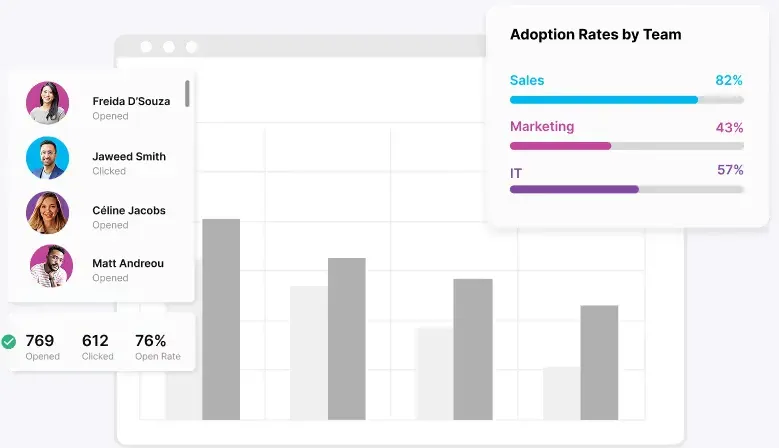
Adoption rates by team
Product tour

Analytics built for every program you run.

By format
By send
By person
By manager
By channel
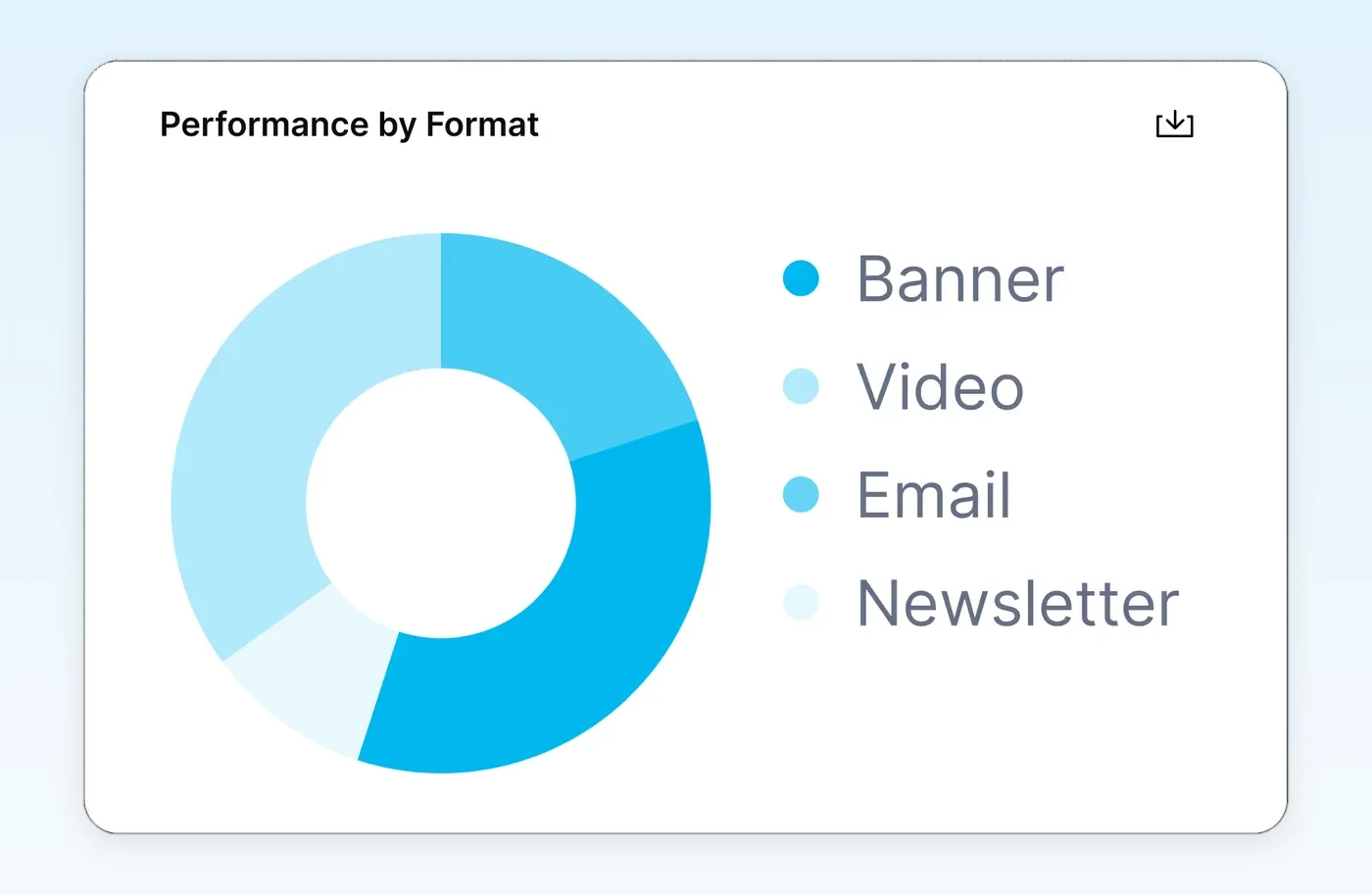
Which formats actually land

Which formats actually land

Compare banners, video, email and newsletters for every audience.
  • Performance by format
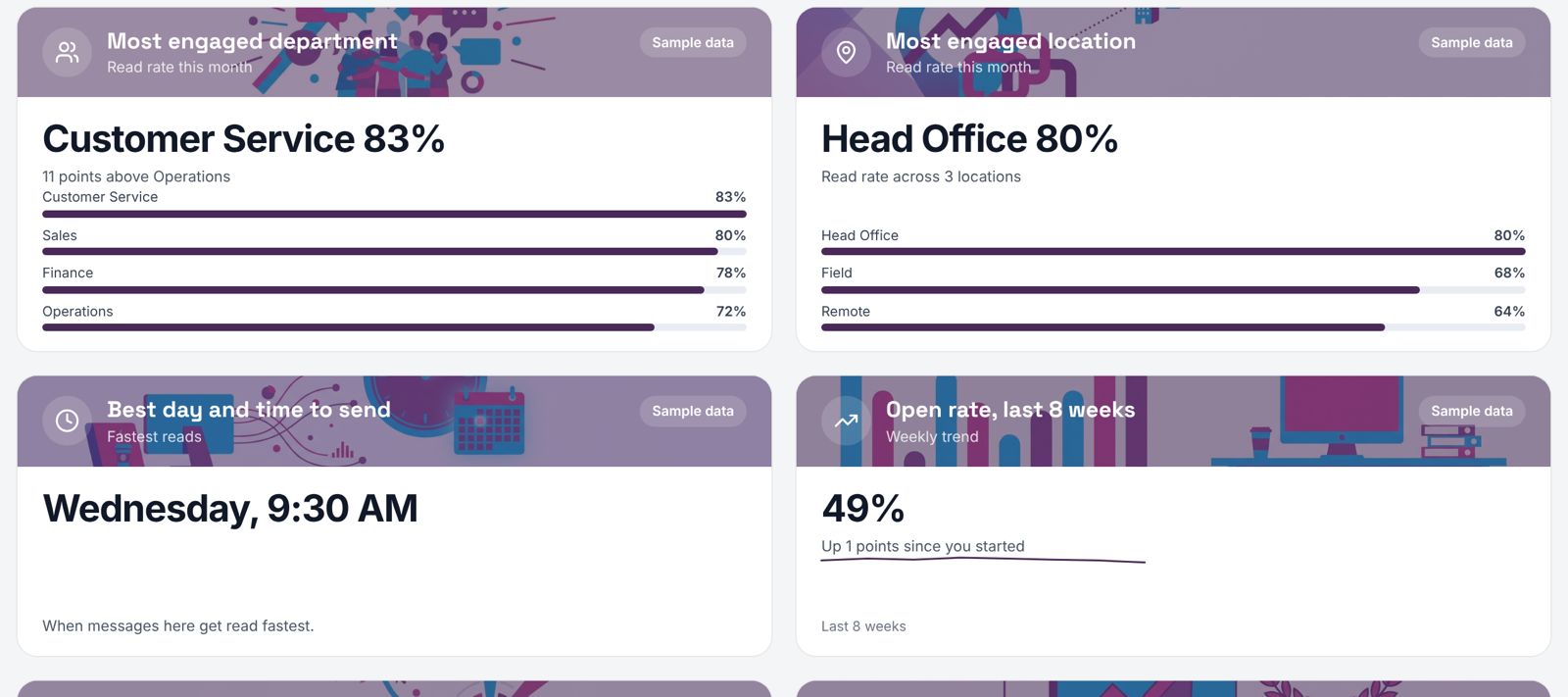
  • Best time to send
  • Trend lines over time
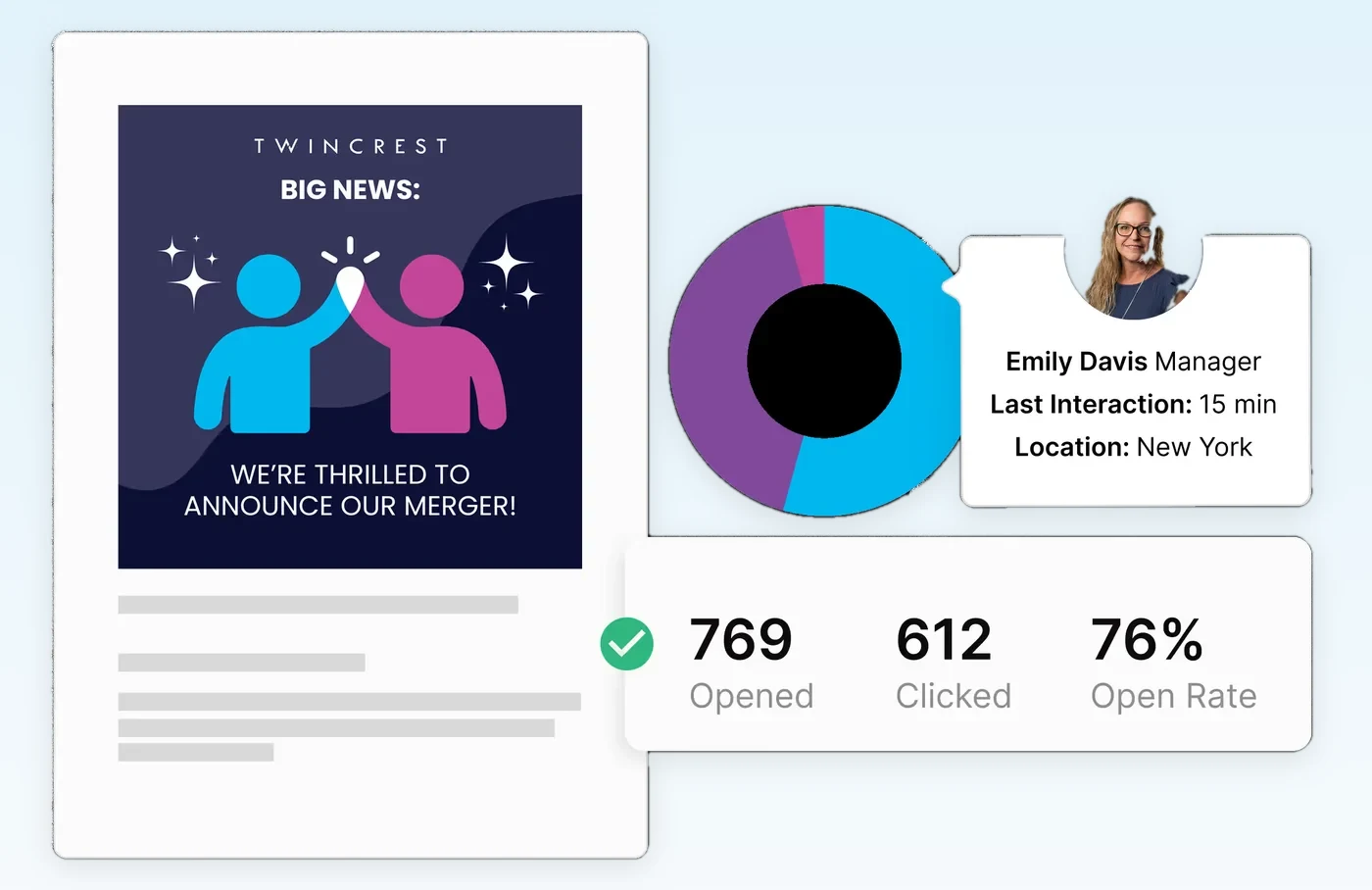
Every communication's performance

Every communication's performance

Opens, clicks and open rate for each send, with who engaged.
  • Per-send results
  • Linked to the program
  • Benchmarks across sends
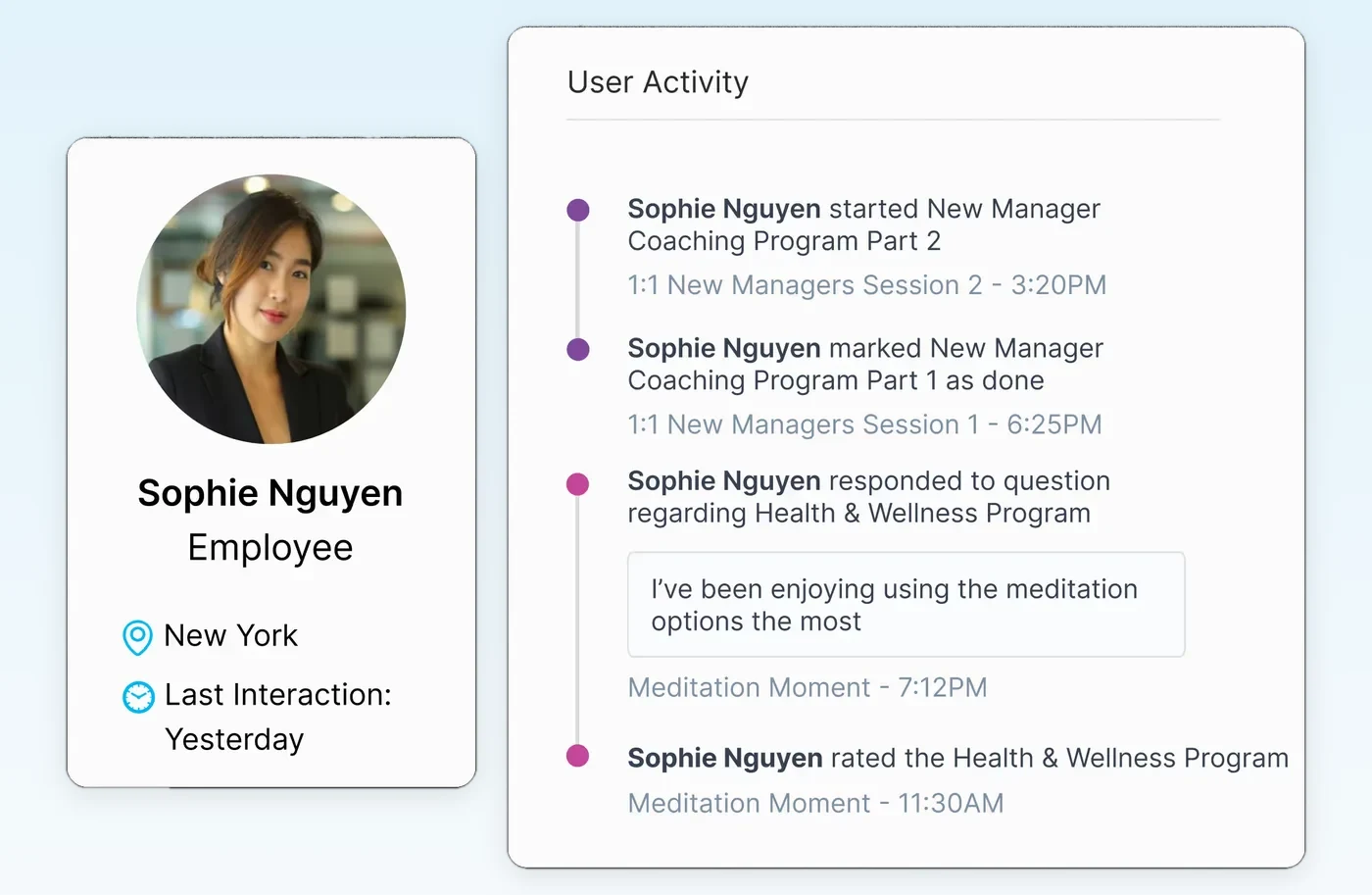
Recipient activity and logs

Recipient activity and logs

See what each employee received and how they interacted.
  • Employee-level timeline
  • Program progress per person
  • Audit-ready logs
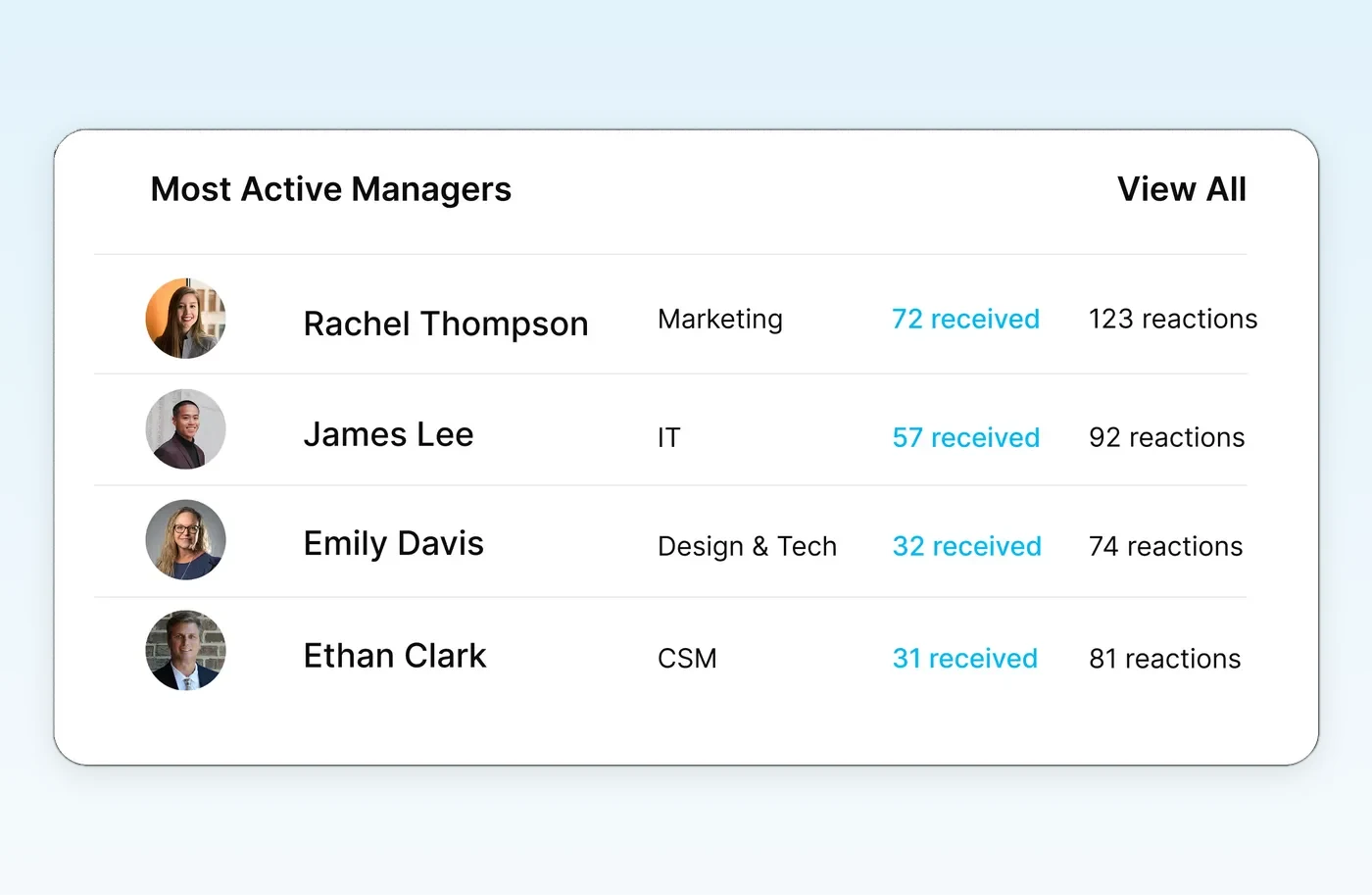
Manager engagement insights

Manager engagement insights

Which managers are active, and which teams are falling behind.
  • Most active managers
  • Reactions and recognition
  • Teams to coach next
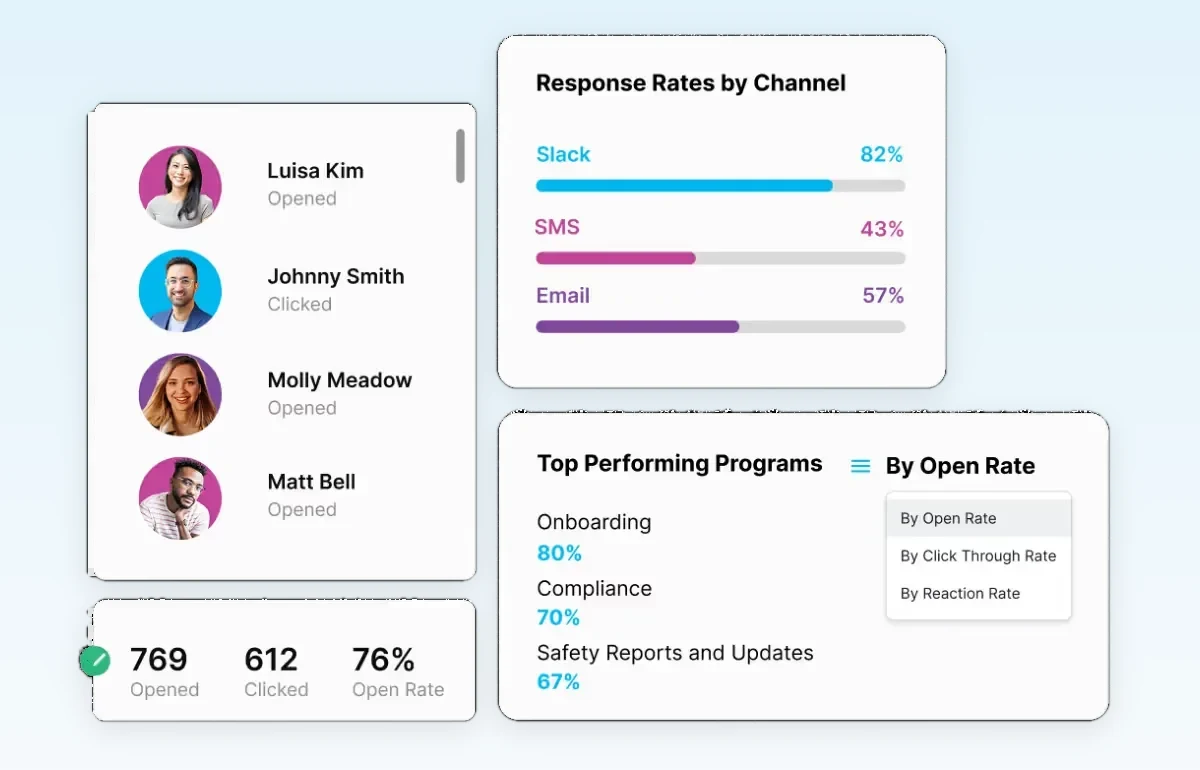
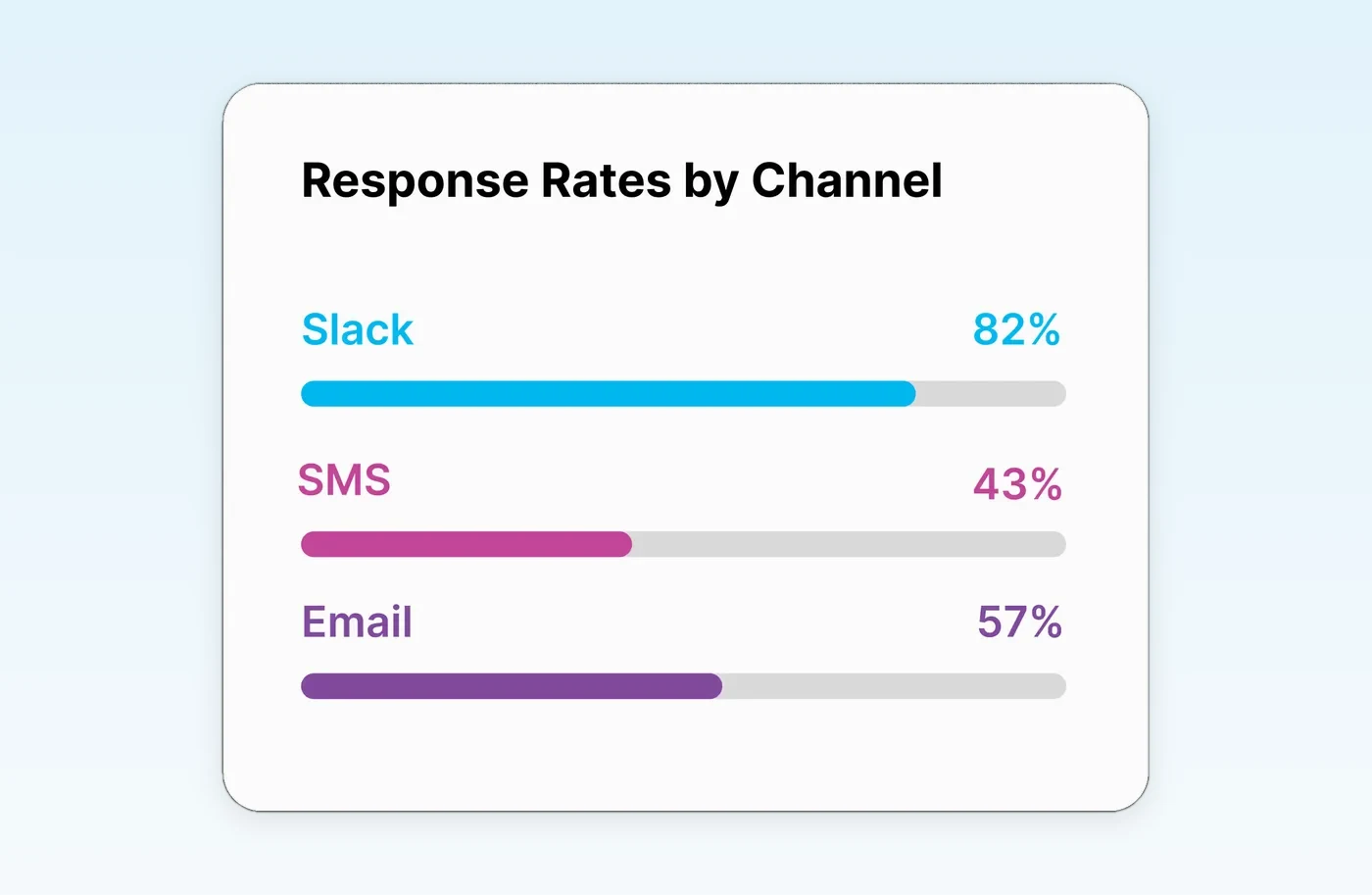
Know which channel works

Know which channel works

Response rates by channel and audience, so every team gets reached the way it reads.

  • Slack/Teams, SMS and email compared
  • Broken down by any HRIS field
  • Feeds the next send's channel mix
The data segmentation makes available

Every open, click and action carries org context.

Because audiences come from the HRIS, every result knows who the person is: their team, location, manager and tenure.

Segment and personalize on

OrgDepartment, title, seniority, manager
LocationWork location, city
EmploymentType, status
LifecycleStart date, anniversary, became manager, exit
ProgramEnrollment complete or not
ChannelEmail, Slack/Teams, SMS

Report by

DepartmentWho reads and who acts
RegionDid Bangalore see what the US saw
ManagerWhose teams complete actions
TenureNew hires vs. 5-year employees
ChannelBy audience, not just overall

From Mailchimp or a distribution list, you see opens by email address with no org context.This lifecycle metadata can't be tracked without the core infrastructure in place.

The magic moment

Who saw it, who acted, who to chase.

The benefits announcement hit 1,240 people. Analytics shows the 186 who never opened it, grouped by site, with one button to nudge them.
  • Per-person engagement, not averages
  • Non-openers grouped by site and team
  • Chase list sent to the Orchestrator
Benefits announcement · 1,240 recipients
Saw it
1,054
Acted
642
Not opened186 to chase
Phoenix warehouse74
Denver field team61
Everyone else51
Nudge 186 by SMSExport for QBR
Reports teams build

Proof in the format leadership wants.

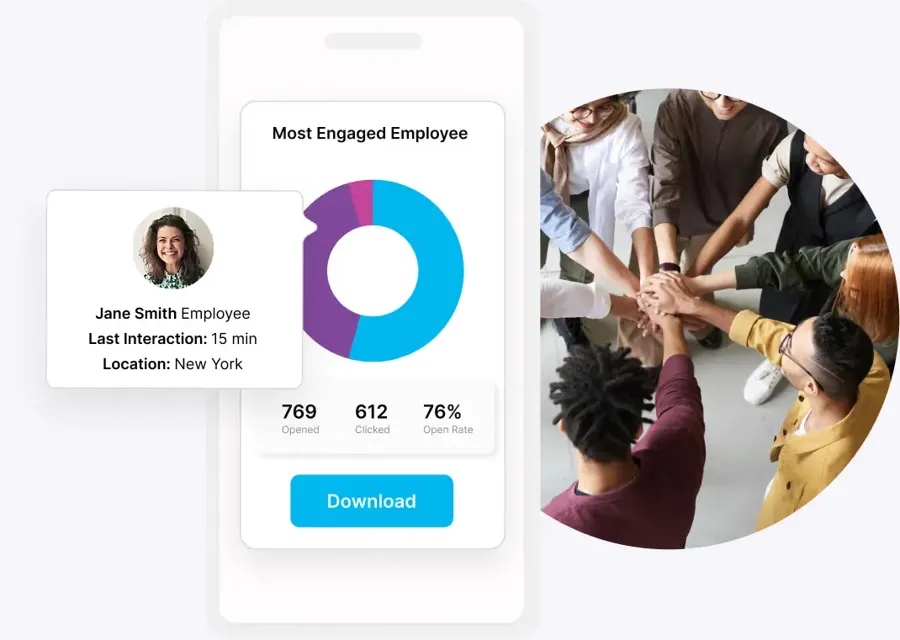
Most engaged employees

Most engaged employees

Who's leaning in, by team.

Hub analytics

Hub analytics

Tiles, searches and clicks in the hub.
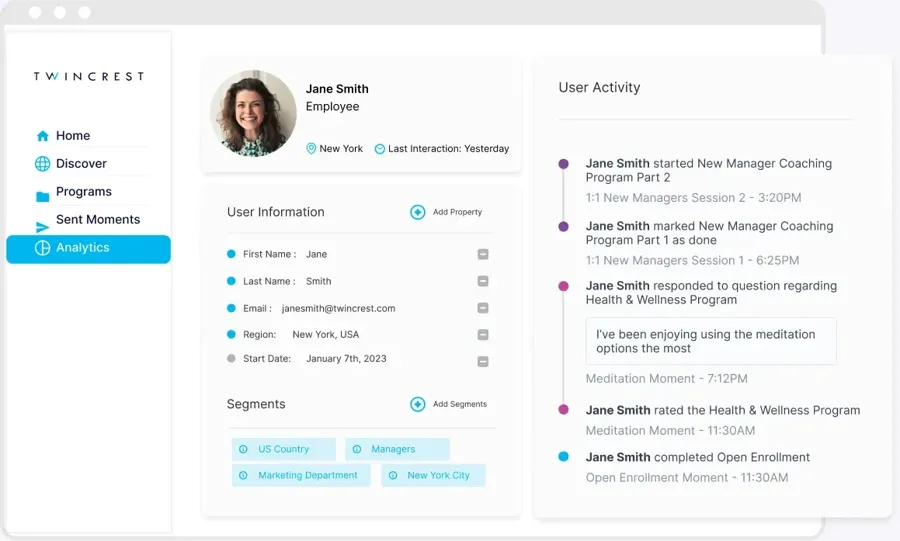
Employee activity

Employee activity

Every touchpoint per person.

Leadership readouts

Leadership readouts

Program results ready for the exec team.
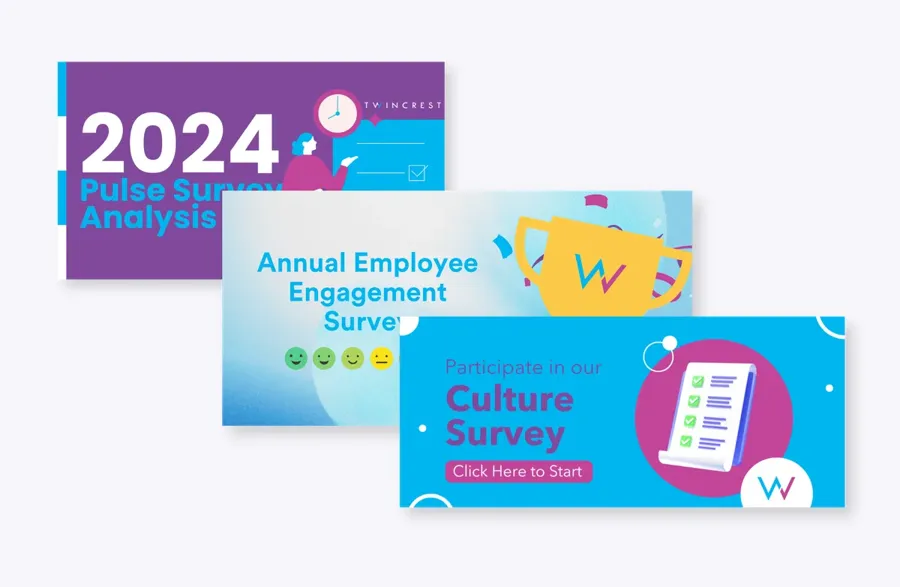
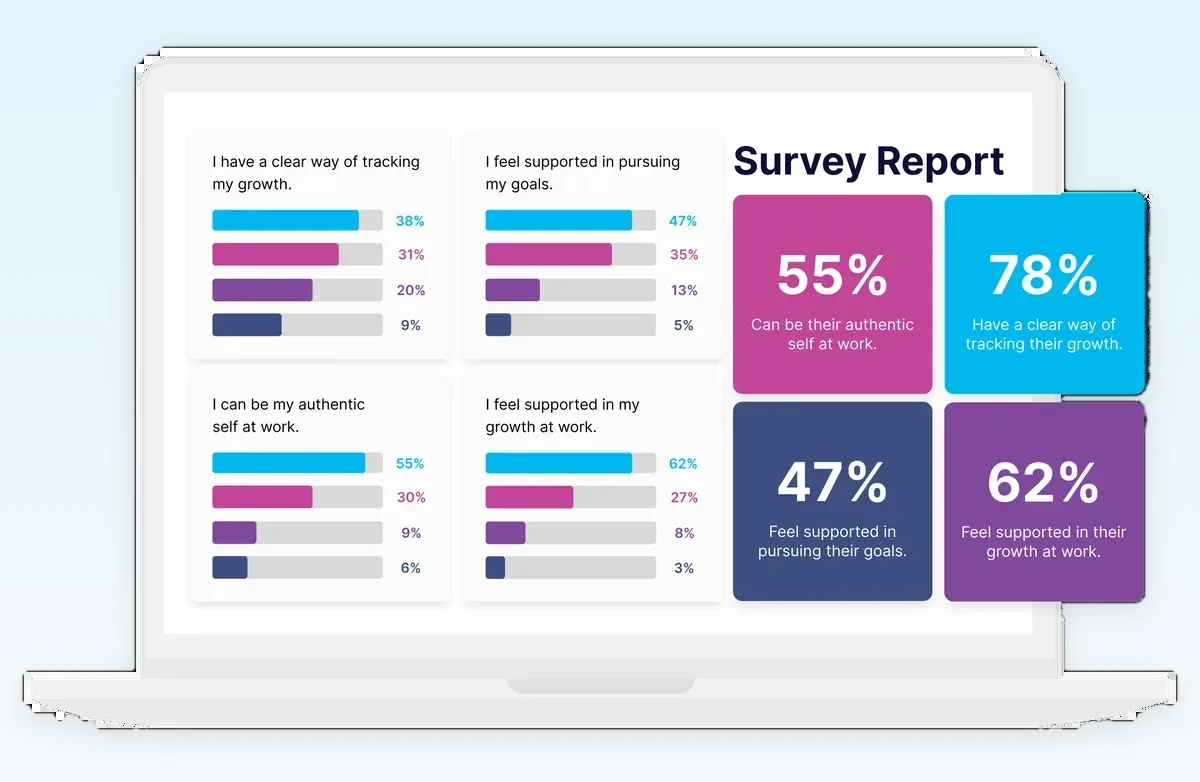
Survey analysis

Survey analysis

Participation and themes by group.

Event engagement

Event engagement

RSVPs and attendance by location.

How teams run it

One module, the whole suite behind it.

Real programs from ChangeEngine customers. Each one starts here and pulls in the rest of the platform.
Fast-growing agriculture company

More comms, less work

  1. Content StudioTemplates for every recurring update
  2. OrchestratorSends across email and Slack/Teams from one draft
  3. AnalyticsBest send time and channel by team
  4. AnalyticsSlack/Teams reactions up more than 600% after switching channels for the teams that live there
Comms volume grew 356% while open rates held within 4 points, and the team got back about 490 hours.
Any ChangeEngine customer

A leadership readout in minutes, not weeks

  1. AnalyticsOpens, clicks and actions by department, region and manager
  2. AnalyticsHours saved versus manual sends
  3. Hub AIResults published to a leadership page
  4. Content StudioYour AI assistant drafts the summary from live data
Review prep that took 1 to 2 weeks now takes about 2 days.
Dental support organization

From flyers to a real comms program

  1. Content StudioOn-brand visuals in minutes, without a designer
  2. SurveysSegmented scorecards combined with operations data
  3. OrchestratorResults shared back by office and region
  4. AnalyticsEngagement and ops metrics side by side
Survey cycles dropped from 6 weeks to 2.

Analytics built for every program

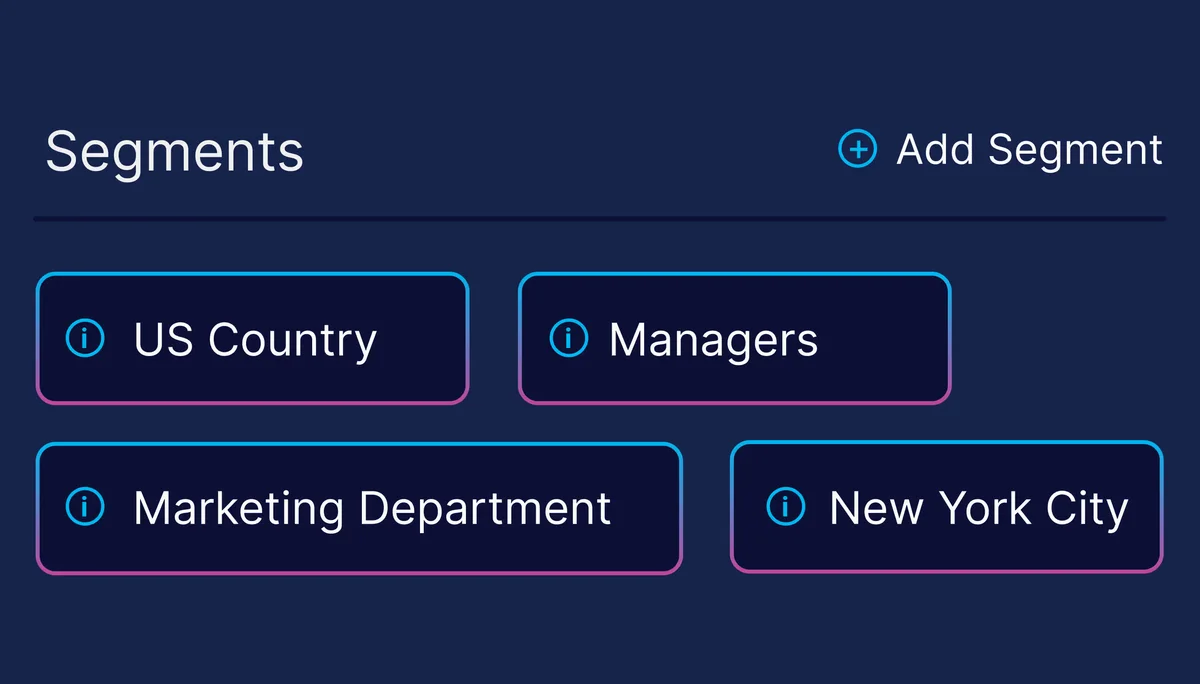
Dynamic segmentation

Slice every result by any HRIS field.
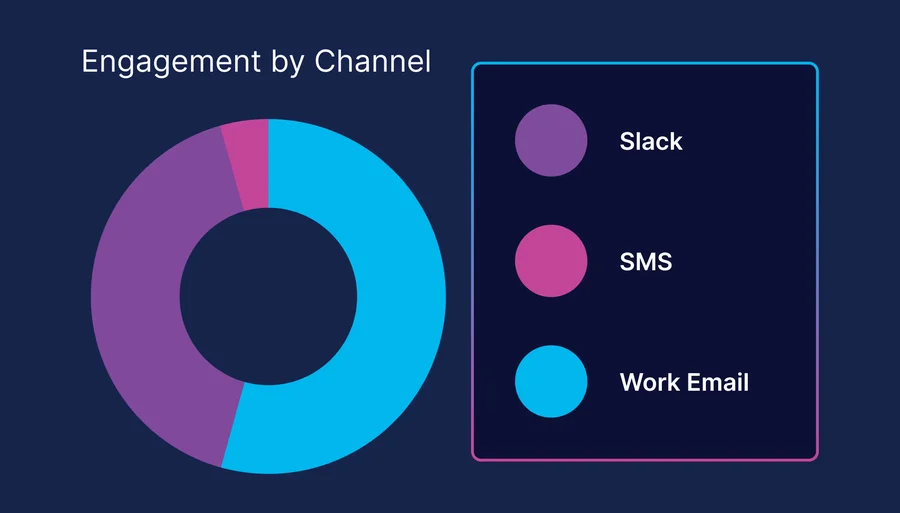
Channel-specific metrics

See which channel each team actually reads.
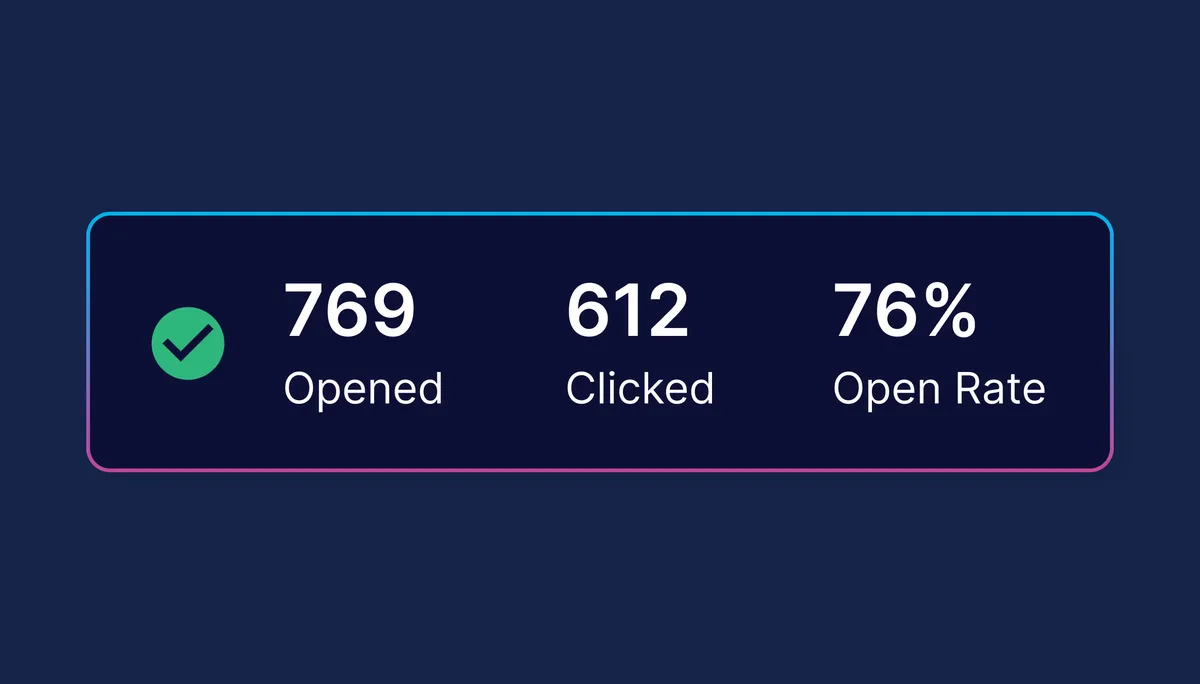
Person-level activity

Every open and click per recipient, plus delivery forensics.
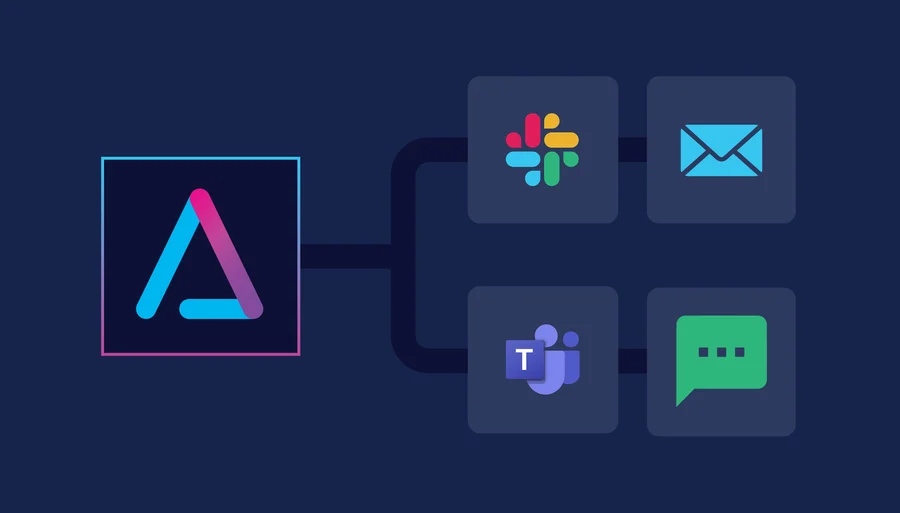
One view across channels

Email, Slack/Teams, SMS and hub engagement rolled into one report.
Trend tracking

See how engagement moves week over week.
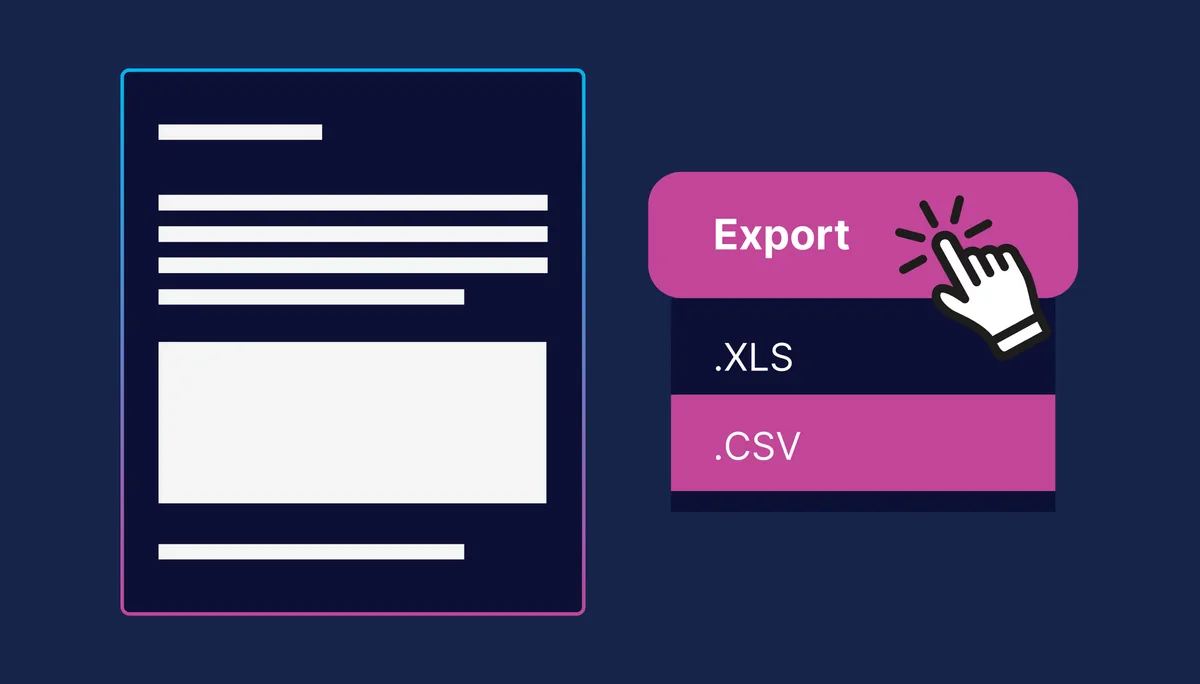
Exportable reports

XLS and CSV exports for QBRs and board decks.

What customers say

From teams running it today.

"I can give visibility to the C-suite to showcase how we are thinking about employee journeys, track engagement and provide the best possible employee experience."

Julie R.Chief People Officer

"We partnered to develop campaigns to keep employees engaged. Having a partner like ChangeEngine is imperative to drive success."

Chris D.Director, Talent and Org Development

"Our small internal comms team finally has the tools to create and track engagement across every campaign."

Linde M.VP, Marketing & Communications

"Over 40 campaigns personalized by location and role. Engagement is up and Slack channels are buzzing."

Andrea E.VP, HRIS & People Solutions

"I took a deep dive into several of our sends and found a 40% clickthrough rate for SMS."

Kathy G.Marketing Director

"I can now show leadership what our employee journeys look like, and the platform tracks engagement so we can optimize every touchpoint."

Alex M.Global People Initiative & Strategy
Customer stories

See it running at real companies.

Short videos from customers using ChangeEngine every day. Scroll for more.
Integral Ad Science video case study▶

Integral Ad Science

IAS boosts survey participation with segmented reminders and real-time analytics. Tracking opens, clicks, and engagement to turn feedback into action.
Combe video case study▶

Combe

Combe uses ChangeEngine to send 39,000+ targeted comms, build 39 segments, and save 210+ hours while scaling a people first global strategy.
Positive Development video case study▶

Positive Development

Positive Development uses Teams, SMS, and email to reach distributed teams. Driving 57% email open rates, low SMS unsubscribes, and 64,000+ communications delivered.
Cart.com video case study▶

Cart.com

Cart.com built 22+ segments across the U.S., Mexico, and Poland. Using Slack (68%), SMS (14%), and email to reach frontline and corporate teams effectively.
Dealpath video case study▶

Dealpath

Dealpath uses themed campaigns and creative comms to boost morale, helping move collaboration scores from bottom three to top three.
Positive Development video case study▶

Positive Development

Positive Development uses segmentation and AI inside ChangeEngine to eliminate manual HRIS work. Saving hours per comm and freeing the People team to focus on strategy.

Works with your stack

Every channel. Every HRIS.

75+ HRIS and ATS integrations. HR updates the HRIS once and every audience follows, delivered where your people already are, with no new login.

OutlookGmailSlack/TeamsSharePointSMSWhatsAppPushQR posters
Workday
ADP
BambooHR
UKG
Dayforce
Rippling
HiBob
SAP
Oracle
Paylocity
Gusto
60+and more
AI-native

Run it from your existing AI.

Connect ChangeEngine to the AI assistant your team already uses, like ChatGPT or Microsoft Copilot, and ask for what you need in plain words. Every action is listed on our MCP page.

See every MCP tool →
Which locations had the lowest open rate on the benefits campaign?
Build a QBR summary of onboarding engagement by department.
What's the best day and time to send to our field teams?
Who hasn't opened the policy update yet? Nudge them by SMS.

One AI platform that replaces up to five HR tools.

Comms, journeys, content, recognition and listening, on one data model with one login for your team and none for your employees.

Communication OrchestratorEmail tools and newsletters
Journey BuilderOnboarding spreadsheets
AI Content StudioDesign agencies
Surveys & ListeningSurvey tools
Recognition + E-giftingRecognition platforms
Employee Hub AIIntranets
FAQ

Questions we hear most

What does it track?

Opens, clicks, reactions, completions and survey responses across every channel and program.

Can we segment by department or location?

Yes. Slice by department, region, level, tenure or any synced HRIS field.

How current is the data?

Dashboards update in real time as employees interact.

Can we export for the board?

Yes. Export dashboards and reports for board decks, QBRs and leadership briefings.

Can we set alerts?

Yes. Set thresholds, like an open rate under 50%, and get alerted when engagement drops.

Why can't we get this from Mailchimp or a distribution list?

Those tools see opens by email address only. ChangeEngine reads the HRIS, so every result comes with department, location, manager and tenure.

Can I see why someone didn't get a message?

Yes. Delivery details show exactly what happened for any recipient, so you can fix the cause, not guess.
Works even better with

The rest of the platform

See it on your own brand.

Get a 30-minute walkthrough built around your programs, or start a hub yourself right now.

Free to start. No credit card.