Send to email, Slack/Teams and SMS from one place, then see who never opened it and chase only those people. No intranet login, no copy-paste.

.svg)




.svg)
Desk teams live in Slack/Teams, managers live in Outlook, the field lives on their phone. Picking one channel means missing everyone else.
Email in one place, Slack/Teams in another, SMS in a third. Nobody sees the full picture.
You know the email went out. You don't know who opened it, or who needs a second nudge.
Follow-ups mean exporting lists, filtering by hand and sending again from scratch.
Segment by any HRIS field: team, location, role, tenure.
Draft with AI or a template. Preview it in every channel before it goes.
Email, Slack/Teams and SMS, timed to each person's working hours.
See who never opened it and nudge only those people, automatically.
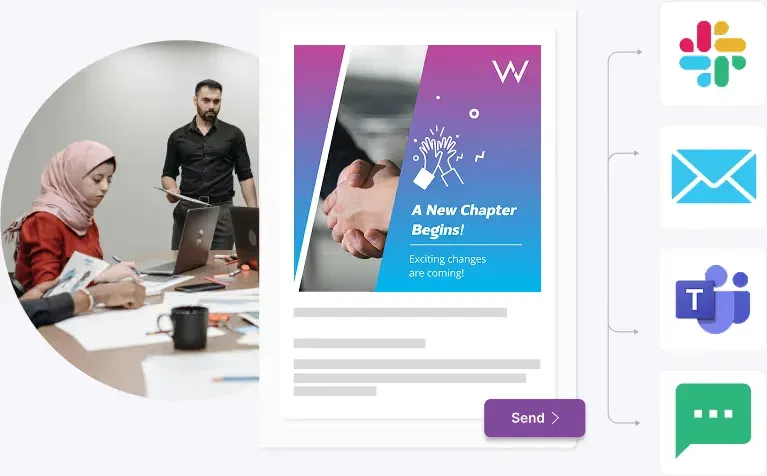
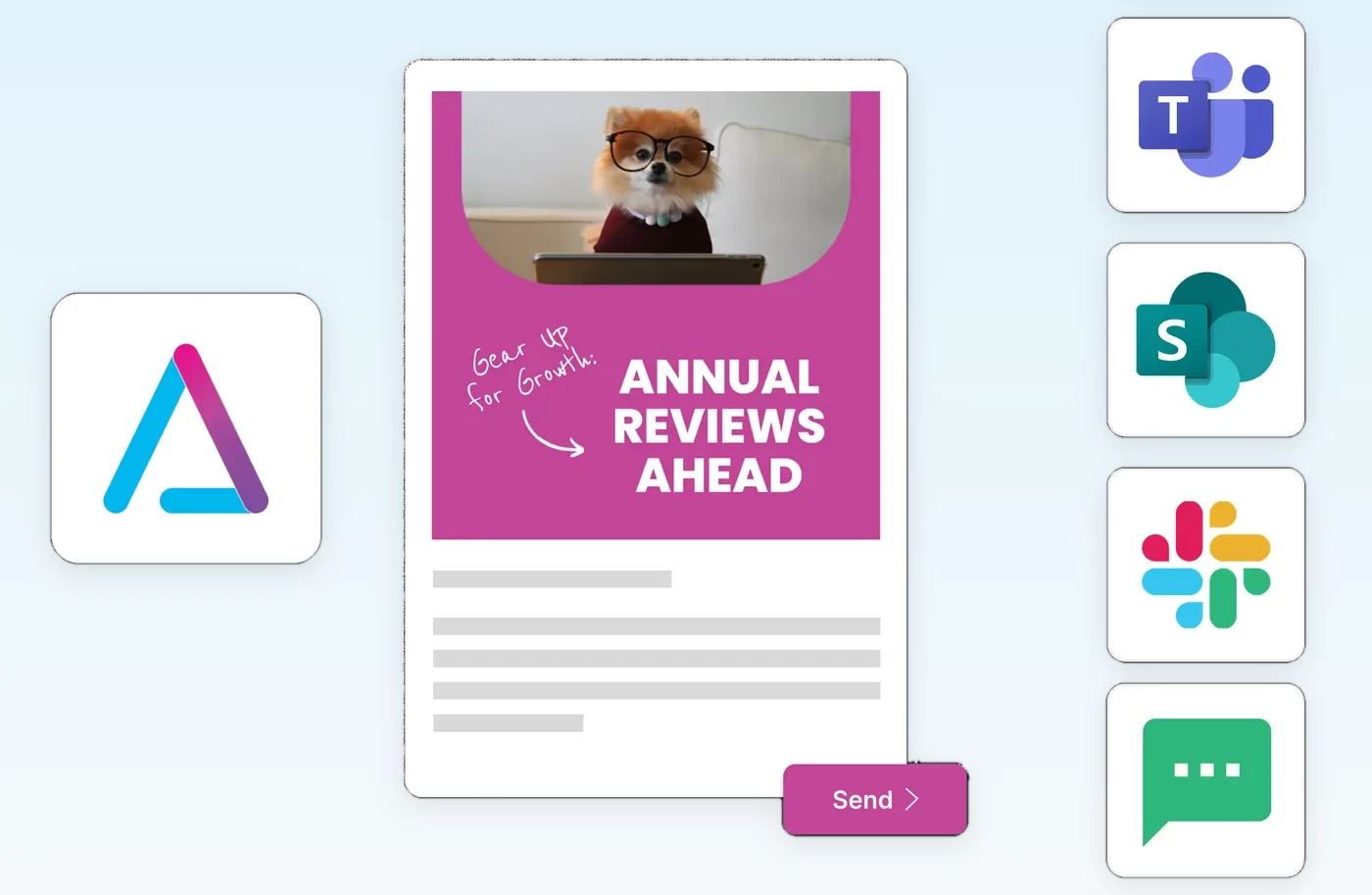
Write it once and ChangeEngine formats it for each channel your people use.
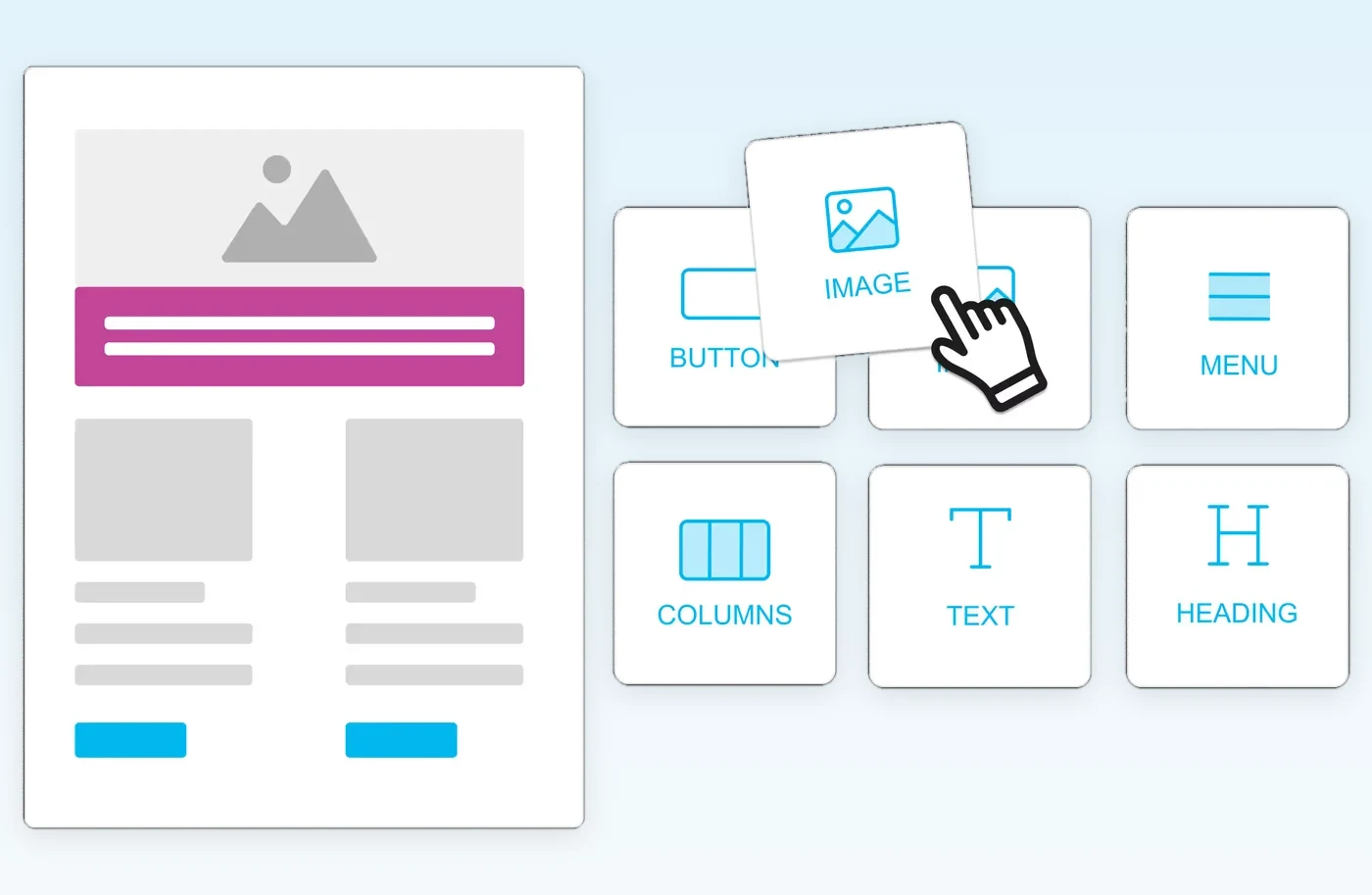
Drag-and-drop blocks, AI-drafted sections and real-time preview, all on brand.
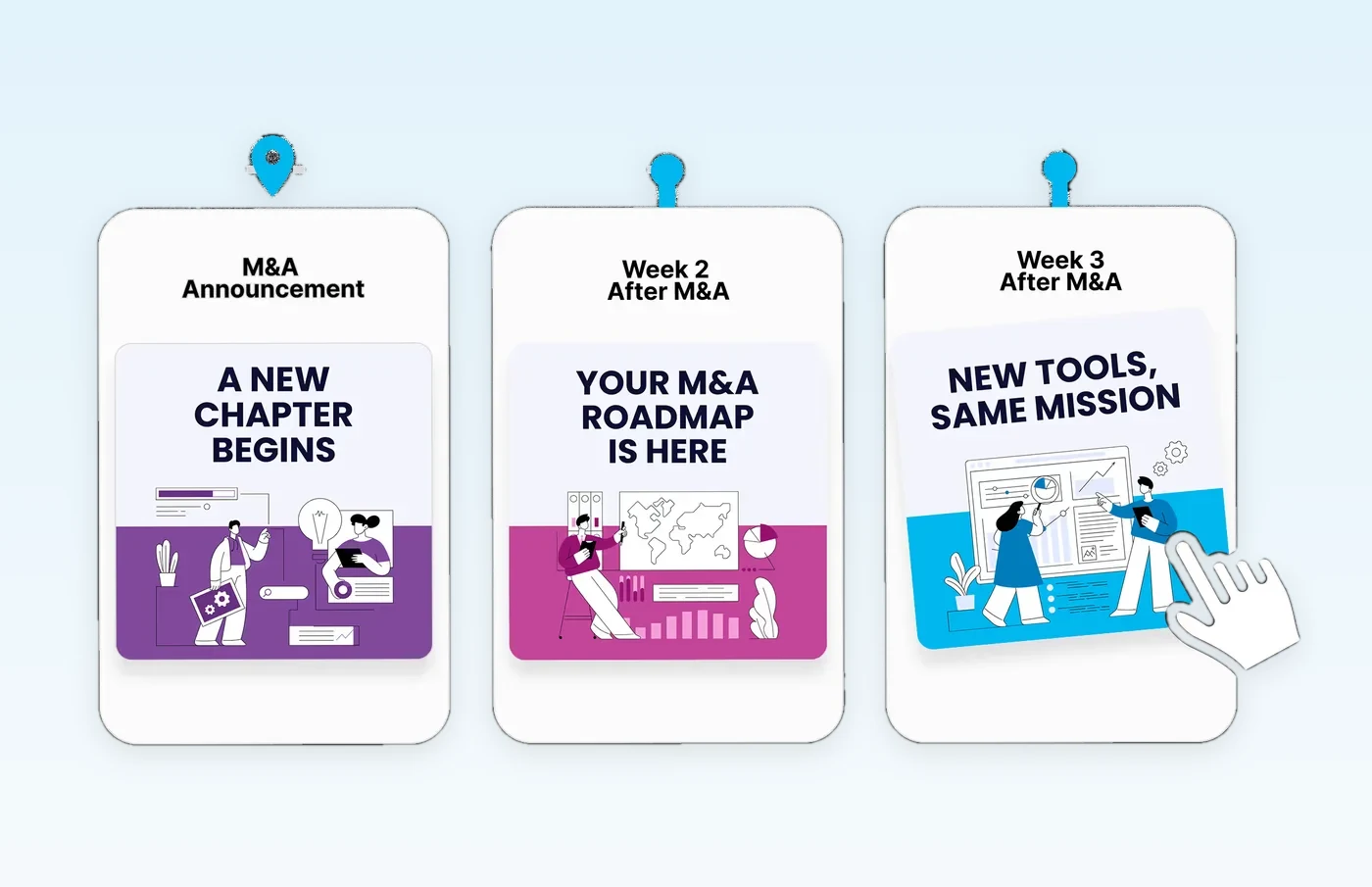
Map a multi-week series across channels before the first message goes out.
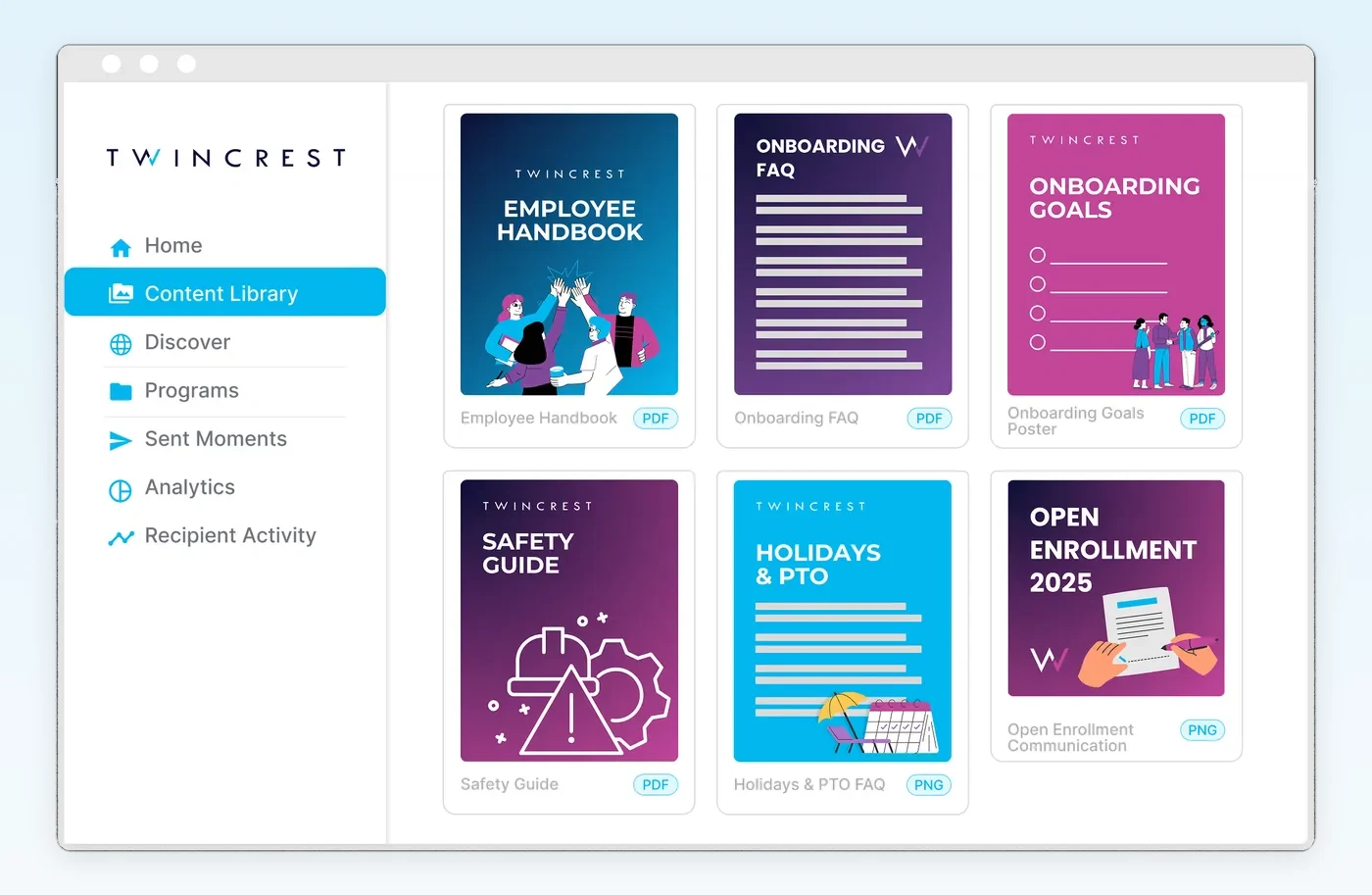
Handbooks, FAQs and guides live in one place, ready to reuse or resend.
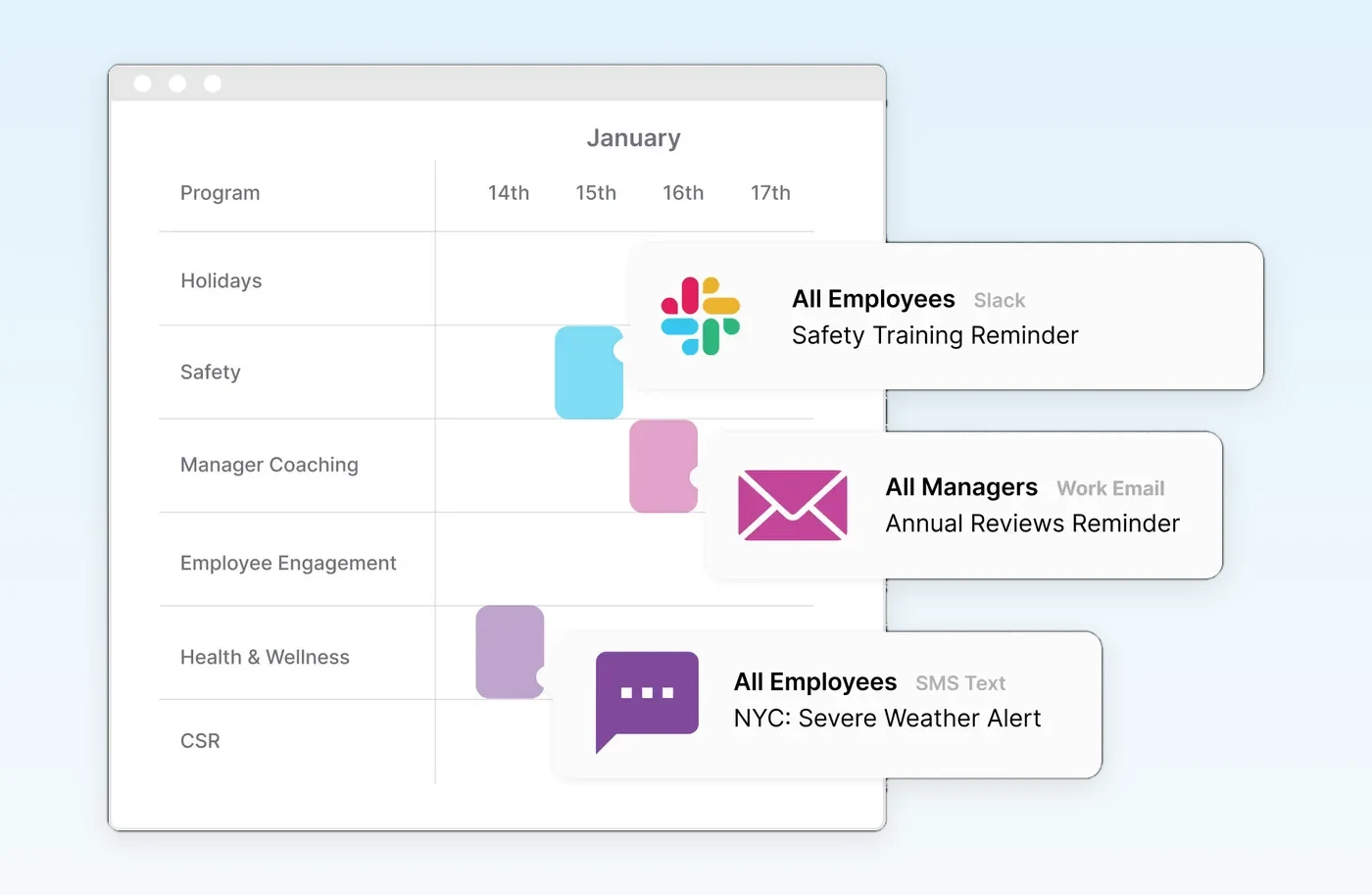
A shared calendar of every program, channel and audience, so nothing collides.
Distribution lists go stale the moment someone exports them. ChangeEngine reads audiences straight from your HRIS, so every list rebuilds itself before every send. HR updates the HRIS once. Everything downstream follows.
HubSpot is a customer of ours. Experts at external marketing automation, but internally they had to ask HR to download spreadsheets from Workday and upload them into HubSpot. The lists were already out of date.
| IT-managed lists | Export to Mailchimp, HubSpot or Constant Contact | ChangeEngine dynamic segments | |
|---|---|---|---|
| Who updates the list | IT, by ticket | HR, by spreadsheet export and upload | Nobody. The HRIS is the list |
| How fresh it is | As fresh as the last ticket | As fresh as the last export | Refreshed from the HRIS on every sync |
| New hires | Added when someone remembers | Added at the next export | Included from their start date, even before day one |
| Leavers | Linger until removed | Linger until the next export | Drop out on their exit date |
| Precision | Broad lists (All US, All Eng) | Whatever columns survived the export | Any HRIS field, combined with AND, OR and NOT |
| Manager targeting | Hand-built manager lists | Rarely possible | Built in: managers hear about their own team |
| Employee data | Stays in IT | Downloaded to laptops, uploaded to marketing tools | Read through a direct integration, not passed around in files |
| Reporting | None | Marketing metrics, no org context | Opens, clicks and actions by department, location and manager |
Describe who should get the message once. ChangeEngine works out who fits that rule every time it sends.
| Segment | Built from | What you'd send | What happens with no one touching it |
|---|---|---|---|
| Dallas new hires starting in the next 14 days | Start dateWork city | Day-one logistics: parking, badge pickup, who meets them at the door | Each new hire enters the day HR adds them, and leaves once they've started |
| Engineering managers | DepartmentSeniority | Calibration prep and deadlines for the review cycle | A newly promoted engineering manager is included on the next sync |
| Everyone outside the US | Work location | Global holiday calendar and local policy updates | A transfer from London to San Francisco moves them out automatically |
| Haven't finished open enrollment | Enrollment status | Reminders every 3 days until the deadline | Each person stops getting reminders the moment they complete it |
| Full-time employees only | Employment type | Equity or benefits updates that don't apply to contractors | Contractors converted to full-time are added on their change date |
| EMEA Customer Success team | DepartmentWork city | Region-specific QBR prep and coverage plans | Joiners and leavers on the team flow in and out |
| Leaving in the next 14 days | Exit date | Offboarding checklist: equipment return and final steps | Leavers drop out of every other segment after their exit date |
Most tools stop at sent. The Orchestrator watches who opened, then nudges the rest on a different channel at a better time.
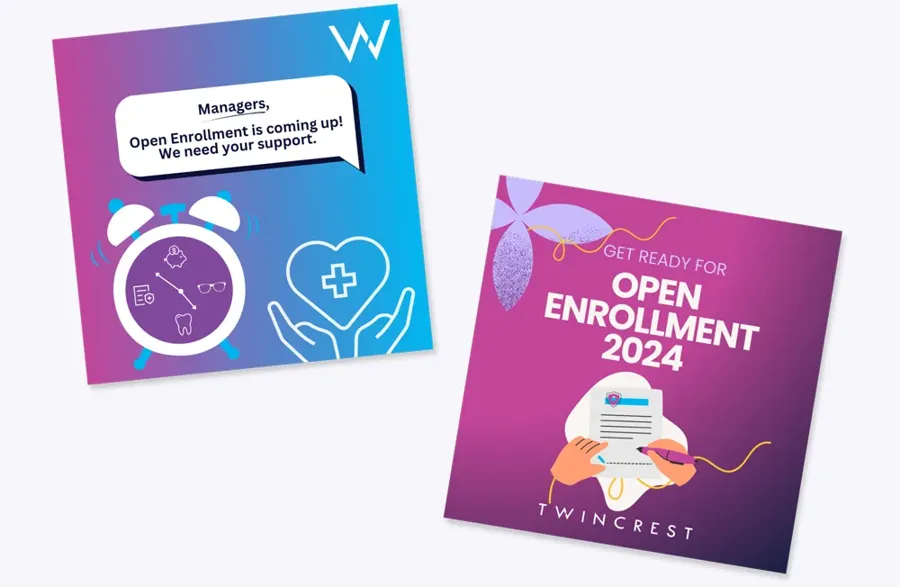
A countdown campaign across email, Slack/Teams and SMS.
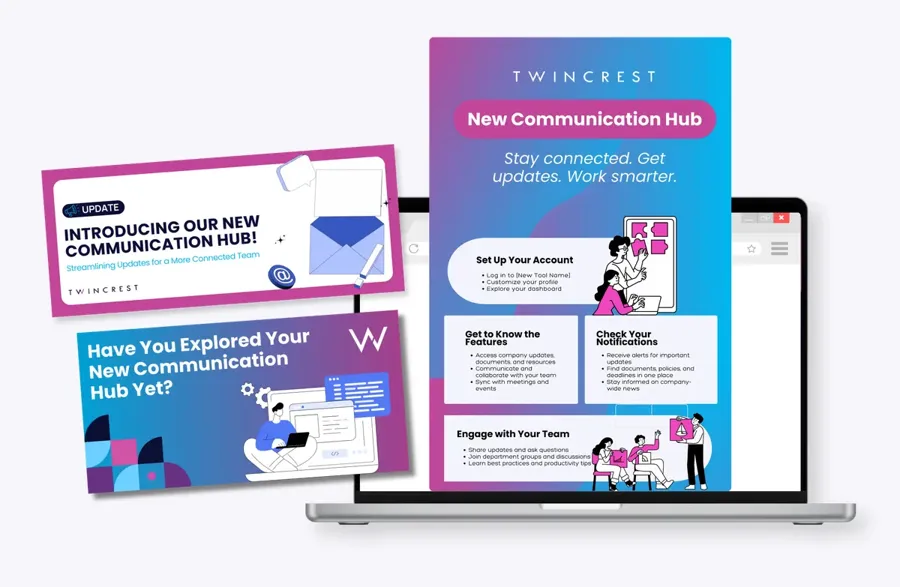
Announce the change everywhere people already look.
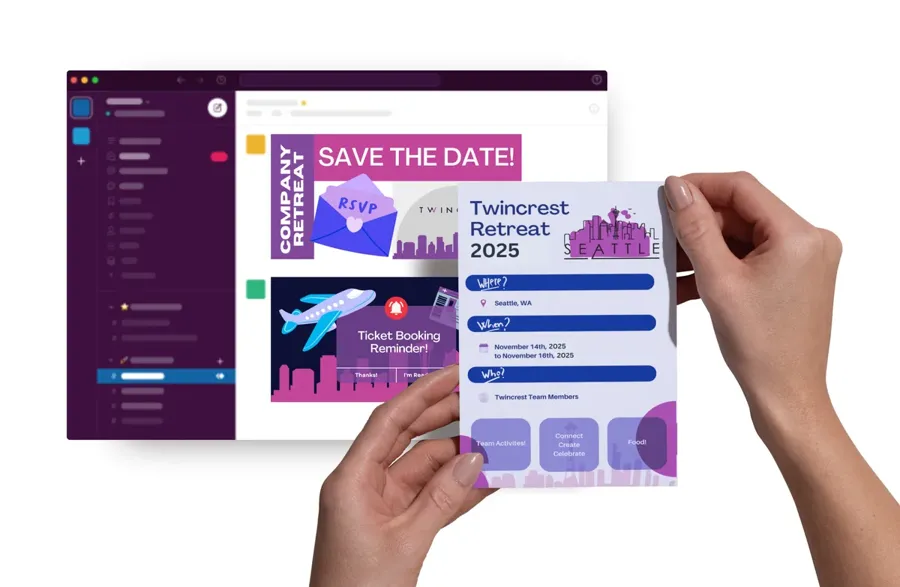
Save-the-dates with RSVP tracking.
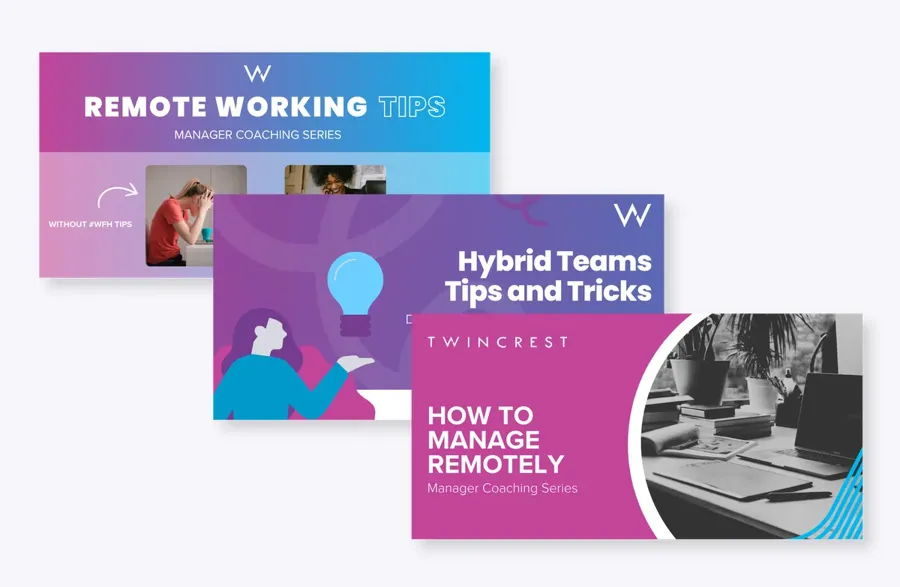
Weekly tips that land in the manager's inbox.
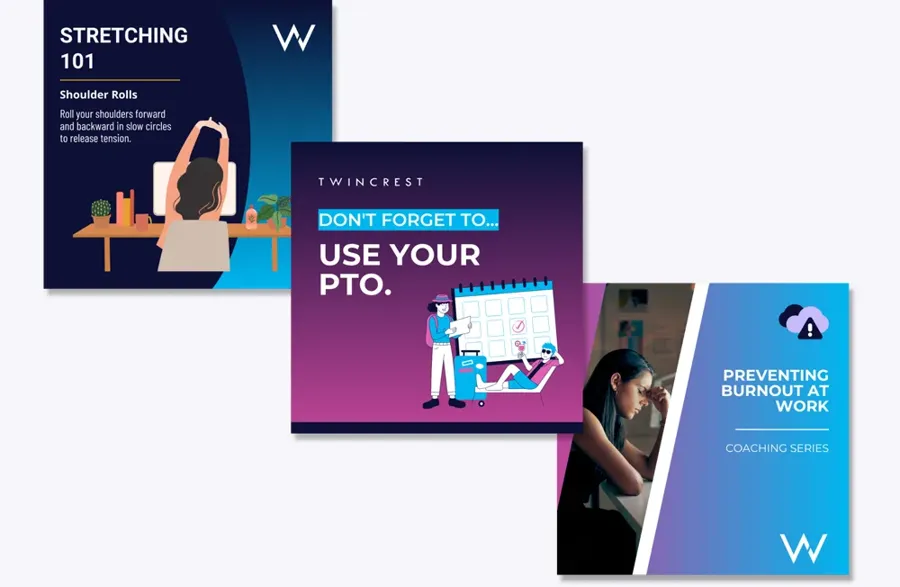
Reminders timed to each location's work week.
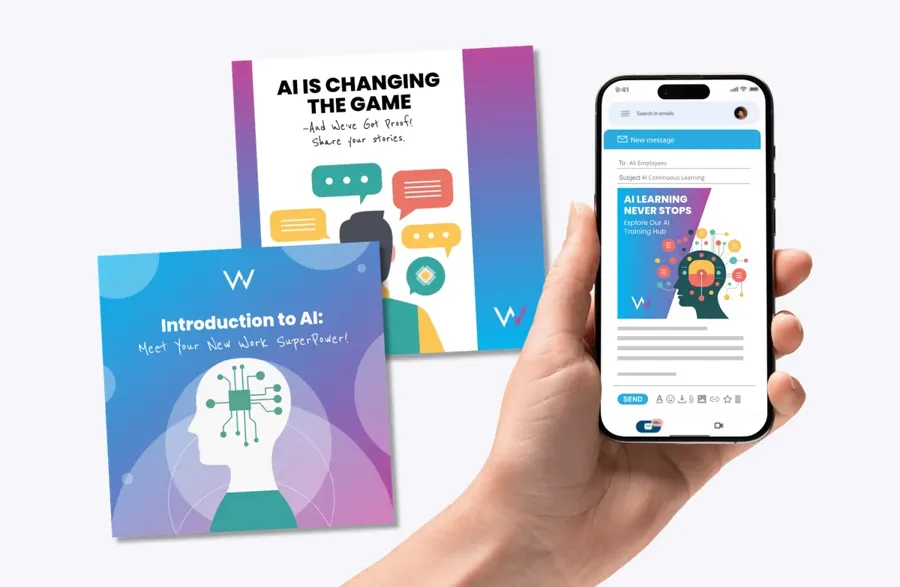
A multi-week enablement series, translated.
Real programs from ChangeEngine customers. Each one starts here and pulls in the rest of the platform.
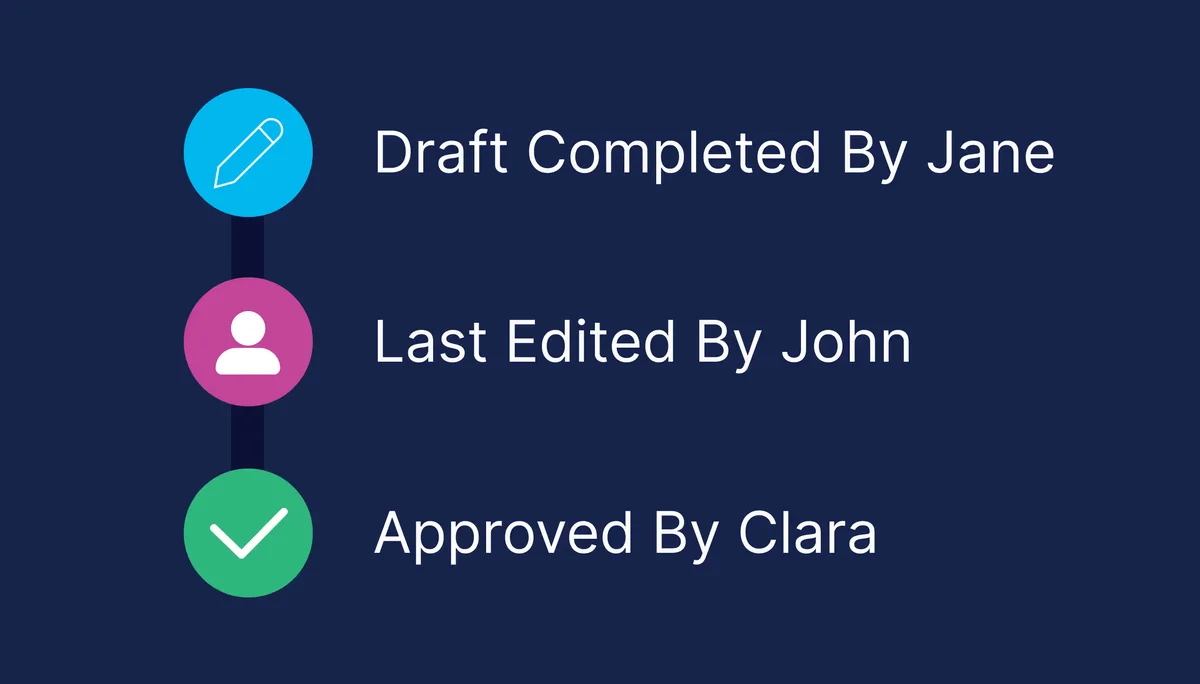
Route drafts to legal, comms or a leader for sign-off, with every edit and approval logged.
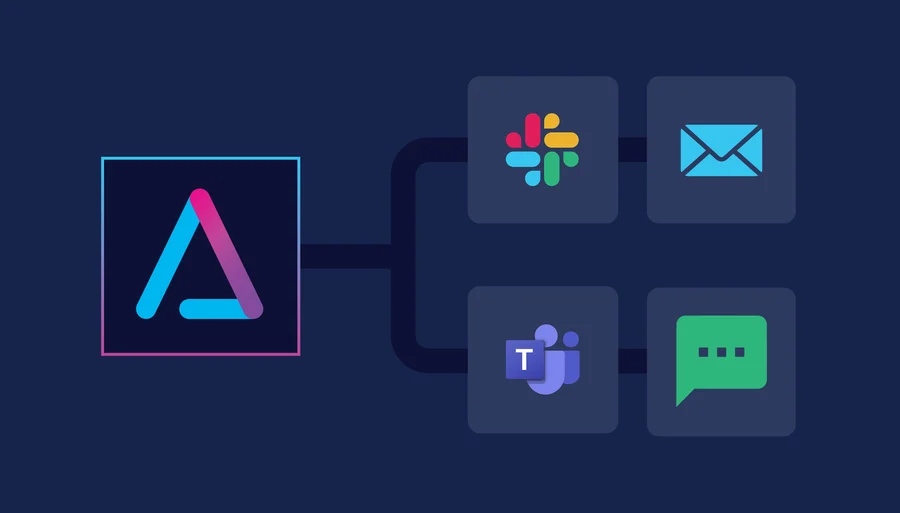
Email, Slack/Teams, SMS and WhatsApp from one draft, formatted natively for each.
Send translated versions by region or language group, in your tone and brand.
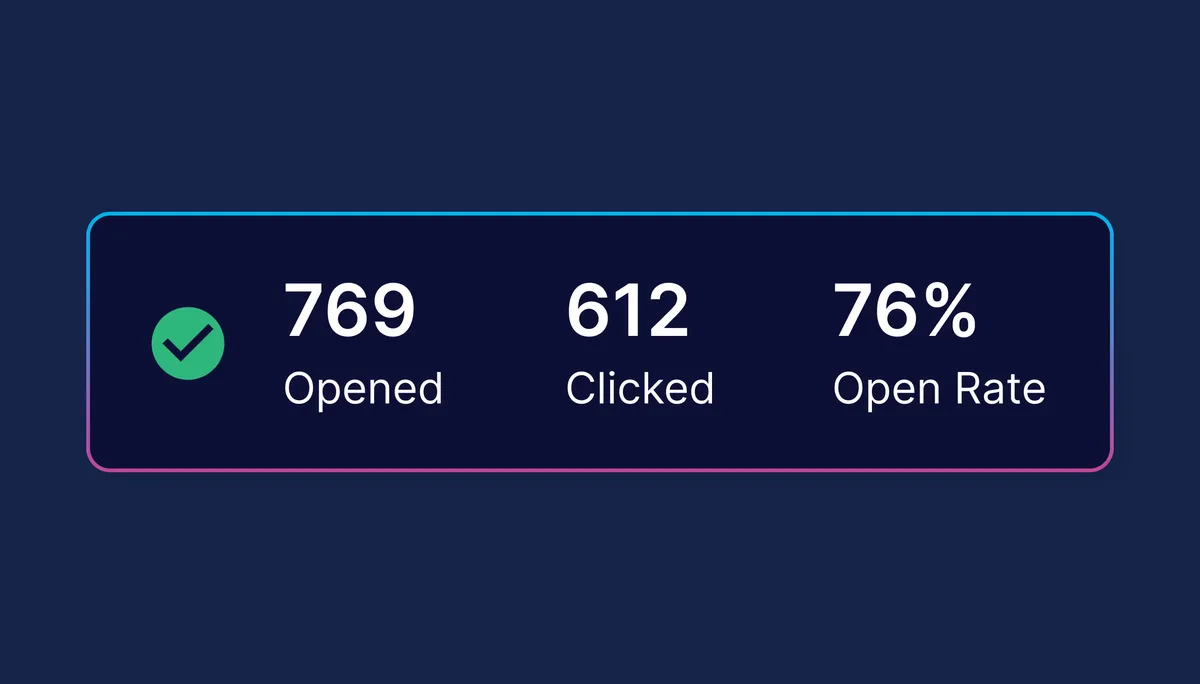
See who opened, clicked and acted, and why any one person didn't get a message.
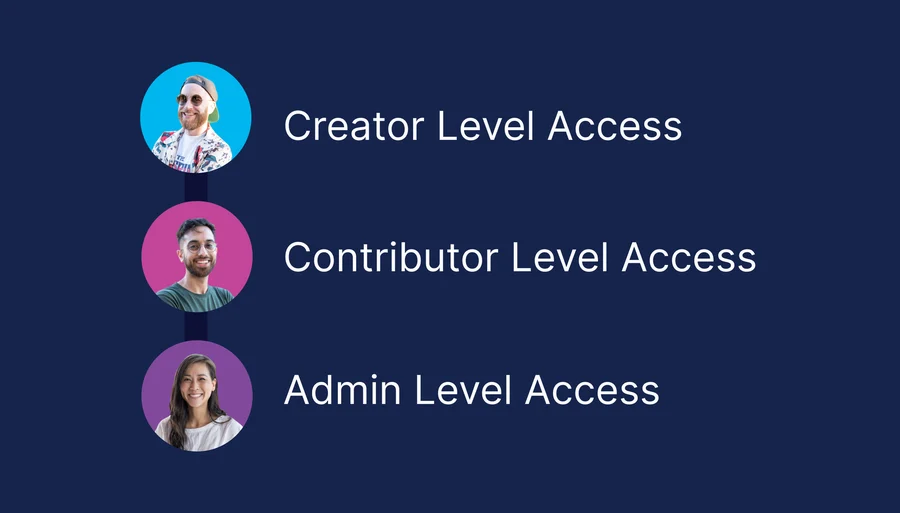
Give each site, brand or program its own contributors, with central control kept by HQ.
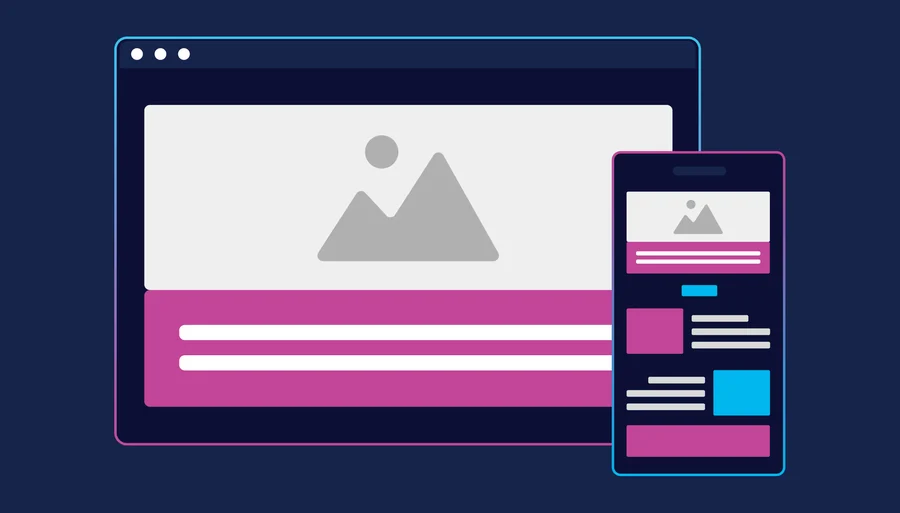
Every send renders cleanly on desktop, phone and shared screens.
"ChangeEngine is a 'force multiplier' for our small internal comms team. The platform is super easy to use, and everything looks professional and on brand."

"I can finally organize all our programs and visualize moments and communications in a single platform, and give visibility to the C-suite."

"They help us scale internal messaging without additional bandwidth."

"I took a deep dive into several of our sends and found a 40% clickthrough rate for SMS."

"Over 40 campaigns personalized by location and role. Engagement is up and Slack channels are buzzing."

"It's helped us elevate engagement, meet teams where they are and bring our people strategy to life."

Short videos from customers using ChangeEngine every day. Scroll for more.
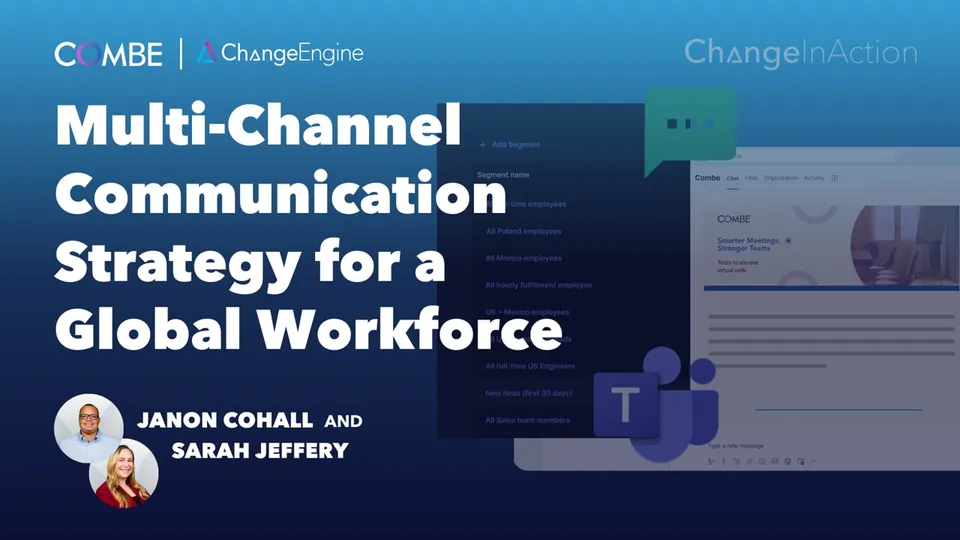 ▶
▶Combe uses ChangeEngine to send 39,000+ targeted comms, build 39 segments, and save 210+ hours while scaling a people first global strategy.
 ▶
▶Positive Development uses Teams, SMS, and email to reach distributed teams. Driving 57% email open rates, low SMS unsubscribes, and 64,000+ communications delivered.
 ▶
▶Cart.com built 22+ segments across the U.S., Mexico, and Poland. Using Slack (68%), SMS (14%), and email to reach frontline and corporate teams effectively.
 ▶
▶Rose Paving replaced mass emails with segmented, bilingual messaging, ensuring safety, compliance, and benefits updates are relevant and actually read.
 ▶
▶MadRag used ChangeEngine to reach 1,000+ retail employees across 14 states. Driving 800% enrollment growth, top Earned Wage Access adoption, and zero benefit cost increases.
 ▶
▶Across 50 states, Ethos uses segmentation and HRIS triggered journeys to scale compliance, improve efficiency, and avoid six figure risk exposure.
75+ HRIS and ATS integrations. HR updates the HRIS once and every audience follows, delivered where your people already are, with no new login.
 Workday
 ADP
ADP BambooHR
 UKG
UKG Dayforce
 Rippling
 HiBob
HiBob SAP
SAP Oracle
 Paylocity
 Gusto
GustoConnect ChangeEngine to the AI assistant your team already uses, like ChatGPT or Microsoft Copilot, and ask for what you need in plain words. Every action is listed on our MCP page.
See every MCP tool →Comms, journeys, content, recognition and listening, on one data model with one login for your team and none for your employees.
Email (Outlook and Gmail), Slack/Teams, SharePoint and SMS, with WhatsApp available for frontline teams. Employees don't need a new login.
Yes. Segment by any HRIS or CSV field, including department, location, level and tenure, plus custom fields you add.
Each message can go out in the recipient's own time zone and working hours, so a 9 AM send is 9 AM wherever they are.
Yes. Preview every channel version side by side and route drafts through approvers before anything goes out.
No rip-and-replace needed. ChangeEngine orchestrates the send and delivers through the tools your people already use.
Most teams send their first multi-channel message within five business days.
ChangeEngine syncs with your HRIS on a recurring schedule, and segments re-evaluate at send time, so joiners are in and leavers are out.
Yes. Combine rules with hand-picked people, like all Bay Area employees plus two named leaders.
Sync conflicts are flagged so you fix the record at the source, once.
No. Messages arrive branded as your company, from your own email domain, already addressed to the right people.
Yes. Set an automatic follow-up to non-openers or non-clickers, on the same channel or a different one, and everyone else is left alone.
Yes. Route any draft through approvals, with comments and a full edit history.
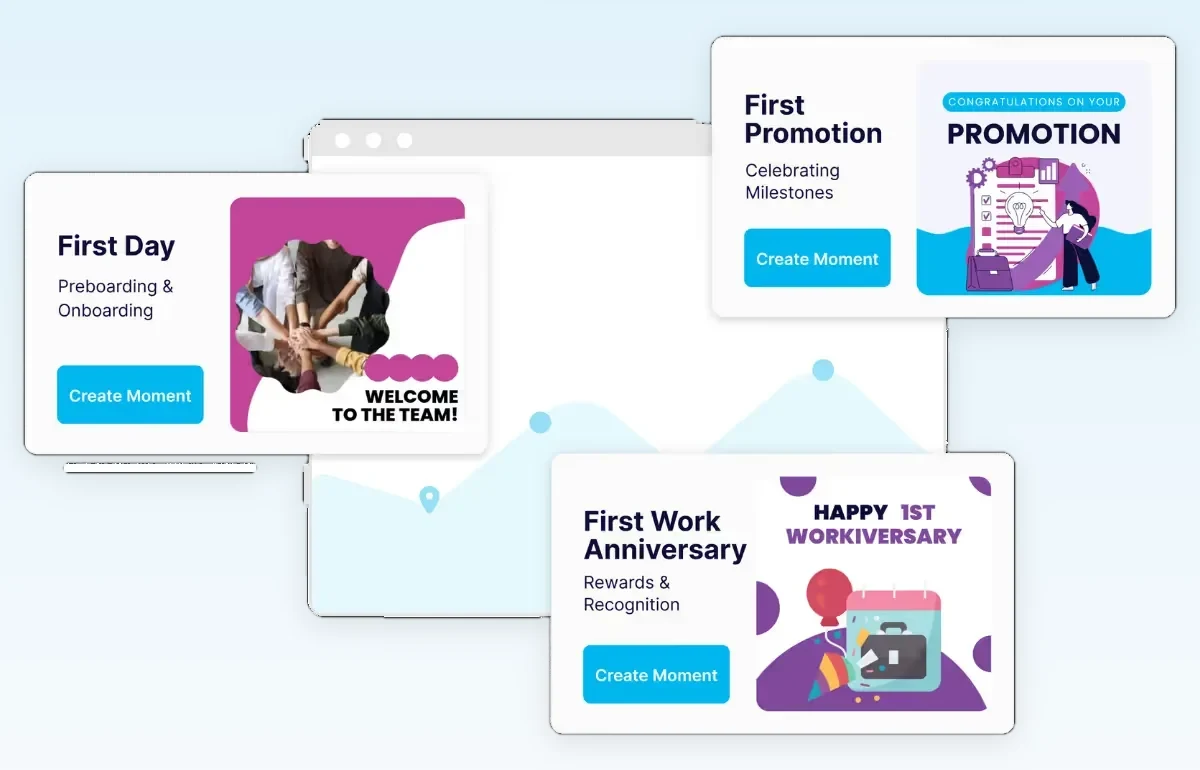
Milestones nobody has to remember.
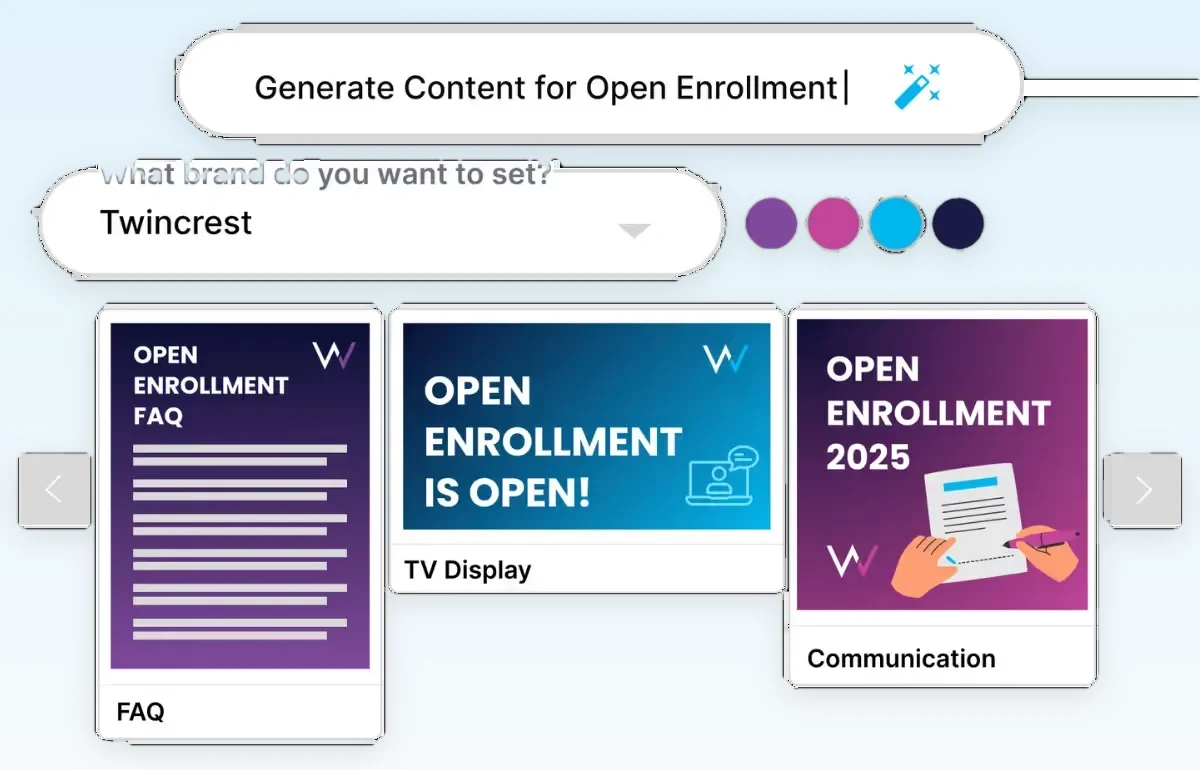
One brief, every format, on brand.
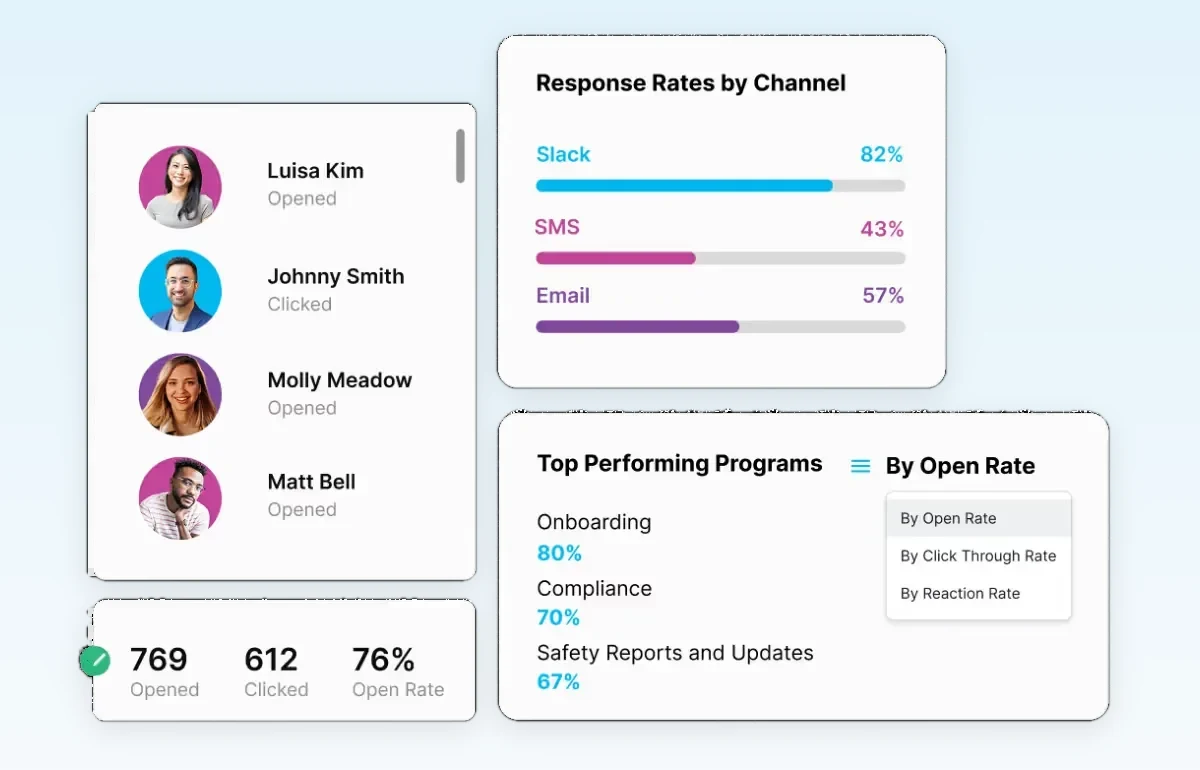
Proof for leadership, by team and channel.
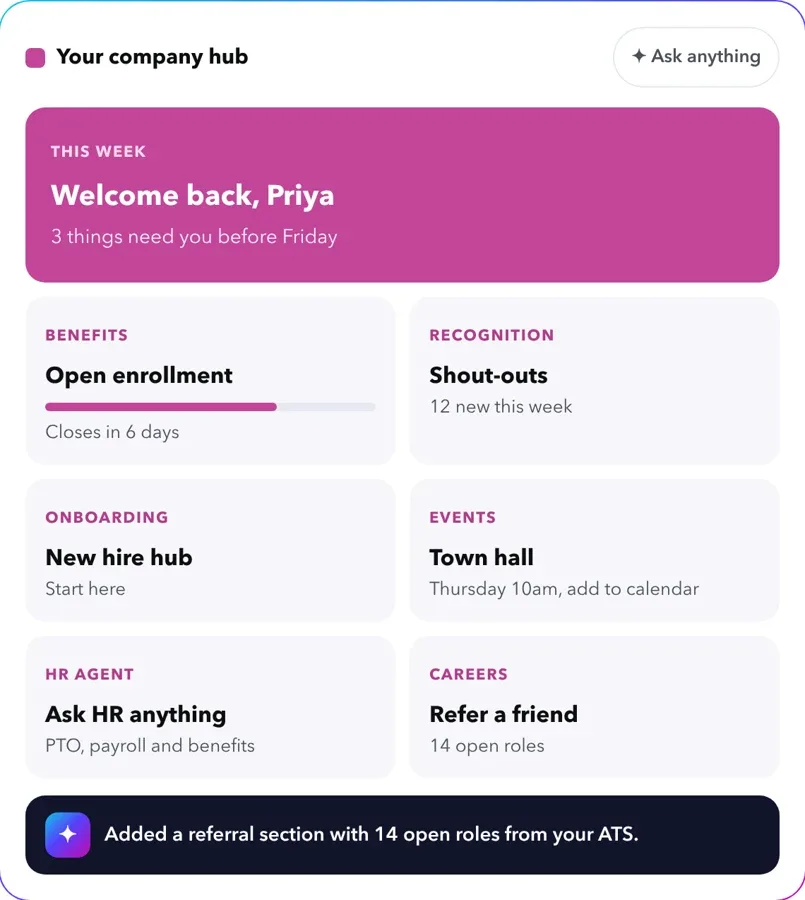
A branded employee hub in 5 minutes.
Get a 30-minute walkthrough built around your programs, or start a hub yourself right now.
Free to start. No credit card.
