For most People teams, onboarding is either manual or missing: a welcome email, a stack of PDFs and a calendar full of reminders. ChangeEngine plans the whole journey, from preboarding the day an offer is accepted through day 90 and on to offboarding, writes every message in your brand, sends it off start dates in your HRIS and tells managers exactly when it's their turn. From our app, or the AI assistant you already use.


 through the ChangeEngine MCP

.svg)


.svg)

When we ask People teams what onboarding looked like before ChangeEngine, the answers sound the same: manual, non-existent, a gigantic stack of papers. The welcome goes out. Then it gets quiet.
The offer is signed, then nothing for two weeks. ChangeEngine fills the gap the moment the offer is accepted: a welcome, where to go, what time, who's meeting them. New hires walk in with their questions already answered.
The 30-day check-in, the buddy intro, the manager 1:1. Someone has to remember every one of them, for every hire, at every location. Journeys fire off HRIS start dates instead, and managers get a nudge the day their part is due.
Do new hires read their perks in week one, or should that go out later? Most teams can't tell. Now you can: who opened what, who finished training, and which locations are falling behind.
Onboarding doesn't start on day one or end at day 90. ChangeEngine runs the whole arc off your HRIS and ATS: the quiet weeks before a start date, the first 90 days, and the exit, so people leave as well looked after as they arrived.

Here's what a typical first 90 days looks like. Describe yours in a sentence and AI drafts it, then adjust any step. It all fires off the start date in your HRIS.
You're in. Here's what's next.
Welcome from the CEO, what the first week looks like, swag ordered.
First-week guide
Where to go, who to ask, what to bring. Manager gets a prep checklist.
Welcome to the team
Hub link, team welcome post, and access reminders for IT.
Meet your buddy
Buddy intro, benefits enrollment window and a 3-question pulse.
30-day check-in
Short survey to the new hire, 1:1 prompt with talking points to the manager.
Training and goals
Required training reminders, chased only for people who haven't finished.
You made it
Milestone card, e-gift, team shout-out and a 90-day survey.
Tell the engine who's starting, where and what matters. It plans the moments, the channels and who gets what.
Welcome texts, first-week guides, manager checklists and the day-90 card arrive drafted in your brand and tone. Edit anything, then approve.
Every new hire enters the journey automatically from Workday, ADP, BambooHR, UKG or 75+ other systems. Nobody presses send.
See who opened, who finished training and how 30 and 90-day surveys trend, by location and manager.
"Onboarding for store associates. Most don't have work email. English and Spanish. Keep it warm and short."
Examples built in ChangeEngine for our sample brand, Twincrest. Yours start from your logo, colors and voice, drafted by AI Content Studio.
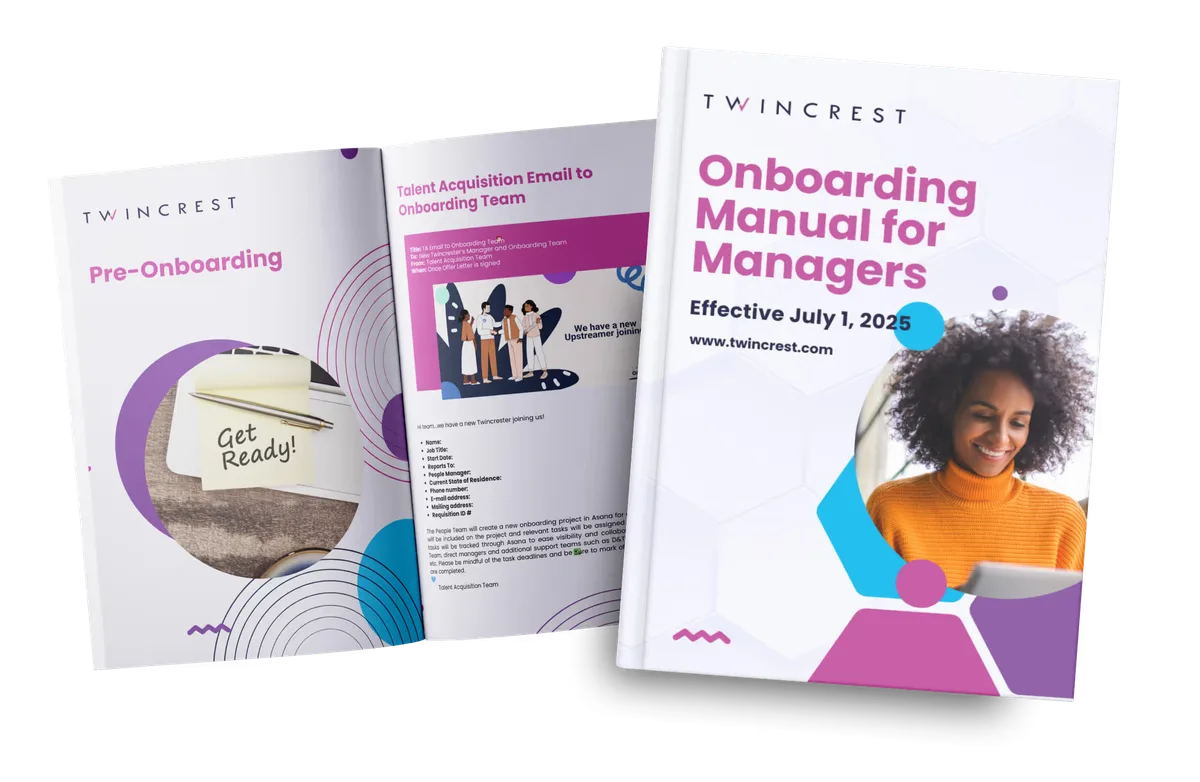
A get-ready guide for the new hire and a playbook for their manager, before day one.
For hourly hires who won't have a work inbox on day one. Two-way SMS agent →
The right task the day it's due, in Slack, Teams or email.
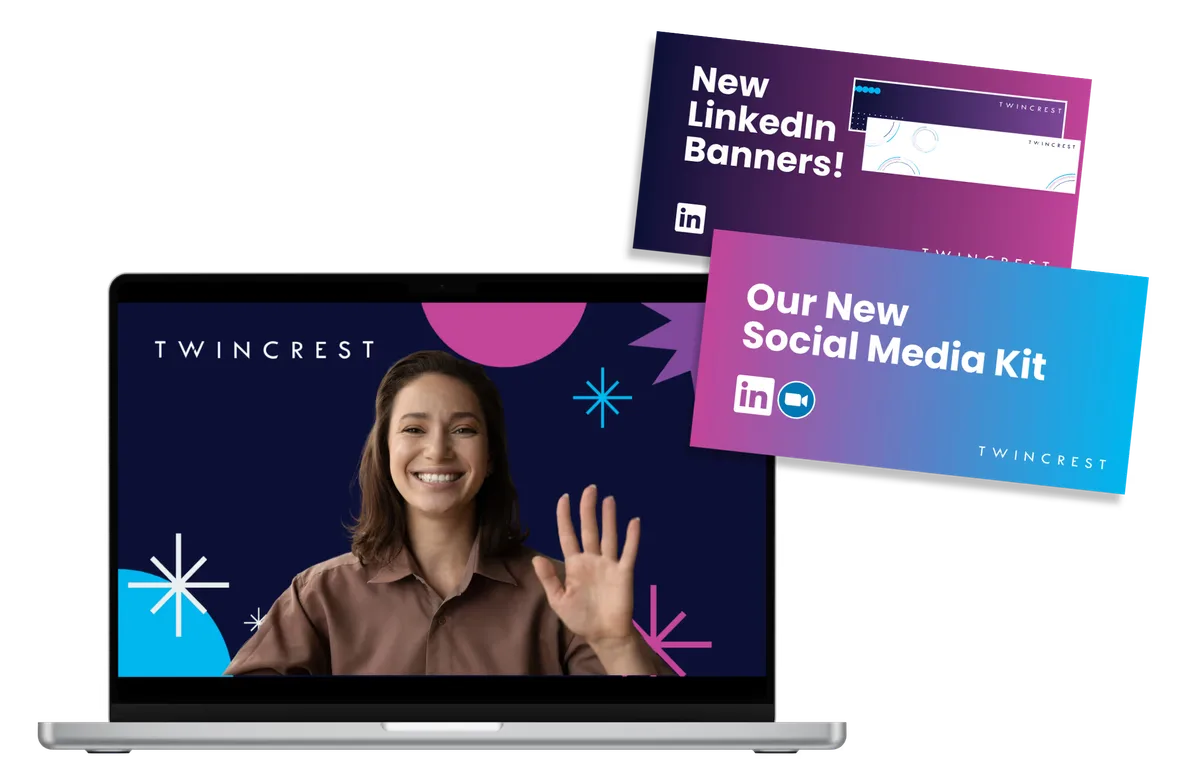
A welcome from leadership, plus banners and posts so new hires can announce the new job.
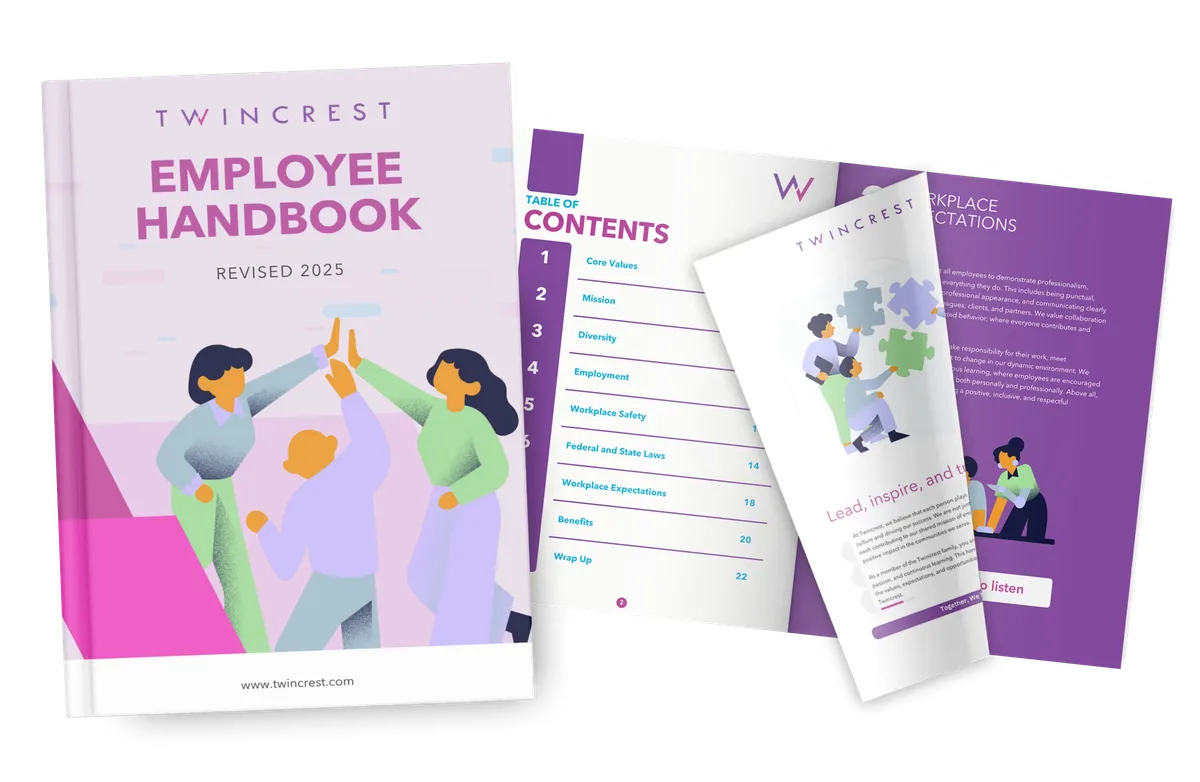
The PDF becomes a branded, searchable flipbook. Watch Cart.com's →
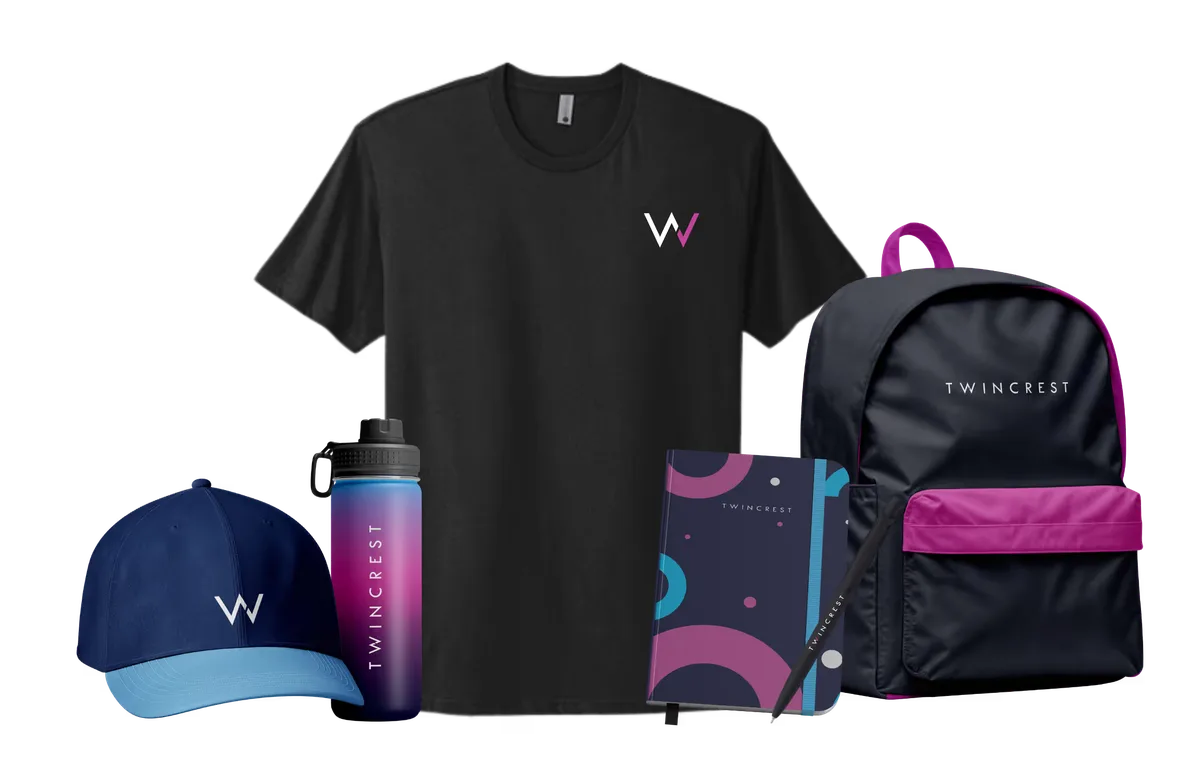
Kits arrive before day one, wherever the new hire lives. Swag and e-gifting hub →
Instead of 14 emails and a PDF, every new hire gets a hub: their schedule, their team, their benefits, the apps to log into and an HR agent that answers "where do I...?" at 10pm. Describe your company and Employee Hub AI builds it in minutes. It opens on any phone, no app store required.
The ChangeEngine MCP server plugs into the AI assistant your company already approved. Ask who's starting, what's behind or what to change, and it answers from your live journeys. Your roles and approvals stay in charge.


MCP (Model Context Protocol) is the open standard AI assistants use to connect to business systems.
We're opening a Denver office next month. Add a Denver branch to onboarding with the new address, parking and a welcome from the site lead.
Done. The branch is waiting for your approval in ChangeEngine.
Short walkthroughs from the People teams who built them, from 120 hires across four offices to frontline workforces with varied start dates.
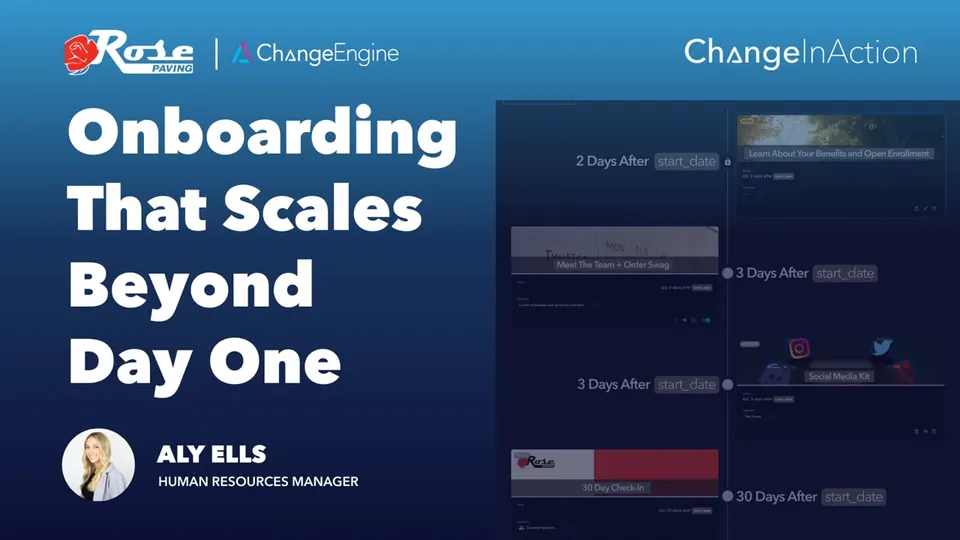 ▶
▶Automated onboarding plus 30, 60 and 90-day check-ins that keep new hires connected well past day one.
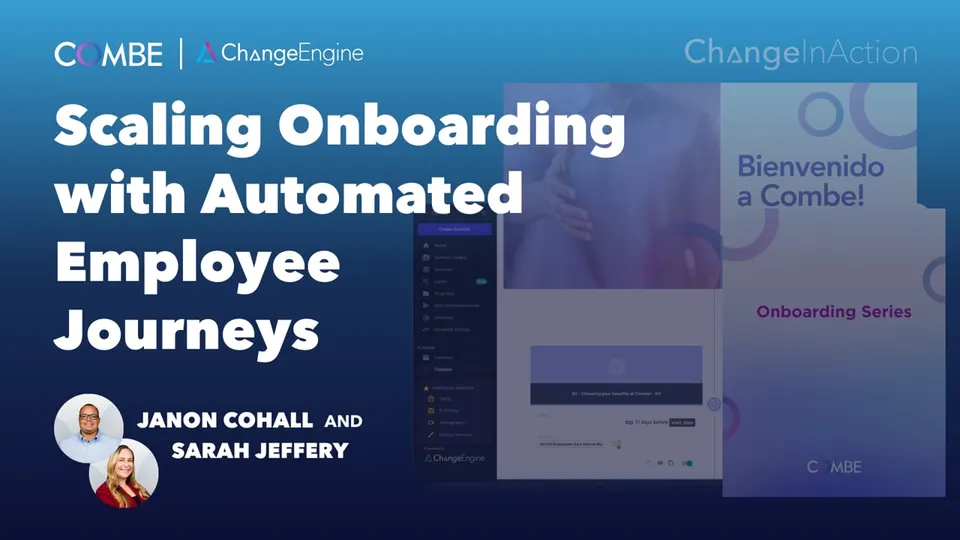 ▶
▶A pre-start to day-90 journey that guides new hires and managers in parallel to cut early attrition risk.
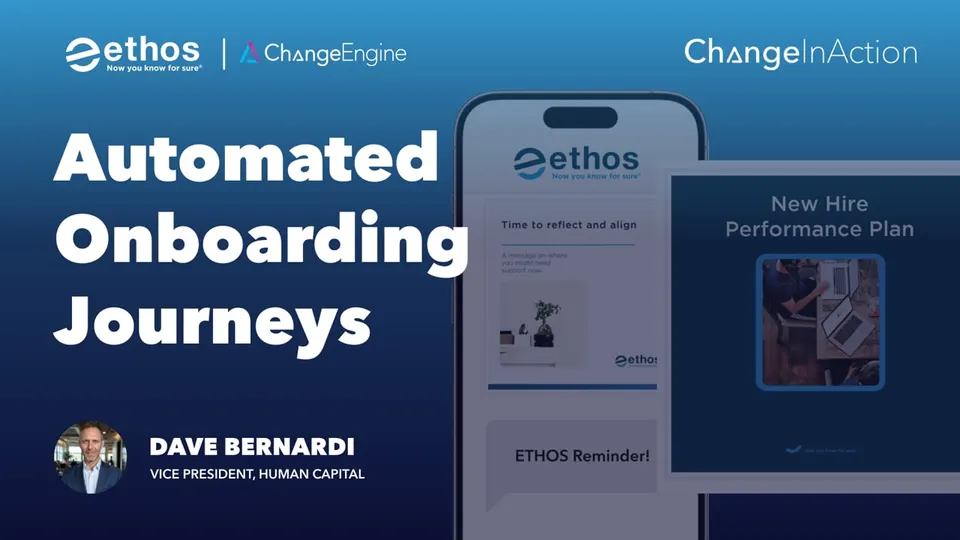 ▶
▶Personalized onboarding from day one to 90, aligning managers and new hires around early engagement.
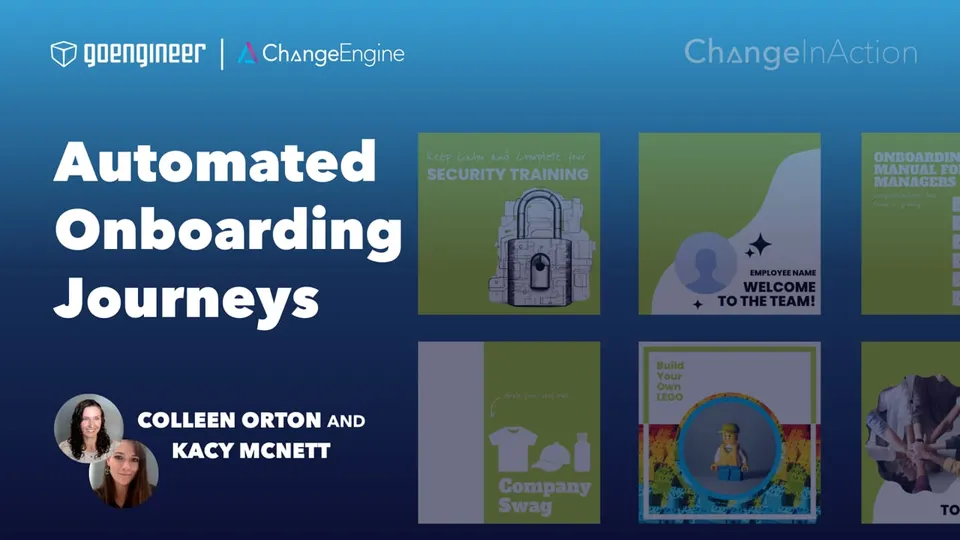 ▶
▶Flexible preboarding and 30/60/90-day journeys that handle varied start dates and build referrals in from day one.
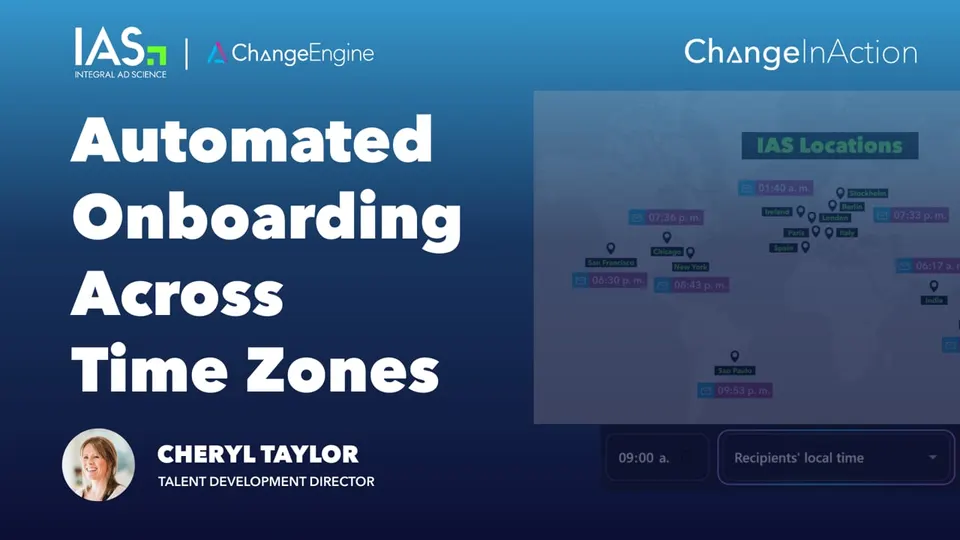 ▶
▶Time zone-aware onboarding, personalized by region, role and eligibility.
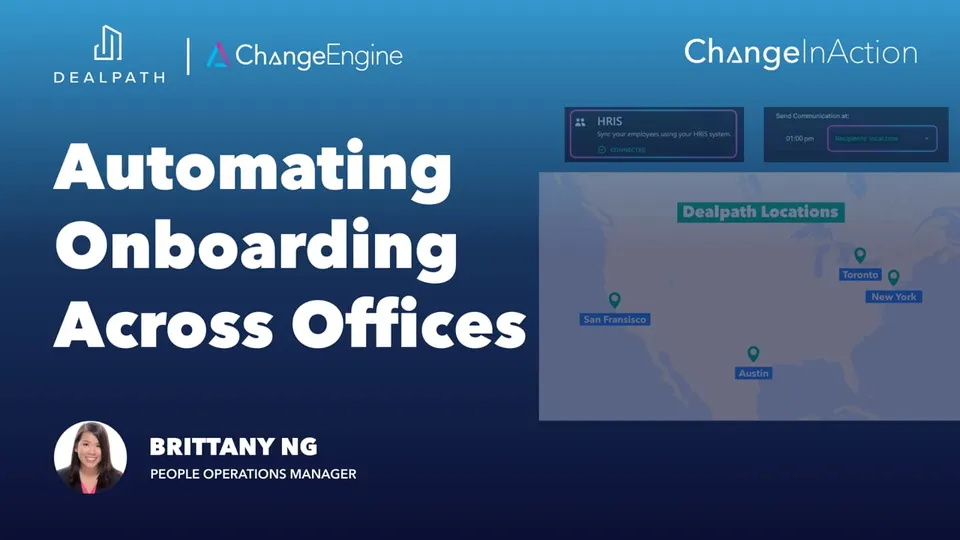 ▶
▶120+ hires across four offices, delivered in local time and triggered by BambooHR.

"Our onboarding program in ChangeEngine is probably our crown jewel right now. It has allowed us to do so much more in our time... to be able to support managers in the hiring process to make sure that their new people are having a consistent and high-value experience has been... a goldmine, really."

Start dates, roles, locations, managers and exit dates sync from your HRIS, so every journey triggers itself. Connect your ATS too and preboarding begins the moment an offer is signed. Nothing to export, nothing to upload.
 Workday
 ADP
ADP BambooHR
 UKG
UKG Rippling
 SAP SuccessFactors
 Oracle HCM
 Dayforce
 Paylocity
 Paychex
 Gusto
Gusto HiBob
HiBob Namely
 Justworks
 TriNet
 Zenefits
 Sage HR
 Infor
Infor UltiPro
 Cornerstone
 Lattice
 15Five
 Factorial
 ChartHop
and 50+ more
Onboarding isn't a separate product. It's the platform's modules working off one journey, so the welcome text, the swag, the survey and the report all know who the new hire is.
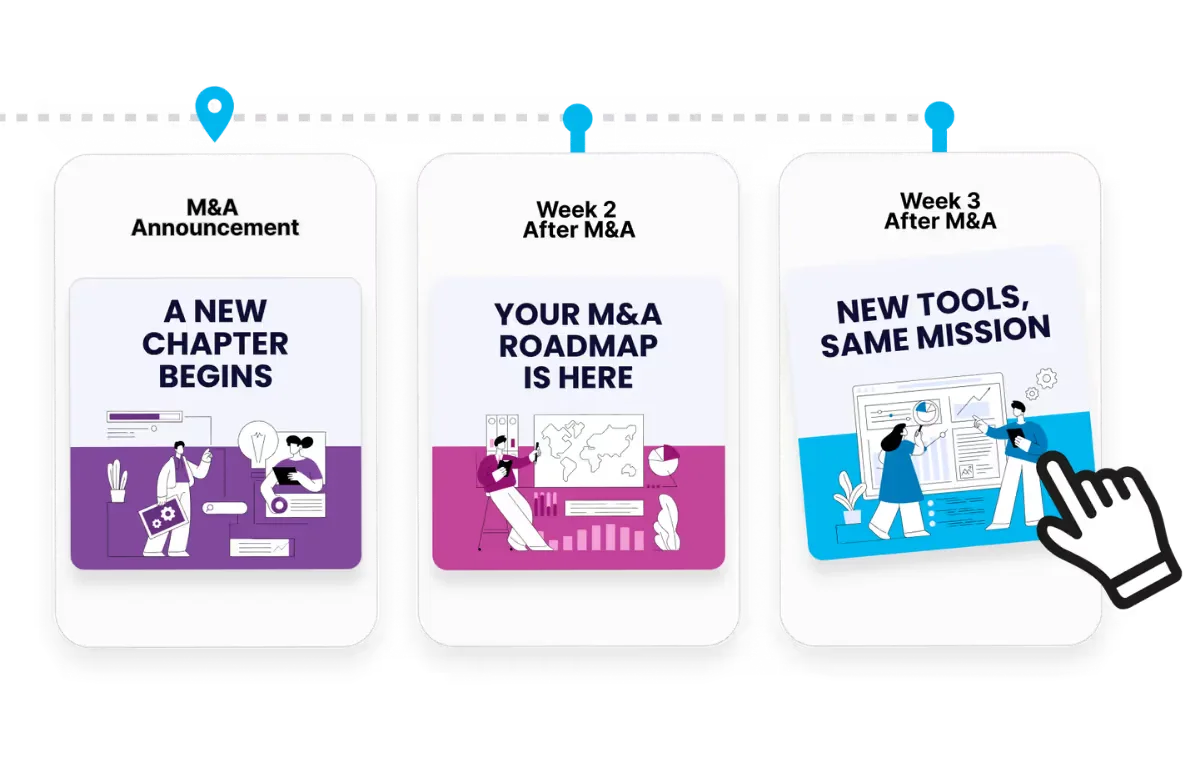
Build the offer-to-exit journey visually, triggered by HRIS events.
Explore Employee Journey Builder →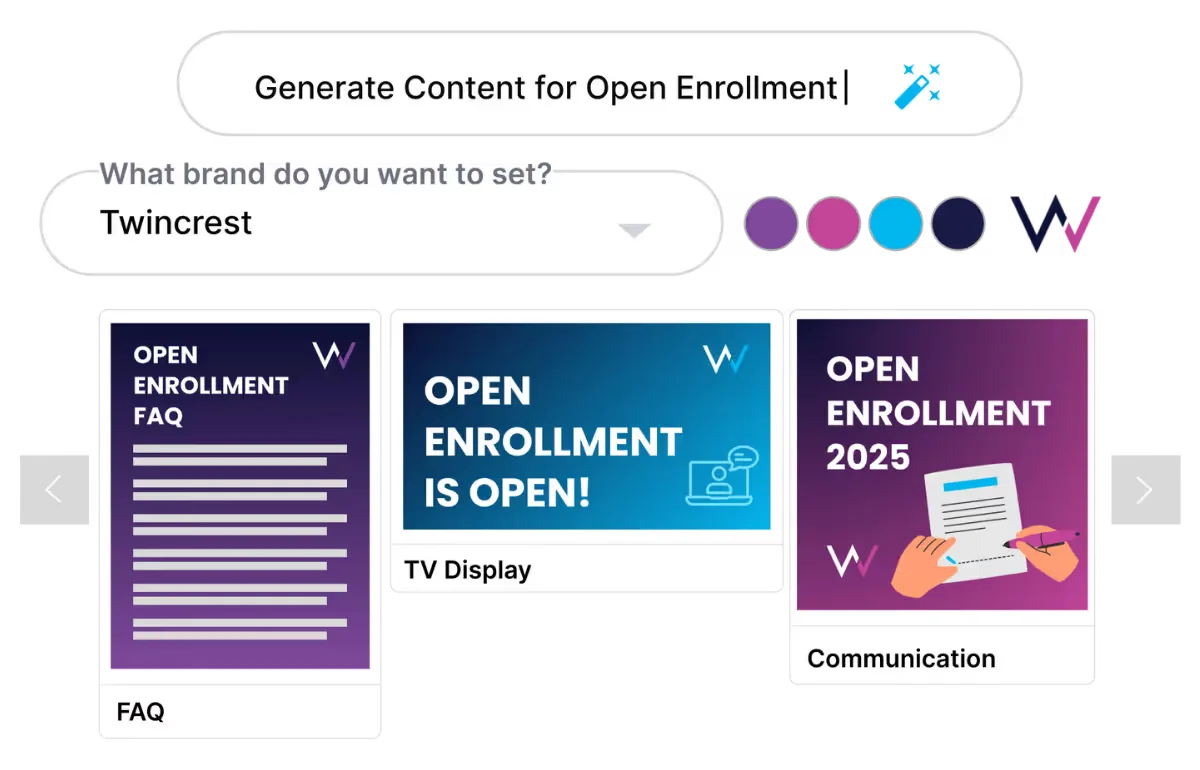
Draft every guide, email and poster in your brand and tone.
Explore AI Content Studio →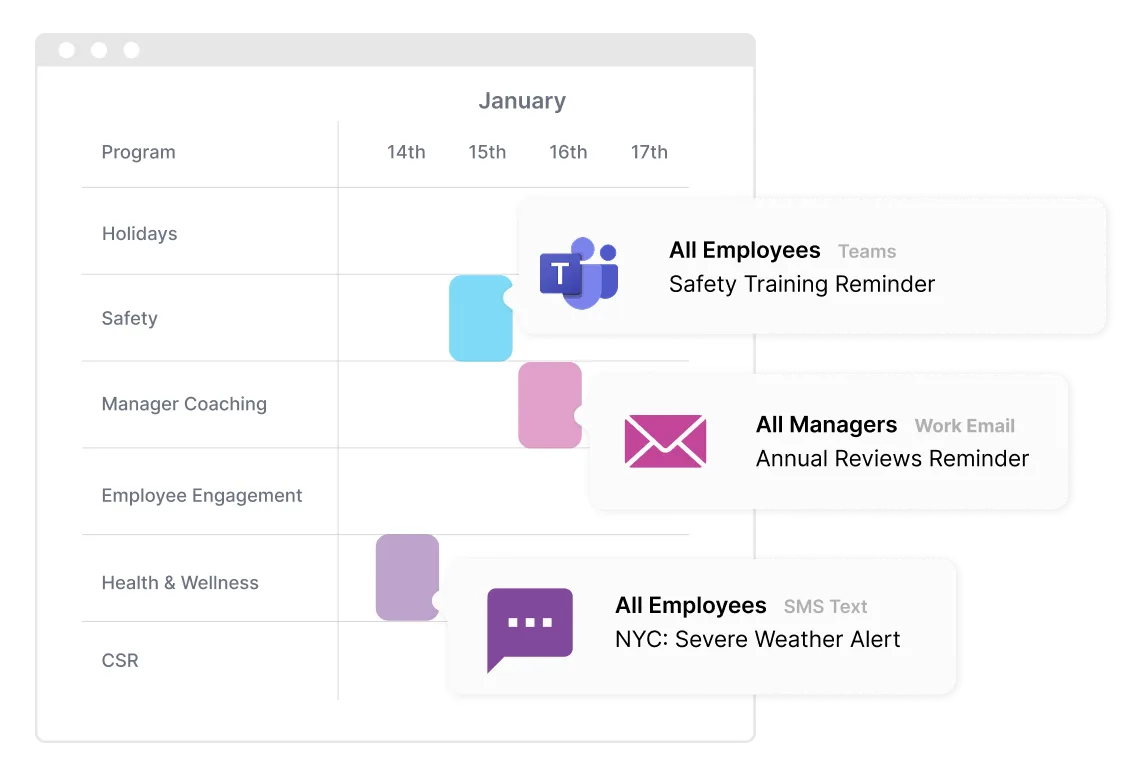
Schedule and personalize sends across email, Teams, Slack and SMS.
Explore Communication Orchestrator →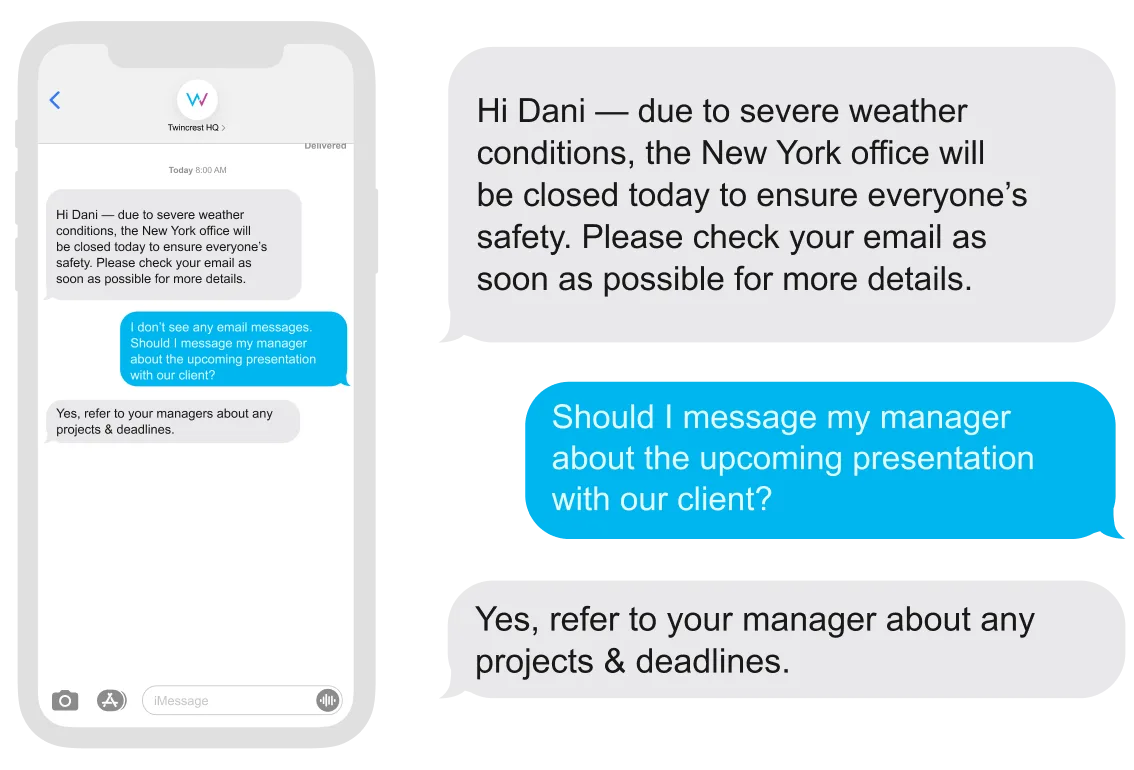
Reach hourly hires by text and answer their questions back.
Explore Two-Way SMS Agent →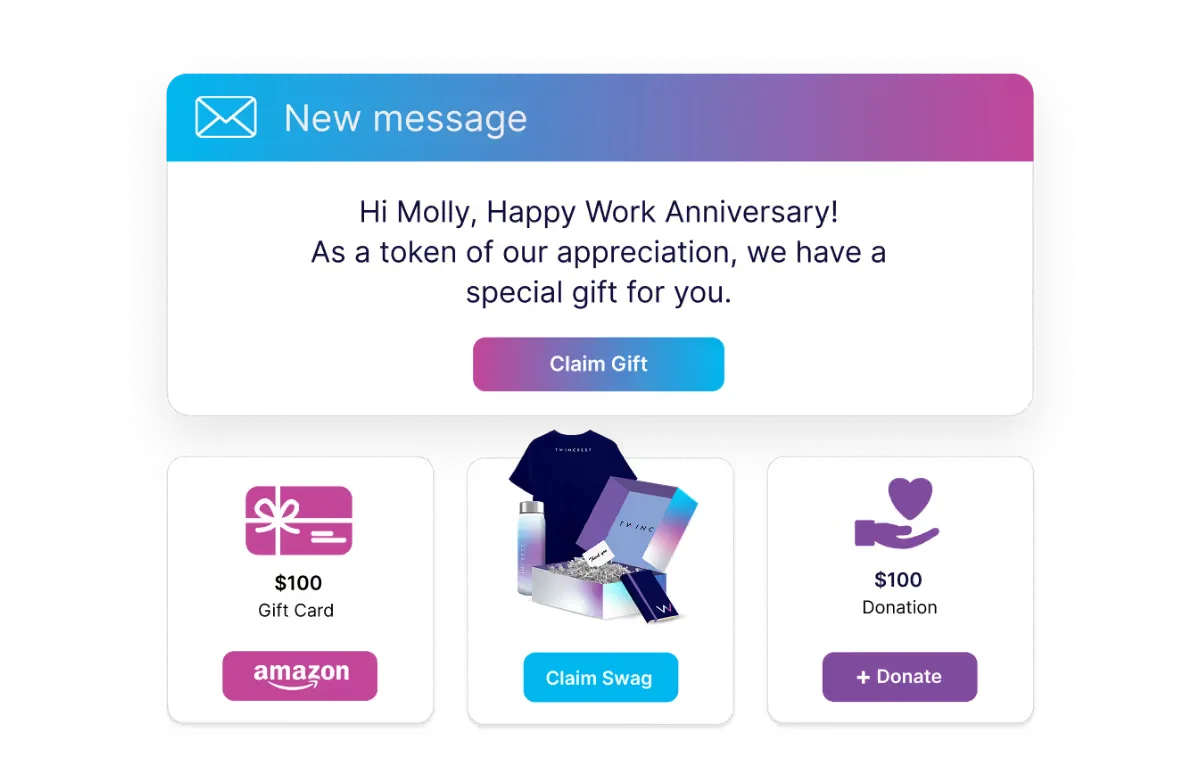
Welcome kits before day one, gifts at day 90.
Explore Swag and E-Gifting Hub →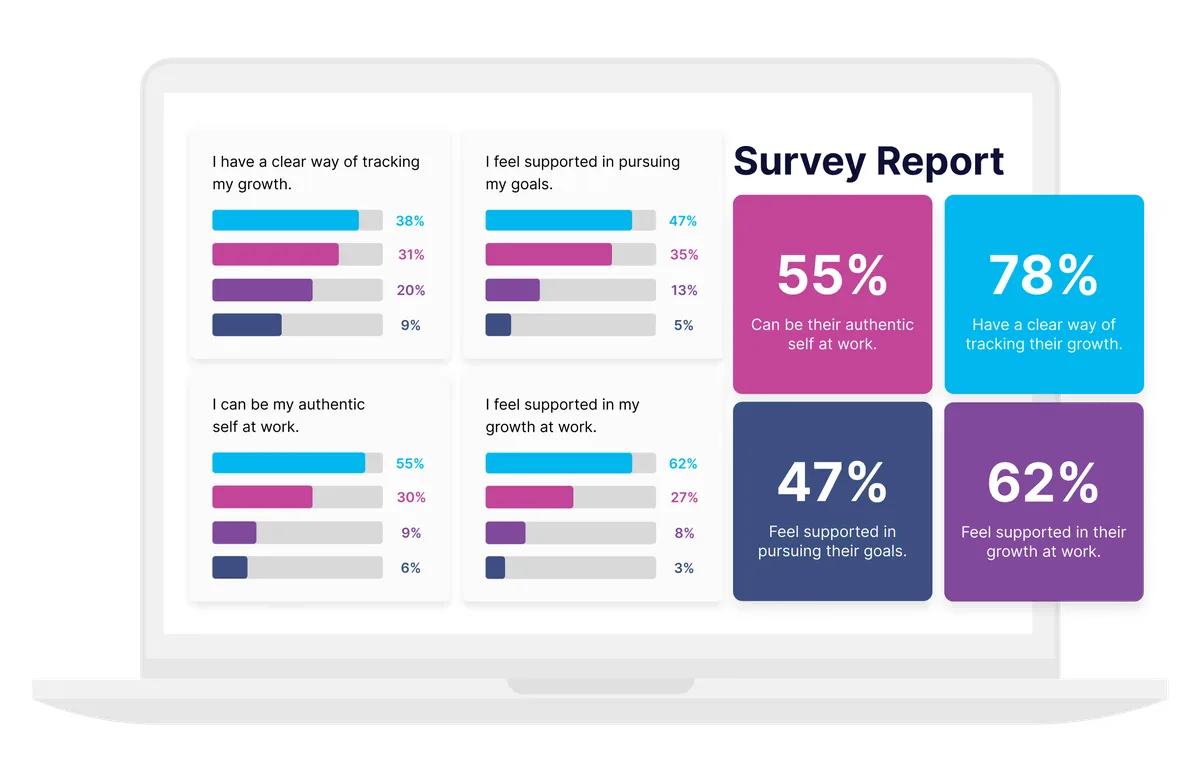
30, 60 and 90-day pulses with results by team and location.
Explore Surveys and Listening →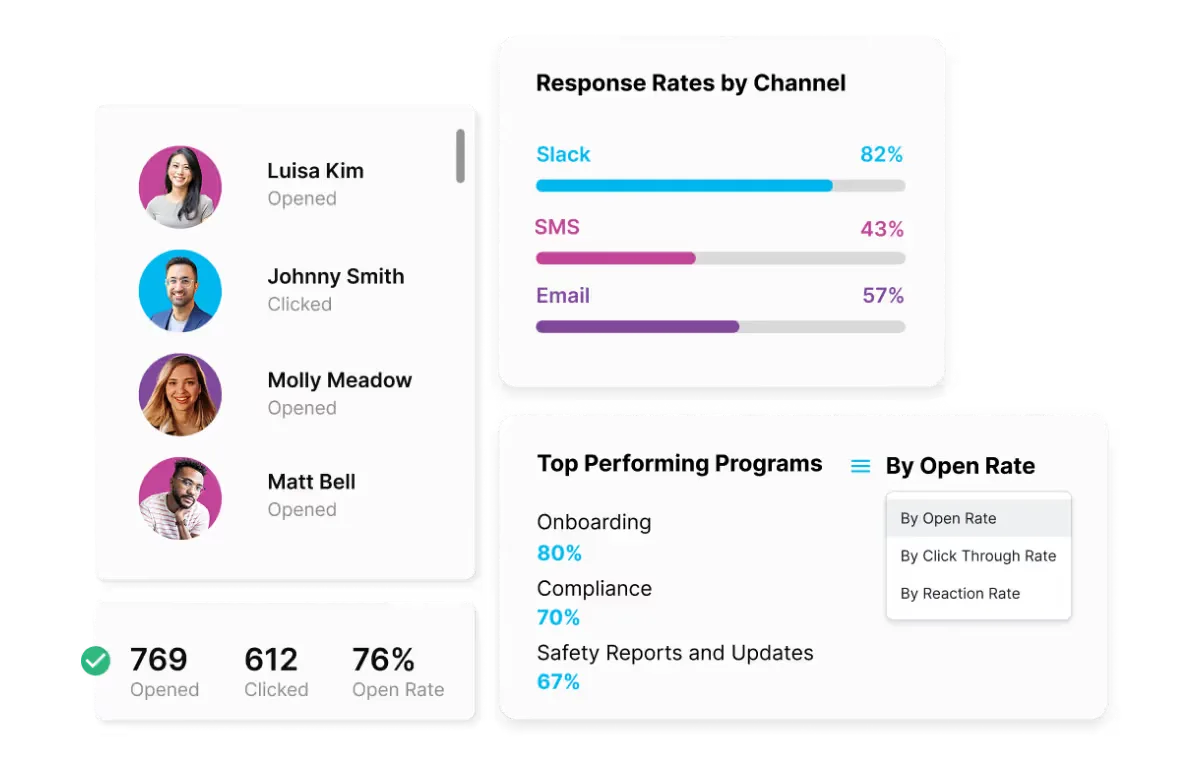
See who opened, who acted and who is falling behind.
Explore Engagement Analytics →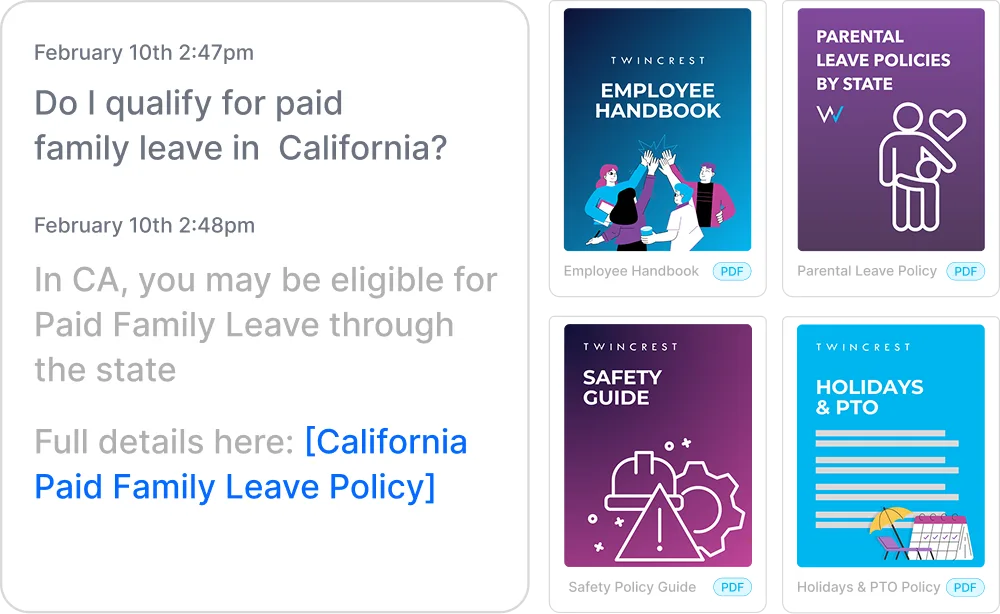
Instant, policy-grounded answers to new hire questions.
Explore HR Knowledge Agent →
ChangeEngine provides a forward deployed engineer who builds whatever custom apps your onboarding needs, and ships them inside your Employee Hub with your branding, your data and your sign-in.
Built with your team and approved by IT before anything goes live.
That's what customers report in published case studies once onboarding runs off their HRIS instead of someone's calendar reminders. Move the slider to see what it means for your hiring plan.

So the welcome can't live there. Write each step once and ChangeEngine sends it where that person actually reads: SMS or WhatsApp before they have a login, Teams or Slack once they do, and the hub for everything in between.
 Outlook
 Gmail
Gmail Microsoft Teams
 Slack
Slack SMS
SMS WhatsApp
 SharePoint
 Mobile push
 QR posters
See every new hire's progress in one view: who opened the guide, who finished required training, how 30 and 90-day surveys are trending, and which locations or managers are falling behind. Then nudge only the people who need it.


Builds it once, sees every new hire's progress, proves the impact.
The candidate experience carries straight into preboarding, no gap.
Device and account reminders land before day one, not during it.
Checklists and talking points the day each task is due.


"Change Engine has enabled an onboarding communication and engagement plan that engages our New Hires and Leaders with relevant information at the right time on their career journey."

"I'm honestly loving how I can automate pretty much everything, from onboarding to offboarding, birthdays, and weekly events!"

"I can now show leadership what various employee journeys look like: onboarding, performance management launch, or manager coaching."

Our team starts building your journey while IT connects your HRIS, and your forward deployed engineer scopes anything custom. Your next start class can run on it within two weeks.
Logo, colors, fonts and tone set once.
Start dates, roles and locations sync.
The journey runs for the next start date.
30-day survey results by location.
There is no new app for employees, no code to maintain and nothing to host. ChangeEngine connects to the systems IT already runs through standard, auditable integrations.
SOC 2 and ISO 27001 certified and GDPR compliant, with documentation ready in the Trust Center.
SAML or OAuth single sign-on with optional 2FA. Employees reach the hub with Google or Microsoft sign-in.
Encryption in transit and at rest, with data residency in the US, EU or Canada. Content is generated inside your ChangeEngine environment.
The MCP runs inside the assistant you already approved and acts with the signed-in user's permissions. Nothing sends without an approval.
Workday, ADP, BambooHR, UKG and 75+ more, plus Active Directory, Teams, Slack and SharePoint, all through standard APIs.
Role-based permissions and approval steps, so comms, legal and leadership sign off before anything goes out.
It automates how new hires are welcomed and brought up to speed: the messages, guides, reminders, check-ins and manager tasks from offer to the first months on the job. ChangeEngine adds the content itself, drafted by AI in your brand, and delivers it on whatever channel each person uses.
Preboarding, day one, the first week, 30, 60 and 90-day check-ins and the first work anniversary. Offboarding content is supported too.
Yes, both are part of the same journey. Preboarding starts when an offer is accepted in your ATS or HRIS. Offboarding runs from the exit date: manager handoff, IT reminders, a farewell and an exit survey. How much triggers automatically depends on the fields your systems send, which we map with you during setup.
Yes. One journey branches by any HRIS field, so a store associate in Austin and an engineer in London each get the right steps, language and send times.
75+, including Workday, ADP, BambooHR, UKG, Rippling, SAP SuccessFactors, Oracle HCM, Dayforce, Paylocity, Paychex, Gusto and HiBob.
Email, Slack, Microsoft Teams, SMS, WhatsApp, SharePoint, mobile push and the Employee Hub. New hires don't need to install anything.
Welcome messages, IT setup reminders, training schedules and manager nudges all send themselves off start dates. Customers report saving 15 or more hours of HR time per new hire.
It drafts the journey and every message in your tone, suggests timing, translates, and personalizes by role and location. A person reviews everything before it goes live.
Yes. The ChangeEngine MCP lets your approved AI assistant draft steps, add branches and pull results, with your normal roles and approvals in place.
Journey completion, reads and actions by step, training completion and 30 and 90-day survey results, by location, team and manager.
ChangeEngine provides a forward deployed engineer who builds whatever custom apps your onboarding needs, from equipment requests to buddy matching, and ships them inside your Employee Hub.
Our team starts building your journey right away. Most teams finish full setup, integrations and automation included, in 7 to 10 business days.
We'll build your onboarding journey live on the call, off your real HRIS fields.


