Reorgs, new systems, new offices, new policies. ChangeEngine plans the rollout, drafts every message in your brand, briefs managers first, reaches every team on the channel they read, then shows you where it's sticking and where it isn't. From our app, or the AI assistant you already use.


 through the ChangeEngine MCP

.svg)


.svg)

Most change fails in the gap between the all-hands and the Monday after. Managers hear it with everyone else, people get one email they don't read, and nobody can tell which teams are on board until it's too late.
Leaders get a briefing and talking points days before, so they can answer questions instead of asking them.
Desk, field and frontline teams get it on the channel they actually read, in their language.
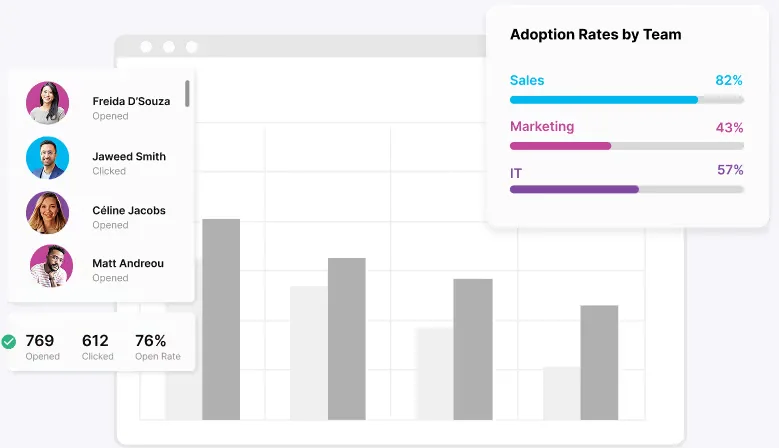
See reads, actions and sentiment by team, and follow up only where it's needed.
A typical rollout, drafted from one prompt. Swap in a reorg, a policy change, a new office or a leadership announcement.
Leaders briefed
The why, the timeline and talking points to every people manager.
Heads-up to everyone
What's changing, when and what it means for each team.
How-to drip starts
Quick-start guides and short videos by role.
It's live
A short note on every channel, with the hub link and FAQ.
Questions answered
The HR agent answers from your FAQ and routes the rest.
Nudge who's behind
Reminders only to people who haven't taken the first step.
Did it stick?
A pulse by team, and a readout for leadership.
Tell the engine what's changing, who it affects and when.
The plan, leader briefing, announcements, how-to guides and FAQ arrive drafted in your brand. Edit anything.
Sends go out by team, role, location and language from your HRIS. Questions route to the HR agent.
See adoption by team, and who still needs a nudge.
"We're moving payroll and time off from ADP to Workday on March 2. 2,400 people in the US and Mexico. Managers first. Spanish for the plants."
Org changes, software rollouts and return to office all run on the same engine and the same timeline: brief leaders first, tell everyone clearly, answer questions, then prove it landed.
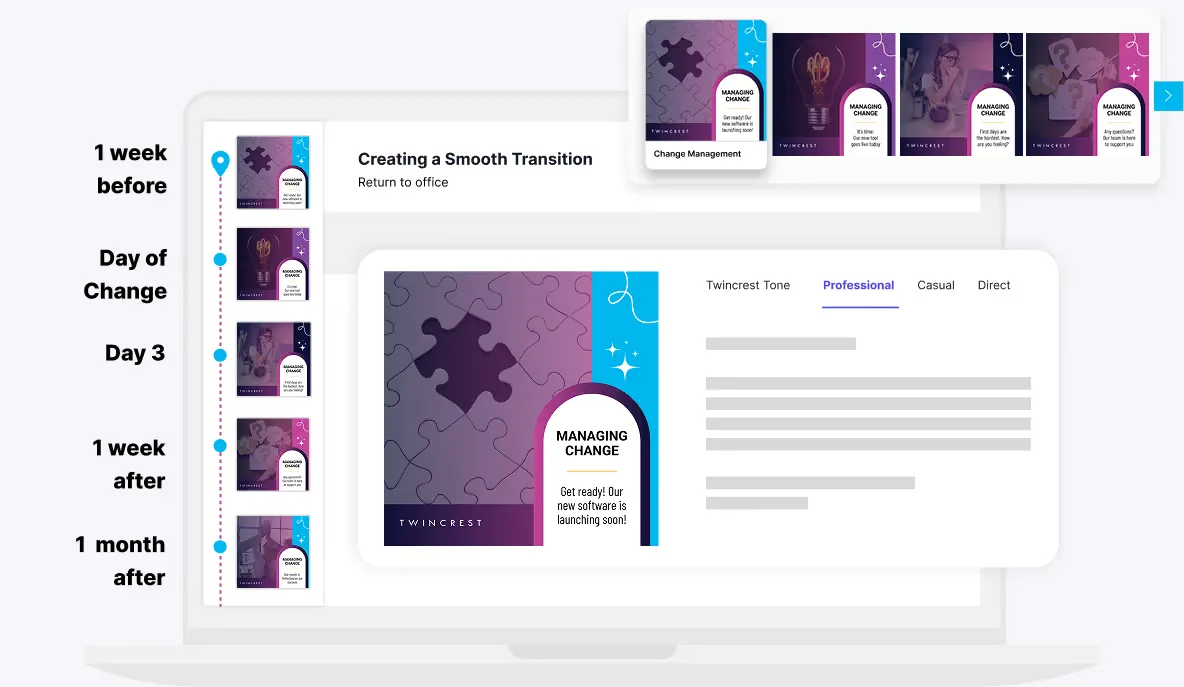
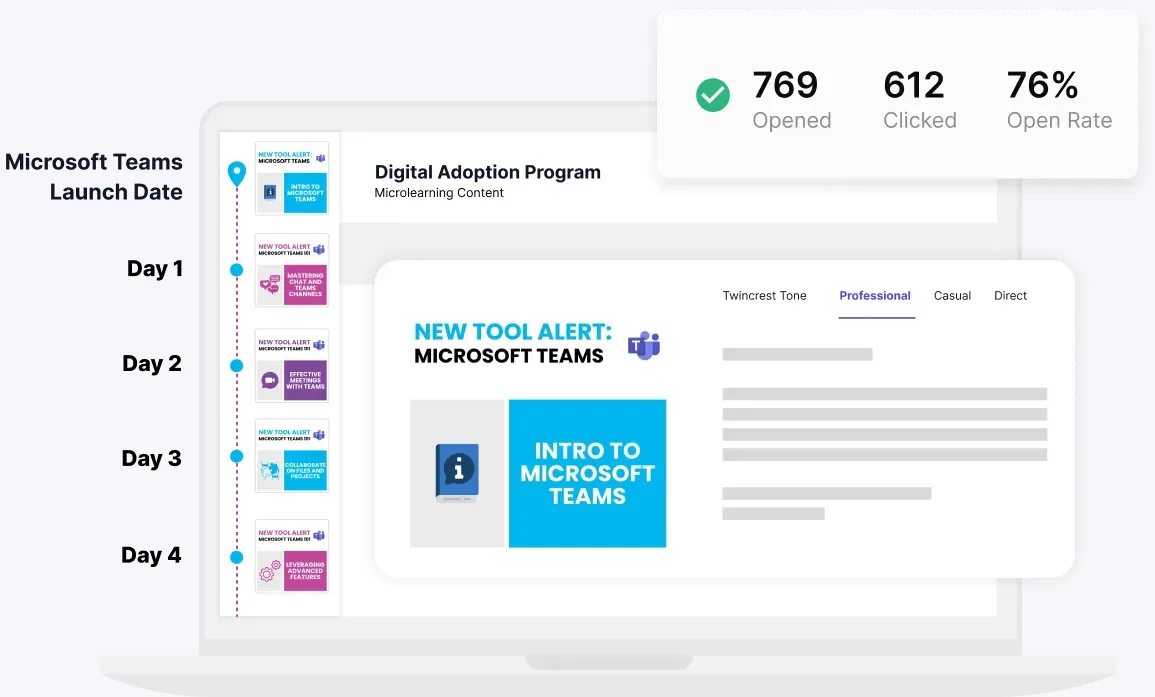
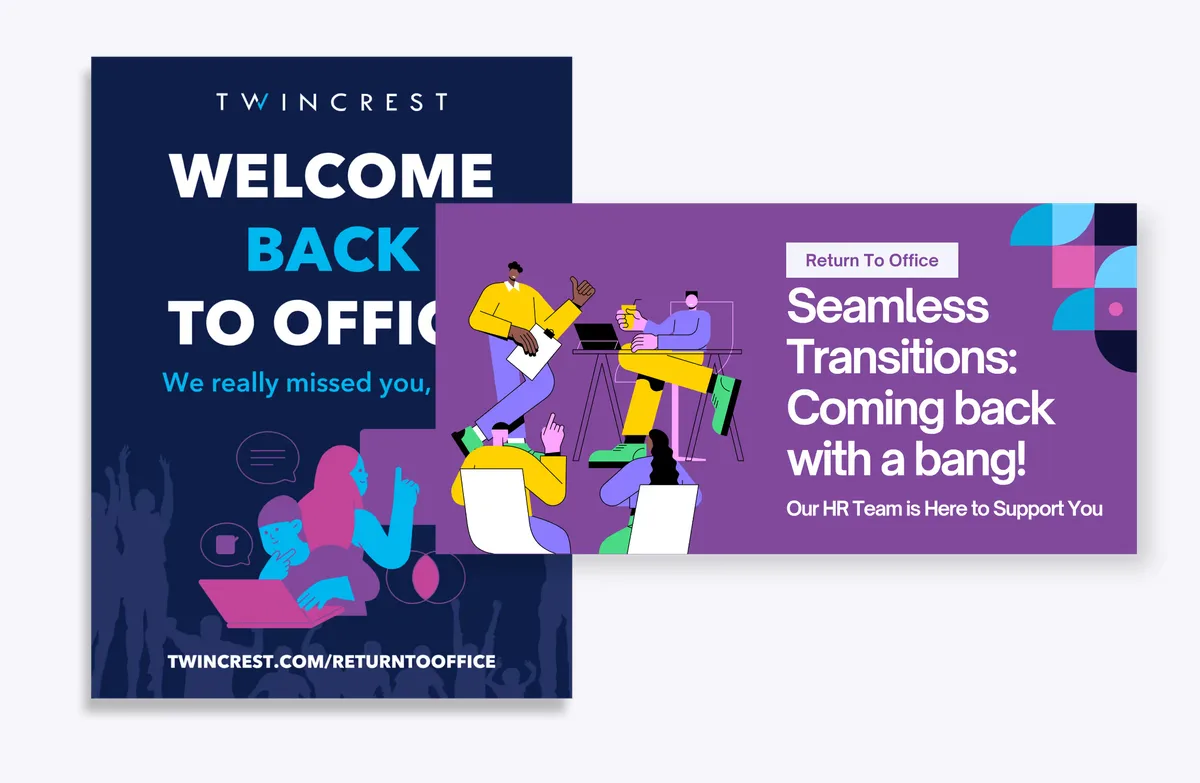
Examples built in ChangeEngine for our sample brand, Twincrest. Every piece drafted from one brief, in your brand.
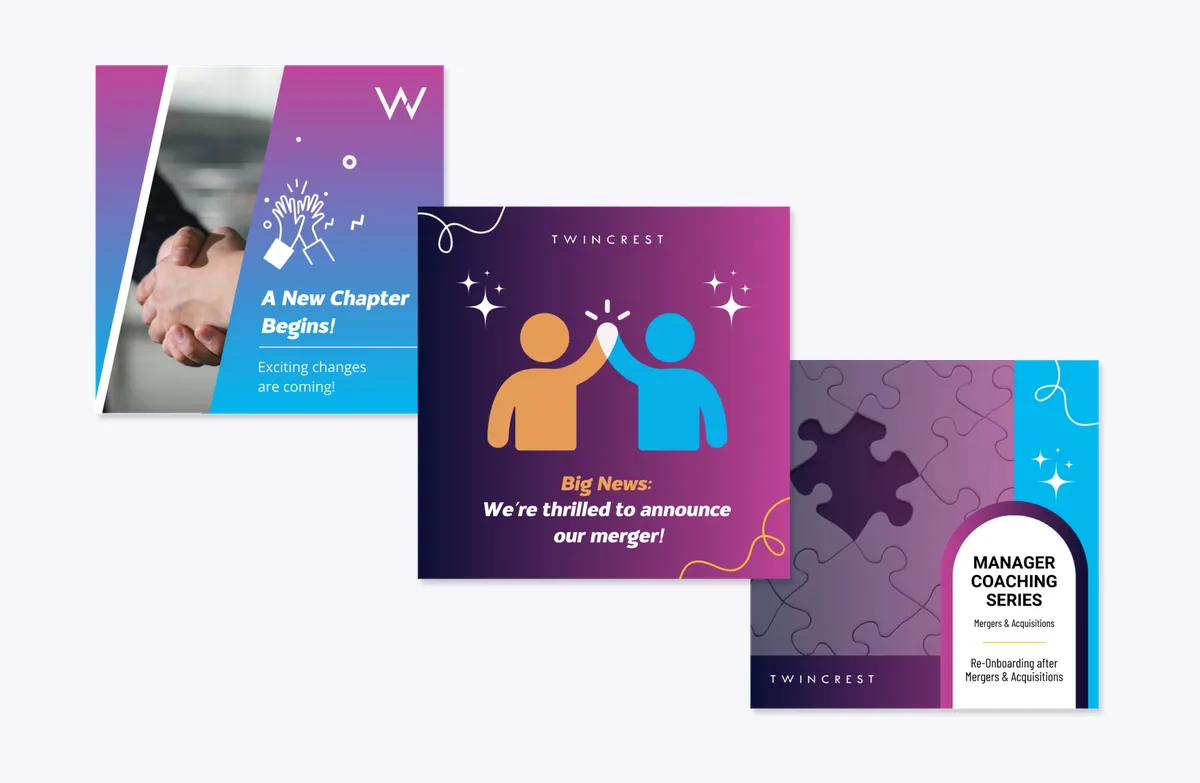
One look and one story for the whole rollout.
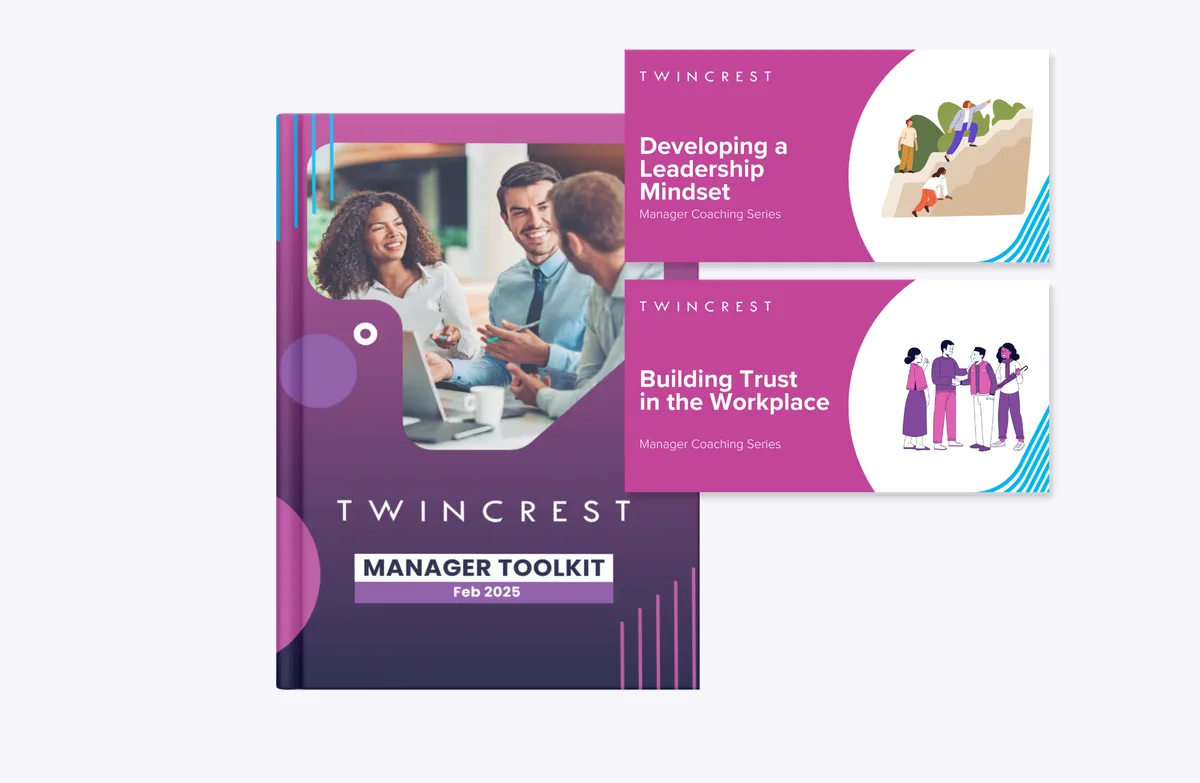
Talking points and FAQs so managers lead the conversation.
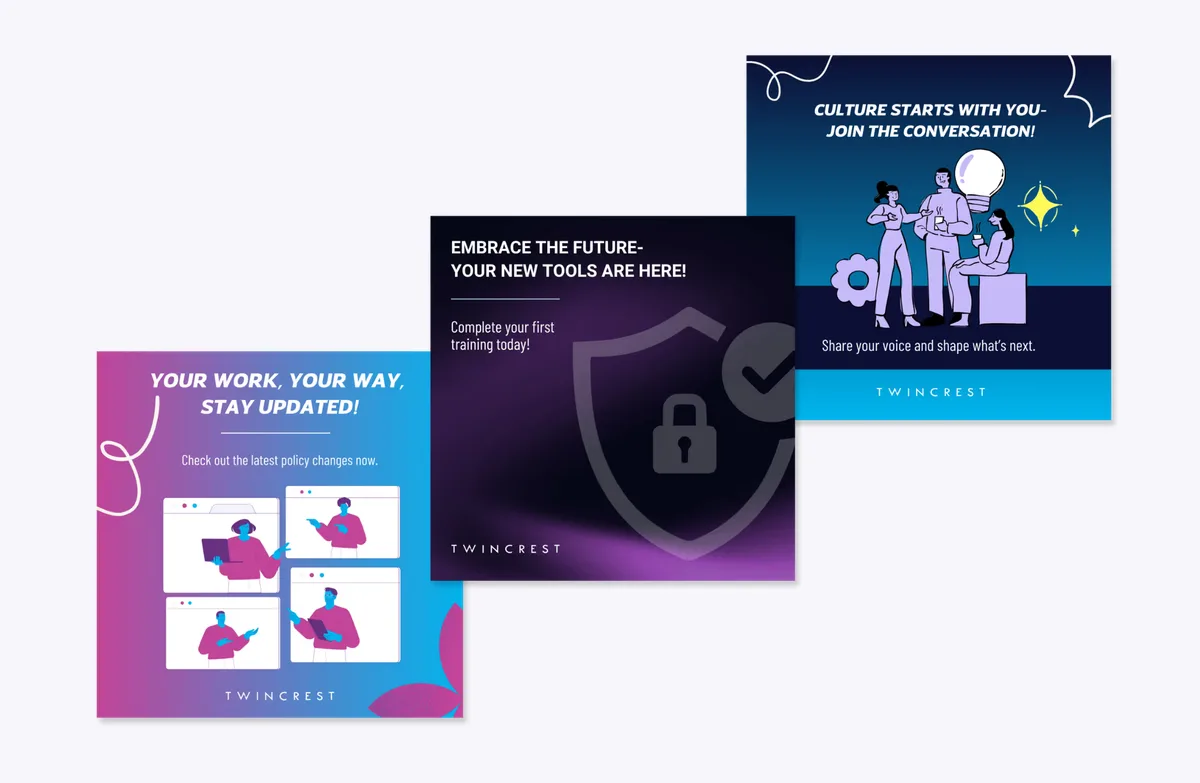
Follow-ups that go only to people who need them.
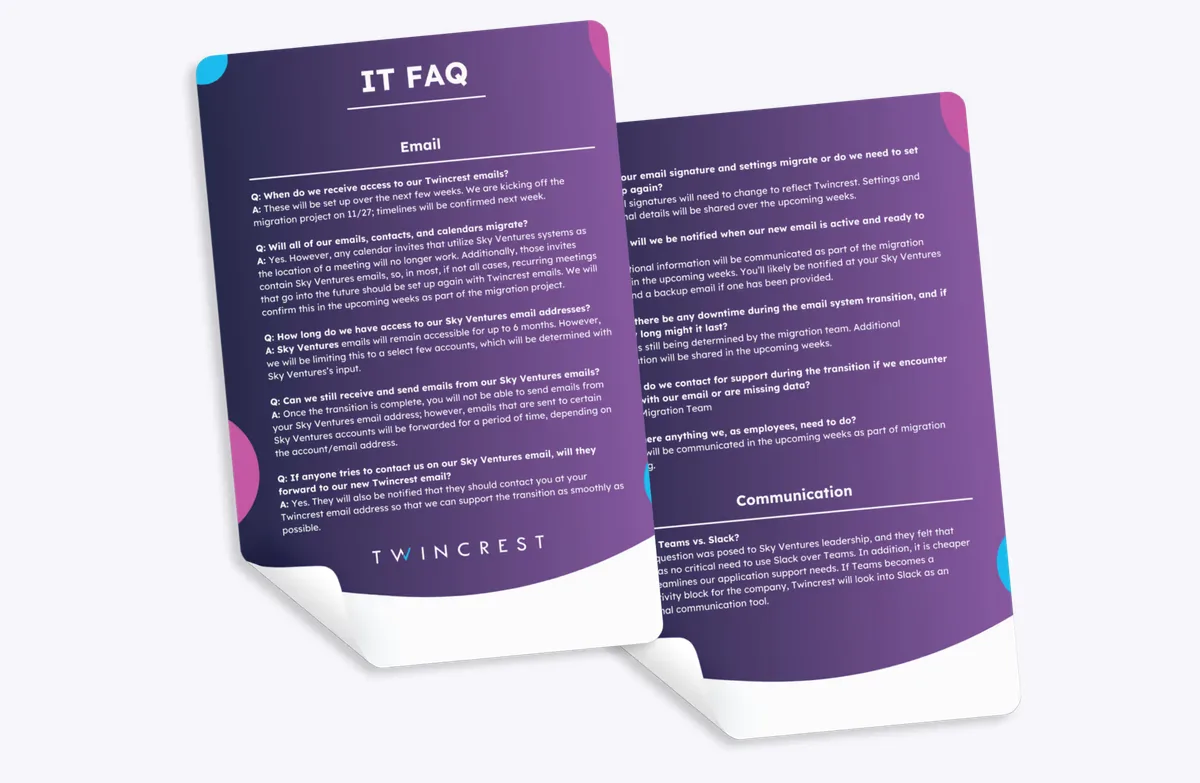
The first five things to know, before go-live.
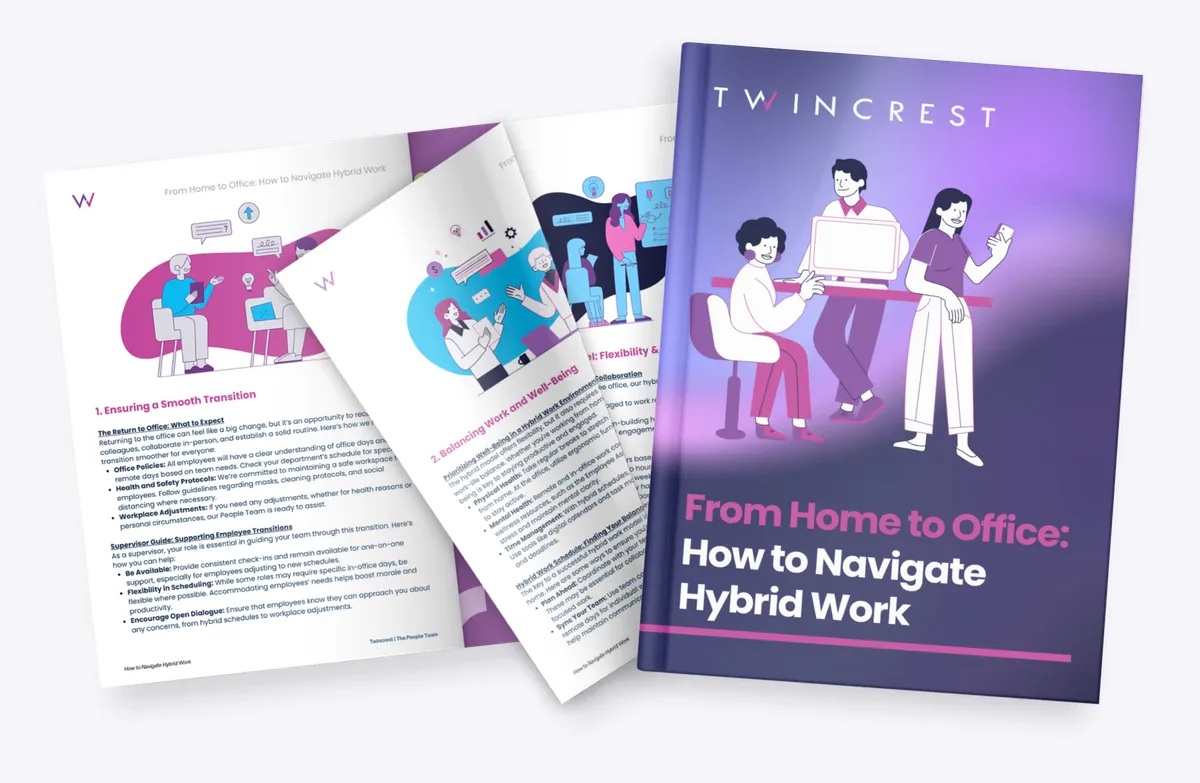
Clear norms for where and how people work.
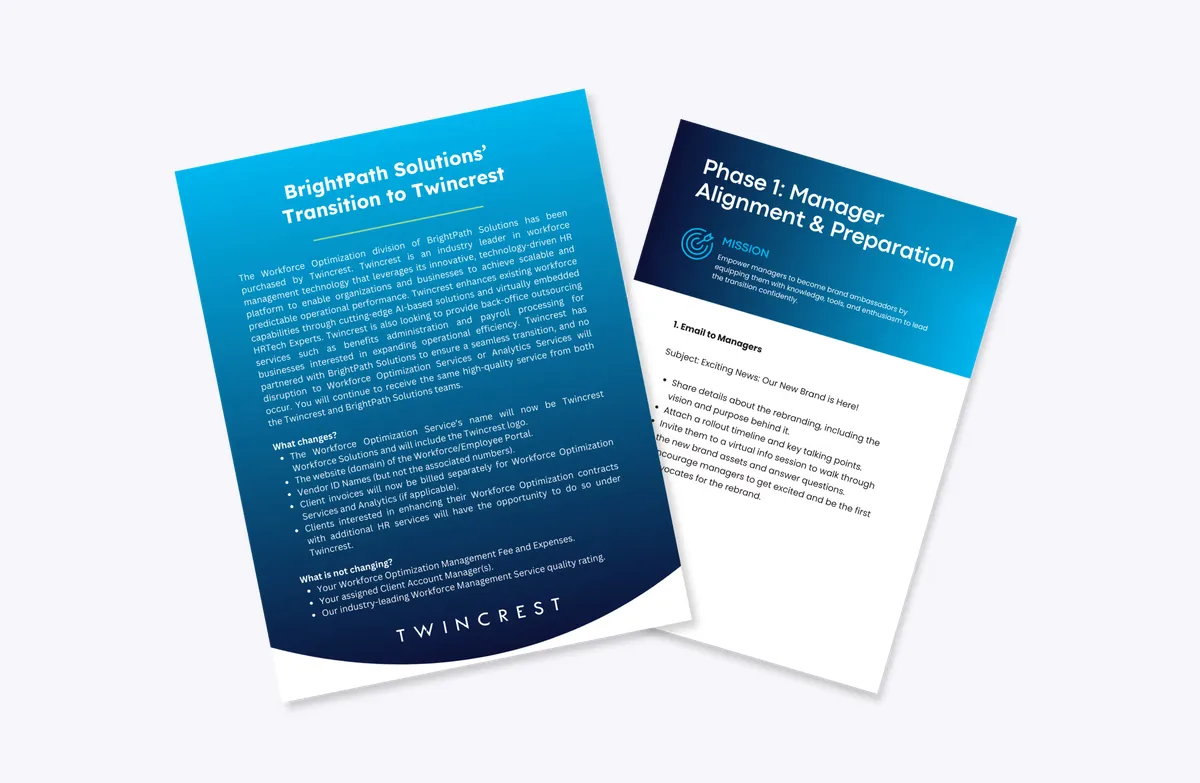
When plans change fast, everyone hears it fast.
Every rollout gets a home on the Employee Hub: the why, the timeline, how-tos and the FAQ, always current. People open it from a text, a Teams post or a QR code, and the HR agent answers what the FAQ doesn't.
The ChangeEngine MCP plugs into the AI assistant your company already approved. Describe the change and it drafts the plan, segments the audience and schedules the sends in your brand. Your roles and approvals stay in charge.


MCP (Model Context Protocol) is the open standard AI assistants use to connect to business systems.
We're switching expense tools on the 15th. Brief managers Friday, tell everyone Monday, and remind anyone who hasn't submitted in the new tool by the 20th.
Done. The plan and all four drafts are waiting for your approval in ChangeEngine.
From new systems and new offices to global updates across the US, Mexico and Poland.
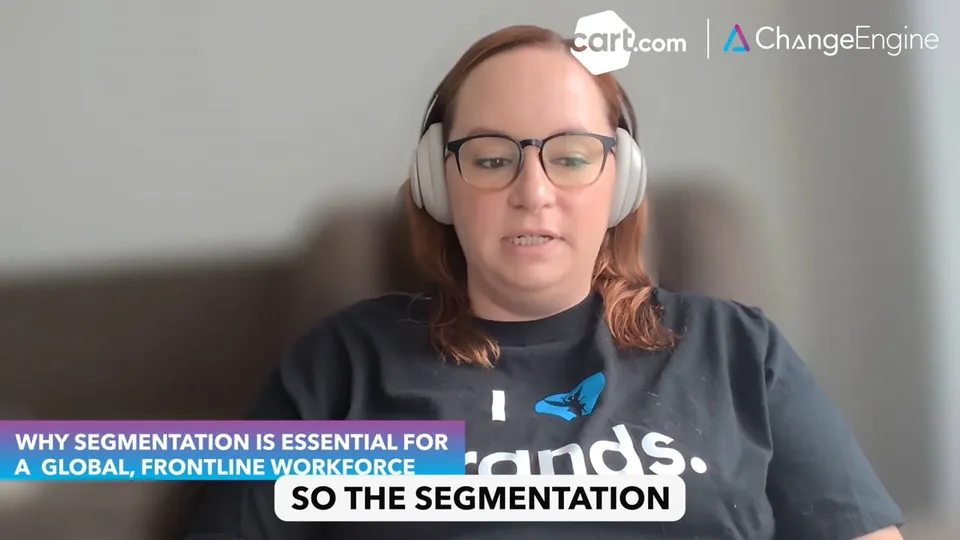 ▶
▶Cart.com built 22+ segments across the U.S., Mexico, and Poland. Using Slack (68%), SMS (14%), and email to reach frontline and corporate teams effectively.
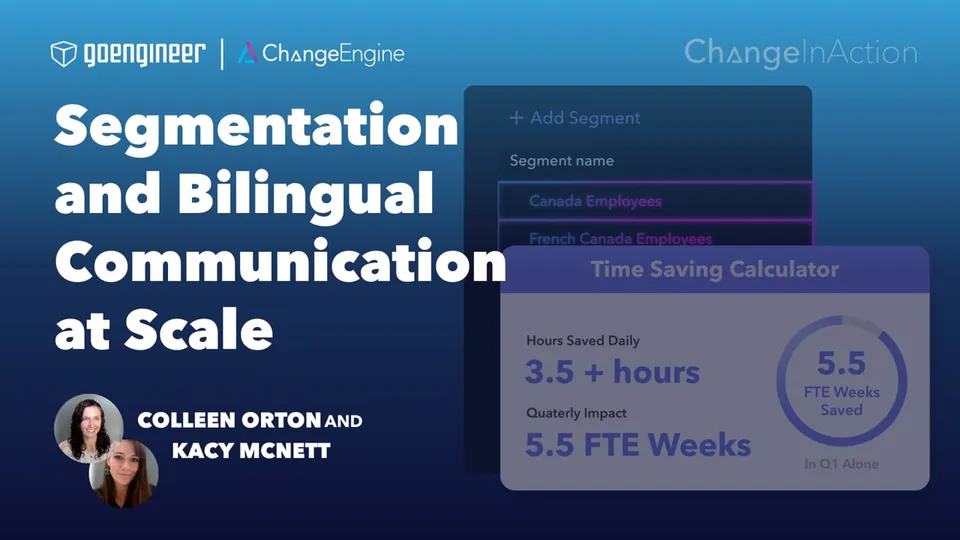 ▶
▶GoEngineer delivered 69,000+ communications across 27 programs in under a year. Using segmentation, bilingual messaging, and automation to scale clarity and engagement.
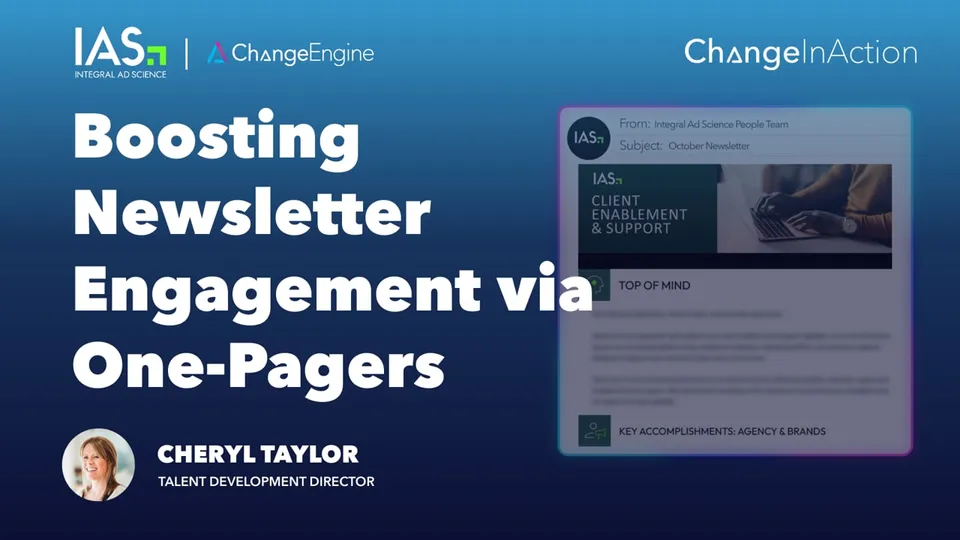 ▶
▶IAS transformed dense newsletters into multi-touch, trackable campaigns. Using analytics, snackable summaries, and reminders to boost engagement.
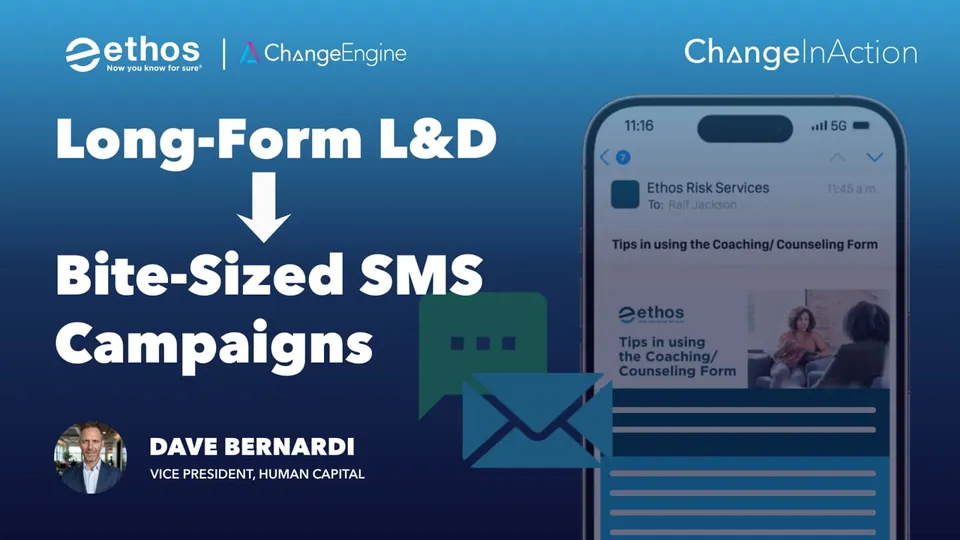 ▶
▶Ethos Risk transformed dense L&D documents into bite sized SMS and email campaigns with quizzes, boosting engagement for a mobile first workforce.
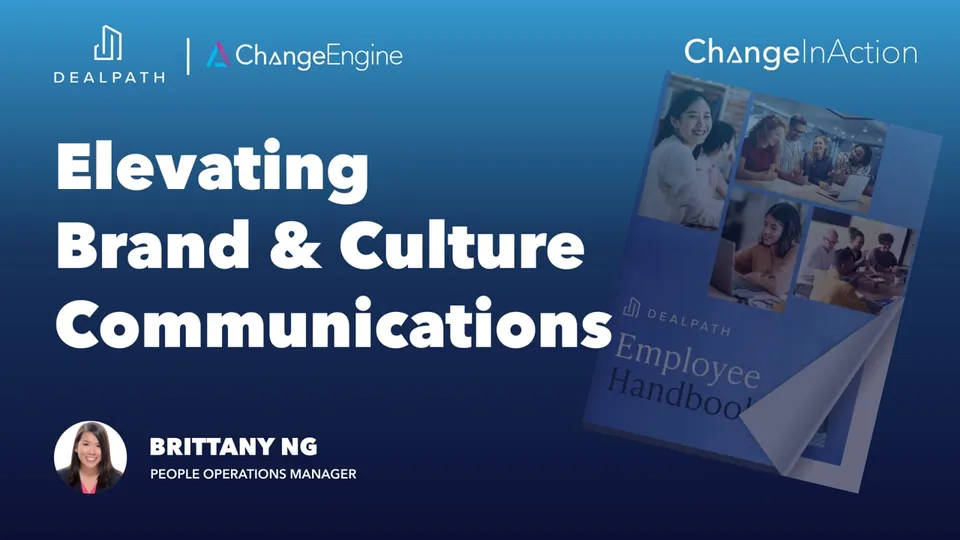 ▶
▶Dealpath transformed its handbook into a branded flipbook and aligned every automated communication with its refreshed identity across offices.
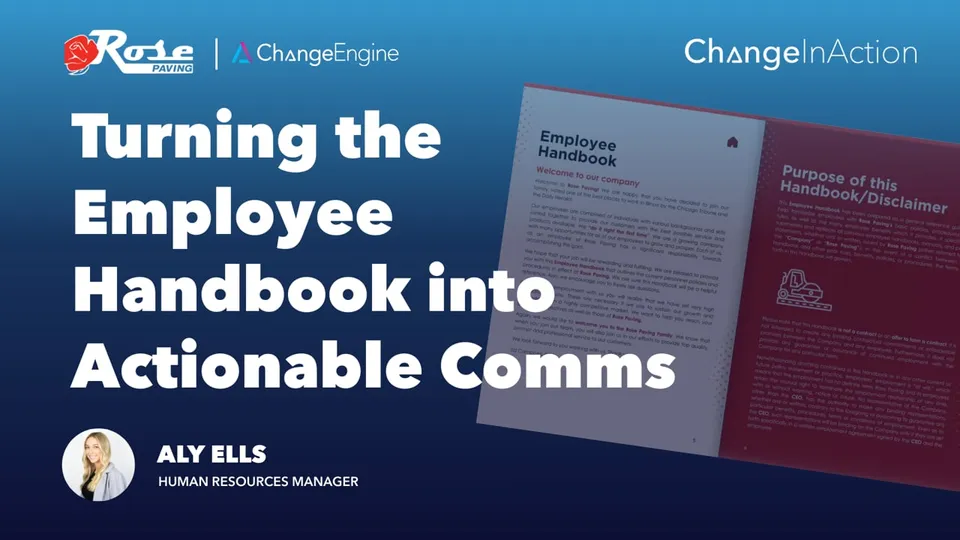 ▶
▶Rose Paving breaks long policies into short, timed communications, improving comprehension, safety, and consistency across the organization.
“Before ChangeEngine, everything was manual. You’d sit in front of a blank email, figure out who to send it to, and hope people read it.”
Names, roles, teams, locations, managers and key dates sync from your HRIS, so every audience builds itself and every program triggers on time. Nothing to export, nothing to upload.
 Workday
 ADP
ADP BambooHR
 UKG
UKG Rippling
 SAP SuccessFactors
 Oracle HCM
 Dayforce
 Paylocity
 Paychex
 Gusto
Gusto HiBob
HiBob Namely
 Justworks
 TriNet
 Zenefits
 Sage HR
 Infor
Infor UltiPro
 Cornerstone
 Lattice
 15Five
 Factorial
 ChartHop
and 50+ more
Change programs aren't a separate tool. They're the platform's modules working together, so the briefing, the announcement, the hub, the answers and the report all know who's affected.
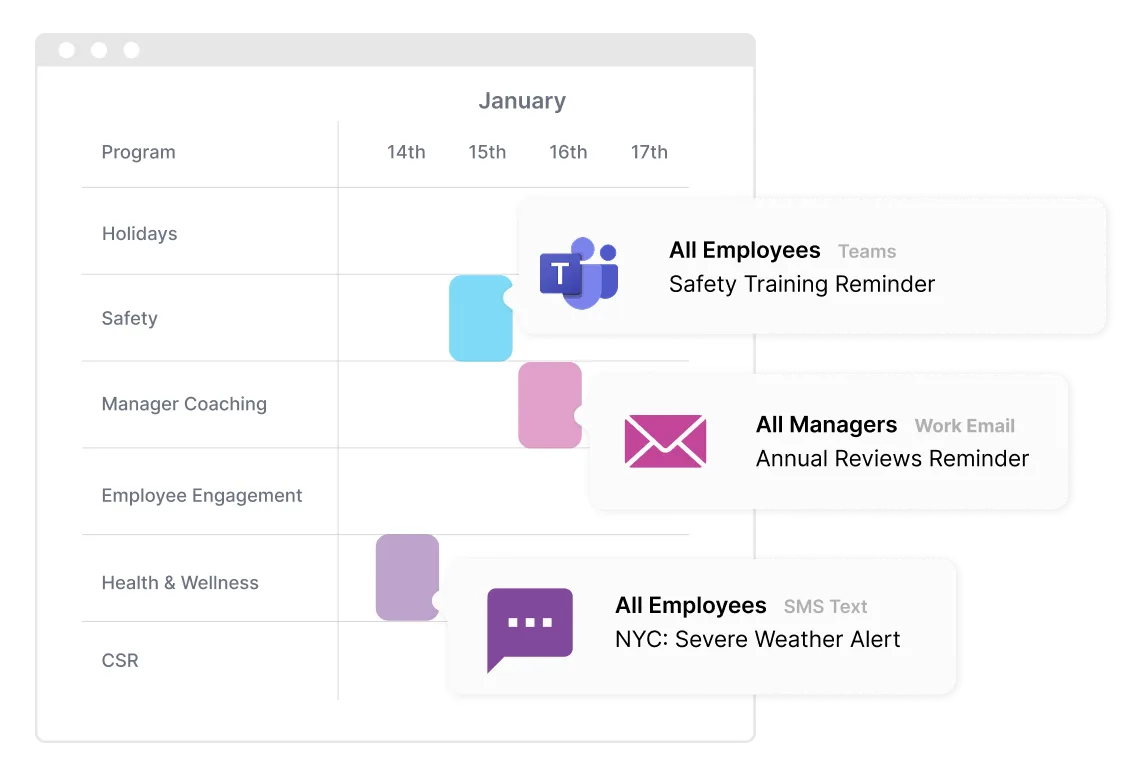
Sequence every message by team, role and time zone.
Explore Communication Orchestrator →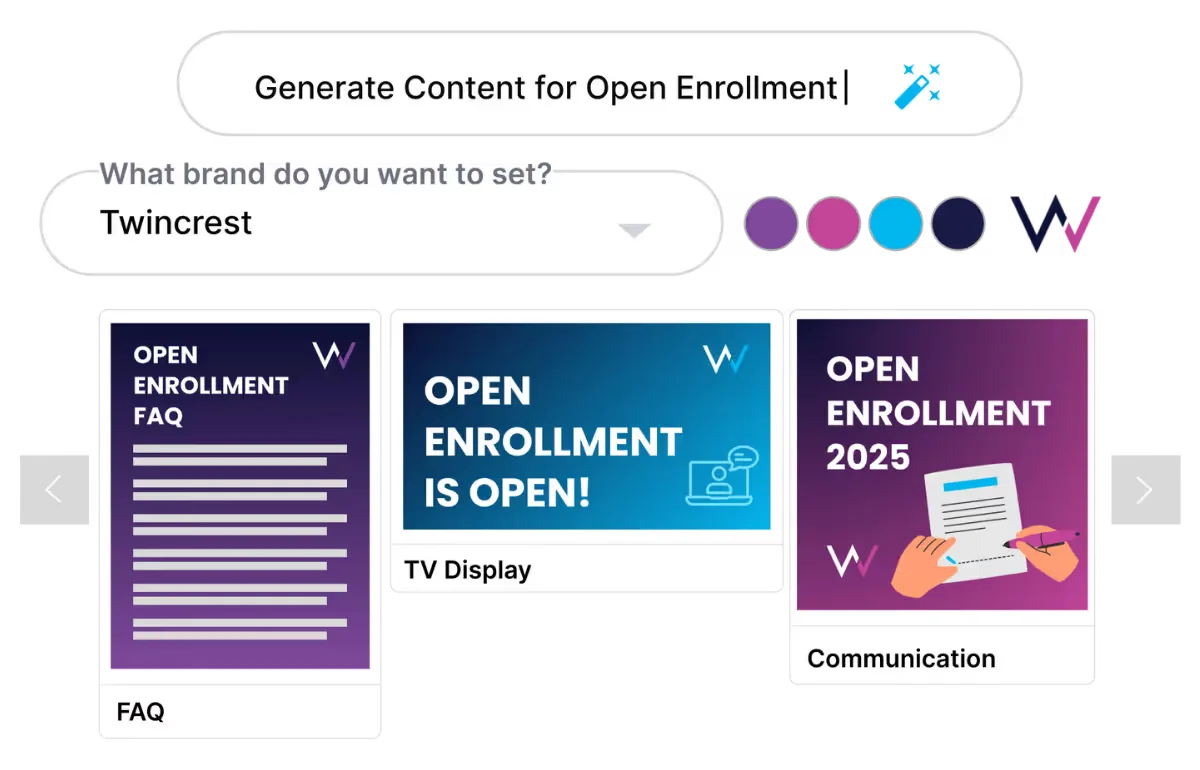
Draft briefings, announcements, guides and FAQs in your brand.
Explore AI Content Studio →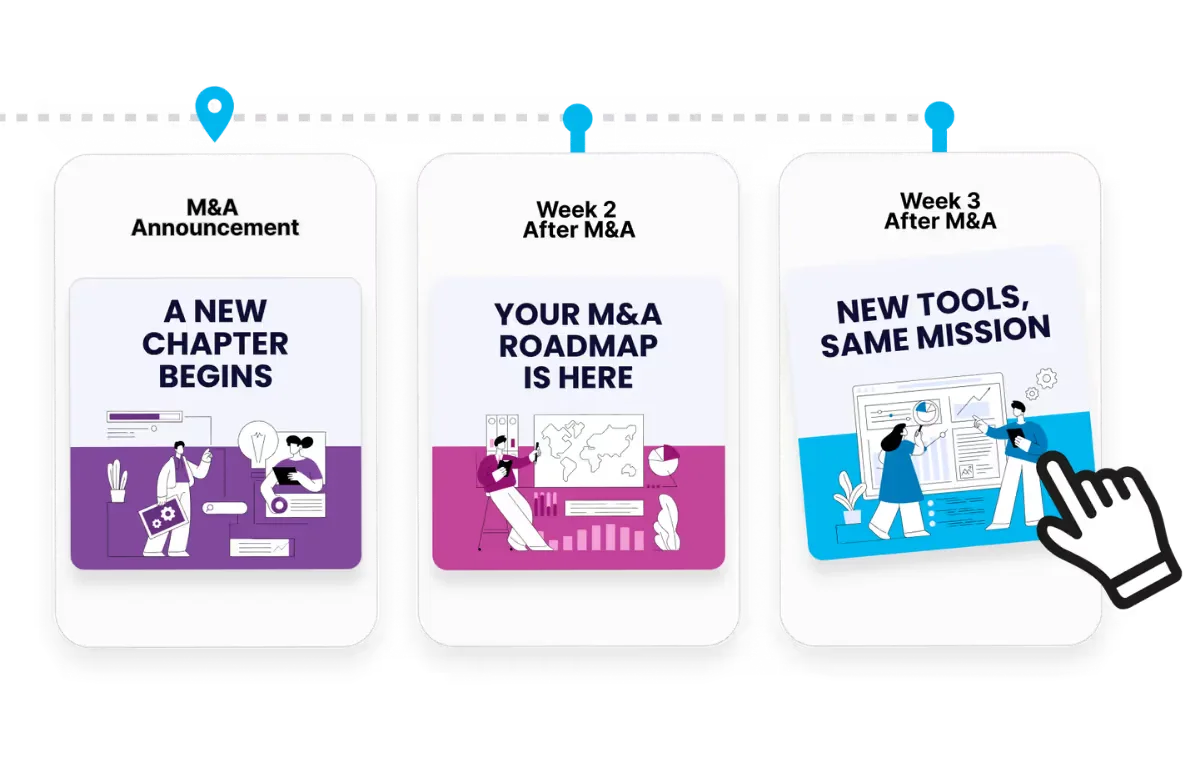
Run the rollout as a timeline that triggers itself.
Explore Employee Journey Builder →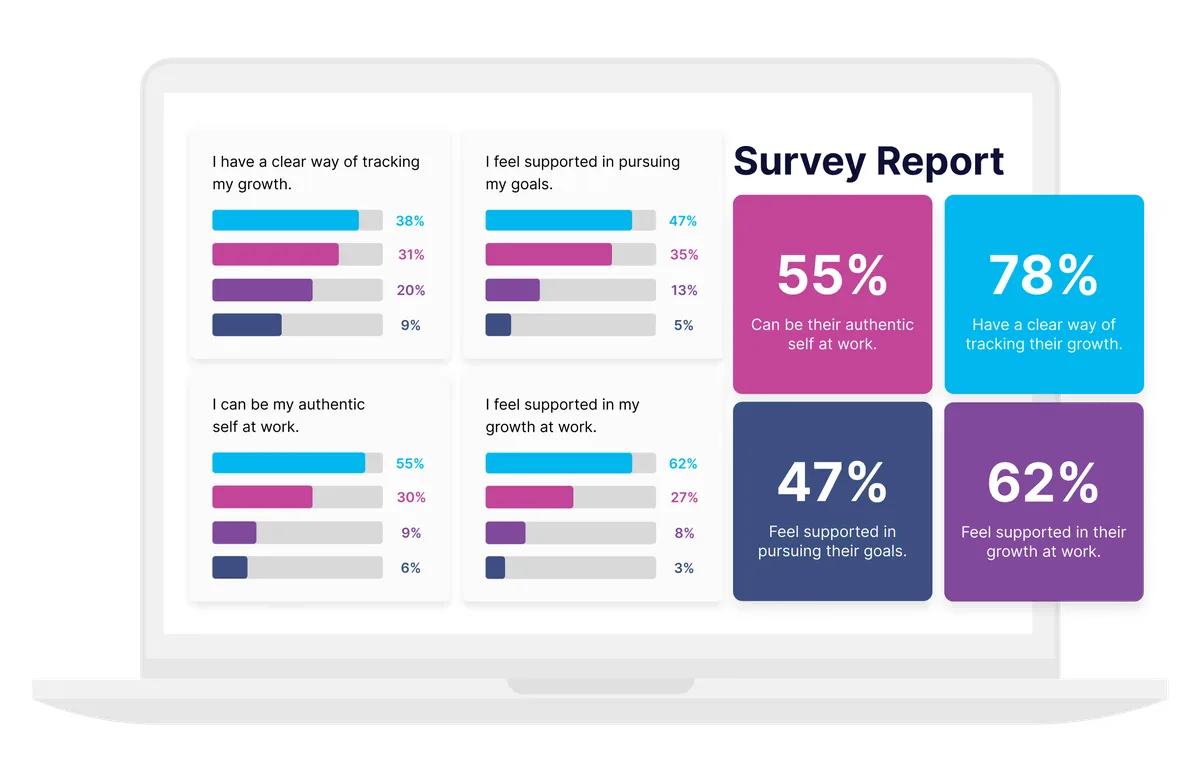
Pulse checks during and after, with results by team.
Explore Surveys and Listening →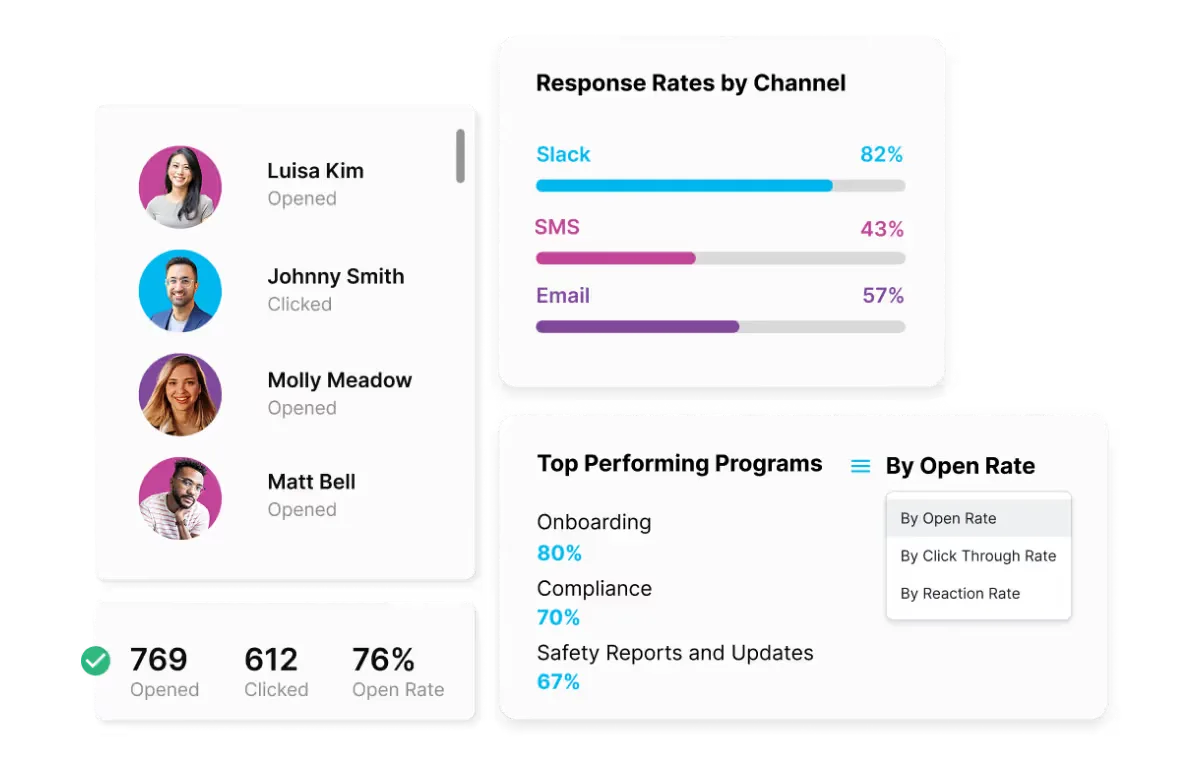
Adoption and reads by team, location and channel.
Explore Engagement Analytics →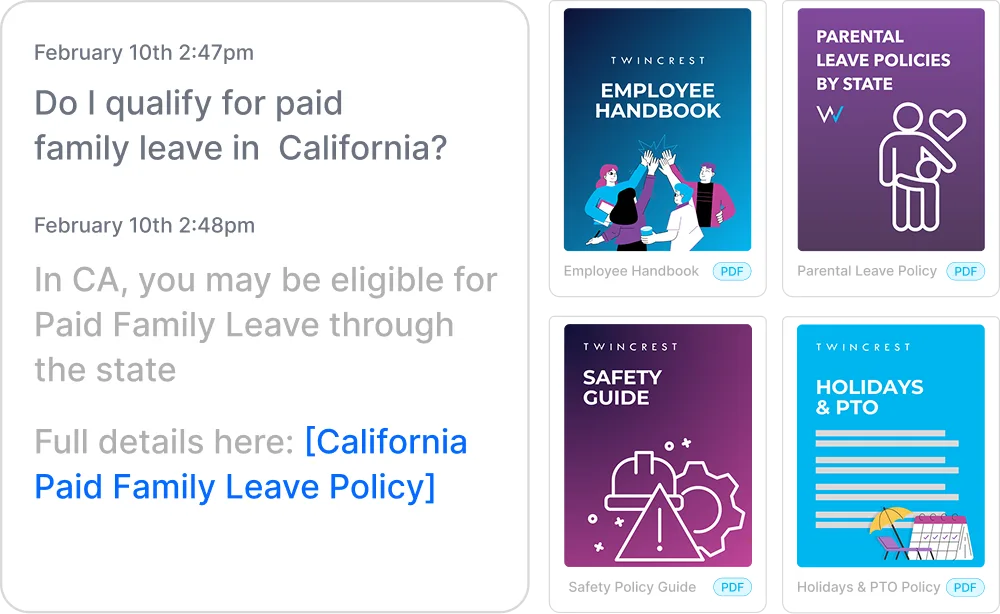
Answers rollout questions from your FAQ, at any hour.
Explore HR Knowledge Agent →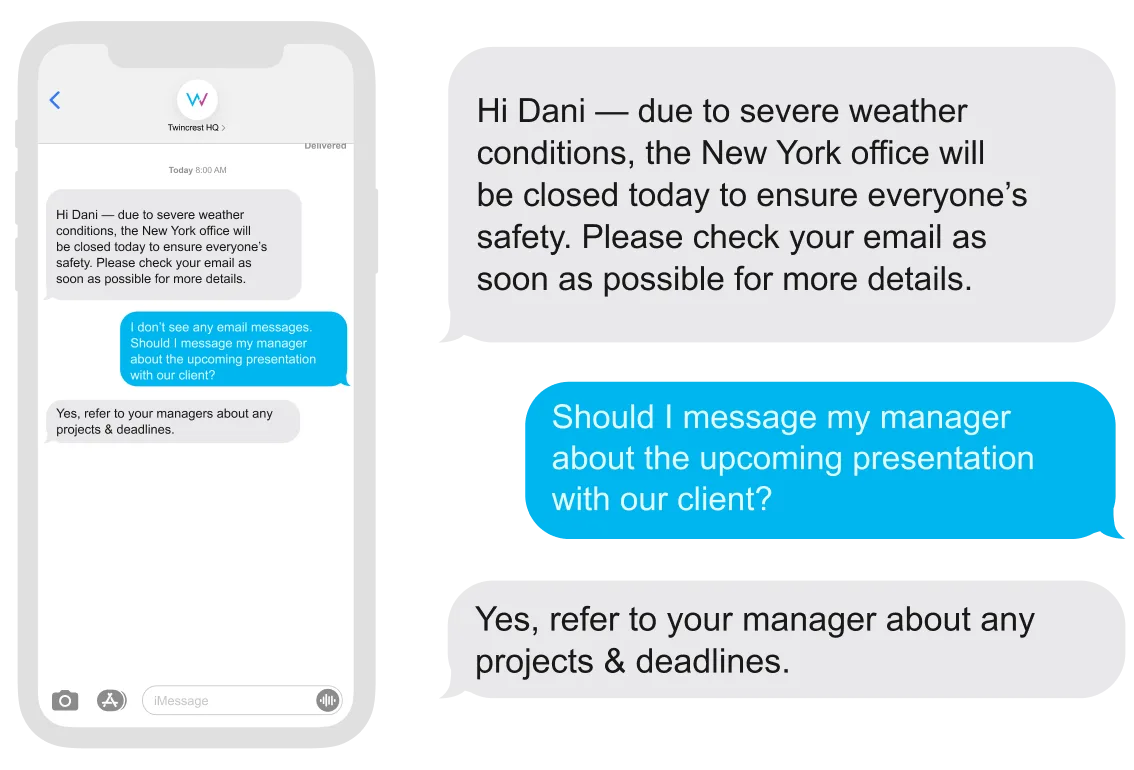
Reach teams without email, and take replies.
Explore Two-Way SMS Agent →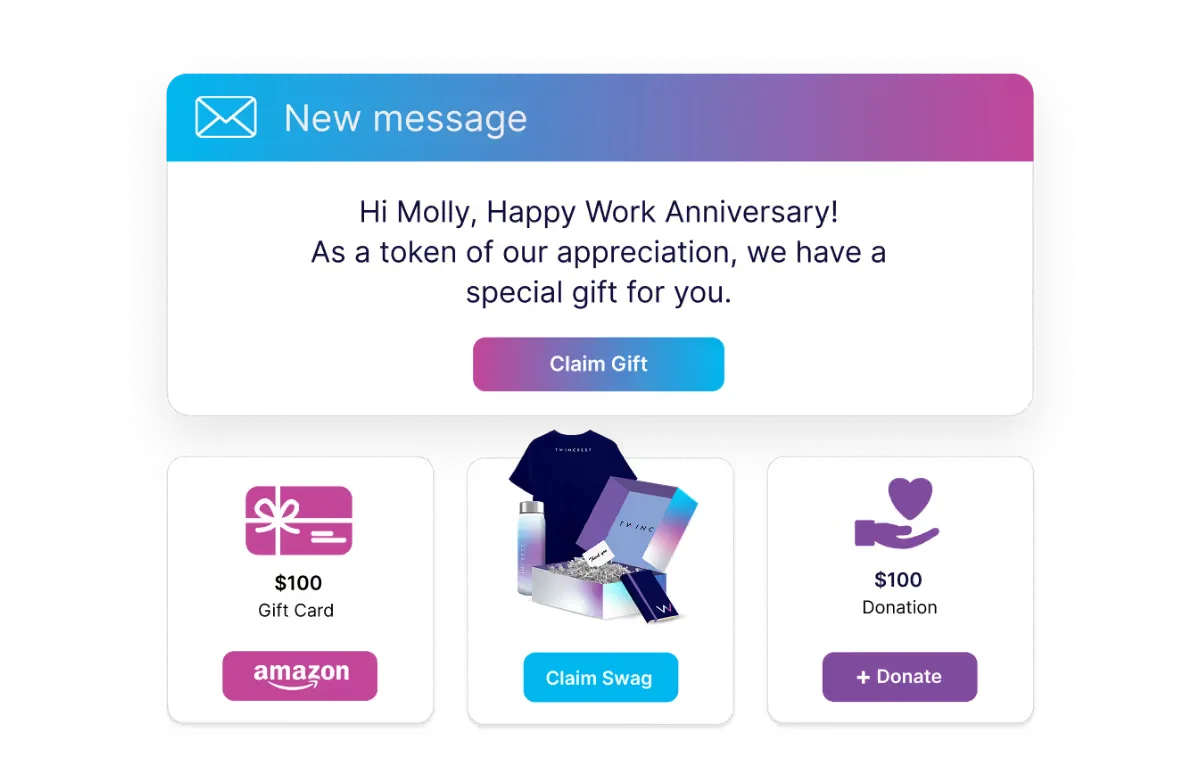
Thank the pilot group or celebrate go-live.
Explore Swag and E-Gifting Hub →
ChangeEngine provides a forward deployed engineer who builds whatever custom apps your change needs, and ships them inside your Employee Hub with your branding and your data.
Built with your team and approved by IT before anything goes live.

Write it once. Email and Teams or Slack for the office, SMS and WhatsApp for the field and the floor, QR posters and the hub for everyone. Each person gets it where they read.
 Outlook
 Gmail
Gmail Microsoft Teams
 Slack
Slack SMS
SMS WhatsApp
 SharePoint
 Mobile push
 QR posters
See reads, actions and pulse results by team, location, role and manager. Then follow up only where it's needed, and hand leadership a readout instead of a guess.

Policy, org and benefits changes that actually land.
One clear narrative from the CEO to the floor.
Software adoption without a ticket flood.
Briefed first, with talking points and a team view.


"I can finally organize all our programs and visualize moments and communications in a single platform. I can give visibility to the C-suite to showcase how we are thinking about employee journeys."

"It feels like we've added a full headcount, but better. We save time, stay on brand, and the AI upgrades are game-changing for manager comms."

"We started using the tools to help with benefits enrollment and birthday announcements. Today, we have separate campaigns for new acquisition communications, new team member engagement, work anniversaries and regular video updates."

Our team starts building your first program while IT connects your HRIS, and your forward deployed engineer scopes anything custom.
Logo, colors, fonts and tone set once.
Roles, teams and locations sync.
Drafted by AI, reviewed by your team.
Reads and actions by team and location.
There is no new app for employees, no code to maintain and nothing to host. ChangeEngine connects to the systems IT already runs through standard, auditable integrations.
SOC 2 and ISO 27001 certified and GDPR compliant, with documentation ready in the Trust Center.
SAML or OAuth single sign-on with optional 2FA. Employees reach the hub with Google or Microsoft sign-in.
Encryption in transit and at rest, with data residency in the US, EU or Canada. Content is generated inside your ChangeEngine environment.
The MCP runs inside the assistant you already approved and acts with the signed-in user's permissions. Nothing sends without an approval.
Workday, ADP, BambooHR, UKG and 75+ more, plus Active Directory, Teams, Slack and SharePoint, all through standard APIs.
Role-based permissions and approval steps, so comms, legal and leadership sign off before anything goes out.
Software that plans and runs the communication side of a change: briefing leaders, telling everyone clearly, answering questions and tracking adoption. ChangeEngine drafts every message, sends it on the right channel and shows you which teams are on board.
Yes. Change Management now includes what used to be our Digital Adoption and Return to Office programs: tool launches, system switches, hybrid policies and office moves all run on the same engine.
Managers get their own track: a briefing and talking points before the announcement, a view of their team's progress, and reminders to follow up.
Yes. Two-way SMS, WhatsApp, QR posters and the Employee Hub reach field and frontline teams, in their language.
Engagement Analytics shows reads, actions and pulse results by team, location and manager, and automatically nudges anyone behind.
Yes. The ChangeEngine MCP lets Claude, ChatGPT or Copilot draft the plan, target the audience and schedule the rollout, with your normal roles and approvals in place.
We'll build the rollout live on the call, managers first.


